A phone dropped in the sink, caught in a downpour or knocked into a pint can go from normal to worrying in seconds. Searches for “how to dry wet phone” usually happen in a panic, but the first few minutes matter more than any home remedy. Your aim is not to make the handset feel dry on the outside. It is to stop electricity moving through moisture inside the device and give it the best chance of avoiding corrosion.
How to dry a wet phone safely: act fast, power off
If the phone is charging, disconnect it from the cable or charging pad first. Then switch it off immediately, even if it appears to be working perfectly. Do not press buttons repeatedly to test it, unlock it to send messages or plug it in to see whether it will charge. Electricity and liquid are a damaging combination, and a phone can short internally long after the visible water has gone.
Remove the case, any wired accessories and the SIM tray if you can do so without forcing anything. Take out a removable battery only if your model is designed for it. Most modern iPhones and Samsung phones have sealed batteries, so do not attempt to open the handset yourself.
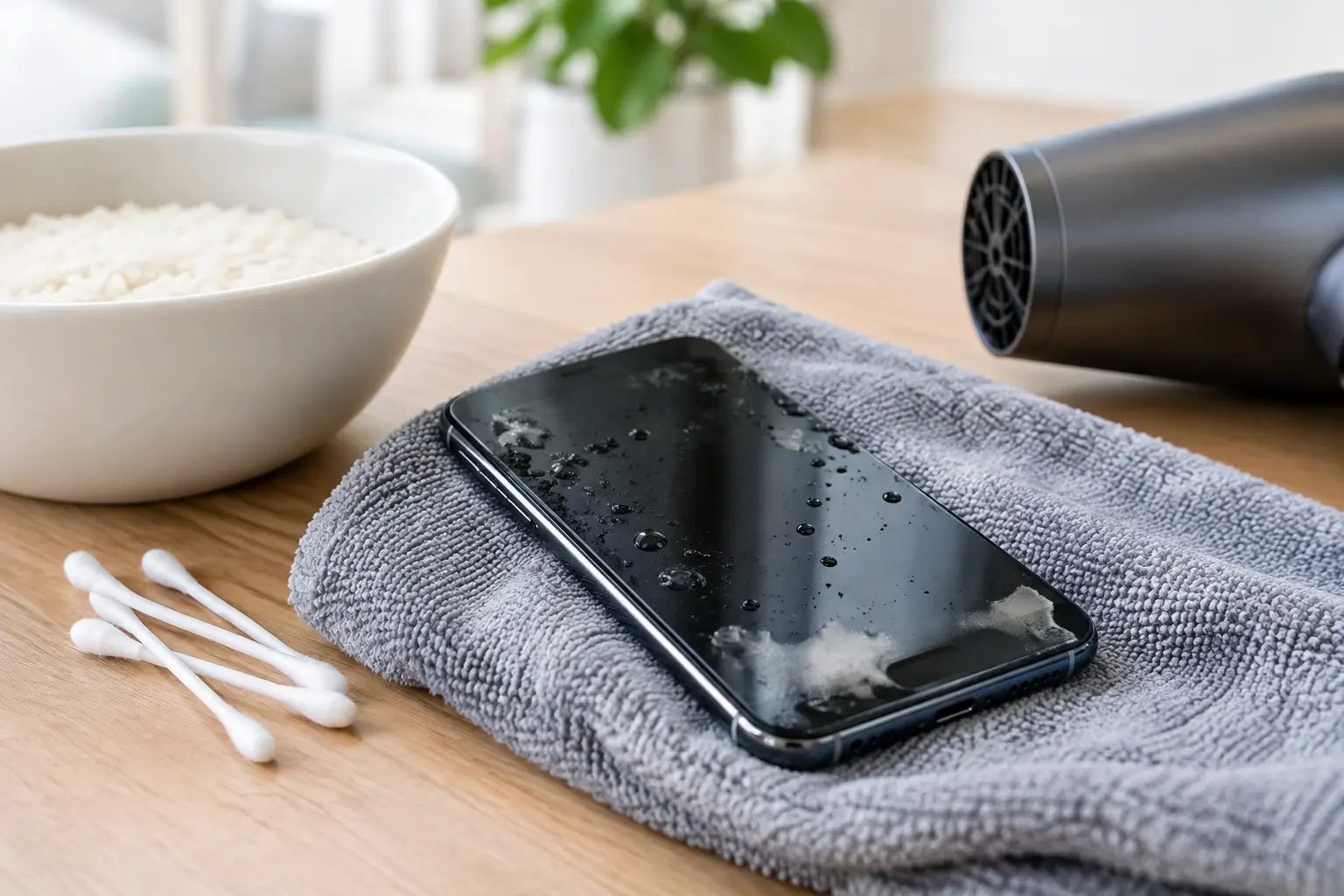
Hold the phone with the charging port facing down and gently tap it against your palm. This can help loose water escape from the port. Wipe the exterior carefully with a clean, lint-free cloth, including around the buttons, camera housing and speaker grilles. Avoid pushing cloth, tissue or cotton buds into ports, as fibres can get stuck and moisture may be pushed further inside.
What not to do with a water-damaged phone
The wrong drying method can turn a manageable liquid issue into a serious repair. Rice is the best-known example. It does not reliably remove moisture from inside a phone, and starch or dust can block the charging port. Leaving your handset in rice also wastes valuable time while corrosion develops on the internal components.
Do not use a hairdryer, put the phone on a radiator or leave it in an oven. High heat can damage the battery, weaken adhesive seals, warp delicate components and drive moisture deeper into the device. A microwave is dangerous and will destroy the phone.
Compressed air is not a safe shortcut either. The force can push water into areas it has not reached, while some aerosol cans release very cold propellant. Do not charge a wet phone, including with a wireless charger. If your iPhone displays a liquid-detection warning, take it seriously and leave the charging cable disconnected.
Let it dry properly
After wiping and draining the handset, place it somewhere dry with good airflow at room temperature. A desk near an open window is better than a steamy bathroom, a warm radiator or direct sunlight. Position it with the charging port facing down if possible.
Leave the device switched off for at least 24 hours before attempting to power it on. If the phone has had a full soak, has been in salt water, a sugary drink, coffee, beer or soapy water, waiting alone may not be enough. These liquids leave residue behind, and that residue can continue to corrode connectors and circuit boards even after the water evaporates.
Silica gel packets can help reduce humidity around the phone when used in a sealed container, but they are not a replacement for professional cleaning after significant liquid exposure. Never use loose desiccant material that could enter ports or vents.
Water-resistant does not mean waterproof
Many newer phones carry a water-resistance rating, but that rating is tested in controlled conditions. It does not promise protection against every drop, spill or depth of water. Age, previous repairs, a cracked screen, worn seals and impact damage can all reduce resistance.
Salt water, chlorinated pool water and drinks are particularly risky because they contain chemicals or sugars that leave conductive deposits. A phone that survives a quick splash may still fail later if those residues remain inside.
When to try switching it back on
After a minimum of 24 hours in a dry, ventilated place, inspect the phone before turning it on. Check that the charging port looks dry and clear, the screen is free from obvious moisture and there is no unusual smell, heat or swelling. If it starts normally, back up your photos, messages and important files as soon as possible.
Do not assume the problem is over just because the screen lights up. Watch for warning signs over the next few days: a camera that looks foggy, muffled speakers, a flickering screen, unreliable buttons, rapid battery drain, charging problems, face or fingerprint recognition failures, or random restarts. These can indicate that liquid reached internal parts.
If the battery percentage drops unusually quickly, the phone becomes hot, the display lifts away from the frame, or there is any sign of battery swelling, switch it off and stop using it. A damaged lithium-ion battery needs prompt professional attention.
When liquid-damage repair is the sensible option
Professional assessment is the safest choice when a phone has been submerged, exposed to anything other than clean fresh water, or will not turn on after drying. It is also worth arranging a check if the device holds business data, family photos, schoolwork or anything you cannot easily replace. The sooner it is inspected, the better the chance of preventing corrosion from spreading.
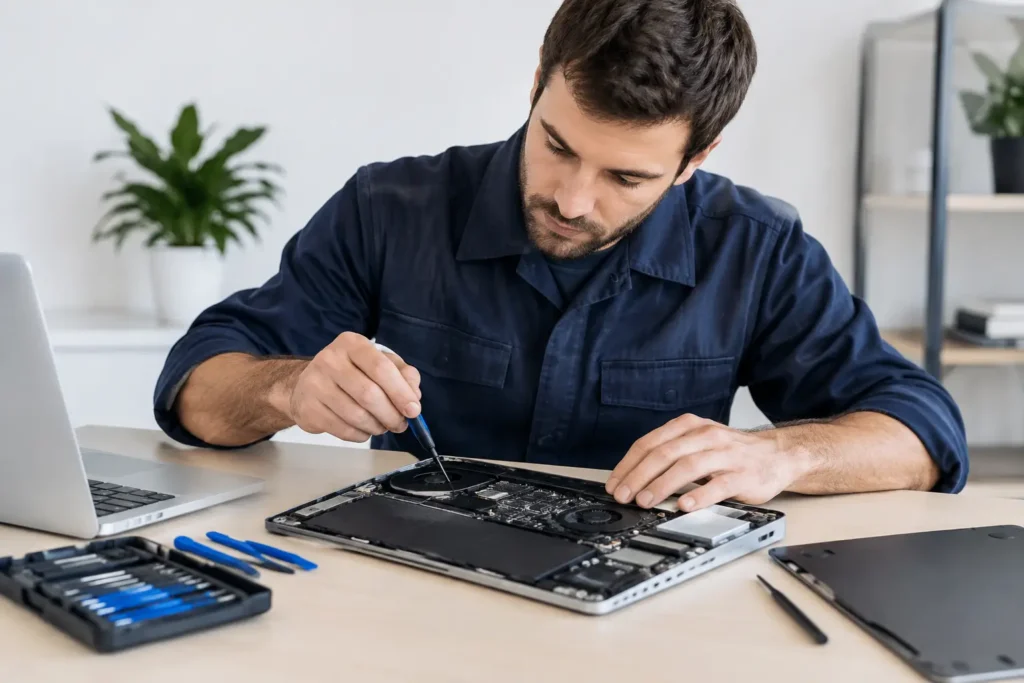
A proper liquid-damage repair involves more than drying the outside. A technician can open the device safely, inspect the battery and connectors, identify residue, clean affected areas and test the charging, audio, cameras, display and board-level functions. The exact outcome depends on the liquid, how long it was inside, whether the phone was powered at the time and how quickly it reached repair.
For people in Barrow-in-Furness, Furness, Cumbria and the Lake District, TechLab Repairs can assess liquid-damaged phones and advise clearly on the repair options before work begins. That is often more cost-effective than replacing a handset without knowing whether the fault is limited to a charging port, battery, screen or another repairable component.
Protect your data after a spill
If your phone powers on and behaves normally after it has dried, make a backup before returning to everyday use. Use your usual cloud backup service, or copy essential files to a computer where appropriate. Liquid damage can be unpredictable: a device may work for a week before corrosion affects a connector or logic board.
Avoid transferring heat into the phone while backing up. If it becomes warm, loses charge rapidly or starts restarting, stop and have it checked. Do not keep trying different cables, chargers and adapters to force a response, as repeated charging attempts can make an internal fault worse.
A wet phone does not always mean a lost phone. Switch it off, drain and dry it gently, avoid rice and heat, and do not rush to charge it. If there is any doubt, getting it checked quickly gives both your handset and the data on it the best possible chance.