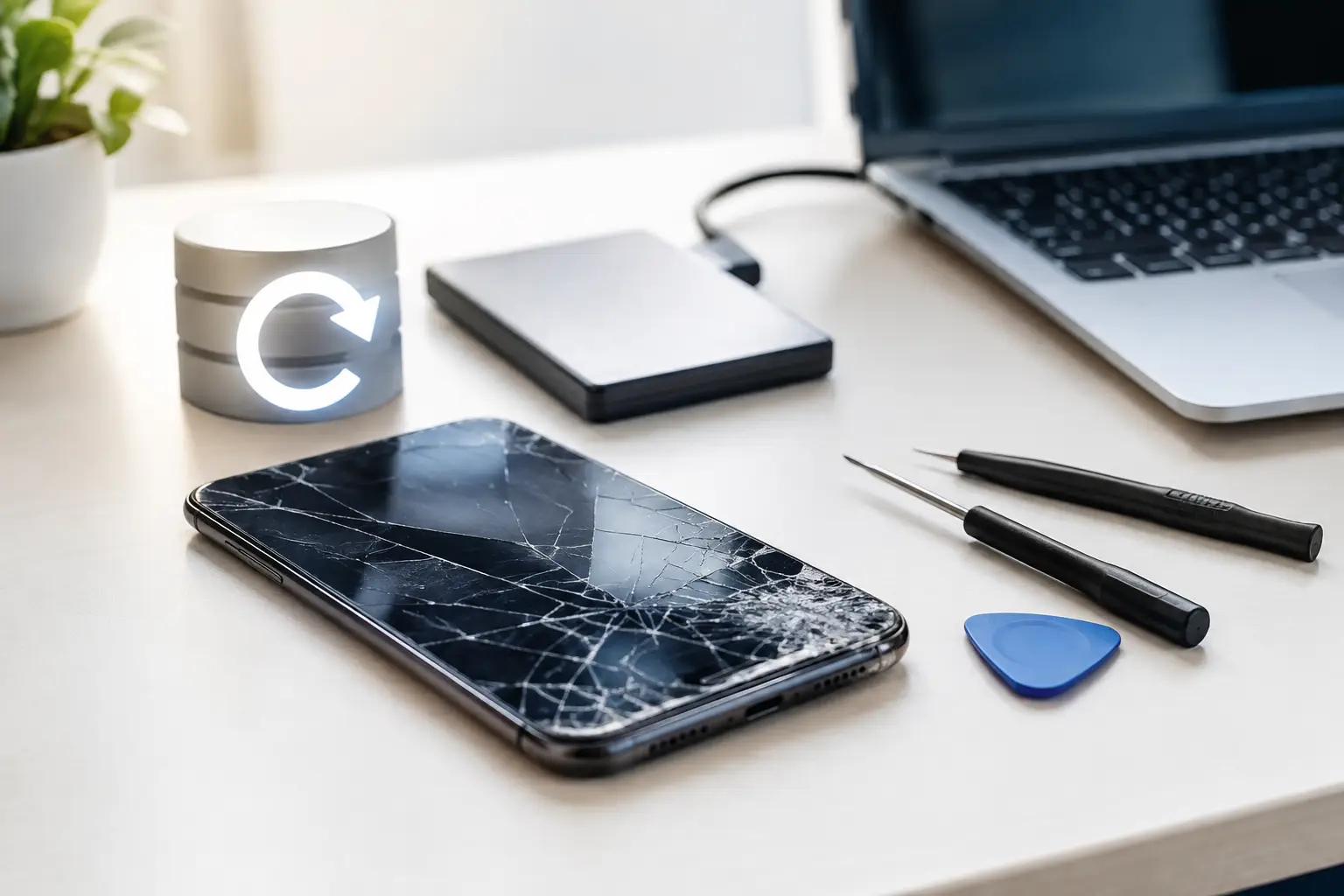
A phone that will not switch on, a laptop stuck on a loading screen, or a tablet dropped in the sink can cause instant panic – especially when photos, coursework, customer files or family messages are trapped inside. Can data be recovered safely in these situations? Often, yes. But the best outcome depends less on luck than on what you do next.
The first priority is to protect the device from further damage. The second is to avoid turning a recoverable fault into a permanent data loss problem. Whether you are dealing with an iPhone, Samsung handset, MacBook, Windows laptop, games console or desktop PC, a careful approach gives your data the best possible chance.
What “safe” data recovery really means
Safe recovery is not simply getting files back. It means recovering them without exposing personal information, damaging the storage further, or making the device less repairable.
For a personal device, that could mean protecting photos, banking app access, saved passwords and private conversations. For a school or business, it may involve pupil information, client documents, accounts records or work stored locally rather than in the cloud. Data should be handled only when necessary, kept confidential, and returned to you in a sensible, secure format.
There is also a technical side to safety. Modern phones and computers encrypt much of their storage. In plain terms, the data may physically still be on the device, but it cannot always be read without the correct passcode, a working screen, a functioning logic board or access to the original device. A repair that restores power or display output can therefore be the safest route to the files.
Can data be recovered safely after physical damage?
Physical damage does not automatically mean the data has gone. A cracked screen may leave the phone fully operational underneath. A laptop with a failed charging port may still have an untouched SSD inside. Even liquid damage can sometimes be treated before corrosion spreads too far.
The key is not to keep testing the device. Repeatedly pressing the power button, charging a wet phone, or trying several cables and chargers can make a fault worse. With liquid damage in particular, electricity and moisture are a bad combination. Switch the device off if you can, disconnect any power source, and do not put it in rice. Rice does not remove contamination or corrosion from the internal components.
A technician can assess whether the device needs repair before data can be accessed, or whether the storage can be read separately. This varies by device. Many newer iPhones, iPads and Android phones tie encrypted storage to the original board, so removing the memory chip is rarely a straightforward answer. In those cases, careful board-level repair may be the realistic route to recovering your files.
A broken screen is not always a data recovery job
If your phone rings, vibrates, receives notifications or connects to a computer, the issue may be limited to its screen. Replacing the display can give you access to back up your data properly. That is usually safer and more useful than attempting a complicated extraction.
However, a damaged screen can also create a security problem. Random touches from a cracked display may enter the wrong passcode repeatedly and lock the device. If the screen is flickering, showing lines or pressing things by itself, stop using it. Getting a stable replacement screen fitted promptly can prevent a simple repair becoming a locked-device problem.
The four things to do before trying anything else
When a device fails, a few calm decisions can make a significant difference:
- Stop using it if it is hot, swollen, wet, smoking, smells burnt or has suffered a heavy impact.
- Do not factory-reset, erase, update or restore the device in the hope that it will start working again. These actions can overwrite data or remove the information needed to access it.
- Check whether recent files are already backed up to a cloud account, external drive or another computer. This may reduce the amount that needs recovering.
- Keep hold of the passcode, account details and any recovery keys. Do not write passwords on the device itself, but be ready to provide access if you want encrypted data recovered.
It is worth checking backups early, but do not assume they contain everything. Phone backups can be several days old, photo syncing may be paused, and desktop files are often saved only to the machine. A professional assessment can help establish what is likely to be available before any work begins.
When DIY recovery creates more risk
There are plenty of recovery apps and online tutorials promising quick results. Some are useful for simple deleted-file situations on an accessible computer drive. They are far less suitable for a device that will not boot, has liquid damage, makes unusual noises or has been physically damaged.
Downloading recovery software to the same drive where files were deleted can overwrite the very data you want back. Opening a laptop without the right tools can damage connectors, puncture a battery or turn a minor power fault into a board issue. Replacing parts at random is another expensive gamble. A new battery will not fix a failed charging circuit, and a replacement screen will not restore data if the phone has a deeper motherboard fault.
Hard drives deserve particular caution. If a desktop or laptop hard drive clicks, grinds or repeatedly spins up and down, switch it off. Mechanical drives can suffer internal damage, and continued use may reduce the chances of a successful recovery. Solid-state drives behave differently, but they can still fail because of power faults, controller problems or corrupted firmware.
Data recovery depends on the device and the fault
There is no honest one-size-fits-all promise. The chances of success depend on the device type, its age, the kind of damage, encryption, whether data has been overwritten, and how much has happened since the fault began.
A laptop that will not charge may need a straightforward power repair before its files can be copied. A console with HDMI trouble may still contain save data but need video output restored to access it. A water-damaged phone may require urgent cleaning and component-level work. A device that has been factory-reset or has a forgotten passcode presents a different challenge because privacy protections are designed to prevent unauthorised access.
That protection is a good thing. A reputable repair service should never claim it can bypass security on demand or access someone else’s data without proper authority. For businesses and schools, it is especially sensible to use a repair partner that understands confidentiality, clear handover procedures and the importance of limiting access to only what is needed.
Choosing a repair service you can trust with your files
Before handing over a device, ask direct questions. Will the repair be attempted before data extraction? Is there a diagnostic charge? What happens if recovery is not possible? Will the technician need your passcode, and how will it be handled? Can the recovered files be copied to your own drive or transferred after you have checked them?
You should also expect realistic language. No technician can guarantee recovery before assessing the device, particularly after severe liquid damage, fire, crushing or failed storage. Clear explanations are far more valuable than promises that sound too good to be true.
At TechLab Repairs, the aim is to diagnose the real fault first and take the least invasive route that gives your device and data the best chance. Sometimes that means a fast screen, battery or charging repair. Sometimes it means more detailed work. Either way, you should know what is being proposed before work starts.
Protect your data before the next fault
The most successful recovery is the one you never need. Set up automatic photo backup, keep important work in more than one location, and make regular backups of computers to an external drive or trusted cloud service. For businesses, a simple backup routine and clear device policy can prevent one failed laptop from interrupting a whole team.
If your device has already failed, resist the urge to force it back to life. Keep it powered down where appropriate, gather your access details, and get a proper assessment. A broken device is stressful, but careful action taken early can keep irreplaceable files within reach.