Common Reasons for MacBook Screen Flicker and How to Fix Them
MacBook screen flicker can come from software updates, graphics settings or hardware faults. Learn how to diagnose the cause and what to do next.


Last Updated: November 18, 2026
Quick Summary
To arrange a phone screen repair in Barrow in Furness, back up your data, note your passcode, photograph the damage and remove your case, screen protector and SIM card before handing over your device. Ask about turnaround time and warranty when you book, and keep your receipt in case you need to raise a complaint.
A Barrow in Furness phone screen repair starts long before you walk into a shop. At TechLab Repairs, we tell every customer the same thing: five minutes of preparation prevents most repair-day disasters. Back up your data first, note your passcode, and remove any case or screen protector. With your data backed up and the essentials ready, <a href=”�UKS9� an iPhone repair option can help you avoid rushing into a replacement.
Back up photos, messages and files; write down your passcode and logins; photograph the damage; remove the case, screen protector and SIM card; and ask what the warranty covers.
If your screen will not respond at all, follow a guide on how to back up cracked phone data before the repair, not after.
Turnaround time depends on the repair and on whether the replacement part is in stock. Ask for a realistic estimate when you book.
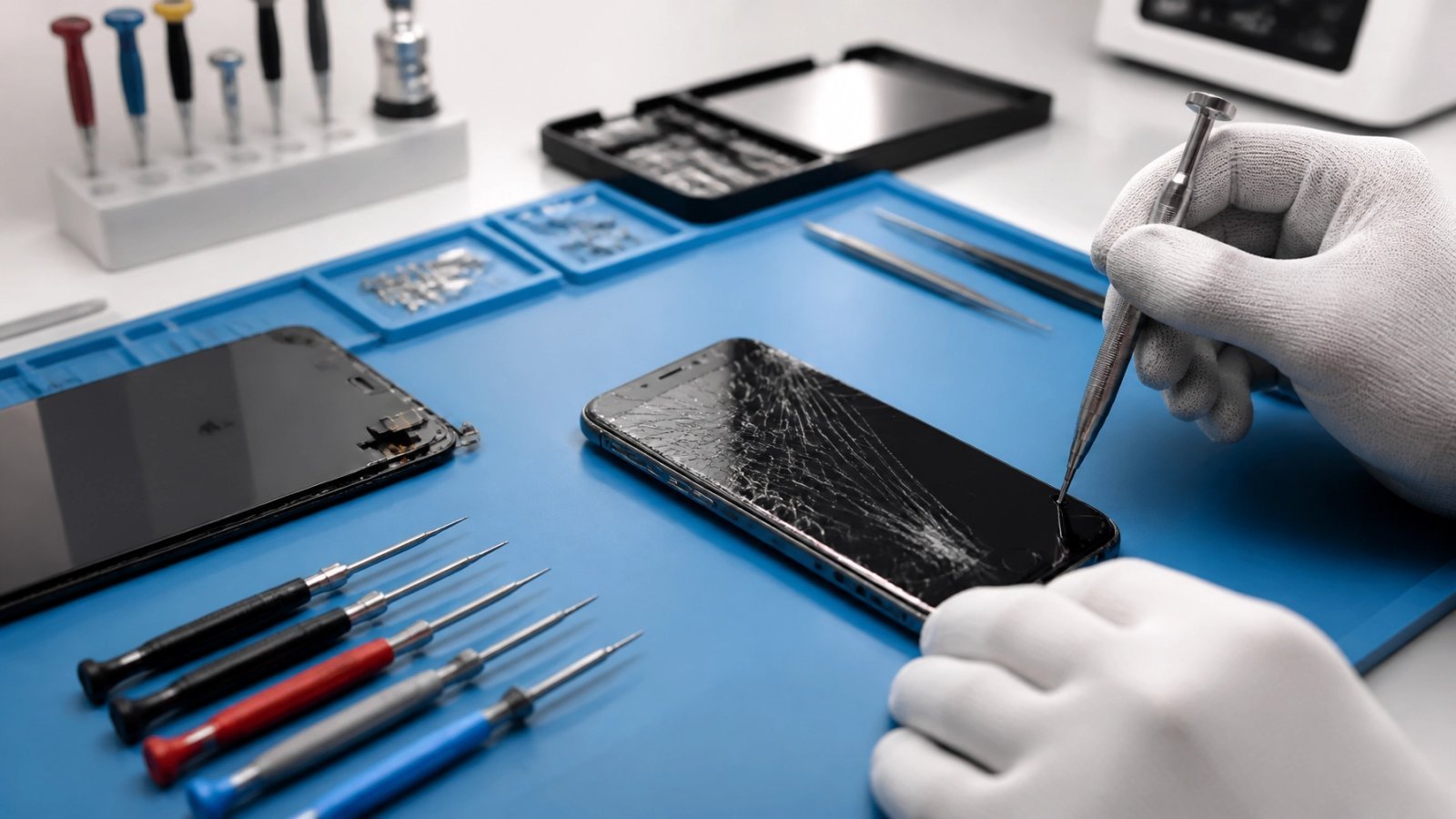
Choosing a local shop over a postal service matters here. Local expertise matters for device repairs because a technician who knows your device can diagnose hidden damage, such as a failing charging port or battery, during the same visit.
Samsung owners can book a Samsung screen repair directly, and Pixel users can arrange a Google Pixel repair in the same way.
| Repair Type | Typical Time | What Affects It |
|---|---|---|
| Screen replacement | 30-45 minutes | Part in stock |
| Battery replacement | 30-60 minutes | Device model |
| Charging port repair | 45-90 minutes | Internal access needed |
Typical Time
Raise a complaint in writing, keep your receipt, and state clearly what went wrong and what remedy you want. Under the consumer law that applies to services, a repair should be carried out with reasonable care and skill, and you may be entitled to a remedy if it is not (Consumer Advice Information). Check the official guidance on your rights for current details.
Ask about the warranty before you book. A custom phone repair with a 12-month warranty gives you a clear route back if a fault appears.
Keep records of everything: the original damage, the agreed work, and the collection date.
A cracked screen should not derail your week. At TechLab Repairs, we repair phones, tablets and laptops with high-quality replacement parts, fast turnaround times and a 12-month warranty on every repair. Get started with TechLab Repairs and get your device back in your hand the same day.
MacBook screen flicker can come from software updates, graphics settings or hardware faults. Learn how to diagnose the cause and what to do next.
A phone repair warranty should protect the work done, not create confusion. Learn what to check before booking a repair in Cumbria with confidence now.
A laptop repair turnaround can range from a same-day fix to a week or more. Learn what causes delays and how to check your repair status.
Start with gaming console hardware basics: diagnose overheating, safely open the case and spot faults you can fix at home.

Learn how to backup cracked phone data when the screen will not respond. Safe steps for Android and iPhone before a repair, reset or replacement safely.
Before you pay for data recovery, find out what it will likely cost, what your files are worth to you, and whether a DIY attempt could make things worse.
Learn the signs of a failing laptop hard drive, from clicking noises to missing files, and the steps to check drive health and protect your data.
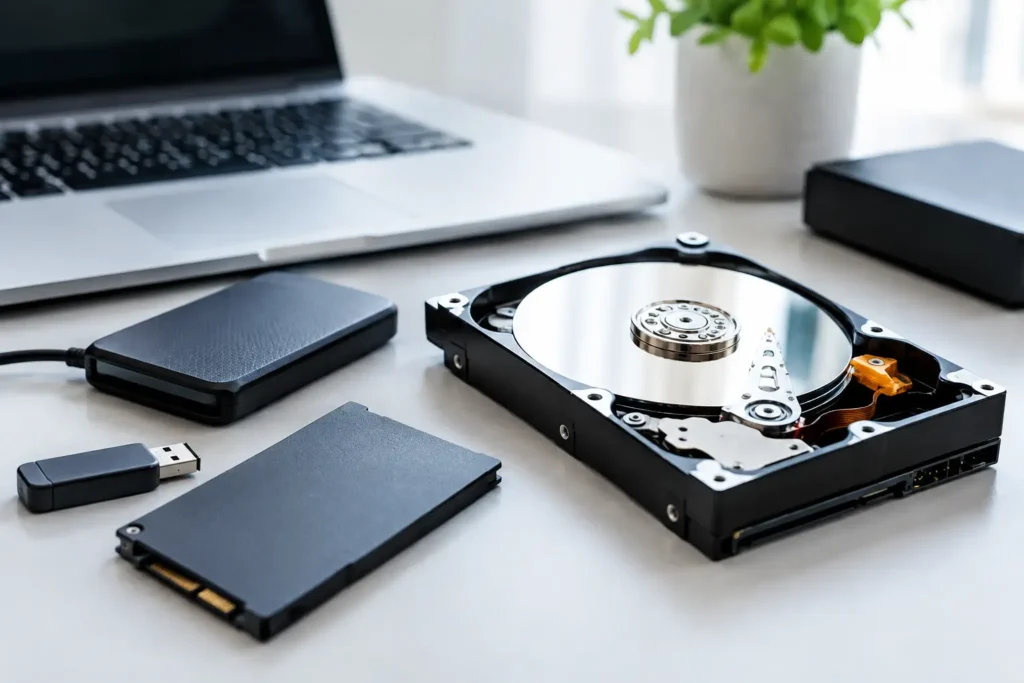
Compare safe data recovery options for phones, laptops and drives. Know what to do first, when to stop and how professional recovery protects files well.
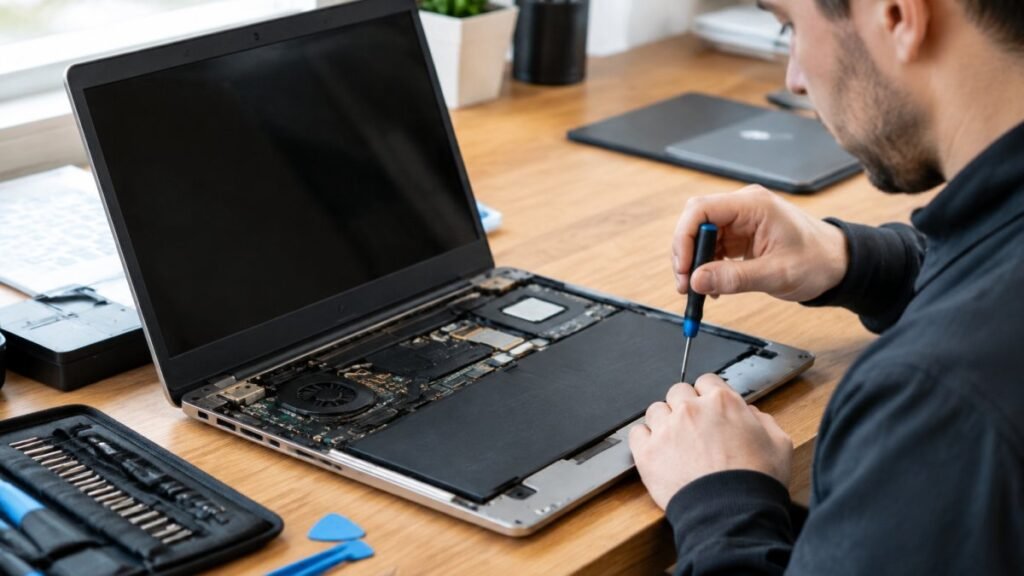
Before you hand over your laptop, learn how to vet a laptop repair shop, from diagnosis-first quotes to warranties that cover labour.