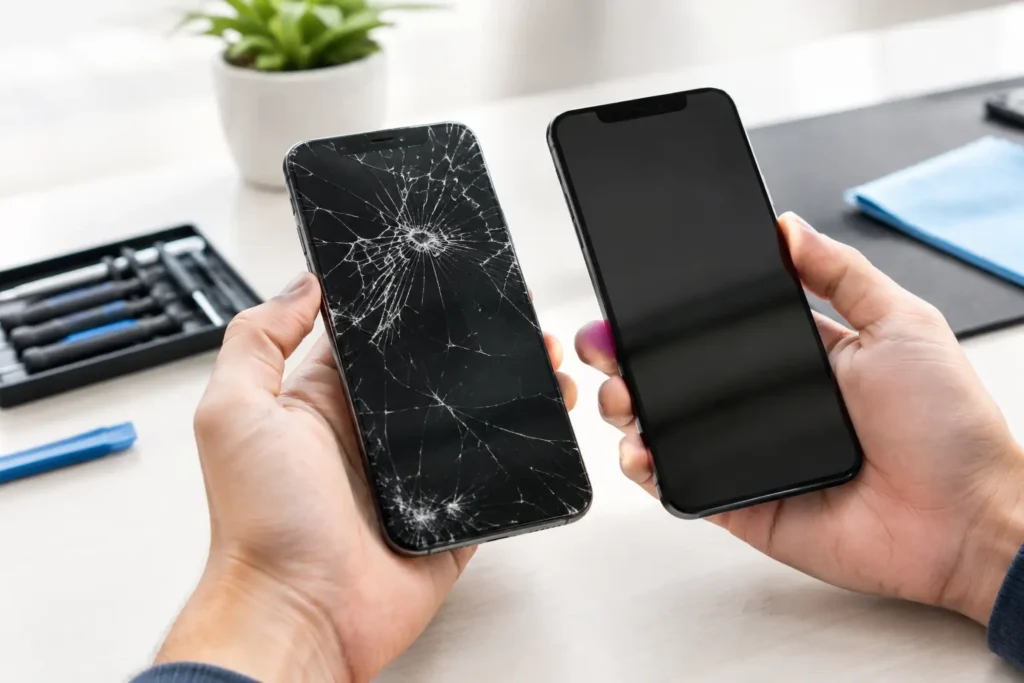
A cracked iPad screen is frustrating. An iPad that shows a clear picture but will not respond when you tap, swipe or type can be even more disruptive. That is often when iPad digitiser repair is needed. Whether your tablet is used for schoolwork, invoices, video calls or keeping children entertained on a rainy afternoon, a touch fault can make a perfectly usable device feel finished.
The good news is that a digitiser issue does not automatically mean you need a new iPad. The right repair depends on the model, the damage and whether the display beneath the glass is still working properly.
What is an iPad digitiser?
The digitiser is the touch-sensitive layer that registers your finger, Apple Pencil or stylus input. It tells the iPad where you have pressed the screen and how you have moved across it. On some older iPads, the digitiser and LCD display are separate components. On many newer models, they are bonded together as one screen assembly.
That difference matters. If the glass is cracked but the picture and touch response are still normal, the damage may be limited to the outer layer on certain models. If the display has black patches, coloured lines, flickering or no image at all, the repair is more likely to require a complete screen assembly.
A proper diagnosis prevents you from paying for work you do not need. It also avoids the opposite problem: replacing only the glass when the display or touch circuitry has been damaged too.
Signs you may need iPad digitiser repair
Touch problems are not always as obvious as a smashed screen. A dropped iPad can develop faults days later, particularly if pressure has affected the screen layers or internal connectors.
Common signs include dead areas of the screen where taps do nothing, erratic touch response, apps opening without being pressed, typing that produces the wrong letters, or a display that works only when held at a certain angle. You may also notice that touch input stops working after a crack appears near the edge of the screen.
Sometimes the problem looks like a digitiser failure but has another cause. A poor-quality charging cable, a swollen battery pressing against the display, liquid damage or a software fault can all affect how an iPad responds. Restarting the device and removing the case or screen protector can rule out simple causes, but a persistent fault needs hands-on assessment.
Ghost touches are not something to ignore
If your iPad seems to tap and scroll by itself, switch it off when practical and avoid entering passwords or sensitive information. Ghost touches can make the device difficult to use and may lead to repeated incorrect passcode attempts.
The issue may stem from a damaged digitiser, moisture around the screen, a failing display assembly or internal board damage. Continuing to press on a cracked screen can make it worse, especially if loose glass allows dirt or moisture inside.
Digitiser-only repair or a full screen replacement?
This is the question most customers understandably ask first. The honest answer is: it depends on your iPad model and the condition of the display.
Older standard iPads commonly have a separate front glass digitiser, which can make digitiser-only replacement possible when the LCD underneath is undamaged. It can be a sensible and cost-effective option for an iPad with shattered glass but a normal image.
Newer iPads, iPad Air models, iPad mini models and iPad Pro models often use laminated display assemblies. In these devices, the glass, touch layer and display are closely bonded. A complete screen replacement is usually the reliable repair route when touch or image quality has been affected.
A full assembly can cost more than replacing a separate digitiser, but it restores the components as a matched unit. That can be the better long-term result for display clarity, touch accuracy and structural strength. A reputable technician should explain which option applies before any work goes ahead.
Why model identification matters
Not every iPad screen is interchangeable. The iPad 9th generation, iPad 10th generation, iPad Air, iPad mini and iPad Pro ranges have different display designs, connectors and features. Even models that look almost identical can require completely different parts.
Before booking a repair, check the model number in Settings, then General, then About. If the screen is too unresponsive to navigate, the model number is often printed in small text on the rear casing, beginning with the letter A. This helps a repair shop provide a more accurate price and realistic turnaround time.
For iPad Pro and newer Air models, it is also worth mentioning whether Apple Pencil input is affected. Pencil issues can be related to the screen assembly, but they can also be caused by the Pencil itself, its battery or pairing settings.
What happens during a professional repair?
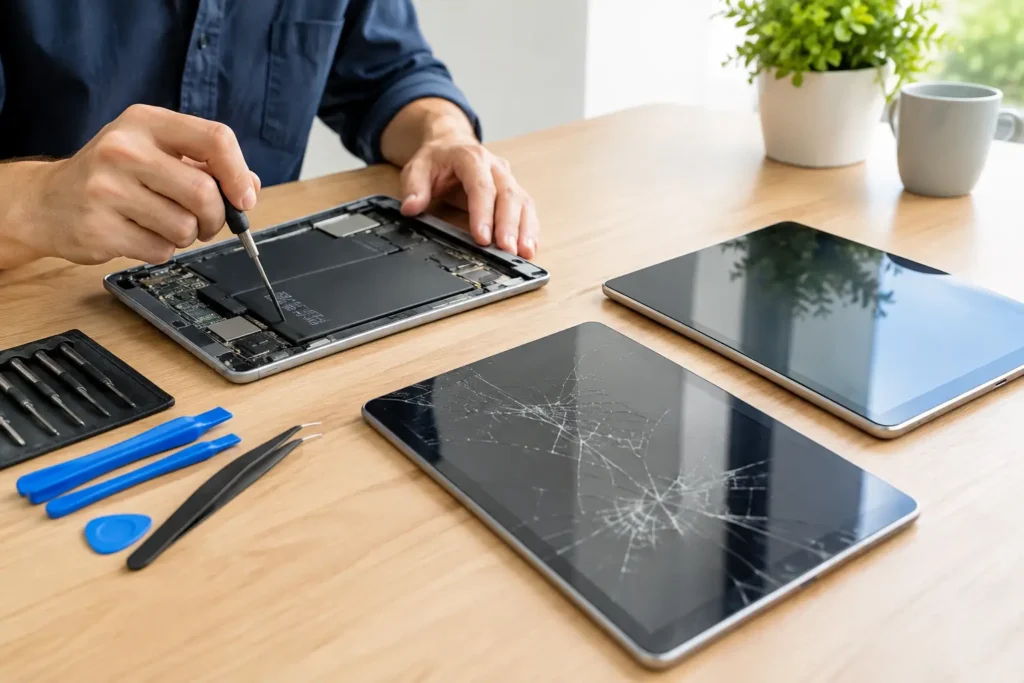
An iPad is not built to be opened in the same way as a laptop. The screen is held in place with strong adhesive, and the cables beneath it are delicate. Forcing the glass out without the correct tools can damage the LCD, home button, Face ID-related components on applicable models, cameras or internal connectors.
A professional repair begins with testing. The technician checks the screen image, touch response, charging, buttons, cameras and speakers, then inspects the frame for bends. A bent casing can stop a replacement screen sitting correctly and may need attention before the new part is fitted.
The damaged screen is carefully removed, the internal connections are checked and the correct replacement part is installed. The iPad is then tested again before collection. That final testing is particularly useful when a drop may have caused more than one fault.
At TechLab Repairs, devices are handled with care and testing is focused on the functions you rely on, not simply whether the screen lights up. For customers in Barrow-in-Furness and across Cumbria, local assessment also means you can discuss the fault with the people repairing it rather than posting your iPad away and waiting for an update.
Is it worth repairing a cracked or unresponsive iPad?
For many people, yes. If the iPad is otherwise charging properly, holding a reasonable battery charge and receiving the apps or updates you need, screen repair is often far better value than replacing the whole device. This is especially true for family iPads, school devices and tablets used for work documents, point-of-sale apps or video calls.
There are situations where replacement deserves consideration. An older iPad with a badly damaged screen, a weak battery, charging faults and low storage may not represent the best use of your money. The same applies if the device no longer supports essential software. A good repair shop should be straightforward about that rather than recommending a repair at any cost.
Data can also influence the decision. If important photos, notes or business files are stored only on the iPad, repairing the screen may be the quickest way to regain access and create a proper backup. Screen repairs should not normally erase data, but it is always wise to back up beforehand if touch access allows it.
Avoid making the damage worse
Do not press firmly on cracked glass in an attempt to restore touch response. Avoid tape directly over speaker grilles, cameras or buttons, and keep the iPad away from water until it is assessed. If fragments of glass are loose, a temporary screen protector can reduce the risk of cuts, but it is not a repair.
Be cautious with low-cost DIY kits too. They can suit someone with experience, the right tools and a device where the risk is acceptable. For most people, the trade-off is not worth it. One damaged connector or cracked LCD can turn a straightforward digitiser repair into a more expensive job.
Your iPad does not need to stay unusable because part of the screen has failed. Getting it checked early gives you the clearest choice between digitiser repair, a full display replacement or a sensible decision to replace the device – and helps you get back to using the technology you depend on.