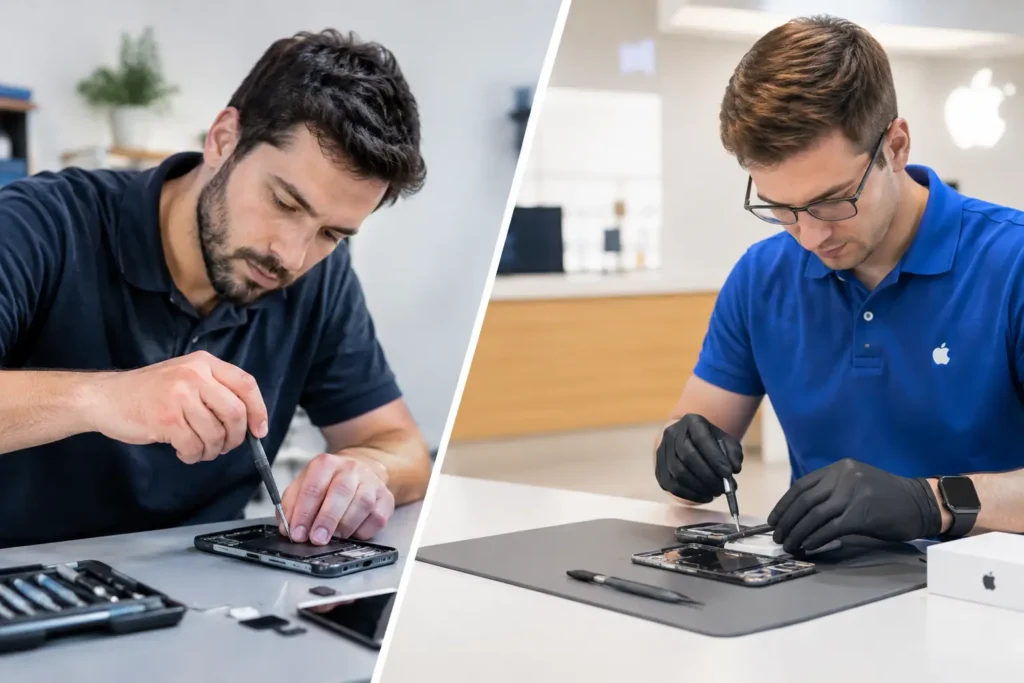
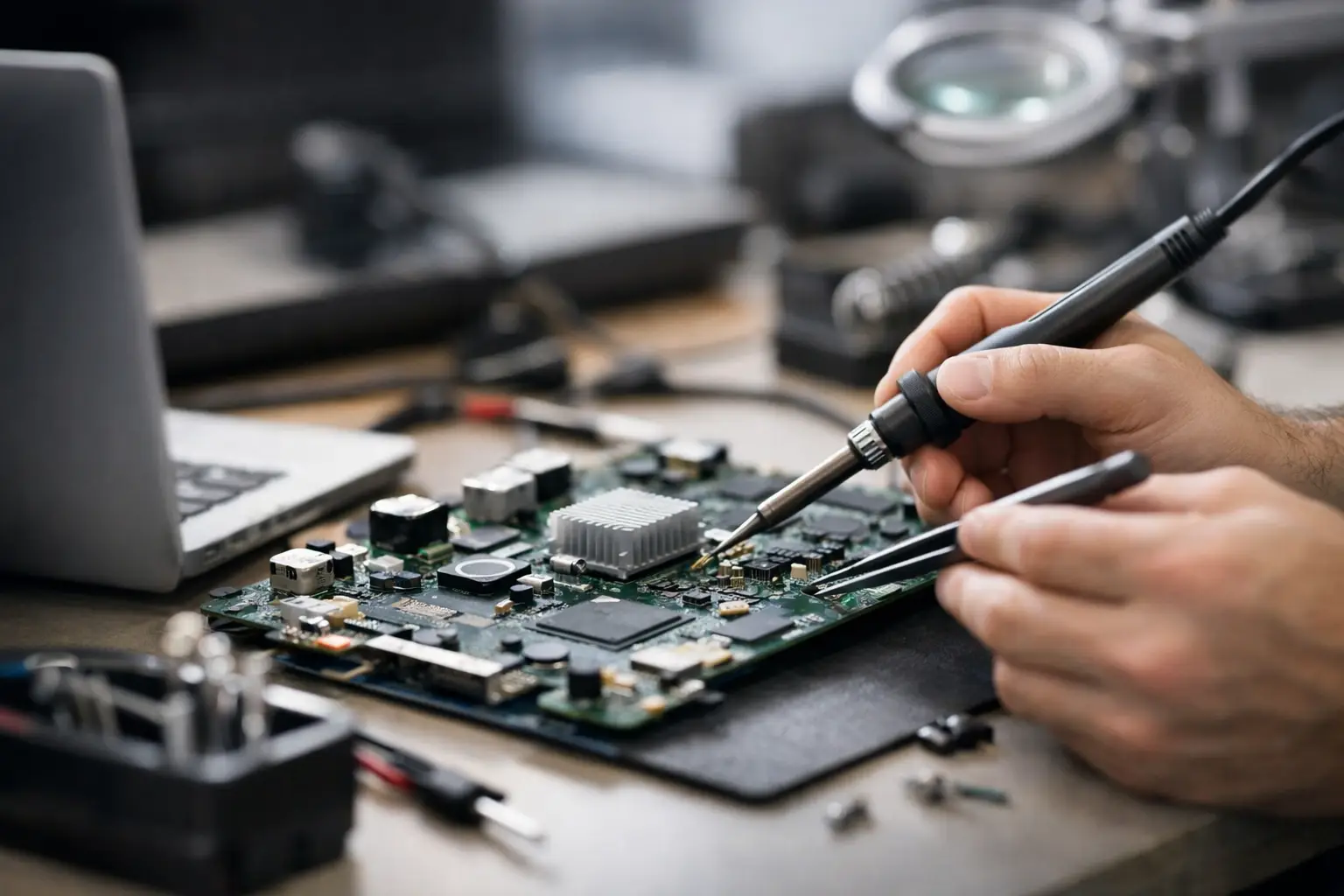
A phone that will not charge, a laptop with no sign of life, or a games console that displays nothing can look like a complete write-off. Often, though, the fault is not the whole device. Motherboard repairs can address the tiny components and damaged connections that control power, charging, display output and communication between your hardware.
For people across Barrow-in-Furness, Furness and the wider Cumbria area, a board-level repair can be a practical alternative to replacing a device that still has plenty of life left in it. The key is proper diagnosis. A failed charging port, battery, screen or power supply can produce similar symptoms to a motherboard fault, so guessing is an expensive way to start.
What does a motherboard do?
The motherboard is the main circuit board inside a device. On Apple devices it is often called the logic board, but the job is much the same: it connects and controls the processor, memory, storage, charging circuit, display, cameras, ports and wireless functions.
That is why a fault on this board can cause seemingly unrelated problems. A laptop may switch on but show no image. An iPhone may restart repeatedly or lose mobile signal. A PlayStation or Xbox may power up with no HDMI output. A desktop PC may light up but fail to boot.
These faults are not always caused by a major failure. A single burnt component, corroded connection or damaged chip can interrupt an essential circuit. Finding that precise point is where specialist board-level work matters.
Signs you may need motherboard repairs
Not every intermittent problem points to the motherboard. However, a professional assessment is worthwhile when common replacement parts have been ruled out or the device has suffered liquid damage, a power surge or physical impact.
Warning signs include a device that is completely dead despite a known-good charger; overheating in one area; boot loops; missing Wi-Fi, Bluetooth or network signal; no display with signs of power; or charging that works only at a certain angle. On consoles, a damaged HDMI circuit may give you sound or lights but no picture. On laptops and Macs, a board fault can leave the battery apparently charging while the screen remains black.
Liquid damage deserves particular attention. Even when a device works after getting wet, moisture can start corrosion beneath shields and components. The problem may appear days or weeks later. Turning the device off and avoiding repeated charging gives it the best chance of a successful repair.
The diagnosis comes before the repair
Good motherboard repair starts with testing, not a quick assumption that the board needs replacing. A technician should check the charger, cable, battery, display, ports and other likely causes first. On a laptop or desktop, that may also mean testing RAM, storage, power delivery and external displays.
If the fault is on the board, the next step is tracing the affected circuit. This may involve measuring voltage at key points, inspecting for corrosion or heat damage, and using specialist equipment to identify a short circuit or failed component. Board diagrams and experience with common faults help, but every device still needs to be assessed on its own condition.
This process is why pricing and turnaround can vary. Replacing a screen is usually straightforward because the part and labour are predictable. Board-level work may reveal more than one damaged area, particularly after a liquid spill. A clear diagnosis before proceeding protects you from paying for work that is unlikely to be worthwhile.
Common board-level faults by device
Phones and tablets
On smartphones and tablets, common motherboard faults involve charging circuits, power management chips, audio circuits, network functions and damage around connectors. A phone that does not charge is not automatically a battery problem. It could be the charging port, the cable, debris in the port or the circuitry that manages incoming power.
Data recovery is another reason to consider a repair. If the device holds photos, messages, work files or authentication apps that have not been backed up, restoring the board long enough to access that data can be more valuable than the handset itself. This is particularly relevant where a replacement phone will not restore information stored only on the damaged device.
Laptops, MacBooks and iMacs
Laptop motherboard faults often appear as no power, no charging, a black screen, fan issues or random shutdowns. MacBooks and iMacs can also develop faults linked to liquid exposure, charging circuitry and display power lines. Because many modern machines have storage integrated with the logic board, repair may be the best route to preserving important files.
The decision depends on the device’s age, specification and general condition. Repairing a relatively recent laptop with a good screen, keyboard and battery is commonly sensible. Spending heavily on an older machine that also needs a battery, hinge and display may not be the best value. An honest repair assessment should set out that trade-off.
Gaming consoles and desktop PCs
For consoles, HDMI port damage is a frequent issue, especially when a cable has been pulled, bent or repeatedly moved. Sometimes the port itself is damaged; sometimes the HDMI circuit on the motherboard has also been affected. Both need to be checked before a repair is quoted.
On desktops, faults can be caused by failed capacitors, damaged power delivery components, overheating or a surge from a faulty power supply. The motherboard may be repairable, but replacement can be more economical when a compatible board is readily available. For custom PCs and older systems, repair can make more sense than losing a carefully configured machine or replacing several connected parts.
Is motherboard repair worth the cost?
There is no one answer, because the value of a repair is about more than the price of the device. Consider the age and condition of the hardware, the cost of an equivalent replacement, whether data is accessible, and whether the rest of the device is reliable.
A board repair is often worth considering when the device is fairly recent, has valuable data, or would be costly to replace like-for-like. It can also be a sensible choice for business equipment and school devices where replacing, setting up and securing a new machine takes staff time as well as money.
Replacement may be the better option when the device is already outdated, has multiple expensive faults or has suffered extensive corrosion. There is no benefit in forcing a repair where reliability is likely to remain poor. The right outcome is the one that gives you a dependable device at a sensible cost.
Why local specialist repair makes a difference
Sending a device away can leave you without it for days or weeks, and it may not be ideal when it contains personal or commercial information. A local repair specialist can inspect the device, explain the likely fault in plain language and keep you informed before work goes ahead.
Data security should be part of the conversation from the beginning. A motherboard fault does not necessarily mean data loss, but unnecessary resets or replacement boards can change what is recoverable. If your files matter, say so before any work begins. A careful technician can then focus on preserving access wherever possible.
At TechLab Repairs, the aim is to identify the real cause of the fault and offer a repair route that makes practical sense, whether that is a board-level fix, a standard component replacement or straightforward advice to replace the device.
What to do before bringing in a faulty device
If your device is still usable, back it up as soon as possible. Do not keep trying different chargers, forcing restarts or leaving a hot device plugged in overnight, as this can worsen an electrical fault. For liquid damage, switch it off, disconnect power and do not rely on rice – it does not remove corrosion from the inside of the device.
Bring any relevant charger or power cable if charging is part of the problem, and tell the technician exactly what happened before the fault appeared. Details such as a drop, spill, update, overheating event or power cut can save time during diagnosis.
A motherboard fault can feel final, but it is not always the end of the device. Get the problem assessed early, protect your data where you can, and choose a repair based on the condition of the whole device rather than the first symptom you see.