You pick up your phone to reply to a message, but it starts opening apps, typing random characters or swiping between screens without you touching it. Phone ghost touches are frustrating at best and can make a handset impossible to use at worst. The good news is that the fault often has a clear cause, and not every case means you need a new phone.
For iPhone and Samsung owners alike, the key is working out whether the problem comes from something simple, such as moisture or a faulty charger, or whether the display itself has been damaged. A few sensible checks can prevent wasted money and help you decide when a professional repair is the right move.
What are phone ghost touches?
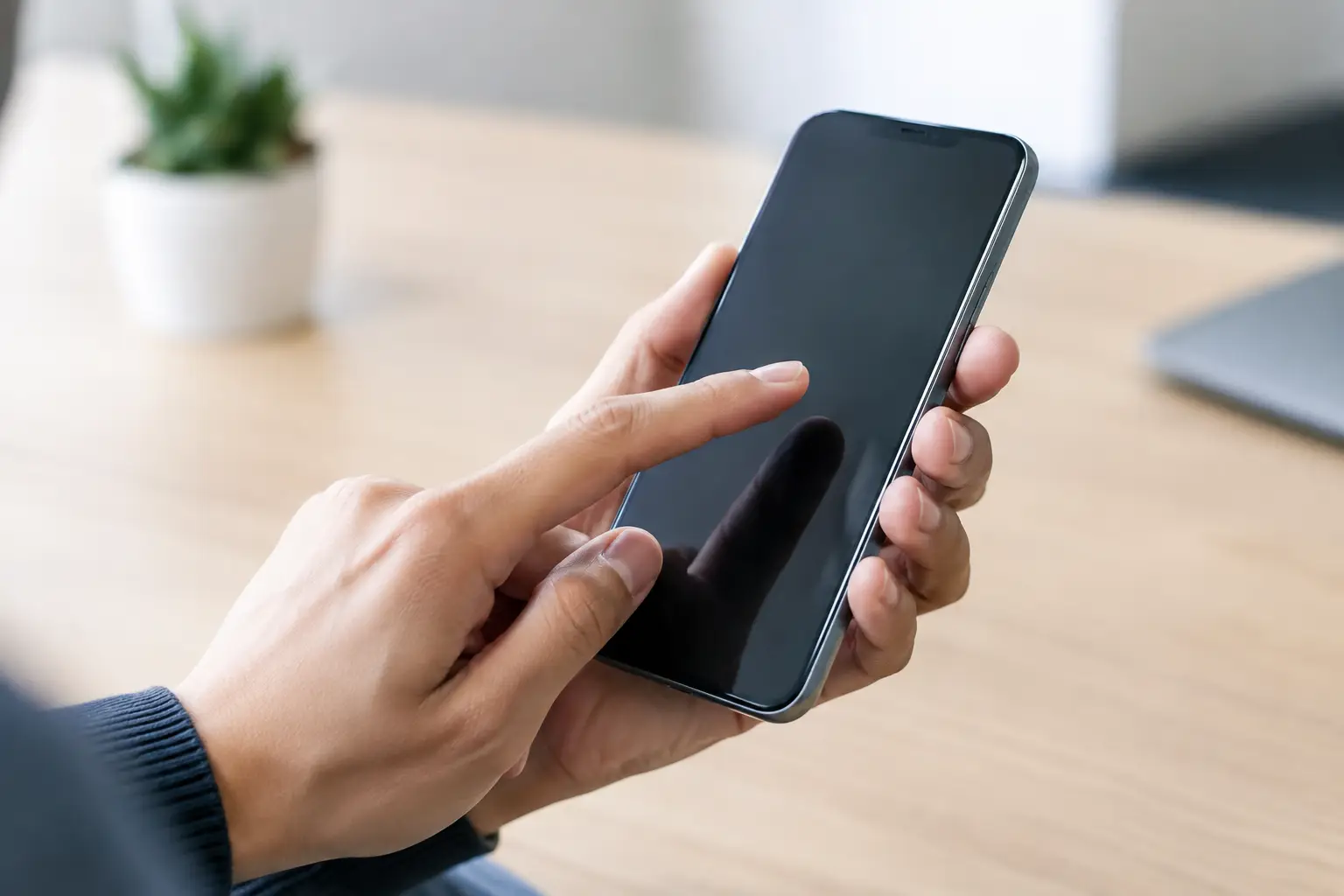
A touchscreen works by detecting changes in an electrical field when your finger touches the glass. Ghost touches happen when the phone registers those changes without a deliberate touch. You may see the keyboard entering letters on its own, apps launching unexpectedly, calls being made, or the screen scrolling and tapping through menus.
The behaviour may be constant, or it may only happen in one area of the screen. A dead strip along the edge, for example, points to a different problem from a display that becomes erratic only while charging. Paying attention to when and where it happens gives useful clues.
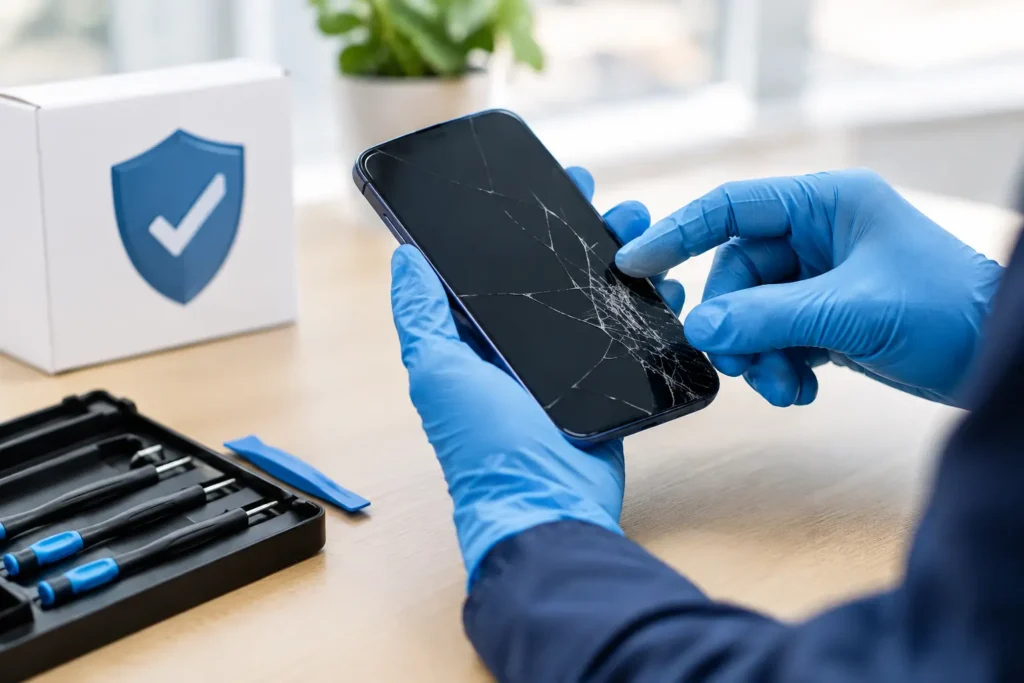
Ghost touches are particularly common after a drop, a cracked screen, liquid exposure or a low-quality replacement display. They can also appear without obvious damage, especially on an older handset with a worn charging port, degraded battery or failing display connection.
Check the simple causes first
Before assuming the screen has failed, remove any obvious interference. Clean the display with a dry, soft microfibre cloth and make sure your hands are dry. Water, condensation, hand cream and dirt around the edges of the display can confuse touch sensitivity, particularly if the phone has been used outside in Cumbria’s wet weather.
A damaged or poorly fitted screen protector can also cause false inputs. If the protector is cracked, lifting at the corners, covered in bubbles or very thick, take it off and test the phone again. This is a useful check, but avoid peeling away a screen protector if it is the only thing holding badly shattered glass together.
Charging is another common trigger. If ghost touches only start when the cable is connected, unplug it immediately and test the screen on battery power. A worn cable, poor-quality plug or unstable power source can create electrical interference. Try a known-good, suitable charger and cable rather than continuing with the suspect one.
Heat can make an underlying display problem more noticeable too. If the issue begins after gaming, video calls, sat-nav use or charging, let the phone cool naturally. Do not put it in a fridge or near a radiator. Sudden temperature changes can introduce moisture and cause further damage.
Is it a software issue or a screen fault?
Software can occasionally cause erratic behaviour, especially just after an operating system update or when one particular app repeatedly freezes. Restarting the handset clears temporary glitches and is always worth trying. If touch problems occur only inside one app, update or reinstall that app before looking at hardware repair.
However, ghost touches that occur on the lock screen, home screen and across several apps are more likely to be a hardware issue. This is especially true if the phone has a crack, dark patch, flickering image, coloured lines or areas that do not respond properly. A display can look mostly normal while the touch layer underneath has been compromised.
On some devices, a swollen battery can press upwards behind the screen and interfere with touch response. Watch for a display that is lifting away from the frame, a gap around the edges or a phone that no longer sits flat. Stop charging and arrange an inspection promptly. A swollen battery is not a fault to ignore or attempt to push back into place.
Safe steps to try before booking a repair
If the phone is still usable, work through these checks in order. They are designed to rule out the easy fixes without putting your data or handset at risk.
- Restart the phone and install any pending system updates. If the screen is too erratic to restart normally, use the physical button combination for your model.
- Remove the case and, where safe to do so, the screen protector. Check whether the case is pressing on damaged glass or whether the protector has trapped moisture.
- Test the handset without a charger connected. If the issue stops, replace the cable or plug with a reliable compatible option and avoid the faulty accessory.
- Back up your photos, contacts, messages and work files as soon as you can. Ghost touches can lock you out by entering repeated wrong passcodes or make the phone difficult to operate later.
- If liquid may have reached the handset, switch it off where possible and do not charge it. Do not use rice, a hairdryer or compressed air. These methods can push moisture further inside or leave damaging residue behind.
A factory reset should be a last software check, not the first response. It removes your data and will not repair a damaged digitiser, loose display connector or failed screen. Only consider it after backing up the device and when there is no sign of physical damage or liquid exposure.
When phone ghost touches need a repair
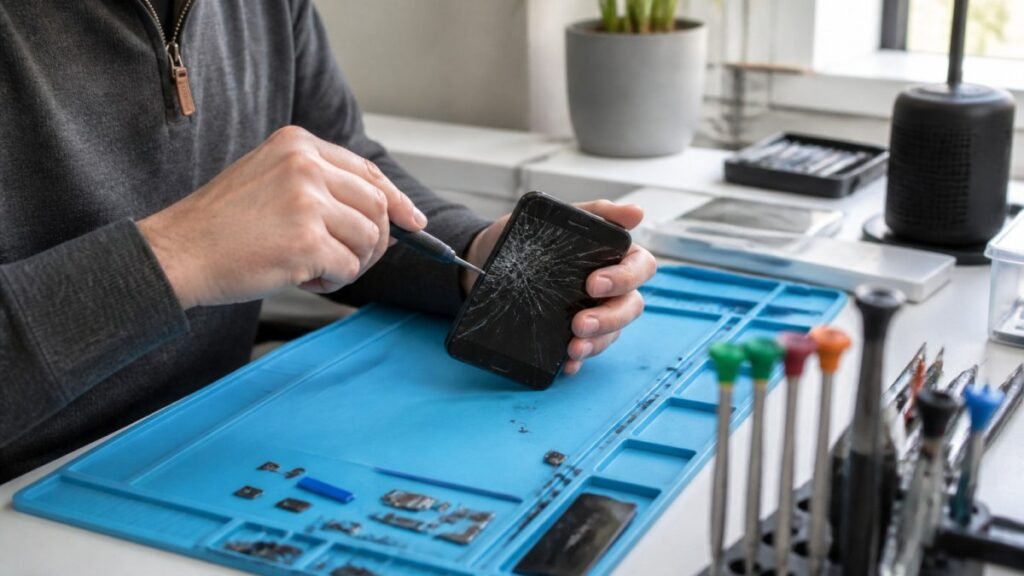
A professional inspection is sensible when the fault follows a drop, cracked glass, water damage or a previous screen repair. Modern phone screens are built from several layers, including the glass, display panel and touch digitiser. Damage to any one of them can produce inputs that are inaccurate, intermittent or completely random.
A screen replacement is often the answer where the digitiser has failed. On some models, the repair may also involve checking internal connectors, the frame and surrounding components. If the frame is bent after a hard impact, simply fitting a new screen without addressing the fit can lead to further problems.
Liquid damage is less predictable. A phone may appear fine initially, then develop ghost touches days later as corrosion spreads around the display connection or main board. Fast assessment gives the best chance of limiting the damage. Continuing to charge or use the handset can make recovery more difficult.
There is also a quality trade-off with replacement parts. The cheapest screen is not always the best value if brightness, colour, touch sensitivity or durability are compromised. A reputable repairer should explain the available options clearly and recommend the right part for your phone and budget, rather than fitting an unsuitable screen simply because it costs less.
Protect your data while the screen is misbehaving
If the phone is tapping by itself, avoid leaving it unlocked around sensitive apps. Disable contactless payments temporarily if you are concerned about accidental activity, and change important passwords from another trusted device if random inputs have opened banking, email or social media apps.
Back up what you can, but do not repeatedly battle the screen if it is entering passcodes on its own. Too many incorrect attempts can trigger a security lockout, which is an extra problem when you are already dealing with a faulty display. If you need photos, documents or business contacts recovered, tell the repair technician before any work begins.
At TechLab Repairs, devices are assessed with secure handling in mind, so you can get clear advice on whether the issue is the screen, battery, charging setup or something deeper inside the handset.
Can you prevent ghost touches happening again?
Not every fault is avoidable, but a properly fitted case and good-quality screen protector reduce the risk from everyday knocks. Keep charging ports clear of pocket lint, use dependable cables and plugs, and do not carry a phone loose with keys or coins. If the device gets wet, act quickly rather than waiting to see whether it dries out on its own.
Most importantly, treat sudden ghost touches as a warning sign rather than an inconvenience to work around. A quick check may solve the problem, while an early repair can save your screen, your data and the cost of a replacement phone. Don’t let a faulty display slow you down when a clear diagnosis can get your handset back under control.