Laptop Motherboard Repair Cost Estimate 2026 for UK Users
Motherboard repair cost in the UK depends on the fault, the laptop and the quote type. Compare repair with replacement and see what to ask for in writing.

Last Updated: 31 October 2026
Quick Summary
A console diagnostic in Barrow works through the power supply, HDMI output, cooling, motherboard, storage and firmware in a fixed order, so cheap faults are ruled out first. You should receive a written report naming the failed part and the test that proved it, plus a quotation before any work starts.
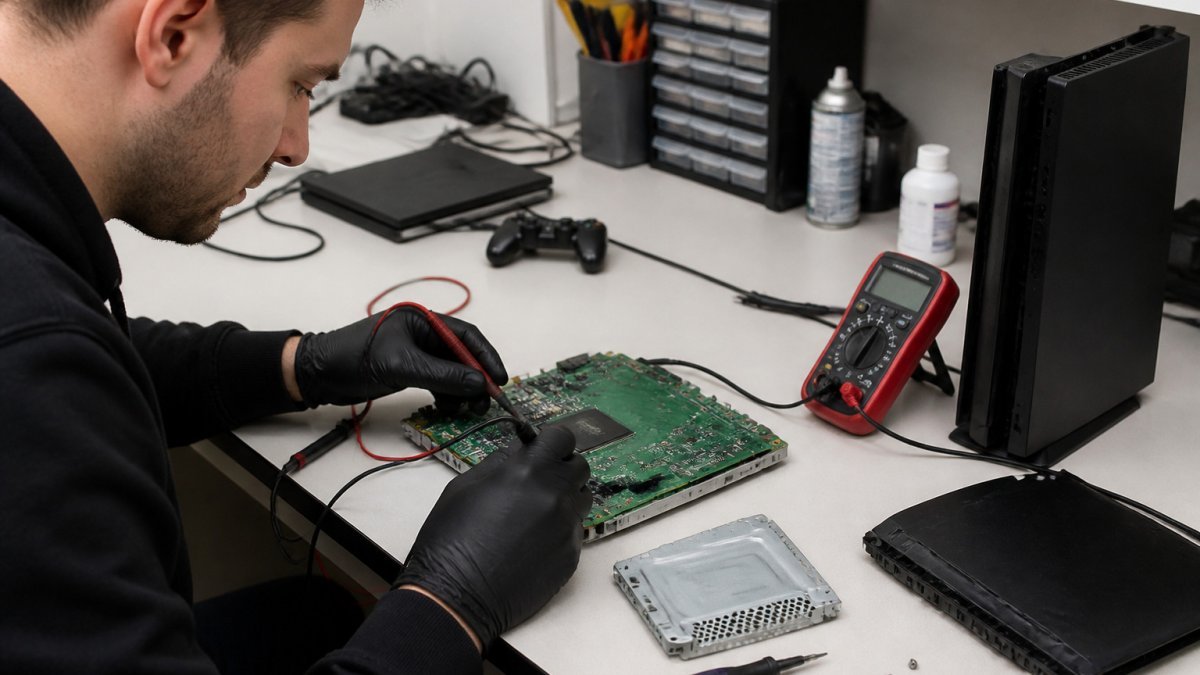
Most console faults look the same from the outside. The screen goes black, the fan roars, or the console simply refuses to power on. A proper gaming console diagnostic service works out which of the underlying causes is responsible before any part is replaced.
A competent diagnostic follows a fixed sequence so that cheap, common faults are ruled out before expensive ones are investigated. In practice, most workshops work through the following subsystems in roughly this order:
A diagnostic should end with a clear written report and a quotation before any work starts.
Turnaround and warranty terms should be confirmed at the same point, so there are no surprises later. It is also reasonable to ask what happens to your console’s stored data during diagnosis, see the booking section below for what to confirm before handing a console over.
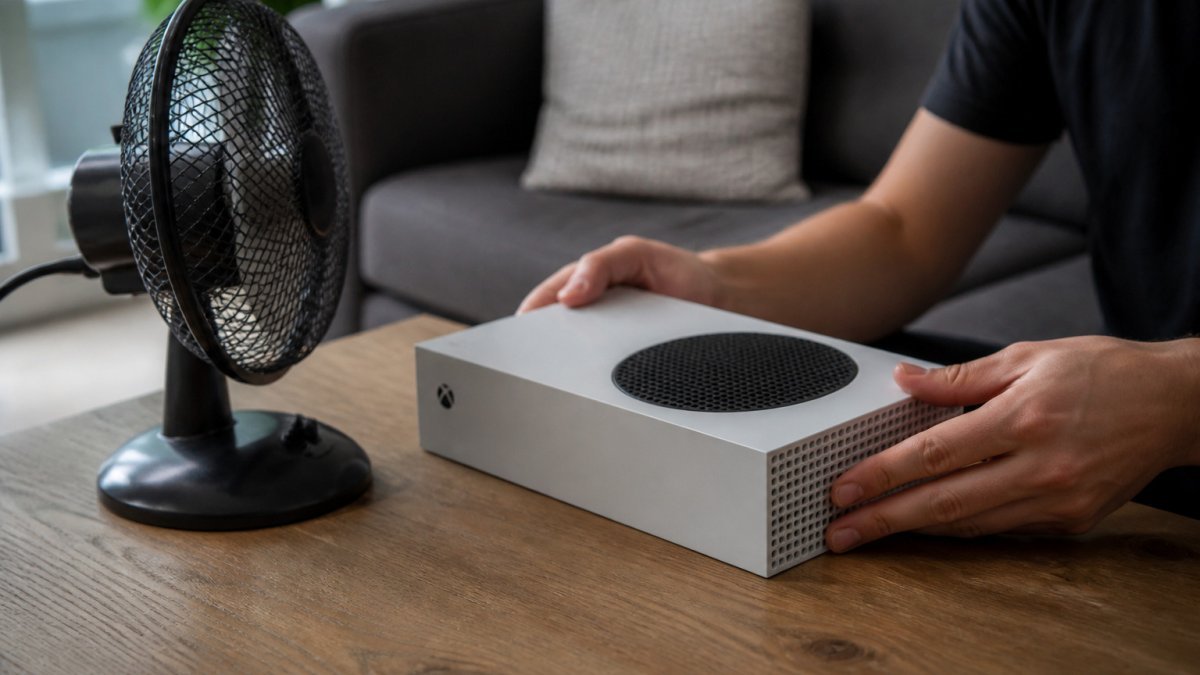
Answer: An Xbox Series S that shuts down during play is usually overheating, most often because its vents are blocked or its fan has lost efficiency. Several checks can be carried out safely at home before you book a repair.
Overheating is one of the most searched console problems, and it often has a simple cause. Our Xbox Series X overheating fix guide covers the likely causes and the safe checks to try at home.
![A pair of hands gently checking the vents on a grey games console in a tidy living room, with a desk fan nearby | section:Diagnosing Xbox Series S Overheating Shutdown Yourself First]
Start with the environment. Make sure the console sits on a hard, flat surface with clear space around the vents, and is not inside a cabinet.
Watch out: never open the casing to clean the fan internally. Mains-connected parts and fine components can be damaged, and opening the casing can also affect your warranty.
A common mistake is assuming dust is the only cause. Internal hardware degradation often mirrors the common console faults seen in vintage hardware, where ageing components require careful inspection to restore reliable operation.
Book a professional diagnostic if the shutdowns continue after you have cleaned the vents, if the fan is loud or grinding, or if the console will not start at all. At this stage, a technician can measure fan speed, check the thermal interface and test the motherboard for component-level faults. This is more reliable than guessing, and it avoids replacing parts that were never the problem.
If your PS5 will not turn on, work through these steps in order and stop when the console responds:
Power faults are often caused by the power supply unit or the motherboard, and both need a technician to confirm. Our guide to console power faults and their causes explains the common causes and when a local repair is the practical next step.
Turnaround is the question customers ask most often, and the honest answer is that it depends on three things: how quickly the fault is identified, whether the required part is in stock, and how quickly you approve the quotation. A workshop that quotes a single number for every repair is either guessing or planning to replace parts until the fault goes away. If you are weighing up whether to fix or replace, when console repair beats replacing your console sets out when a professional repair makes sense.
Repair timescales depend on the fault and part availability.
The sequence that drives the clock is worth understanding:
Always ask for the turnaround estimate in writing, and check whether it includes the time needed to receive a quotation and approve the work.
The table below summarises typical repair timescales by fault type, based on the stages described above.
| Repair type | Typical timescale | What drives it |
|---|---|---|
| Straightforward, part in stock | One to three working days | Quotation approved promptly |
| Part ordered in or intermittent fault | Around a week | Part availability and reproducing the fault |
| Motherboard-level or data recovery | Longer, quoted case by case | Component work and sourcing |
If your console needs a professional look, TechLab Repairs can help. Contact us for details on the diagnostic service and current pricing.
To get started, contact us and describe the fault, including when it happens and any warning signs such as noise or smell. Our team will confirm what the diagnostic involves and when it can be booked.
A good technician will explain each finding and confirm the likely cause before any part is replaced, so you know what is actually wrong before you agree to work.
Start with a full power cycle: switch off at the wall, wait several minutes, then restart. If the console still shuts down under load, displays no picture or will not power on at all, the fault is more likely hardware. Repeated overheating, grinding fan noise or a dead HDMI output usually need a technician. Simple software glitches often clear after a safe mode boot or a rebuild of the database, but a diagnostic is the only reliable way to rule out a failing component.
Turnaround depends on the fault and parts availability. Ask for a written estimate of timescales, and check whether the diagnostic fee is credited against the repair. Current timescales are available from TechLab Repairs on request.
Yes, a reputable service should provide a quotation after the diagnostic and before any repair starts. Pricing depends on the device, the part required and the complexity of the fault, so TechLab Repairs does not publish fixed figures here. Contact TechLab Repairs to book a call and receive a quote based on your console and its symptoms.
Motherboard repair cost in the UK depends on the fault, the laptop and the quote type. Compare repair with replacement and see what to ask for in writing.
Need fast laptop repair in Barrow-in-Furness? Learn how diagnostics, turnaround times and same-day fixes work, and how to check your repair progress.
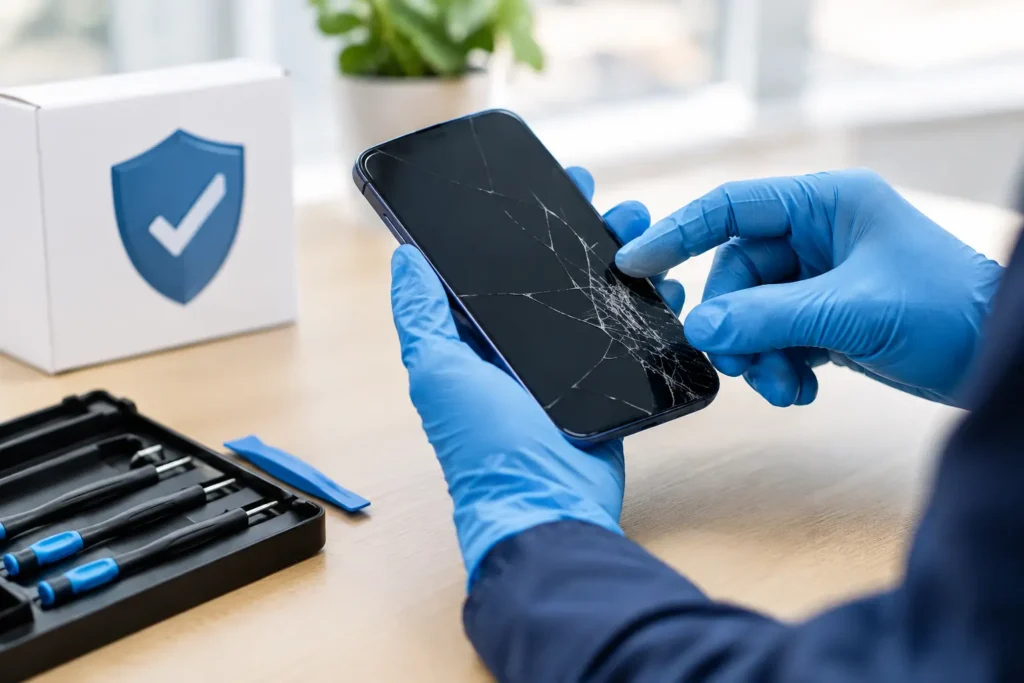
Does screen repair affect warranty cover? Learn when a replacement voids cover, what UK consumer rights still protect, and how to choose a trusted repairer
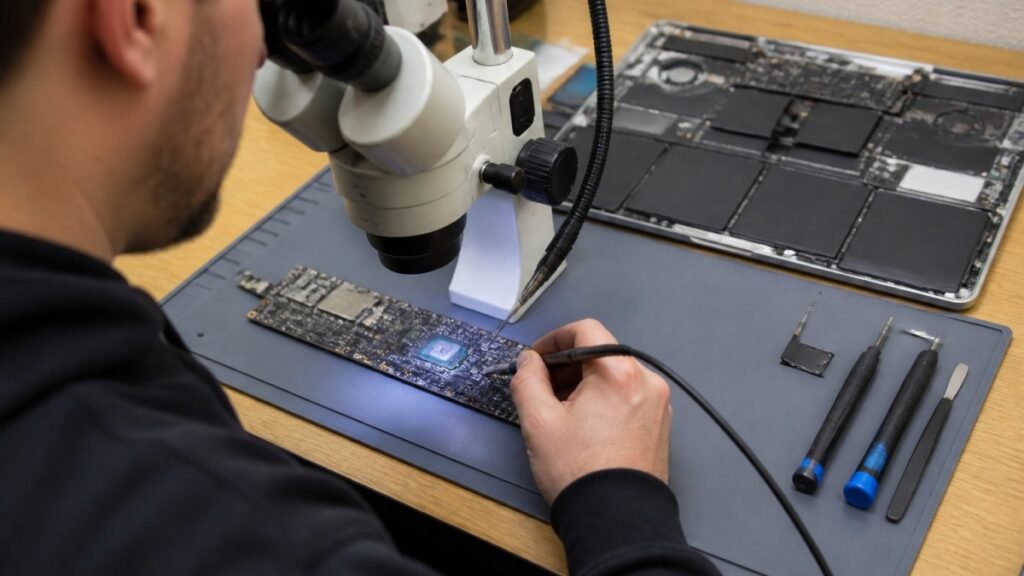
Find out how a MacBook logic board repair works in Cumbria, from spotting the faults to treating liquid damage and recovering your data.

Phone ghost touches can make your screen unusable. Learn the likely causes, safe checks and when a professional repair is the sensible next step today.

Is a refurbished laptop warranty reliable? Learn what cover you actually get, how long it lasts and how to check the terms before you buy with confidence.
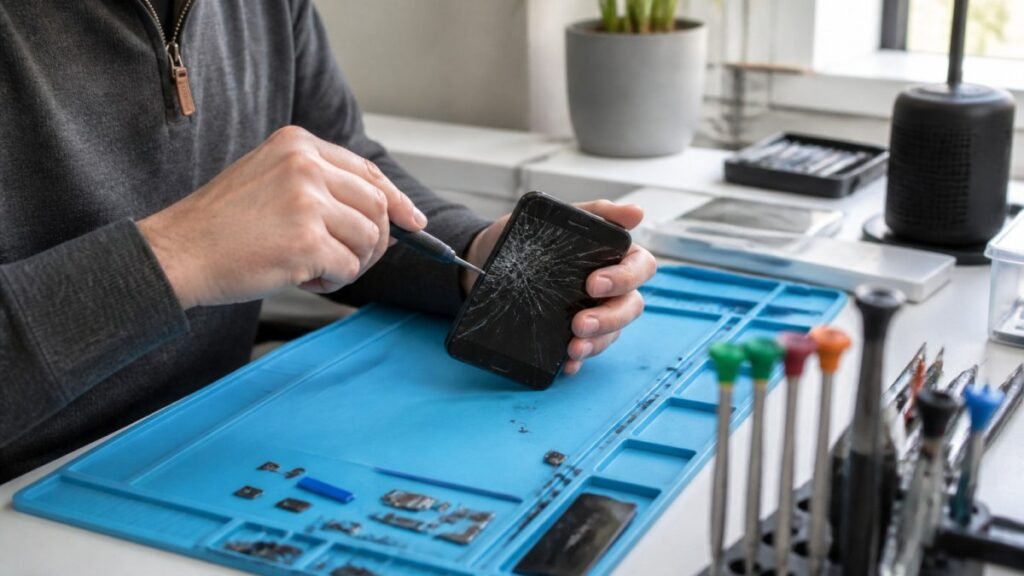
Urgent smartphone repair in the Lake District can often be same day, so check these basics, back up your data and call ahead first.
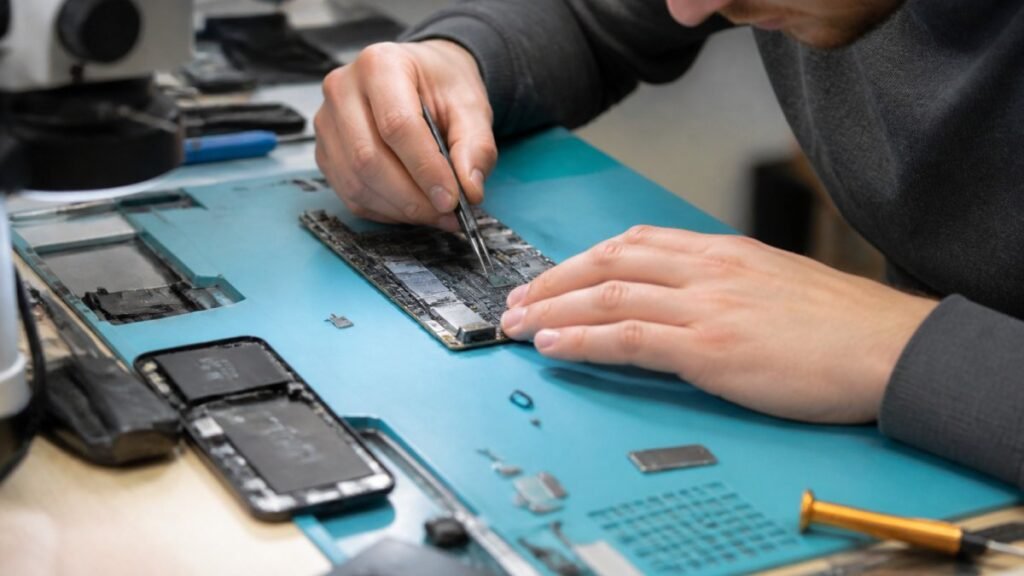
Logic board repair matters because it fixes the root fault rather than symptoms. Learn the warning signs, repair options and what to ask a technician.
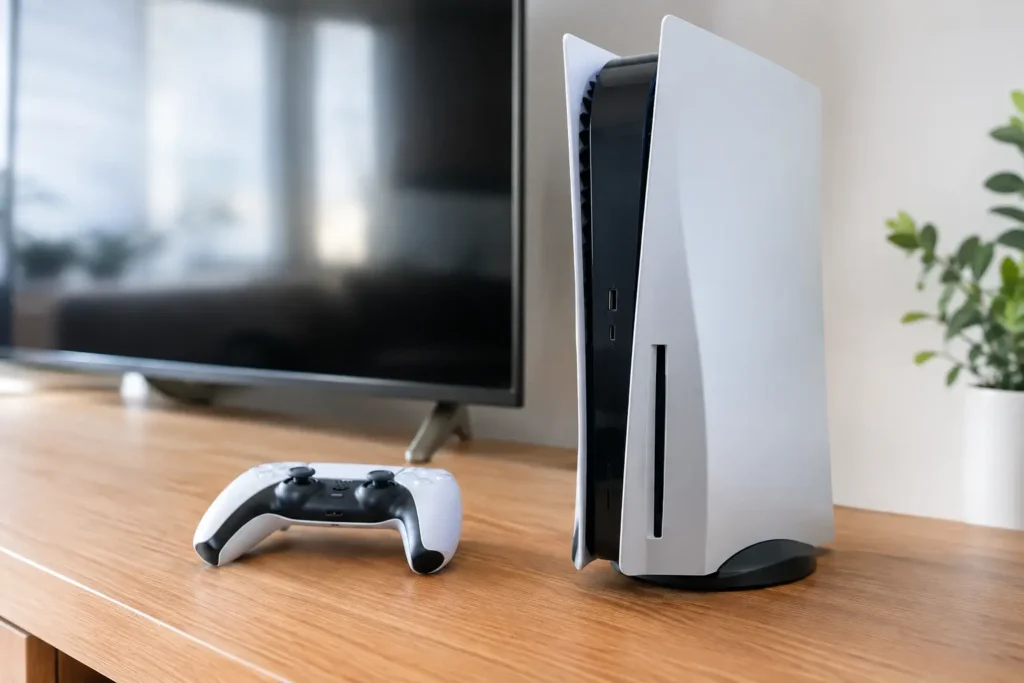
Console power faults can stop gaming without warning. Learn the common causes, safe checks and when a local repair can get your console running again.
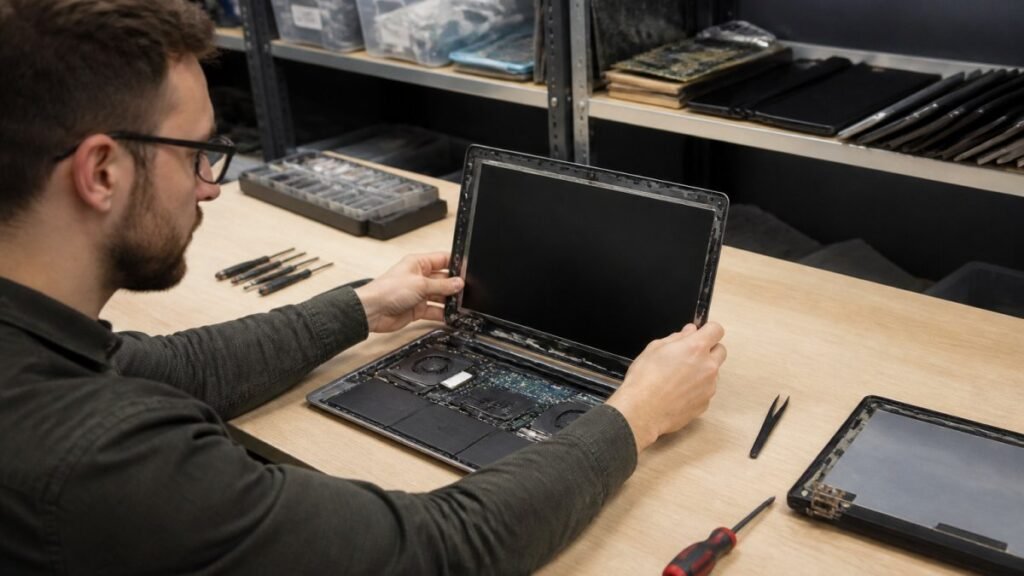
A laptop screen fix can take from 30 minutes to several days. Learn the seven real factors behind the wait and how to speed up your own repair.