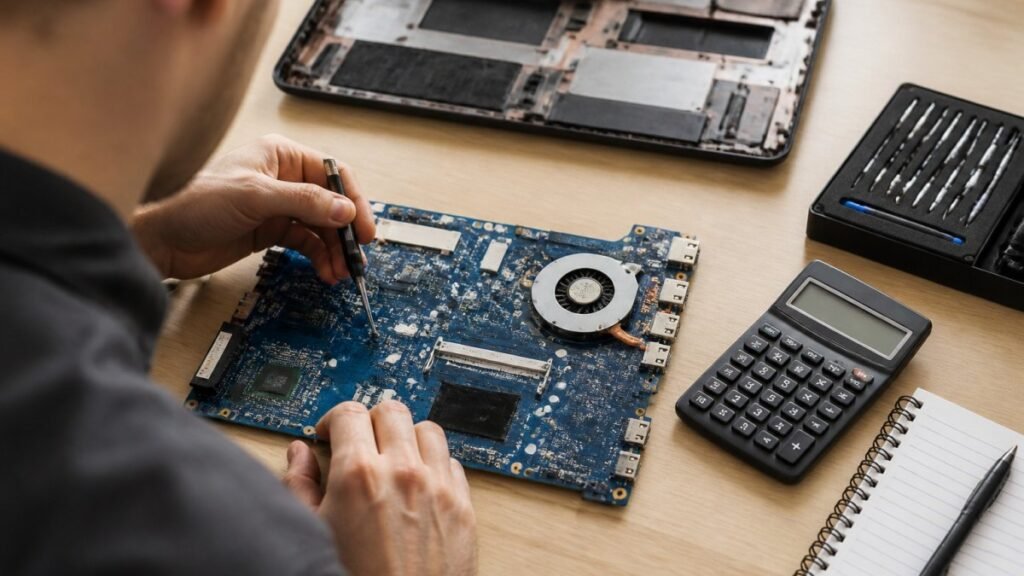
Laptop Motherboard Repair Cost Estimate 2026 for UK Users
Motherboard repair cost in the UK depends on the fault, the laptop and the quote type. Compare repair with replacement and see what to ask for in writing.

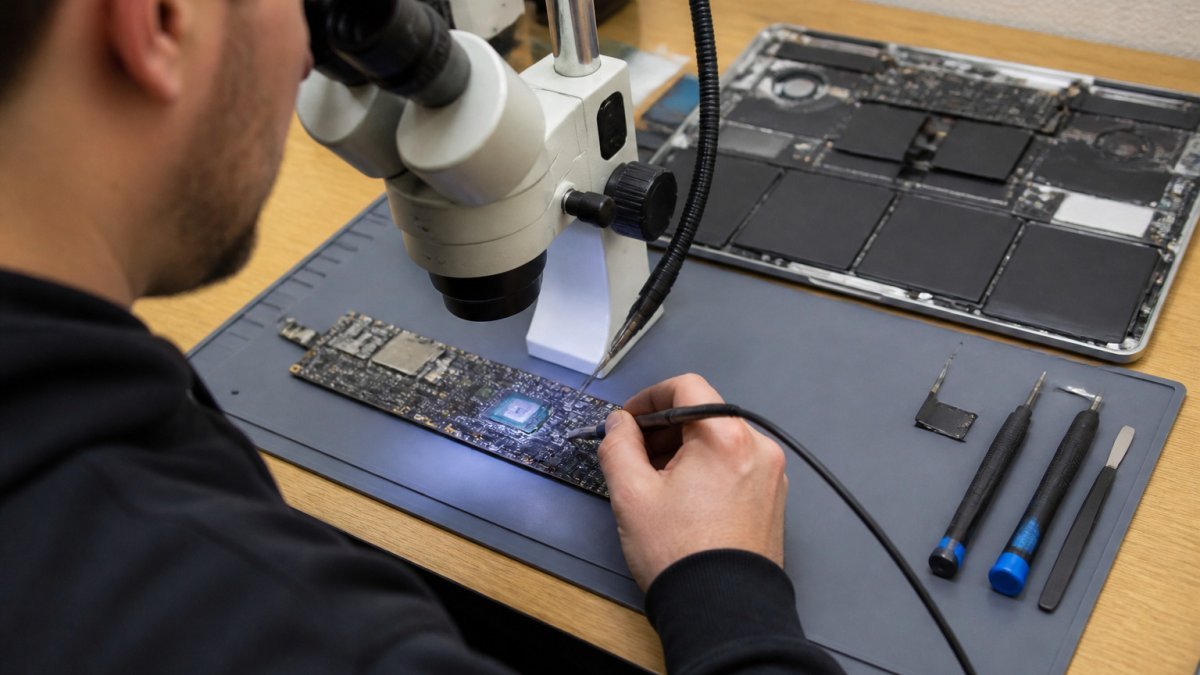
Last Updated: 1 November 2026
Quick Summary
Yes, a MacBook logic board can usually be repaired, provided the fault is diagnosed first and the machine is taken to a board-level workshop quickly. Liquid damage is the most common cause, and speed matters most. Logic board repair often costs less than replacement, but the final price depends on the fault, the model and the parts needed.
If your MacBook has started behaving strangely, the logic board may be the cause.
A logic board is the main circuit board connecting the processor, memory, storage and other key components. When it fails, symptoms often look like several problems at once. Watch for these patterns:
Many of these symptoms also come from battery, software or storage faults, so they should be checked rather than assumed.
A MacBook that will not turn on can point to a power fault, a battery issue or a board-level problem. A few simple checks first can save time.

Connect the official power adapter to a working socket and leave it plugged in for at least 30 minutes. Check the charging light, if your model has one, and try a different socket.
Do not open the case or use tools on the board yourself. Lithium batteries and mains-powered components carry real risks, and a cautious approach protects both you and the machine.
Board-level diagnosis generally involves checking power delivery, the battery and the board for shorts or corrosion. Ask any repairer how they confirm a fault before agreeing to work.
Liquid is one of the most common reasons a logic board fails, and it is the fault most often made worse by well-meant DIY attempts. Understanding what liquid does inside a MacBook explains why speed matters.
A logic board carries power rails, signal traces and hundreds of small components. Liquid causes damage in three overlapping ways:
That is why ‘let it dry and try again’ is risky. Each power-on attempt while residue remains can turn a cleanable board into one that needs component replacement.
Removing the battery is only appropriate if you are trained to do so; on most modern MacBooks the battery is adhered in place and prying at it is a fire risk.
A board-level workshop may typically carry out steps such as:
Strip and inspect. The board is removed and examined under magnification for corrosion, burnt components and damaged traces.
Test for shorts and damaged rails. A bench power supply and multimeter check power delivery and identify shorted components.
Replace damaged parts. Corroded connectors, capacitors, resistors and occasionally ICs are replaced at component level.
The sooner a liquid-damaged board is looked at, the better the chance of recovery. Where corrosion has spread across multiple layers or damaged the CPU or GPU, repair may still be possible but cost and time rise sharply, and some boards are beyond economic repair.
Ask for any assessment in writing, and ask what happens to any diagnostic fee if the board is declared unrepairable.
The steps below set out what to do in the first hour after a spill, in order of importance.
| Step | What to do | Why it matters |
|---|---|---|
| 1 | Power off immediately by holding the power button | Stops current flowing through wet components |
| 2 | Unplug the charger and peripherals | Removes another path for current |
| 3 | Do not try to power it on to check | Each attempt can turn a cleanable board into a replacement |
| 4 | Do not put it in rice | Rice does not draw liquid out and can add dust |
| 5 | Do not apply heat with a hairdryer | Heat can drive liquid deeper and warp components |
| 6 | Keep upright and get to a workshop quickly | Speed most affects the outcome |
When a logic board fails, your files are at risk even if the storage itself is intact.
Where possible, make a backup before the machine goes for repair. Time Machine or a secure cloud service can keep copies of your documents, photos and projects.
Ask any repairer how they handle customer data, who can access the device and whether they will sign a confidentiality agreement for business machines.
Repair cost depends on the fault, the model and the parts needed, so a fixed price in a guide would be misleading. What a good repairer should give you is a clear structure for how a quote is built, what the diagnostic fee covers and when repair stops making financial sense.
Four things move the price more than anything else:
Some workshops charge a diagnostic fee, which may or may not be credited against the repair. Ask three questions before you hand over the machine:
Ask whether any bench fee for inspection is charged, and whether you will receive a written estimate before work starts.
Ask what warranty covers the repair itself and the part fitted, and get the terms in writing. Check whether the warranty is voided by later liquid exposure or by another workshop opening the machine.
A logic board repair usually makes sense when:
Replacement tends to be the better call when the board fault is widespread, when the model is old enough that parts are scarce, or when the repair quote approaches the value of the working machine. Proactive protection plans often mitigate these difficult financial decisions, provided that the AppleCare coverage value aligns with the expected longevity of your specific hardware investment.
Board-level work needs bench time: diagnosis, component sourcing, repair and a soak test to confirm the fix holds. Ask for a realistic timescale at booking.
If your MacBook is showing board-level symptoms, book a diagnosis rather than a repair. Bring the charger and any backup drive you have. Ask for the diagnostic fee, the estimate process and the warranty terms in writing before you commit.
Common signs include a MacBook that will not power on even when charged, random shutdowns under light load, restarts during normal use, fans running at full speed with no clear cause, USB-C ports or the keyboard and trackpad failing intermittently, and no display despite the fans spinning. Several of these can also come from a battery, charger, display or software fault, so a technician should confirm the cause before you assume the logic board has failed. Note any pattern you see, such as whether a fault happens after the laptop has been moved or left in a hot bag, as this helps during diagnosis.
In many cases, yes. Board-level repair involves identifying the faulty component, such as a failed voltage regulator, a damaged capacitor or a corroded connector, and replacing or reballing it under magnification. Some boards are too heavily damaged to repair economically, and in those cases a replacement board may be the better option. Contact TechLab Repairs for a quote based on your model and the reported fault.
Often, yes, although the approach depends on the fault. If the storage chip and drive are still intact, data can sometimes be read once the board is repaired or once the storage is moved to a working system. Do not repeatedly try to power on a laptop that shows signs of liquid damage or burning, as this can cause further harm. Back up your files whenever you can, and tell the technician if you have sensitive work files so they can explain how your data will be handled. Ask any repairer about data handling before you hand over your device.
The cost depends on the model, the specific component fault, whether the damage is from liquid or age, and whether a replacement board is needed. Turnaround also varies with parts availability and how complex the fault is. TechLab Repairs does not publish fixed prices in this article, so please contact us or visit our website for a current quote and an estimated timeline. A written estimate before work starts helps you decide between repair and replacement, and you should ask for one whenever a repair is likely to be expensive.
Motherboard repair cost in the UK depends on the fault, the laptop and the quote type. Compare repair with replacement and see what to ask for in writing.
Need fast laptop repair in Barrow-in-Furness? Learn how diagnostics, turnaround times and same-day fixes work, and how to check your repair progress.
Does screen repair affect warranty cover? Learn when a replacement voids cover, what UK consumer rights still protect, and how to choose a trusted repairer
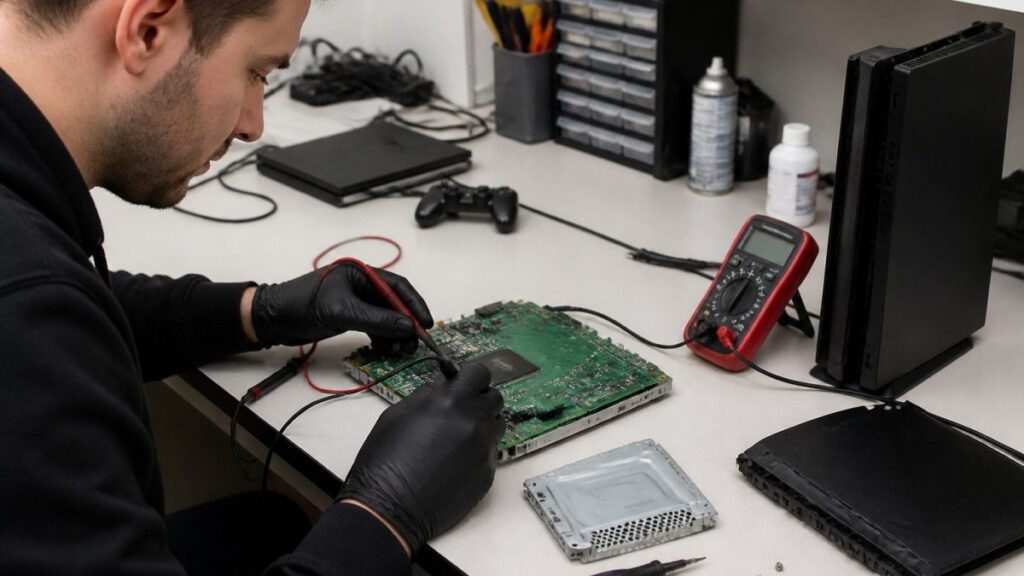
A console diagnostic in Barrow can pinpoint HDMI, overheating or power faults in minutes. Find out which fault fits your console.

Phone ghost touches can make your screen unusable. Learn the likely causes, safe checks and when a professional repair is the sensible next step today.

Is a refurbished laptop warranty reliable? Learn what cover you actually get, how long it lasts and how to check the terms before you buy with confidence.
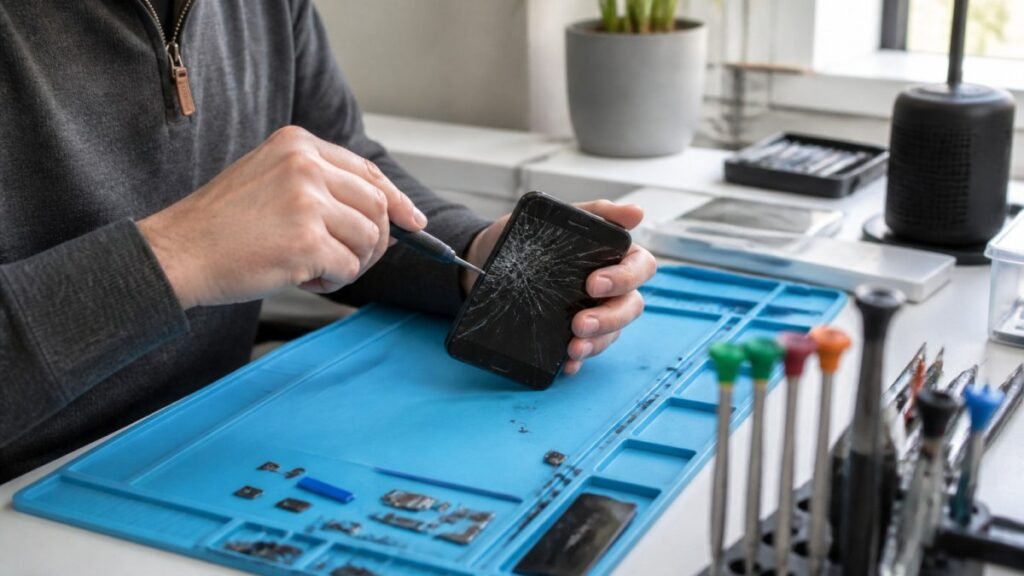
Urgent smartphone repair in the Lake District can often be same day, so check these basics, back up your data and call ahead first.
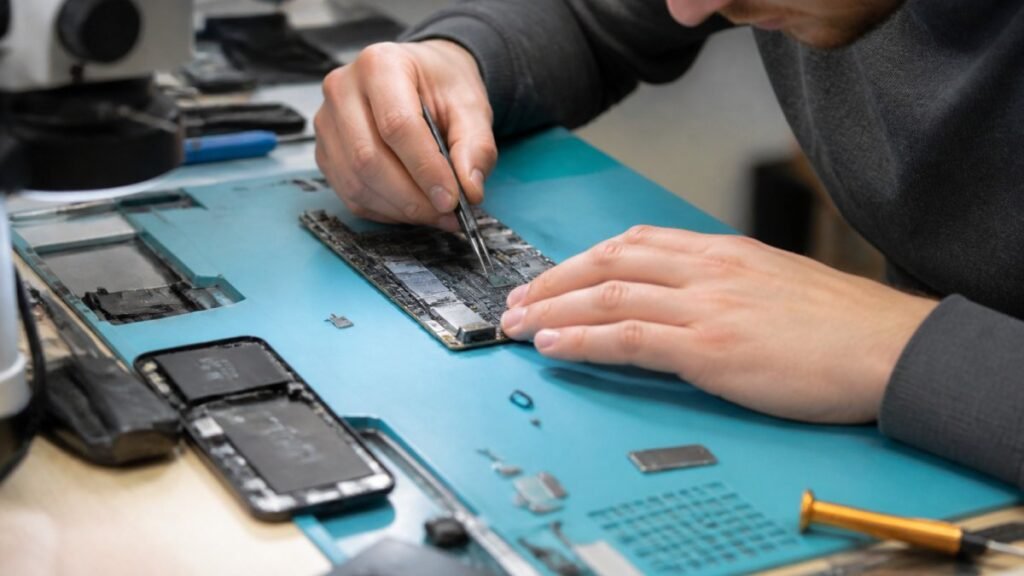
Logic board repair matters because it fixes the root fault rather than symptoms. Learn the warning signs, repair options and what to ask a technician.
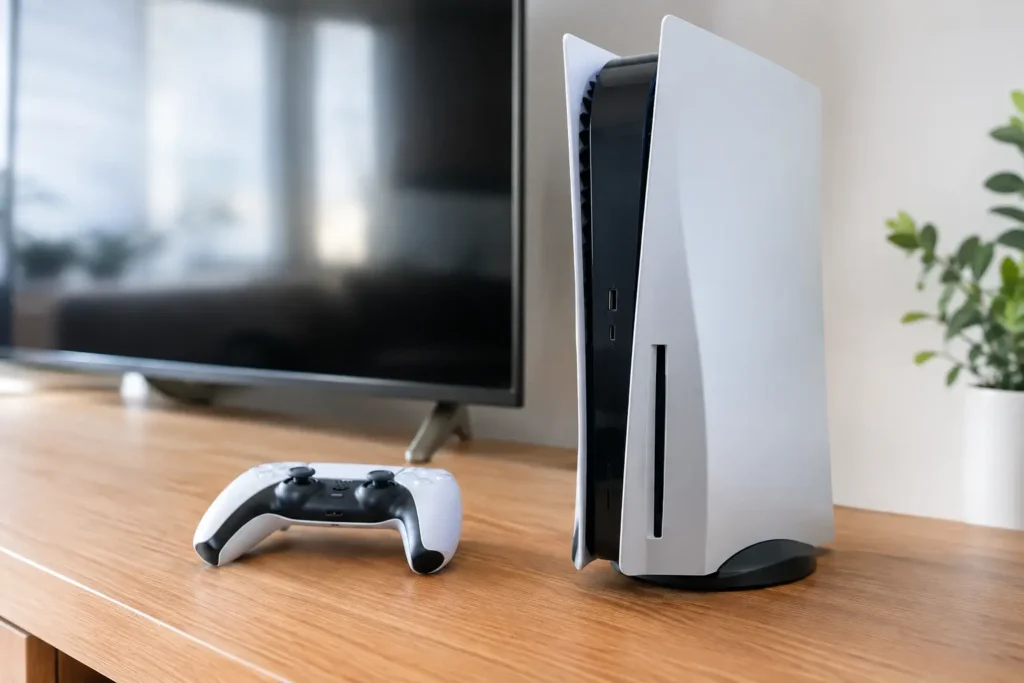
Console power faults can stop gaming without warning. Learn the common causes, safe checks and when a local repair can get your console running again.
A laptop screen fix can take from 30 minutes to several days. Learn the seven real factors behind the wait and how to speed up your own repair.