A console that will not switch on can turn a planned gaming night into a frustrating round of trial and error. Console power faults are especially confusing because the cause is not always the part that looks faulty. A dead screen, a damaged HDMI socket, a failed power supply or even a controller issue can all make it seem as though the console has no power at all.
The good news is that many power problems can be diagnosed and repaired without replacing the whole machine. The key is to make a few safe checks first, avoid fixes that create further damage, and know when the fault needs specialist attention.
What counts as a console power fault?
A power fault is any issue preventing a console from starting, staying on or receiving stable power. It may be completely unresponsive when you press the power button, show a light or beep briefly before shutting down, or switch on but fail to show a picture.
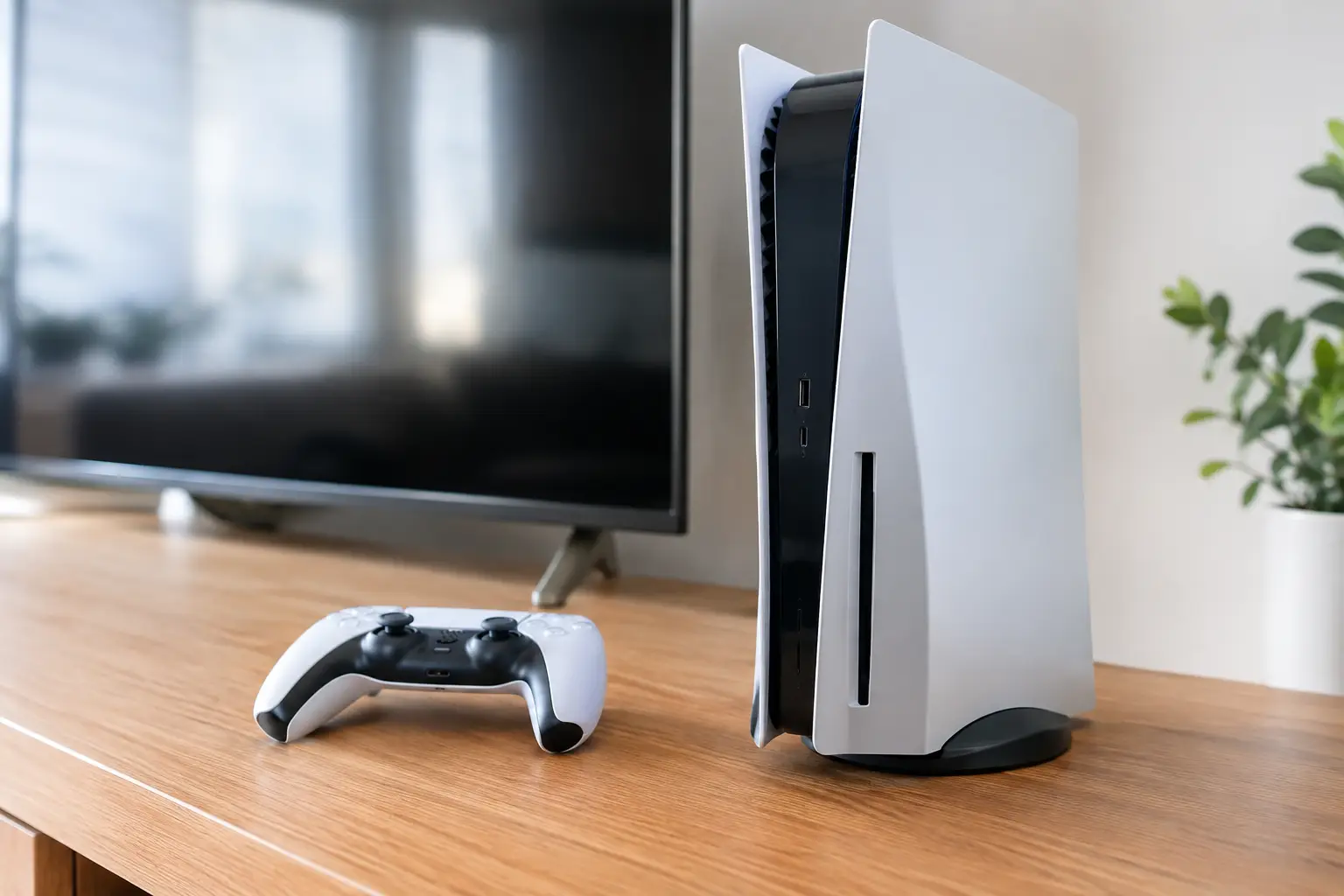
This can affect every generation of PlayStation, Xbox and Nintendo console. A PS5 that flashes blue then turns off, an Xbox Series X that clicks but will not boot, or a Nintendo Switch that will not charge are different symptoms, but each needs proper diagnosis rather than guesswork.
It also helps to separate a true no-power fault from a display fault. If you can hear the console start, its fan spins, the controller connects or it responds to the eject button, power may be reaching the board normally. In that case, an HDMI port, HDMI circuit, cable or television input could be the actual issue.
The most common causes of console power faults
Failed internal power supply
The internal power supply converts mains electricity into the lower voltages the console needs. Like any electrical component, it can fail over time. Heat, dust build-up, power surges and worn components can all contribute.
A failed power supply often leaves a console completely dead, although some machines may make a click, beep or show a brief light before cutting out. Replacing it is not always a simple case of fitting a new part. Different console revisions can use different power supply units, and a supply may have failed because another fault on the main board is drawing too much current. Fitting parts without checking the underlying cause can waste money and leave the problem unresolved.
Damaged power lead, socket or charging port
Start with the straightforward possibilities. A loose mains lead, damaged cable, worn extension lead or faulty wall socket can interrupt power before it reaches the console. Try a known-working socket and, where appropriate, a compatible known-working lead. Do not use a cable that is visibly frayed, bent at the plug or overheating.
Handheld consoles have a slightly different weak point: the USB-C charging port. On a Nintendo Switch, for example, a damaged or loose port can prevent charging and eventually make the console appear dead. If the plug only works at a certain angle, feels loose or causes intermittent charging, stop forcing it. Continued use can damage tracks on the board as well as the port itself.
Overheating and blocked cooling
Consoles are designed to protect themselves. If internal temperatures rise too high, they may shut down to prevent serious damage. Dust-clogged vents, a failed fan, dried thermal compound or a console positioned in a tight TV unit can all cause heat-related shutdowns.
The pattern matters. A console that starts normally when cold but turns off during a demanding game is more likely to have a cooling problem than a dead power supply. You may notice louder fan noise, hot air with very little airflow, overheating warnings or a shutdown after a predictable amount of play.
Do not block vents with carpets, bedding or stacks of games, and leave room around the console for air to circulate. External dust can be removed carefully, but taking the machine apart without the right tools and experience risks stripped screws, damaged fan connectors and lost screws inside the chassis.
Power surge or electrical damage
A power cut, lightning strike or sudden surge can damage the power supply, charging circuit or components on the motherboard. Sometimes the console will fail immediately. Other times, it may work intermittently for days before the damaged component gives up.
Using a quality surge-protected extension lead can offer useful protection, but it is not a guarantee against every electrical event. If several devices in the same room stop working after a power issue, avoid repeatedly plugging the console back in. A repair technician can check whether the fault is limited to the power section or has reached other board-level components.
Liquid damage and corrosion
Spilled drinks, damp storage, condensation and liquid entering through vents can all lead to power faults. The console may seem fine at first, then develop trouble as corrosion forms on connectors and circuits.
If liquid has reached a console, switch it off, disconnect the power and do not attempt to charge or start it again. Rice will not remove contamination or repair corrosion. Fast professional cleaning gives the best chance of protecting the board, particularly where important saves or downloaded games are involved.
Safe checks before booking a repair
Before assuming the worst, unplug the console from mains power for several minutes. This can clear a temporary power state on some systems. Then reconnect it directly to a wall socket using a suitable, undamaged lead. Avoid testing through a questionable extension block.
Check the power button rather than relying only on a controller. A flat controller battery or lost pairing can create the impression that the console will not start. Look and listen for any signs of life: LED colours, beeps, fan movement, disc drive activity or a charging indicator. These details are genuinely useful during diagnosis.
If the console powers on but the television says “No Signal”, test the HDMI cable and television input before deciding it is a power issue. Never push an HDMI plug into a port that feels damaged or misaligned. A bent connector can turn a relatively contained port repair into more involved board work.
Do not open a mains-powered console to investigate its power supply. Internal power components can retain a dangerous electrical charge even after the cable has been removed. It is also easy to damage delicate ribbon cables, thermal pads and board connectors while trying to reach the suspected part.
Why professional diagnosis saves time and money
Two consoles with identical symptoms may need very different repairs. A PS4 that will not turn on could have a failed power supply, a short on the motherboard, a damaged power button board or a problem caused by a previous HDMI fault. The repair approach, cost and turnaround depend on what testing finds.
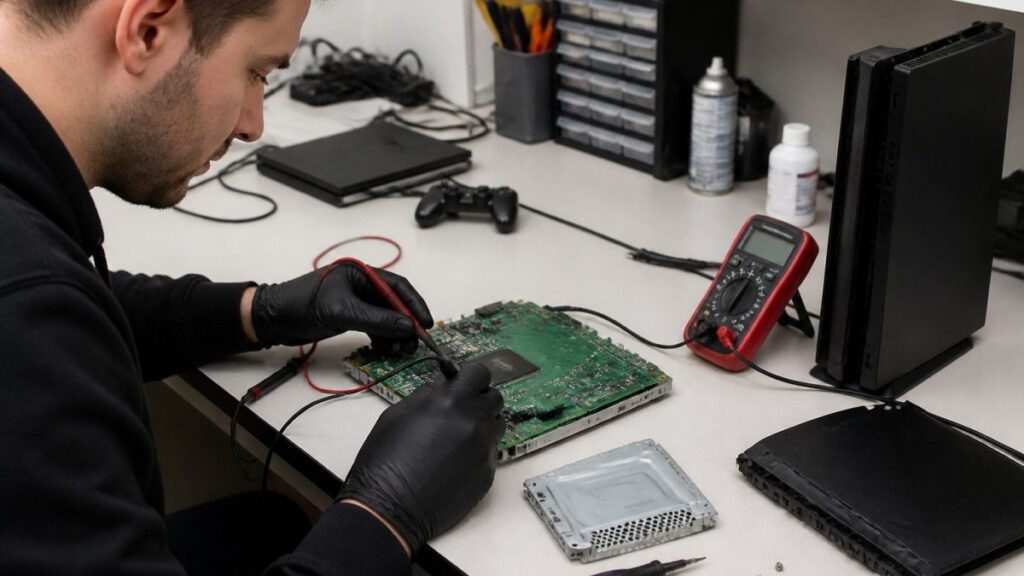
A proper diagnosis checks the incoming power path, internal supply voltages, charging or power-management circuits, cooling operation and the condition of ports and connectors. This avoids the common mistake of replacing the most obvious part first.
It is worth being realistic about the age and value of the console too. Repairing a newer PS5, Xbox Series X or Switch is often far more cost-effective than replacement, especially if it has a disc drive, accessories and a game library attached to it. For an older console with multiple faults, a technician should explain the options clearly so you can decide whether repair is worthwhile.
If your console is still within a manufacturer warranty, opening it or using an independent repair may affect that cover. In that situation, compare the likely warranty route with the speed and convenience you need. When the warranty has ended, local repair can be a practical way to avoid sending your console away for weeks.
Getting your console back in the game
At TechLab Repairs, console faults are assessed with the aim of finding the cause rather than selling an unnecessary replacement. Whether the issue is a failed power supply, damaged charging port, overheating, HDMI trouble or board-level fault, clear diagnosis gives you a sensible repair route.
Bring the console, its power lead and a note of what happened just before the fault began. Mention whether there was a power cut, liquid spill, overheating warning, drop or recent HDMI issue. If you have a specific error light or startup behaviour, share that too. The more accurate the history, the faster the fault can usually be narrowed down.
A console that refuses to power on does not automatically belong in the bin. Switch it off, avoid repeated attempts to force it back to life, and get the right fault identified. A careful repair can be the difference between losing your gaming setup and getting back to the next match, mission or family game night.