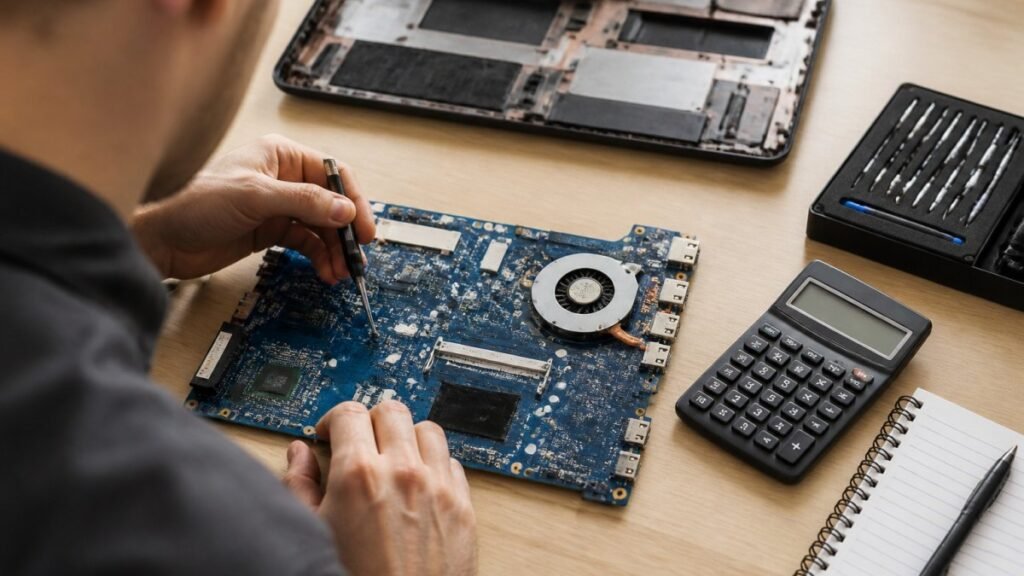
Laptop Motherboard Repair Cost Estimate 2026 for UK Users
Motherboard repair cost in the UK depends on the fault, the laptop and the quote type. Compare repair with replacement and see what to ask for in writing.


Last Updated: October 30, 2026
Quick Summary
A refurbished laptop warranty is only as reliable as the seller behind it, because terms vary hugely and exclusions hide in the small print. Aim for at least 6 to 12 months of cover, and check the written terms before you pay rather than trusting the warranty length alone.
A refurbished laptop warranty is only as reliable as the seller behind it, and the terms are rarely written to make that easy to check.
The problem is not that refurbished machines are inherently fragile. A warranty means little without accessible technical support, according to Human-I-T’s guidance on refurbished devices, so the coverage period alone tells you very little.
Three things make reliability genuinely hard to judge:
So the real question is not “how long is the warranty?” It is “what does this specific warranty actually promise, and will the seller honour it?”
Genuine refurbishment is a process, not a wipe-down: diagnostics check the screen, keyboard, ports, storage and battery health, faulty parts get replaced, data is sanitised, and cleaning and cosmetic grading follow.
Not every seller does this to the same standard. Standards vary between sellers, so the depth of testing is worth asking about.
Ask directly: what diagnostics were run, what was replaced, and is the battery original or new? A seller who cannot answer those three questions is telling you something.
A refurbished laptop warranty typically covers hardware faults that appear during normal use, but the exact scope depends entirely on the seller’s written terms. If you want to understand how a repair warranty differs from a manufacturer warranty before judging refurbished cover, read our guide to repair warranty versus manufacturer warranty.
Here is what to check line by line:
| Component | Usually covered? | What to check |
|---|---|---|
| Motherboard and CPU | Often | Faults present from delivery |
| Storage drive | Often | Whether replacement or repair |
| Battery | Rarely | Capacity threshold in writing |
| Screen | Sometimes | Cracked vs faulty panel |
| Keyboard | Sometimes | Wear and tear exclusions |
| Charger | Varies | Whether included at all |
Battery is the exclusion that catches most buyers. Battery health on a refurbished laptop can be reduced, and warranties may class capacity loss as normal wear rather than a fault.
Screens are usually covered for panel faults but not cracks or pressure damage, and keyboards and casings often fall under wear and tear.
Six to twelve months is the sensible minimum for a refurbished laptop warranty. A 2026 buying guide from Dr.MEM on choosing a refurbished laptop recommends at least 6 to 12 months of cover, which lines up with how long latent faults take to surface.
Shorter cover is not automatically bad, but treat it as a signal. A 30-day warranty suggests the seller expects problems to show up fast, or does not want to deal with them later. A 12-month warranty on a business-grade machine is a reasonable baseline.
Match the warranty length to the risk:
A return policy and a warranty are not the same thing, and confusing them is a costly mistake.
The return window is your safety net for a machine that arrives wrong. Check it before you buy, and check who pays return postage. Check the seller’s written return and refund policy before you buy.
Use the return window properly:
A warranty claim starts with proof of purchase and a clear description of the fault. Sellers typically need to identify the machine and confirm it is still in cover, so have your receipt or order confirmation ready before you contact anyone.

Keeping your documentation organised ensures that you remain protected regardless of whether you opted for a refurbished vs open box device.
Before you contact the seller, re-read the written warranty and check the cover period and start date, whether the faulty component is listed as covered, and whether the fault falls under an exclusion such as accidental damage or wear and tear. If a battery fault is not covered, our guide on how to replace laptop battery safely explains how to spot the warning signs and choose the right part.
Sellers reject claims that cannot be diagnosed remotely. Build a small evidence pack:
Claims often stall because the seller cannot reproduce the fault. Evidence that shows the fault happening removes that excuse.
Email or use the seller’s written contact channel, not the phone. State your order number, serial number, the fault and the evidence attached. Then ask for a specific remedy: repair, replacement or refund, and the expected turnaround in working days, if the seller states one.
Many refurbished-laptop warranties are return-to-base: you send the machine to the seller or their repair partner, they diagnose and repair or replace, and they return it. Check the written terms for:
If the seller refuses a claim that you believe is valid, or stops responding, escalate in this order:
Your consumer rights sit alongside the warranty, not behind it. Under the Consumer Rights Act 2015, goods must be of satisfactory quality, fit for purpose and as described.
The Competition and Markets Authority guidance on the Consumer Rights Act sets out the 30-day short-term right to reject faulty goods, plus repair or replacement rights after that.
In practice, the two routes work differently. The warranty is a contract on the seller’s terms, it may require their repair partner, exclude batteries and wear, and have a fixed cover period. Statutory rights are set by law, apply from delivery, and cannot be excluded by small print.
Check the written warranty terms before you pay, not after the laptop arrives. A seller who will not show you the terms in advance is the biggest red flag in this market. The gap most buyers fall into is treating the warranty as a single number, “12 months”, when it is really a bundle of promises about start date, covered parts, claim mechanics and who pays for what.
Work through these questions against the seller’s written terms, not their marketing page:
Written terms are necessary but not sufficient. Use these signals to judge whether any seller can deliver on a claim:
A longer warranty is not automatically better value. Use a simple decision framework:
Once the laptop arrives, test it inside the return window: screen for dead pixels and backlight bleed, every port, the keyboard and trackpad, Wi-Fi and Bluetooth, and a battery health report noting design capacity against current capacity.
If you are still weighing up a refurbished buy against fixing your current machine, our comparison of refurbished device versus repair and our guide on whether to repair or replace a laptop both help you decide before you spend.
It depends on who provides it and what the written terms say. A refurbished laptop warranty is only as reliable as the seller behind it, so check the length of cover, what is excluded and how support is delivered. A warranty means little without accessible technical support, and third-party cover can run as short as 30 to 90 days. Ask for the terms in writing before you pay.
Six to twelve months of cover is a commonly suggested minimum, though this is advice rather than a legal minimum. Anything under three months leaves little room to spot a fault that develops after the first few weeks of use. Longer cover costs more but shifts more risk onto the seller, which matters most on business laptops and premium models.
Yes. Buying from a trader gives you rights under the Consumer Rights Act 2015, including goods being of satisfactory quality and fit for purpose. You may be able to reject faulty goods for a refund in the early period after delivery, and pursue repair or replacement after that. These rights sit alongside any warranty and cannot be removed by terms and conditions.
Check the refurbished laptop return policy before buying. Some sellers offer a return window for change of mind, separate from warranty cover for faults. Keep your proof of purchase and report faults promptly in writing so there is a clear record of when the problem started.
Judging whether a refurbished laptop warranty is reliable comes down to reading the terms, not trusting the headline number. That is how we work at TechLab Repairs: every repair we carry out comes with a 12-month warranty, high-quality replacement parts and advanced diagnostic tools, so faults are found and fixed properly rather than patched over. If you are deciding between a refurbished machine and a repair, get started with TechLab Repairs and book a call to talk through your options.
Motherboard repair cost in the UK depends on the fault, the laptop and the quote type. Compare repair with replacement and see what to ask for in writing.
Need fast laptop repair in Barrow-in-Furness? Learn how diagnostics, turnaround times and same-day fixes work, and how to check your repair progress.

Does screen repair affect warranty cover? Learn when a replacement voids cover, what UK consumer rights still protect, and how to choose a trusted repairer
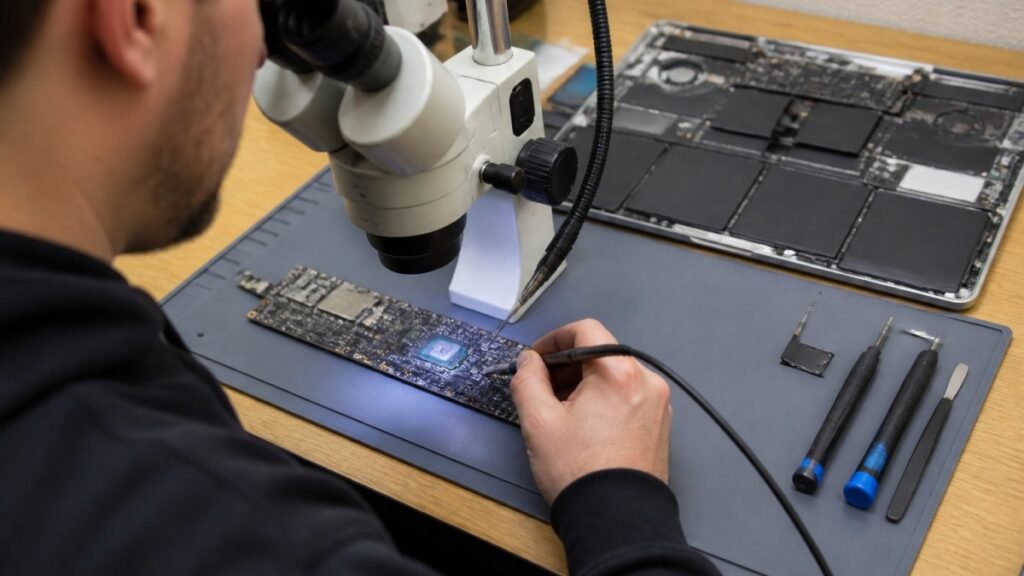
Find out how a MacBook logic board repair works in Cumbria, from spotting the faults to treating liquid damage and recovering your data.
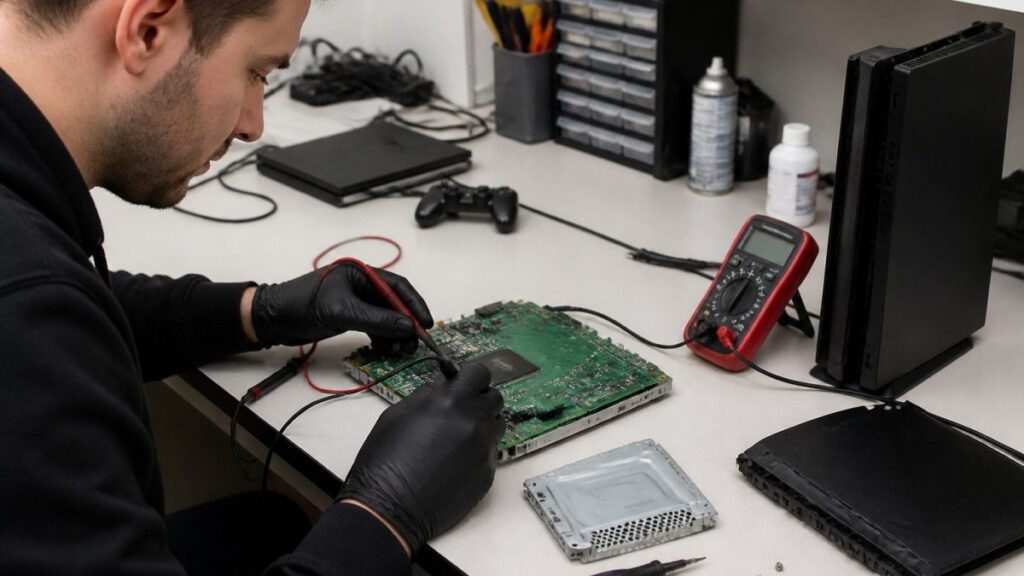
A console diagnostic in Barrow can pinpoint HDMI, overheating or power faults in minutes. Find out which fault fits your console.

Phone ghost touches can make your screen unusable. Learn the likely causes, safe checks and when a professional repair is the sensible next step today.
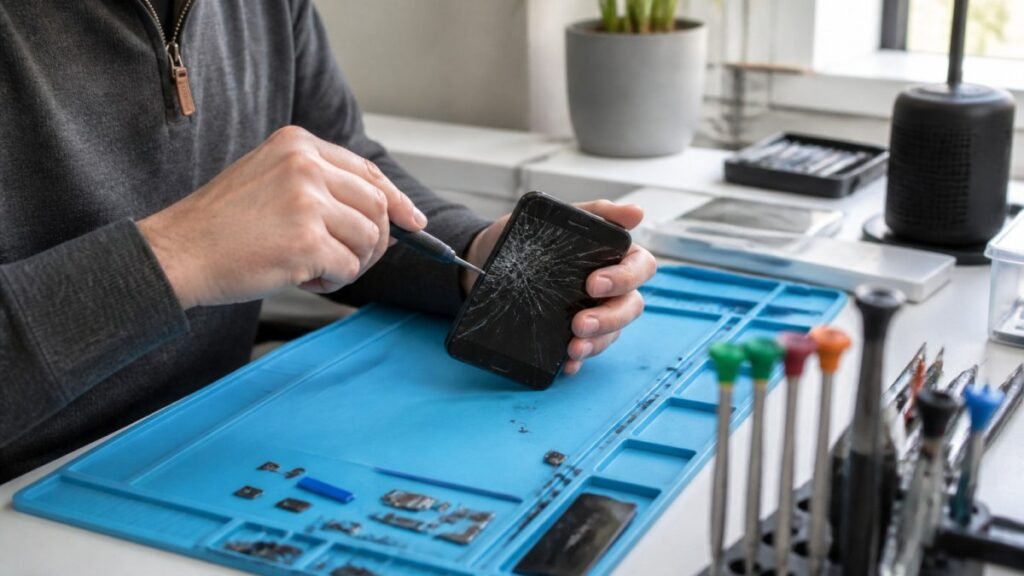
Urgent smartphone repair in the Lake District can often be same day, so check these basics, back up your data and call ahead first.
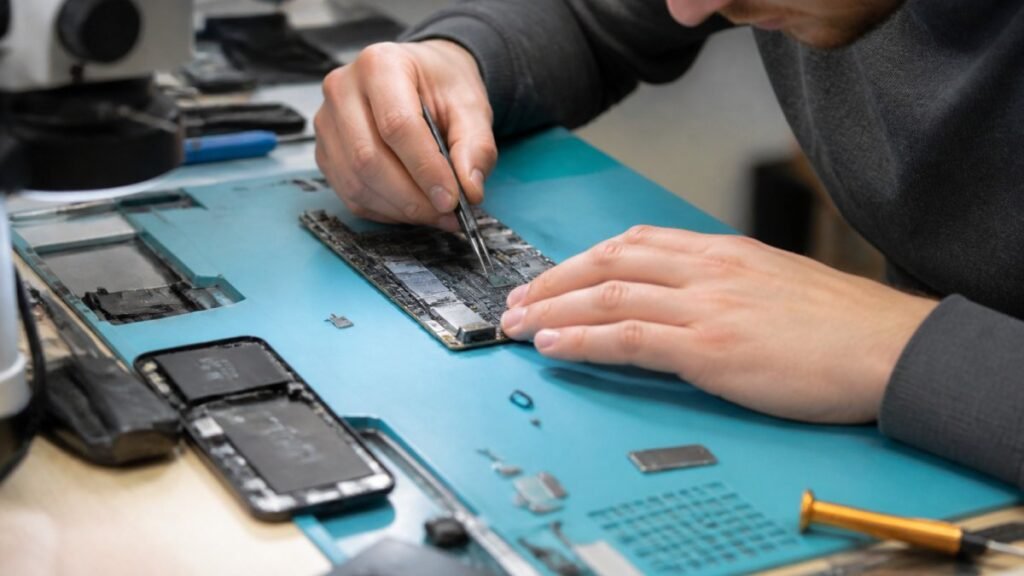
Logic board repair matters because it fixes the root fault rather than symptoms. Learn the warning signs, repair options and what to ask a technician.
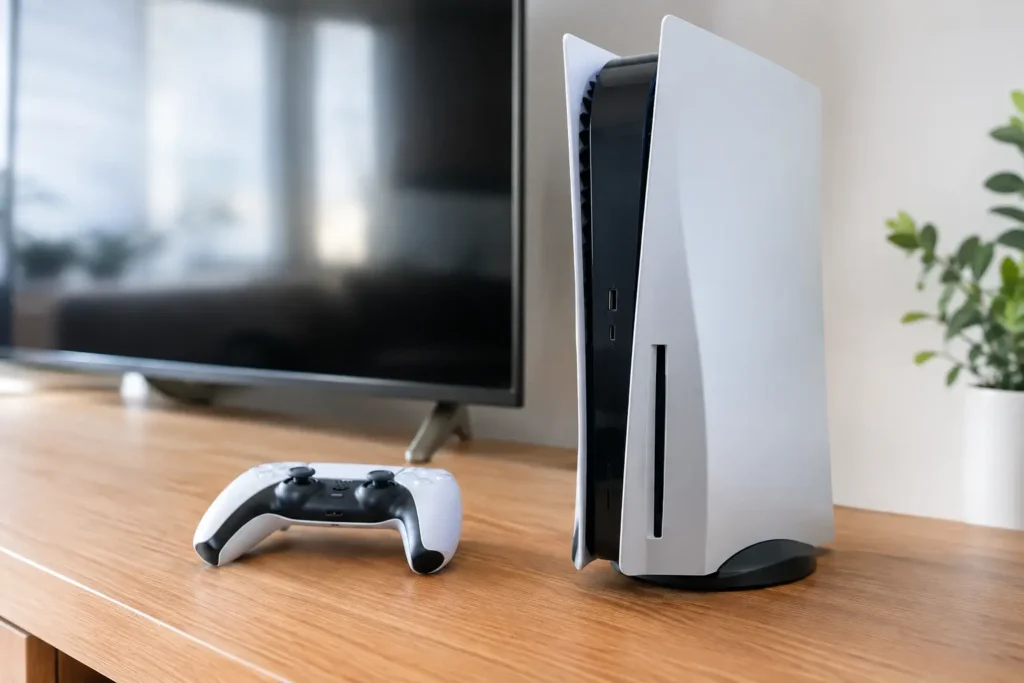
Console power faults can stop gaming without warning. Learn the common causes, safe checks and when a local repair can get your console running again.
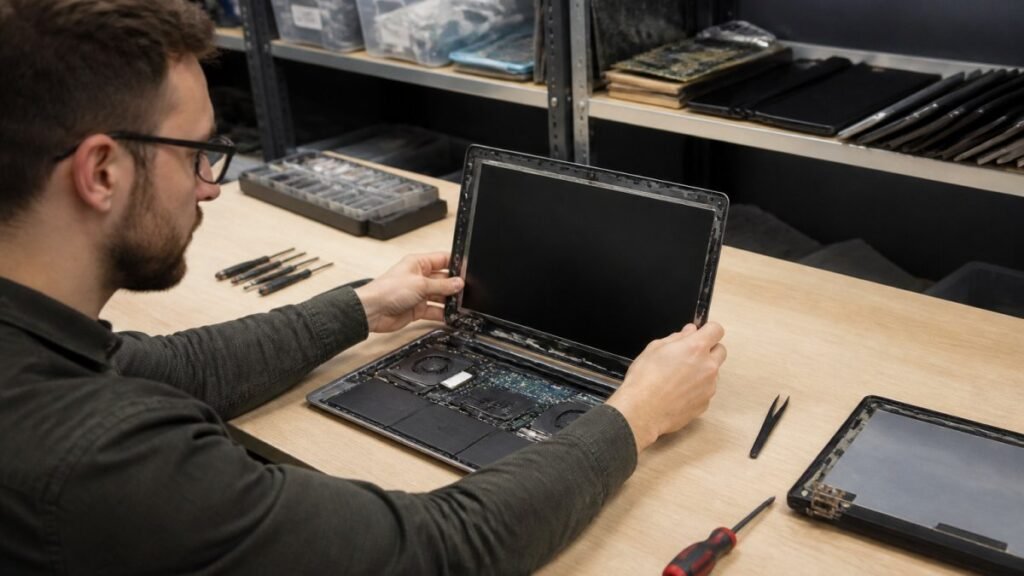
A laptop screen fix can take from 30 minutes to several days. Learn the seven real factors behind the wait and how to speed up your own repair.