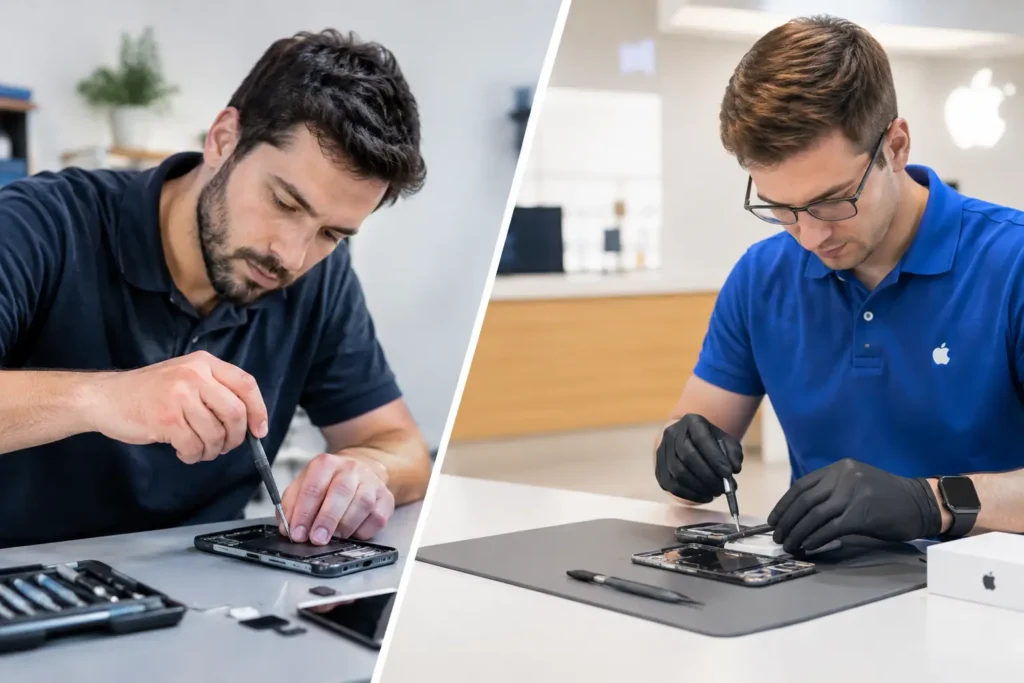
A MacBook that will not charge, powers on without showing a picture, or suddenly shuts down can feel like an expensive write-off. It is not always the case. MacBook logic-board repairs can often resolve faults that a simple parts swap cannot, helping you keep a familiar machine, protect your files and avoid replacing it before you need to.
The logic board is the main circuit board inside your MacBook. It controls communication between vital components including the processor, memory, storage, display, charging system and ports. On many newer MacBooks, several of those components are integrated directly into the board. That makes a correct diagnosis especially valuable: a problem that looks like a dead screen or flat battery may actually start much deeper inside the machine.
When MacBook Logic-Board Repairs May Be Needed
Logic-board faults do not always arrive with a dramatic warning. Sometimes a MacBook becomes increasingly unreliable over a few weeks. It may run only when connected to the charger, fail to recognise a USB-C accessory, lose Wi-Fi, restart at random or become unusually hot during ordinary tasks.
Other symptoms are more immediate. No power at all, a charging light or sound without a working display, no response after a liquid spill, or a MacBook that starts but never reaches macOS can all point towards board-level work. The same symptoms can also be caused by a damaged charger, battery, display, keyboard, trackpad or charging port. That is why replacing parts based on a guess can quickly become costly.
Liquid damage is one of the most common reasons for this type of repair. Even a small amount of tea, coffee or water can reach connectors and components beneath the keyboard. The MacBook may appear fine initially, then fail later as moisture and corrosion affect the circuit. Turning it off promptly and avoiding repeated attempts to charge it gives the best chance of limiting the damage.
Physical damage can be another cause. A drop may crack the case but leave the screen intact, while still disturbing a connector or damaging a component on the board. Power surges, worn charging cables and failed third-party accessories can also contribute to charging-related faults.
Why Diagnosis Comes Before Repair
A proper diagnosis is not just a formality. It separates a worthwhile repair from money spent on the wrong part. A technician should inspect the MacBook, test its power behaviour, check relevant voltages and examine the board for corrosion, damaged components or connector issues.
For example, a MacBook that will not charge may have a failed battery, a worn charging port, an issue with the USB-C charging circuitry or a fault in the power-management system. Each needs a different solution. Likewise, a black screen could be a display issue, a backlight fault, a damaged display cable or a board fault affecting video output.
This process matters for businesses and students in Cumbria who cannot afford long periods without their laptop. Clear fault finding helps set realistic expectations on turnaround, price and whether a repair makes financial sense. It also prevents a working screen, battery or storage device being replaced unnecessarily.
What Board-Level Repair Involves
Board-level repair is more specialised than replacing a battery or fitting a new screen. It can involve tracing a fault on the circuit, replacing a failed component, repairing damaged pads or connections, treating corrosion, or restoring a damaged charging or display circuit.
The work requires suitable equipment and careful handling. Components on a logic board are extremely small, and heat must be controlled to avoid causing further damage. On some models, repair may focus on a particular circuit. On others, the damage may be too widespread, or an official replacement board may be the more sensible option.
There is no single answer for every MacBook. Older Intel-based models can have separate storage drives, which may simplify data recovery. Many Apple silicon and later models have storage integrated into the logic board. If the board has failed, accessing data can become more complicated. This is one reason to tell the repairer from the start if your files are your priority.
At TechLab Repairs, the aim is to identify the underlying fault before recommending the next step, rather than treating every no-power MacBook as an automatic replacement job. You should receive a straightforward explanation of what has failed, what can be repaired and what the likely cost and timescale will be.
Repair, Replacement or a New MacBook?
The right option depends on the model, the damage and how you use the machine. A logic-board repair can be excellent value when the MacBook is otherwise in good condition, has a healthy screen and battery, and still meets your needs for work, study or home use. It can also be the best route when the data on the machine is difficult or impossible to replace.
Replacement may be more practical if the MacBook has several expensive problems at once. A heavily damaged model with a failing battery, worn keyboard, broken display and liquid-damaged board may cost more to restore than it is worth. Age matters too. A repair can get an older MacBook running again, but it cannot extend macOS support indefinitely or turn entry-level hardware into a high-performance editing machine.
Before deciding, consider the full picture: the repair cost, the MacBook’s current performance, battery condition, storage capacity, software support and the value of the files stored on it. A good repair shop will not pressure you into a repair that does not add up. Sometimes the most helpful outcome is a clear diagnosis that lets you make an informed replacement decision.
Protecting Your Data During a MacBook Repair
A logic-board problem is stressful partly because it can put important files at risk. Customer documents, coursework, family photos, accounting records and passwords may all be stored locally. If the MacBook will still start, back it up as soon as possible before arranging repair. Time Machine, a secure external drive or an approved cloud service can all help, provided the machine remains stable enough to use.
If it will not start, do not erase it or repeatedly attempt resets without advice. Repeated power attempts after a liquid spill can worsen corrosion or create short circuits. Equally, do not try household drying methods. Rice does not remove residue from inside the machine, and direct heat can cause further damage.
Be ready to provide the MacBook password if it is needed for testing after the work is complete, but only through a process you are comfortable with. A professional repair service should treat device access and customer data with care, use it only where necessary and explain what testing is required. For business devices, ask about secure handling and arrange any required internal approval before booking the work.
Steps to Take When Your MacBook Fails
First, disconnect chargers, docks and accessories. If there has been a spill, power the MacBook off immediately if possible and do not plug it back in. Avoid taking the base cover off unless you have the right tools and experience, as damaged screws, cables and batteries can turn a repairable fault into a more involved one.
Next, make a note of what happened. Did the fault begin after a drop, an update, a charging issue or exposure to liquid? Does it show any signs of power, make a startup sound, display an image on an external monitor or charge with another known-good cable? These details give a technician a useful starting point.
Finally, arrange a diagnosis rather than assuming the worst. A local repair assessment can establish whether the fault is limited to a charging circuit, a display-related issue or a more substantial logic-board failure. That clarity is often worth more than a quick online guess.
A failed MacBook should not automatically mean a new laptop and a lost set of files. Get the fault assessed early, keep it powered off after liquid exposure, and choose the repair route that gives you the best balance of cost, reliability and data protection.