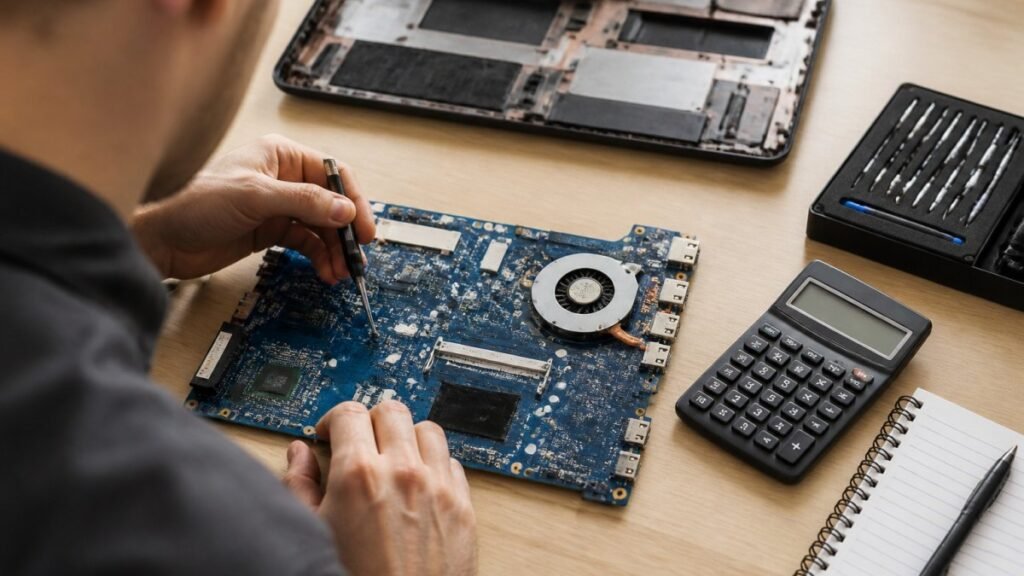
Laptop Motherboard Repair Cost Estimate 2026 for UK Users
Motherboard repair cost in the UK depends on the fault, the laptop and the quote type. Compare repair with replacement and see what to ask for in writing.

Last Updated: 29 October 2026
Quick Summary
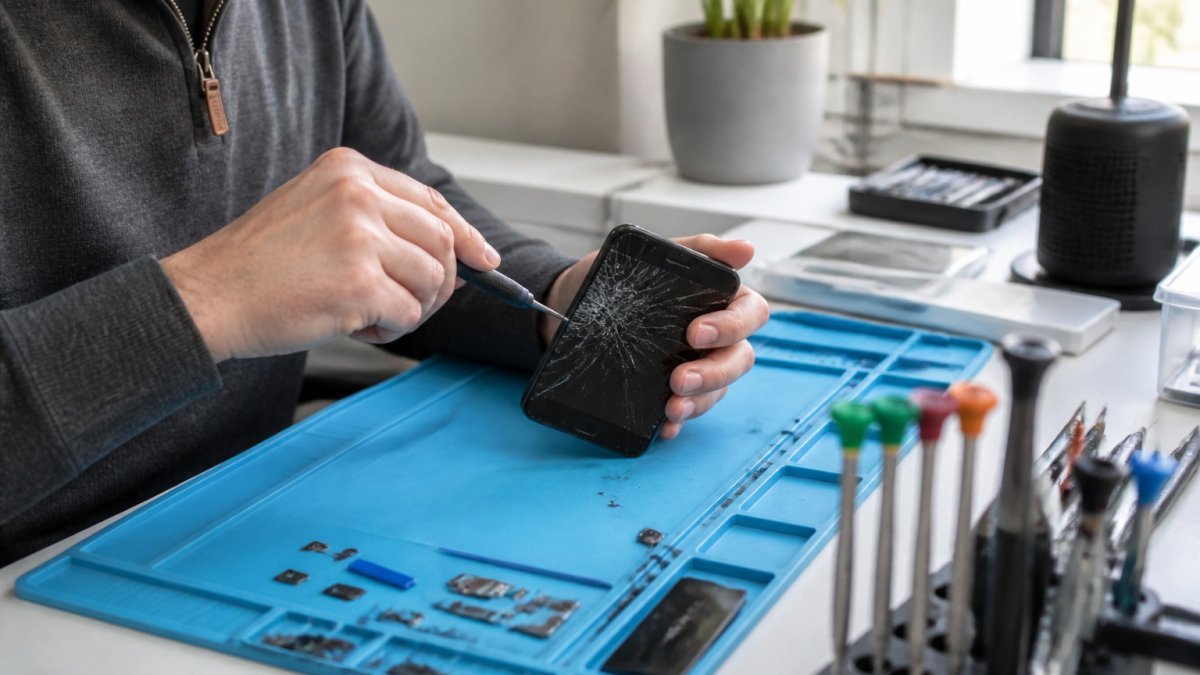
Urgent smartphone repair in the Lake District is fastest when you check the basics first, back up your data, and call a shop ahead with your exact model and fault. Ask for a fixed price, the same-day cut-off and whether the part is in stock. Screen and battery replacements are often same day when parts are available.
How to Get Urgent Smartphone Repair in the Lake District is a question many people face the moment a screen cracks or a battery dies.
Smartphone repair is a fast-growing service area. The global smartphone repair market is valued at $22.66 billion in 2026 and is projected to reach $45.3 billion by 2035, according to Business Research Insights smartphone repair market report.
Not every fault needs same-day attention.
The phone’s behaviour over a few hours often tells you more than the fault alone. Note whether the problem is constant or intermittent, and whether it is worsening.
Watch out: a swollen battery can crack the screen from underneath and is a fire risk, so stop charging the phone and do not press on the bulge.
Before you book, try a few simple checks. A forced restart often clears a frozen screen. Update the operating system if one is waiting. Remove the case and check the charging port for lint or debris.
If the phone still misbehaves, note the exact symptoms and when they occur. That helps a technician diagnose faster and can shorten your turnaround.
A backup is the first thing to do before any repair, because a technician may need to reset or replace parts of the device.
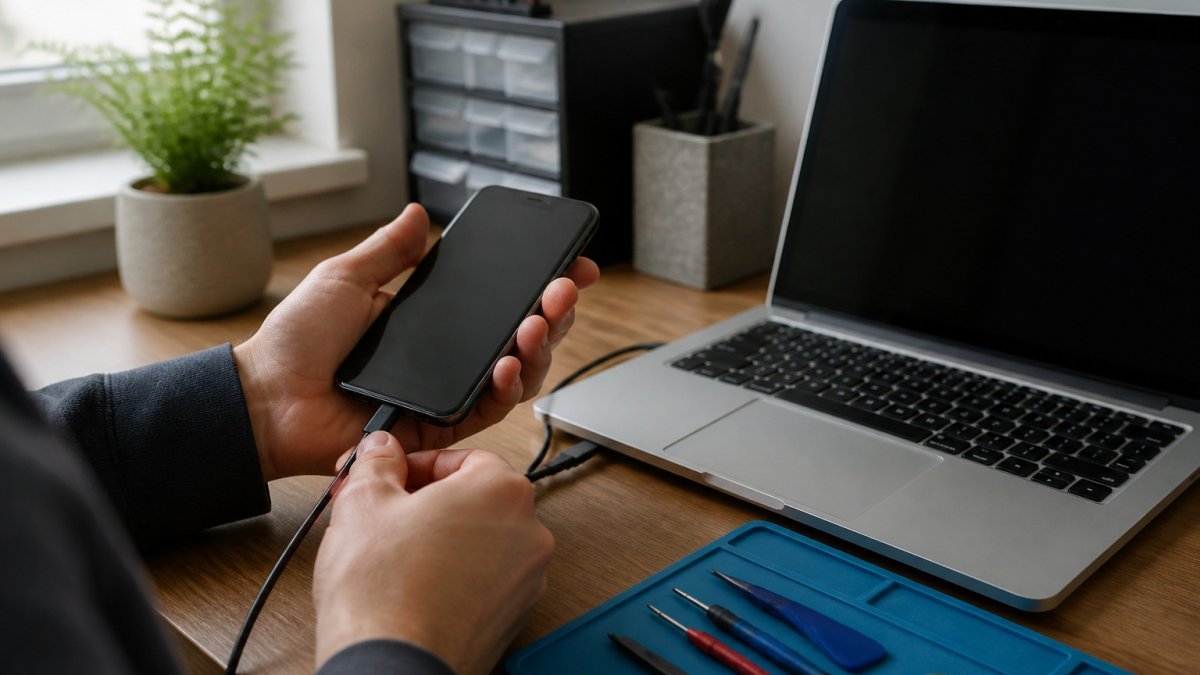
Confirm the most recent backup has actually completed by checking the date and time in the backup settings.
For more detailed steps covering phones, laptops and tablets, read How to Protect Data Before Repair. It covers logouts, privacy settings and access controls that a backup alone does not handle.
Handing over a phone means handing over personal information, so ask how the shop protects it. Find out whether the technician needs your passcode, and whether the repair can be done without it. Sign out of unneeded accounts and turn off any features that lock the phone to your account while it is in the shop.
Consider how any repair shop handles data more broadly. You can read more about this in Repair Shop Data Protection That Builds Trust.
Asking the right questions before work begins protects you from surprises and, in an urgent situation, protects your time. A useful checklist covers price, parts, warranty, timing and data.
A reputable shop answers these clearly and puts the key terms on the job sheet or receipt. If the answers are vague, or the shop will not confirm price and warranty in writing, consider another option. See what a clearly documented process looks like in What a Secure Device Repair Process Looks Like.
Turnaround depends on the fault, the device model and whether the part is in stock. In an urgent situation, the useful question is not just ‘how long’ but ‘which route gets me a working phone soonest’. The three main routes, walk-in, mobile and mail-in, each suit different circumstances.
Shops often set a same-day cut-off, after which a repair rolls into the next working day. You can find out which phone repairs can be completed the same day locally, and how to choose one, on Same Day Phone Repairs That Make Sense. Ask for the cut-off when you call, and whether the part for your exact model is on the shelf.
Walk-in suits you if you can reach a shop and wait. It is usually fastest for common faults and lets you speak to the technician directly.
**
If you are staying in holiday accommodation, ask your host or the site office for the nearest repair option and whether a mobile technician covers the area.
If you have an iPhone 15 Pro, you can check whether it is supported and book directly through iPhone 15 Pro repairs in Barrow-in-Furness. Whatever shop you choose, plan your backup and data checks before you arrive so the repair can start without delay.
The typical turnaround for each common fault is set out below, so you can judge how quickly a repair might be done.
| Fault | Typical turnaround | Note |
|---|---|---|
| Screen and battery replacement | Same day, 1 to 3 hours | When the part is in stock |
| Charging-port repair | Same day, 2 to 4 hours | May need the device opened and cleaned |
| Water damage and logic-board faults | Several days | Diagnosis needed first |
| Part not in stock | 1 to 3 working days extra | Depends on the model |
Back up your photos, messages and documents, sign out of accounts that need a passcode to unlock, and note your passcode or remove it if the repairer needs to test the device. Remove any SIM card and case, and write down the fault you have noticed, such as a cracked screen, charging problem or unresponsive touch. Fill in any questions on the repair form honestly, because accurate information helps the technician quote and plan the job. Keep your receipt or proof of purchase, and check whether your device is still under warranty before you book, since a repair by an unauthorised provider may affect cover.
Many common faults, such as a cracked screen or a worn battery, can be repaired on the same day if the parts are in stock for your model. Complex logic board faults or water damage usually take longer because they need more diagnostic work. Contact TechLab Repairs directly to confirm current availability and turnaround for your device, as timings depend on parts and workload. Booking early in the day improves your chances of a same-day repair, and you should ask for an estimated completion time before you leave your phone.
Ask for the quote in writing and check that it lists the part, the labour and any diagnostic fee separately. Compare the quote against what other providers charge for the same repair on the same model, and make sure the price includes VAT. Ask whether the part is new, refurbished or aftermarket, and what warranty covers it. TechLab Repairs offers a 12-month warranty on repairs, so ask for the terms in writing. Current prices depend on your device model and the fault, so request a quote from TechLab Repairs for an accurate figure in GBP.
Contact the repairer as soon as you notice the fault has returned, and keep your receipt and repair reference. Describe exactly what is happening, including any error messages, and ask the technician to re-test the device with you present if possible. Under the Consumer Rights Act 2015, a service must be carried out with reasonable care and skill, so you can ask for the work to be put right at no extra cost. Check the warranty terms for how repairs and returns are handled before you travel back to the shop.
Motherboard repair cost in the UK depends on the fault, the laptop and the quote type. Compare repair with replacement and see what to ask for in writing.
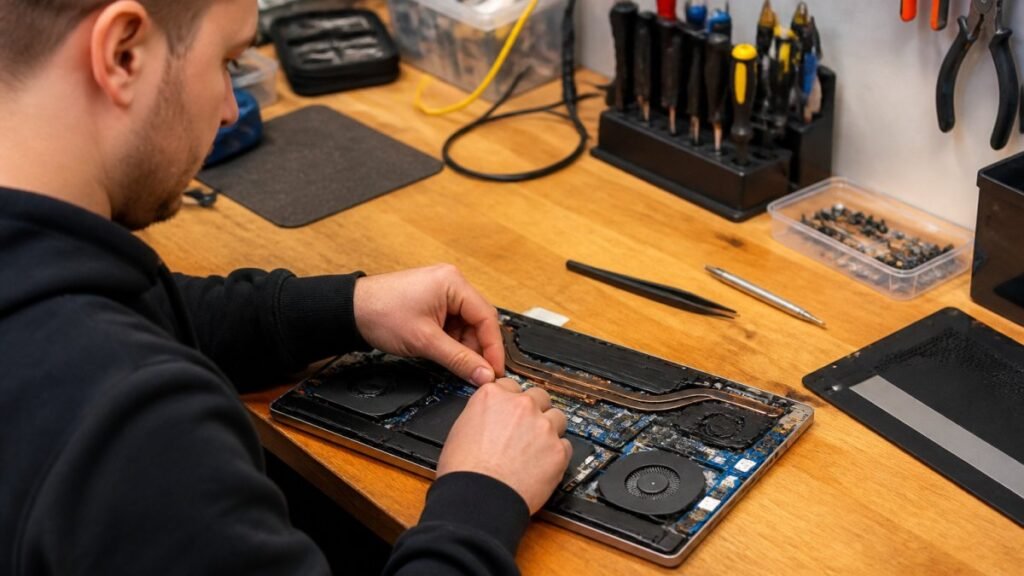
Need fast laptop repair in Barrow-in-Furness? Learn how diagnostics, turnaround times and same-day fixes work, and how to check your repair progress.

Does screen repair affect warranty cover? Learn when a replacement voids cover, what UK consumer rights still protect, and how to choose a trusted repairer
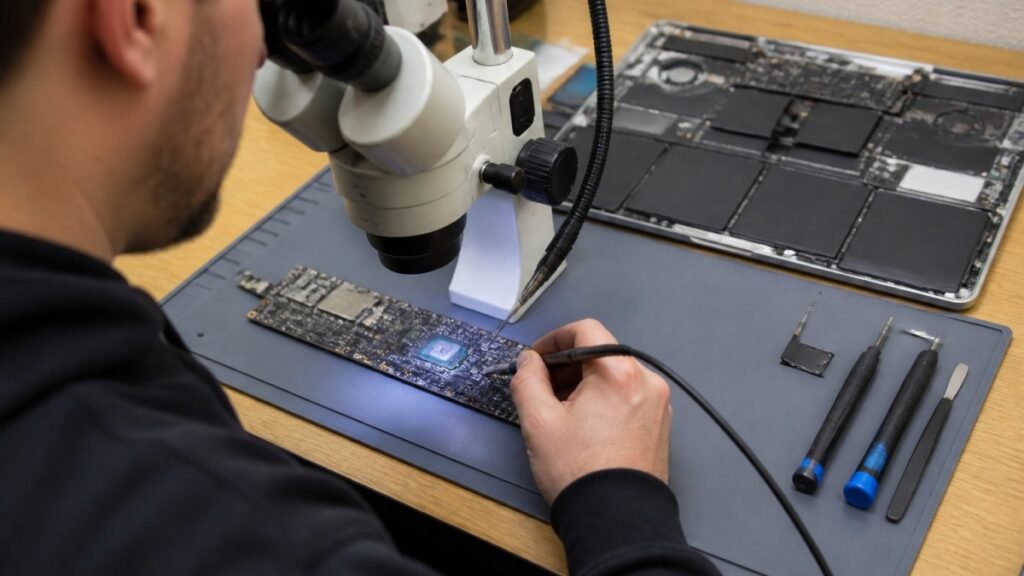
Find out how a MacBook logic board repair works in Cumbria, from spotting the faults to treating liquid damage and recovering your data.
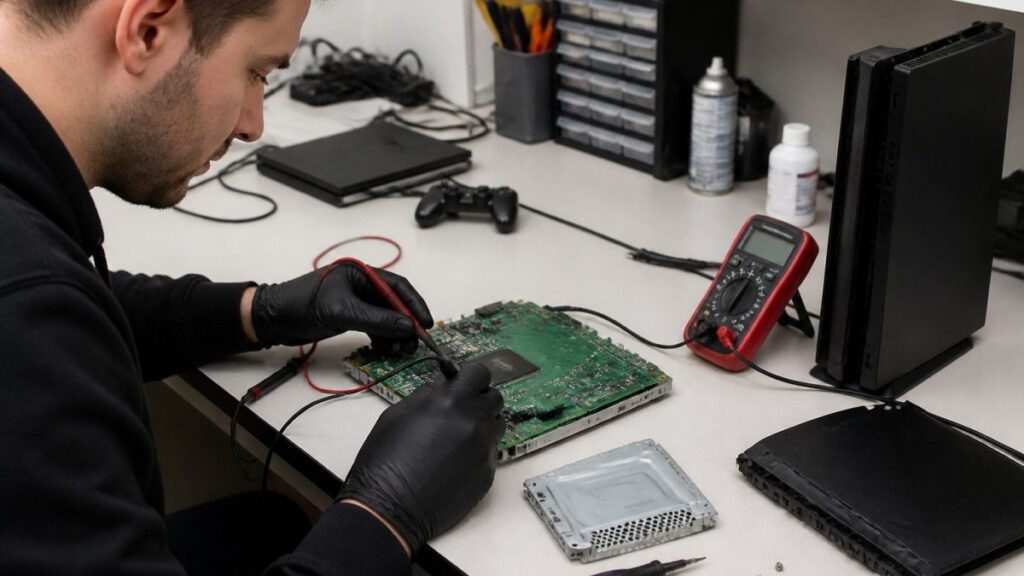
A console diagnostic in Barrow can pinpoint HDMI, overheating or power faults in minutes. Find out which fault fits your console.

Phone ghost touches can make your screen unusable. Learn the likely causes, safe checks and when a professional repair is the sensible next step today.

Is a refurbished laptop warranty reliable? Learn what cover you actually get, how long it lasts and how to check the terms before you buy with confidence.
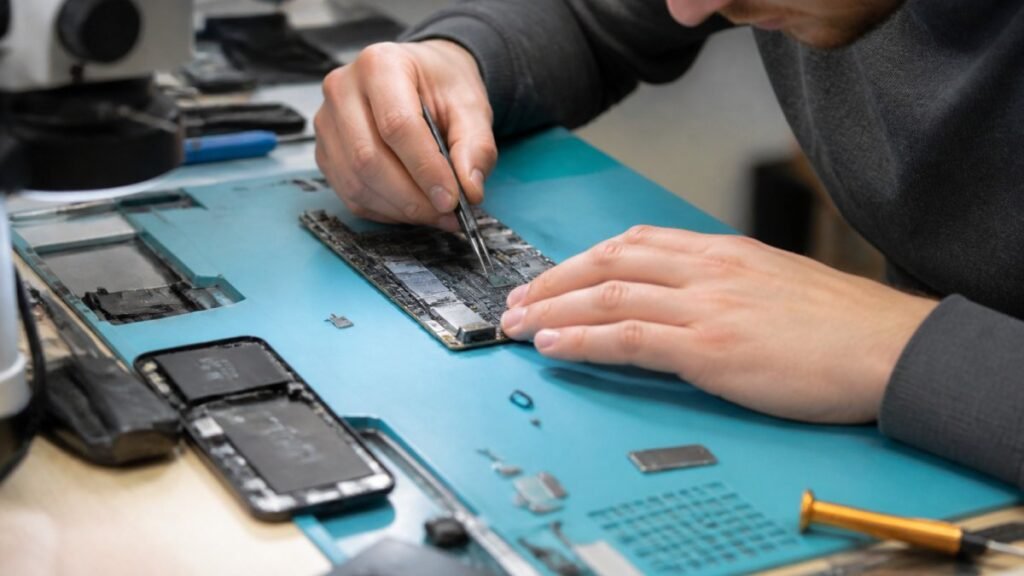
Logic board repair matters because it fixes the root fault rather than symptoms. Learn the warning signs, repair options and what to ask a technician.

Console power faults can stop gaming without warning. Learn the common causes, safe checks and when a local repair can get your console running again.
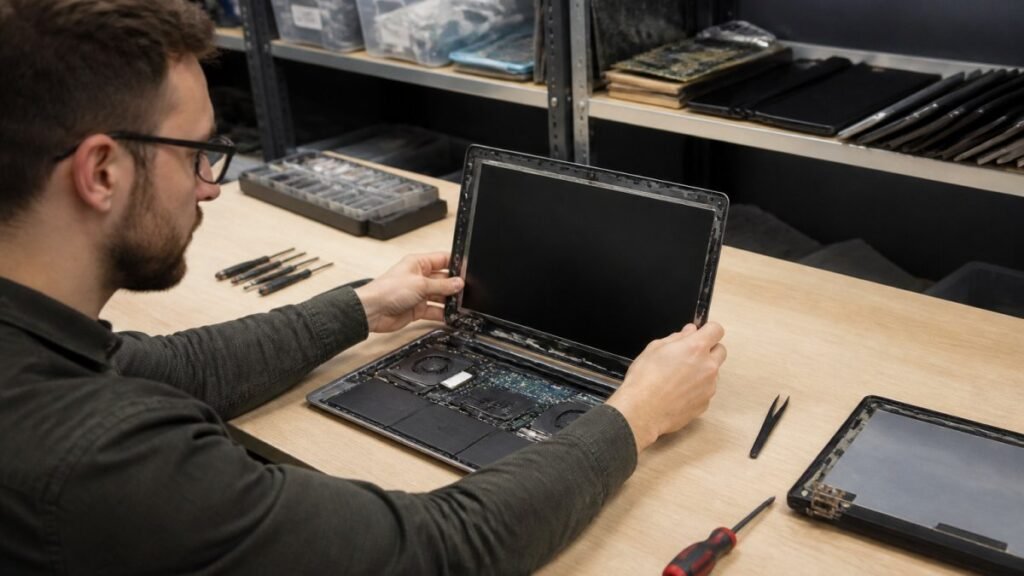
A laptop screen fix can take from 30 minutes to several days. Learn the seven real factors behind the wait and how to speed up your own repair.