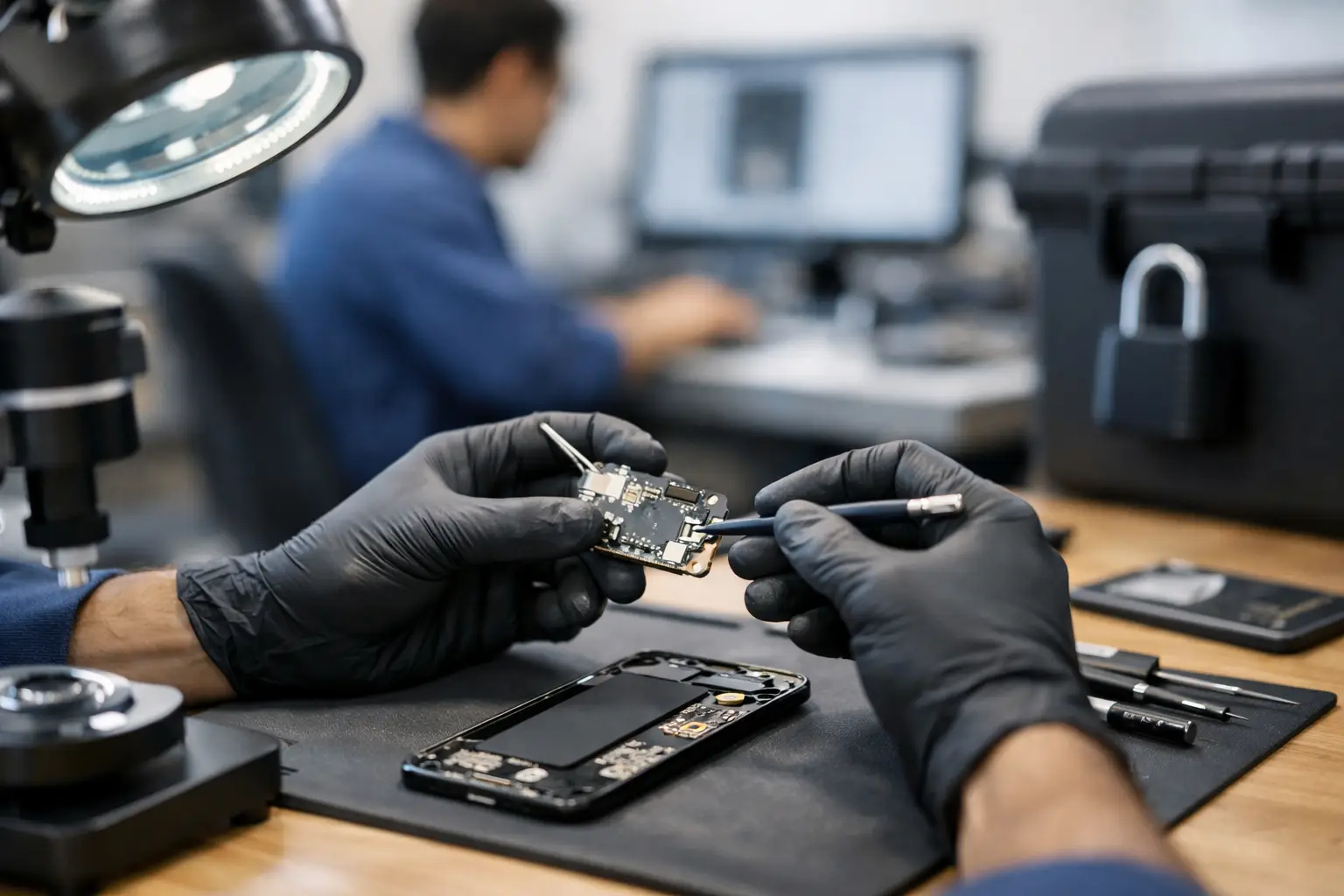
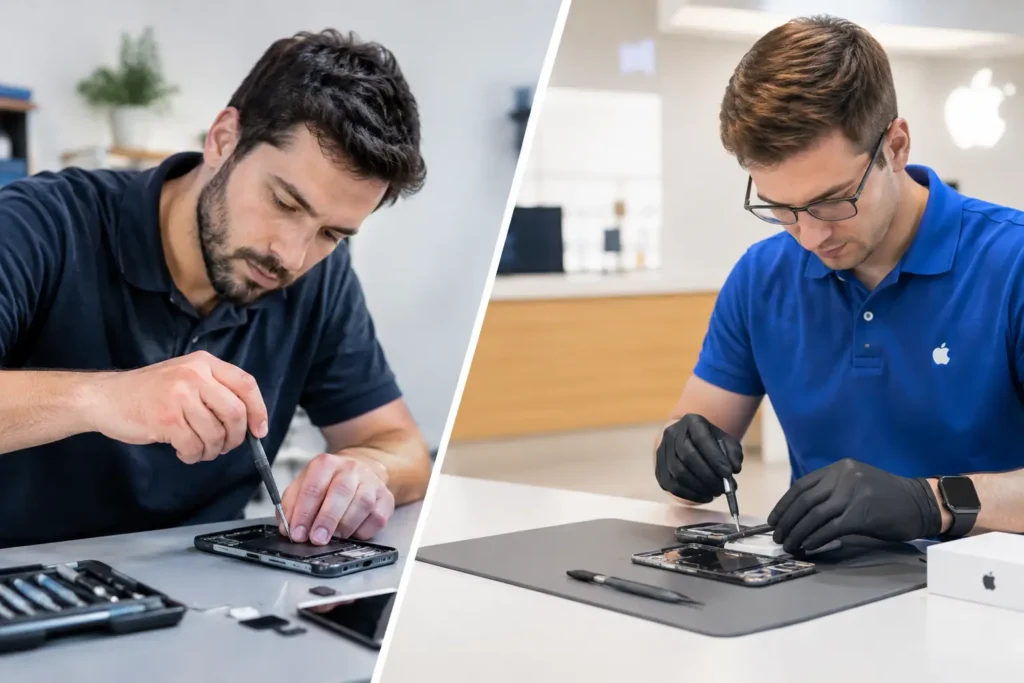
Handing over a phone or laptop for repair can feel harder than the fault itself. A cracked screen is annoying, but the thought of someone accessing your photos, messages, work files or saved passwords is what really puts people off. That is exactly why a secure device repair process matters. It is not just about fixing hardware properly. It is about making sure your device, your data and your peace of mind are protected from the moment it arrives to the moment it goes back in your hands.
For most customers, security during repair comes down to a simple question – can I trust this shop with my device? The answer should never rely on guesswork. A good repair process makes security visible. You should know what information is needed, what access is required, who is handling the device and what happens at each stage.
Why the secure device repair process matters
Phones, tablets and laptops now hold nearly every part of daily life. Banking apps, family photos, school work, business email, saved logins and private messages all sit on one device. When that device breaks, people want it fixed quickly, but they also want to avoid creating a new problem while solving the old one.
This matters just as much for businesses and schools as it does for families at home. A staff laptop with client documents, a school iPad with account logins, or a gaming console linked to payment details all need careful handling. Security is not only about preventing deliberate misuse. It is also about reducing avoidable risk, such as unnecessary access, poor storage, weak record keeping or devices being mixed up during busy periods.
A proper repair workflow lowers those risks. It also tends to improve the repair itself. When a repairer works with clear check-in notes, tracked jobs and defined access rules, diagnosis is usually faster and communication is clearer. Good security and good service often go together.
What customers should expect from a secure device repair process
The first sign of a secure repair service is a tidy, structured check-in. That means recording the device model, noting the reported fault, logging visible damage and agreeing what work is authorised. If a passcode is needed for testing, that should be explained clearly. If it is not needed, you should not be asked for it out of habit.
This point matters more than many people realise. Some repairs require access to confirm that functions such as touch, cameras, microphones, charging or Face ID are working after the job. Others can be tested without full access. A trustworthy repairer will be clear about which applies to your repair and why.
You should also expect the device to be identifiable throughout the job. Labels, job numbers and recorded notes help prevent mix-ups. In a busy workshop handling phones, tablets, laptops and consoles, this is basic discipline, not an added extra.
Storage is another part of the process that customers rarely see, but it matters. Devices waiting for repair or collection should not be left lying around where anyone can handle them. Restricted access and organised storage reduce both accidental damage and security concerns.
Then there is communication. If extra faults are found, the repairer should contact you before carrying out additional work. That protects you from surprise costs, but it also protects your device from unnecessary intervention. A secure process is not only about data – it is also about control.
Access, passwords and privacy during repair
This is usually the part people worry about most, and fairly so. Your lock code, Apple ID, Google account and saved passwords all deserve careful handling.
In many cases, the safest approach is to back up your device first and remove personal data where practical. That is not always possible. A dead phone, failed motherboard or liquid-damaged laptop may not allow normal backup steps. Even then, the repair shop should aim for minimal access rather than open-ended access.
If a passcode is required, it should be used only for testing linked to the repair. There is a big difference between checking that a replacement screen responds correctly and browsing through a customer gallery. One is a legitimate repair step. The other is unacceptable.
For business and school devices, the process may be slightly different. Admin-managed devices often have restrictions in place, and that can actually help. Temporary test accounts, managed settings and asset labels make secure handling easier. The trade-off is that diagnosis can sometimes take a little longer if extra permissions are needed from the organisation.
The repair bench: speed matters, but control matters more
Most people want a fast turnaround, and rightly so. No one wants to be without their phone or laptop longer than necessary. But speed should come from experience and organisation, not rushing.
A secure workshop process usually means repairs are carried out by trained technicians following repeatable steps. Parts are matched to the device, the fault is confirmed, the work is completed, and post-repair testing is logged. If there is any sign that a repair could affect stored data or device settings, that should be explained before work begins.
This is especially important with liquid damage and board-level faults. These jobs are less predictable than a simple screen or battery replacement. Sometimes the priority is restoring function without data loss. Other times the realistic goal is data recovery first, full repair second. A good repairer will tell you where the trade-offs are instead of promising more than the device can safely deliver.
Secure device repair process for businesses and schools
For organisations, secure handling is not just about one broken handset. It is about consistency across multiple devices. That means having a process for logging assets, confirming ownership, approving work, recording serial numbers and returning the right device to the right user.
A school may need a batch of damaged iPads turned around quickly before classes resume. A local business may need staff phones repaired without exposing company email or customer information. In both cases, local support can make a real difference because devices do not need to disappear into a distant queue with limited visibility.
There is also a practical advantage in working with a repair partner that understands mixed fleets. Many organisations do not use one brand only. They may have iPhones, Samsung phones, Windows laptops, MacBooks and shared tablets all in use at once. A one-stop repair shop with a secure process can save time, reduce admin and keep support simpler.
Questions worth asking before you hand over a device
Customers do not need to become security experts, but a few straightforward questions can tell you a lot. Ask whether your passcode is actually needed. Ask how the device is logged and stored. Ask what testing will be done after the repair. Ask whether you will be contacted before extra work is approved.
The answers should be clear and calm, not evasive. If a shop cannot explain its repair handling in plain English, that is usually a warning sign. Good repairers answer these questions every day because they know customers are trusting them with more than hardware.
It is also worth asking about data risk in relation to the fault itself. For example, battery replacement is usually low risk for stored data, but major board repair can be different. That does not mean you should avoid the repair. It simply means you deserve an honest explanation before work starts.
What secure handling looks like in practice
At TechLab Repairs, the aim is simple – fix the fault without creating extra worry. That means clear job booking, careful device tracking, sensible access rules and proper post-repair testing, all backed by local service you can actually speak to.
For customers across Barrow-in-Furness, Cumbria and the Lake District, that local approach matters. You are not posting a device away and hoping for the best. You can ask questions, get realistic timescales and know where your device is being handled. That does not replace technical skill, but it does build trust in a way national mail-in services often struggle to match.
Security is part of the repair, not an add-on
The best repair experience is not just quick or affordable. It is controlled, transparent and respectful of what is on the device. Whether you need an iPhone screen replacement, a Samsung charging fault sorted, a MacBook diagnosed or a school device fleet repaired, security should be built into every stage.
When a repair shop treats the secure device repair process as standard practice, customers notice. You feel more confident handing over the device, communication becomes easier and the whole job feels less stressful. If your phone, laptop or tablet has let you down, the repair itself should put things right – not leave you wondering what happened behind the counter.