Laptop Motherboard Repair Cost Estimate 2026 for UK Users
Motherboard repair cost in the UK depends on the fault, the laptop and the quote type. Compare repair with replacement and see what to ask for in writing.

Quick Summary
Professional logic board repair matters because the logic board carries the processor, memory and power circuitry, so a fault can stop the whole device even when the screen and battery work. Its symptoms overlap with battery and screen problems, so a proper diagnosis avoids costly guesswork and protects your data.
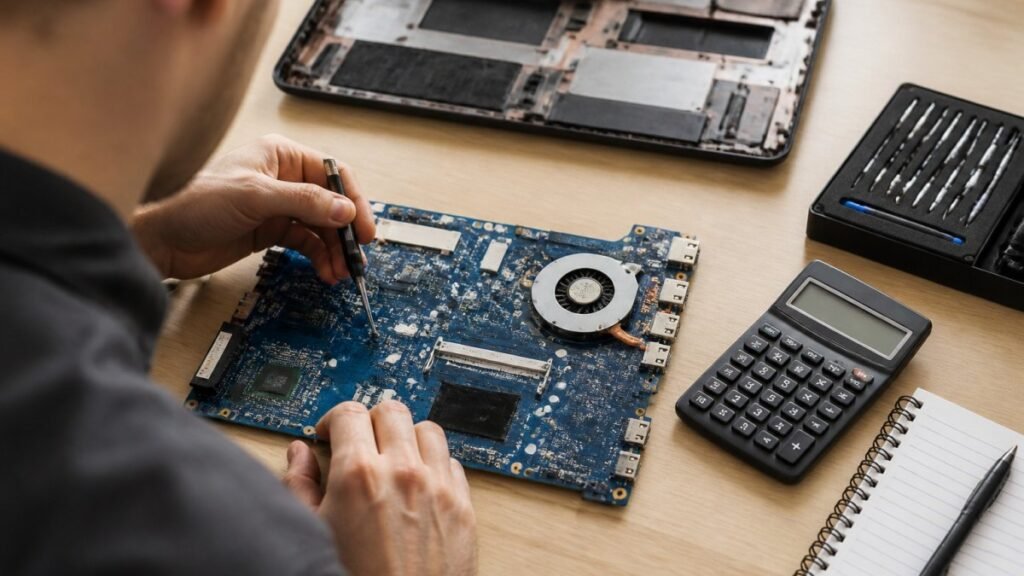
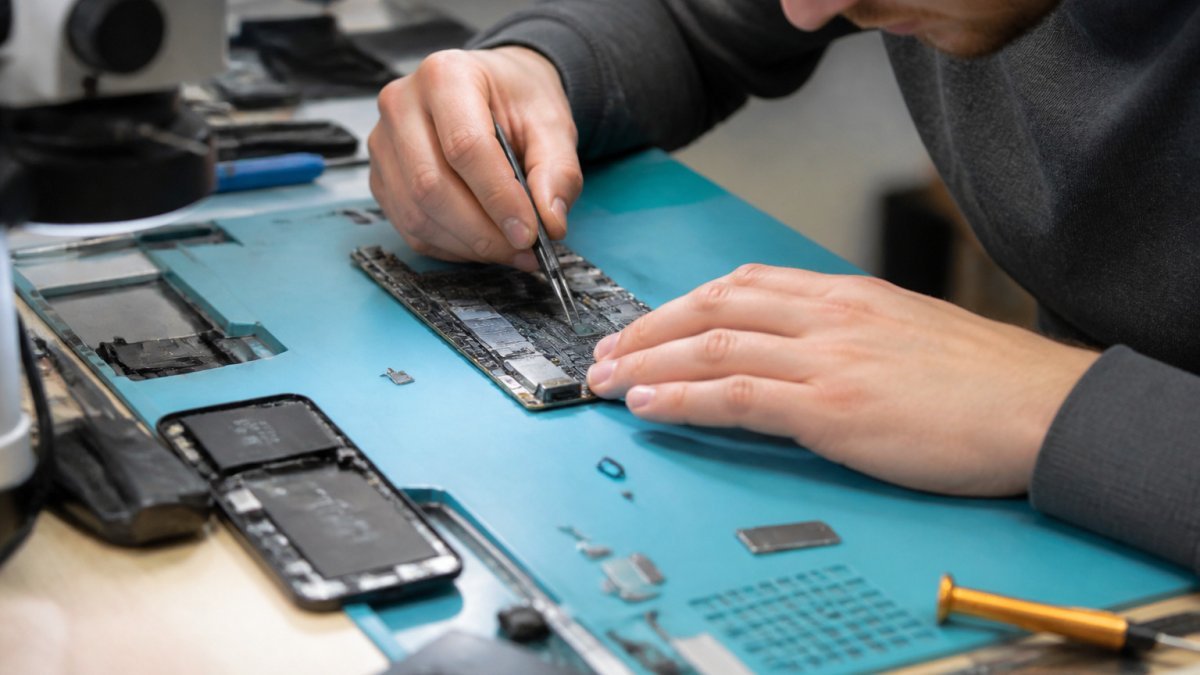
The logic board is the main circuit board inside a MacBook or laptop. It carries the processor, memory, storage connections and the chips that control power, graphics and input. When it fails, the whole device can stop working, even if the screen, battery and keyboard are fine.
That is why a logic board fault is often mistaken for something simpler. A laptop that will not switch on, restarts at random or shows no display may look like a battery or screen problem. A quick guess can cost time and money because the symptoms overlap.
A faulty board can stop the drive from being read, which puts your files at risk.
Watch for these signs:
Some of these signs overlap with battery or screen faults. Test the charger and battery first where you can, but do not spend hours on guesses.
Watch out: Do not keep switching a device on again and again after liquid damage or a burning smell.
The symptoms below can point to a logic board fault, though several overlap with battery or screen problems.
| Sign | What it may indicate | Note |
|---|---|---|
| Will not power on, even when plugged in | Logic board fault | Overlaps with battery issues |
| Shuts off suddenly, especially under load | Logic board fault | Check battery and charger first |
| Random restarts or looping start-up screen | Logic board fault | Can mimic software problems |
| Display flickers, shows lines or stays blank | Logic board or screen fault | Overlaps with screen faults |
| USB ports, charging or Wi-Fi stop working | Logic board fault | Test ports and charger first |
| Burning smell or unusual heat near one area | Possible component damage | Stop using the device |
Not every faulty board needs replacing, and not every board can be fixed. Read the repair or replace guide for the warning signs and repair options. A repair technician looks at the specific fault first.
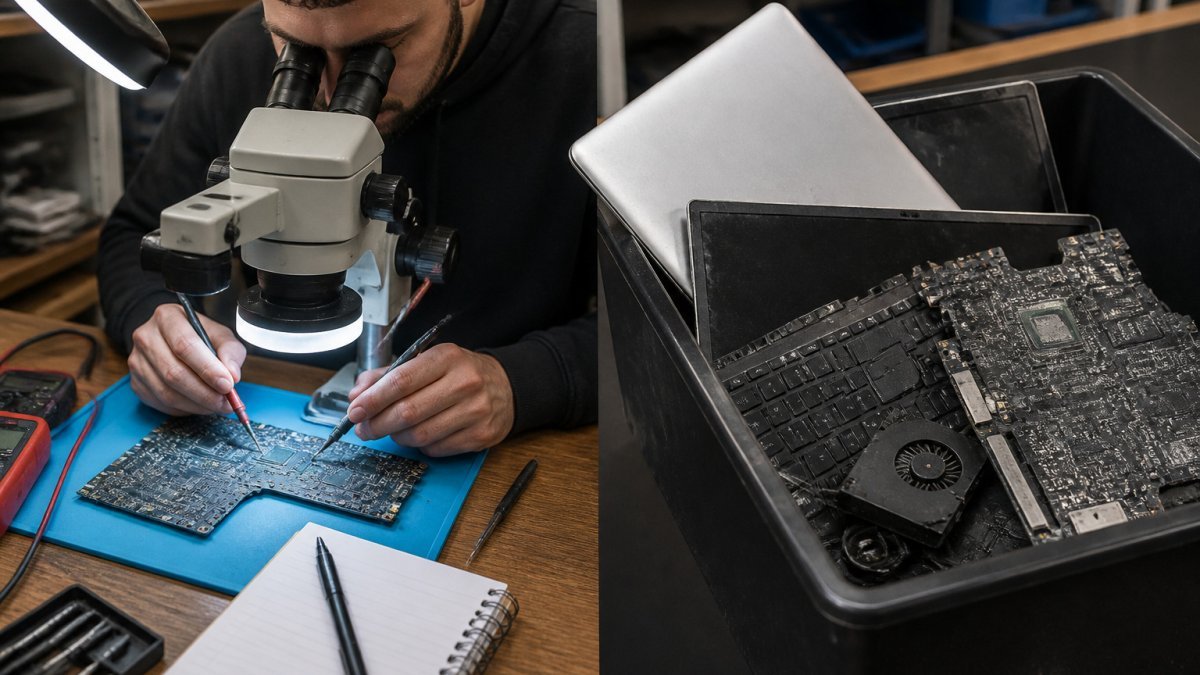
Replacement may make more sense when the damage is widespread. See what affects logic board repair pricing to weigh the cost.
Key questions to weigh up:
A good repair provider should explain both options honestly. If they only recommend one route without checking the fault, ask why.
Water, coffee or other liquids can short-circuit components. See a real iPhone water damage repair example for how the first steps and corrosion checks work.
Some first steps can help limit damage:
Your data is often worth more than the device. Learn how a data secure repair service protects your photos, accounts and work files during repair. Before any repair, make a backup if you can. Use cloud storage or an external drive for important files. Note any passwords or account details you may need later.
During repair, ask how your data will be handled. A reputable provider should:
If you have sensitive work files, say so at the start.
If your device shows any of the signs above, book a professional diagnosis before trying your own fixes. A clear diagnosis tells you whether repair or replacement makes sense. You can book a MacBook diagnosis with a local repair service in Barrow-in-Furness or Cumbria.
When you contact a repair provider, look for these points:
TechLab Repairs offers a 12-month warranty on repairs and fast turnaround times. Contact TechLab Repairs to book a call.
The logic board, also called the motherboard, is the main circuit board that connects the processor, memory, storage, power management and other components. When it fails, symptoms can appear across the whole device, from a dead screen to random restarts.
Common signs include a device that will not power on, unexpected shutdowns, overheating, a battery that drains rapidly, a phone that only charges at an angle, and peripherals such as Wi-Fi, Bluetooth or ports that stop working. Some faults are intermittent, which makes them harder to pin down.
Often it can, but not always. Repair is usually possible when damage is confined to specific components, such as a failed power IC or a damaged connector. Replacement may be the better option when damage is extensive, for example after severe liquid exposure, multiple short circuits or heavy corrosion. A professional assessment will show which route is realistic for your device and whether the repair is worth the cost.
It depends on the device’s age, its value to you and the extent of the fault. However, a board with widespread damage may not justify repair.
Motherboard repair cost in the UK depends on the fault, the laptop and the quote type. Compare repair with replacement and see what to ask for in writing.
Need fast laptop repair in Barrow-in-Furness? Learn how diagnostics, turnaround times and same-day fixes work, and how to check your repair progress.

Does screen repair affect warranty cover? Learn when a replacement voids cover, what UK consumer rights still protect, and how to choose a trusted repairer
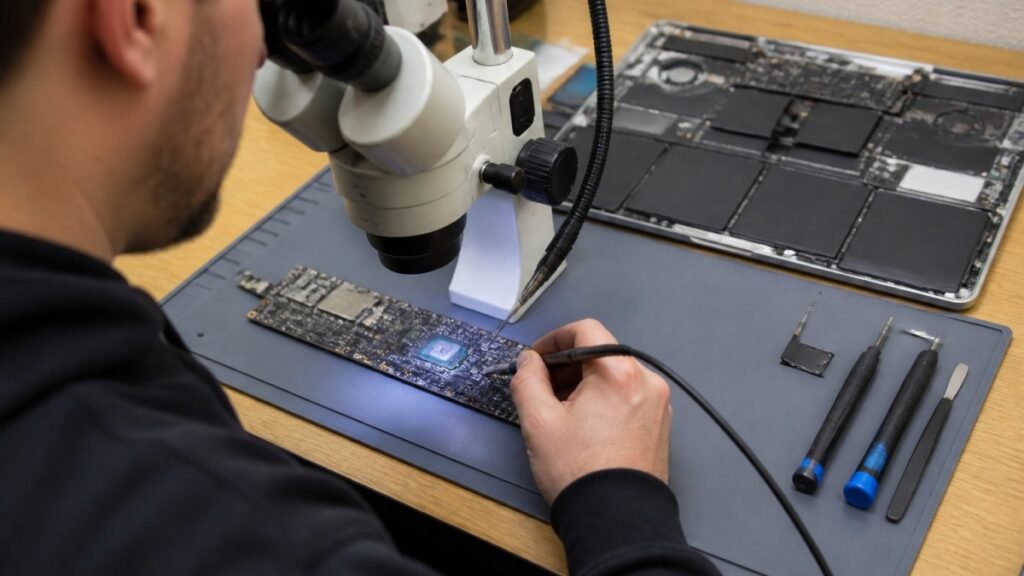
Find out how a MacBook logic board repair works in Cumbria, from spotting the faults to treating liquid damage and recovering your data.
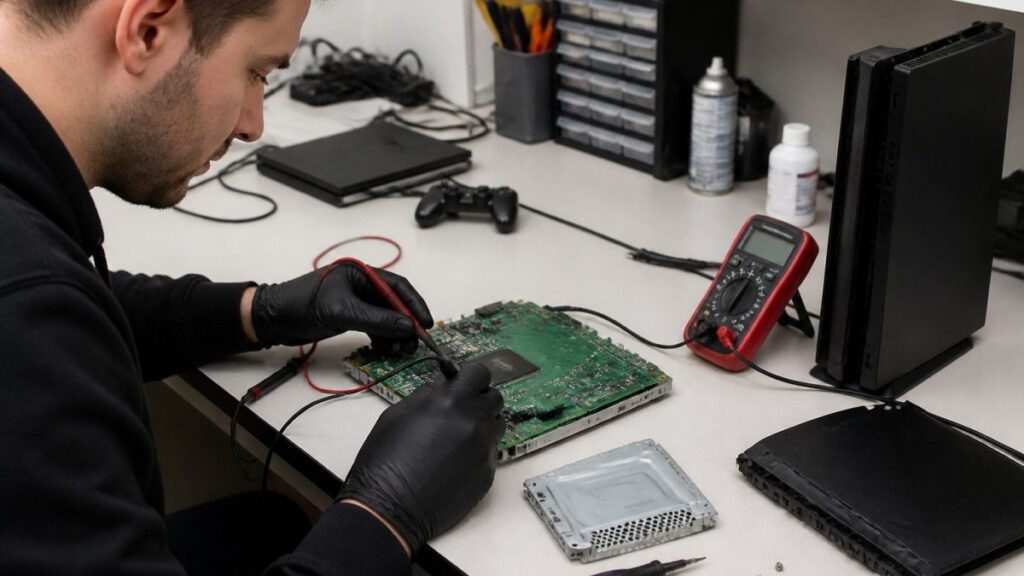
A console diagnostic in Barrow can pinpoint HDMI, overheating or power faults in minutes. Find out which fault fits your console.

Phone ghost touches can make your screen unusable. Learn the likely causes, safe checks and when a professional repair is the sensible next step today.

Is a refurbished laptop warranty reliable? Learn what cover you actually get, how long it lasts and how to check the terms before you buy with confidence.
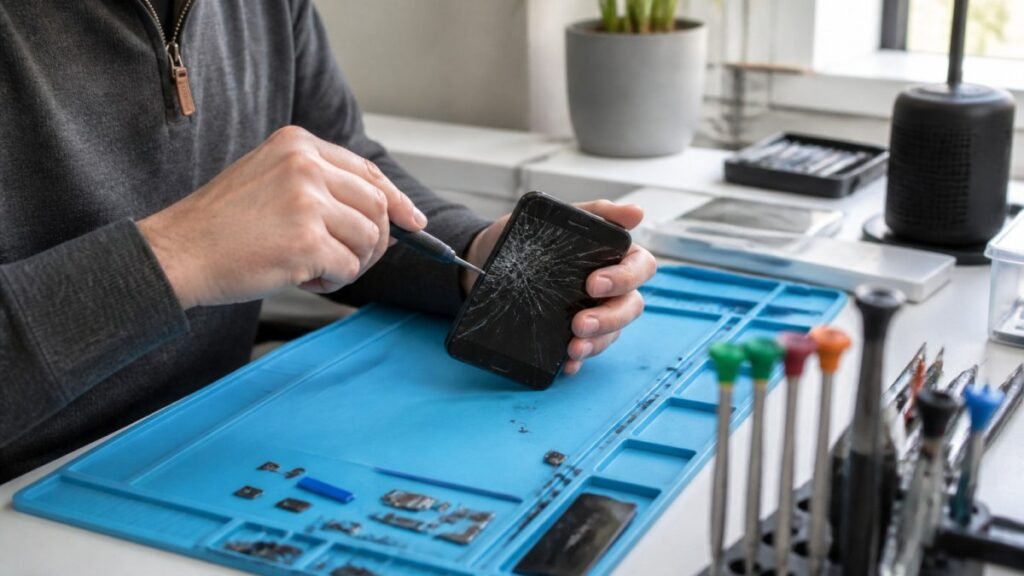
Urgent smartphone repair in the Lake District can often be same day, so check these basics, back up your data and call ahead first.
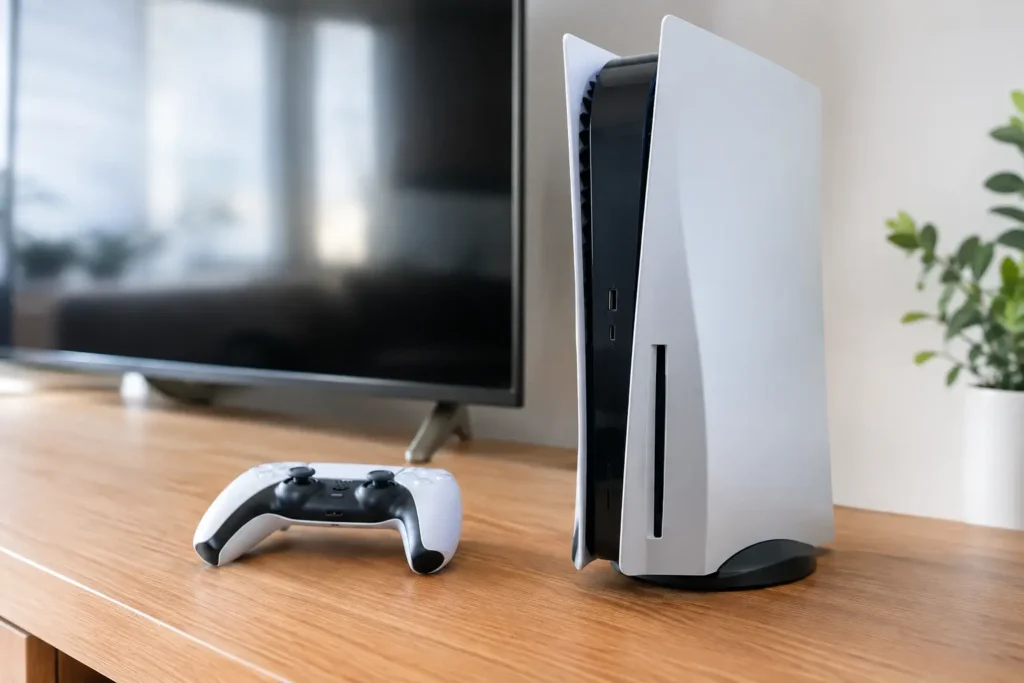
Console power faults can stop gaming without warning. Learn the common causes, safe checks and when a local repair can get your console running again.
A laptop screen fix can take from 30 minutes to several days. Learn the seven real factors behind the wait and how to speed up your own repair.