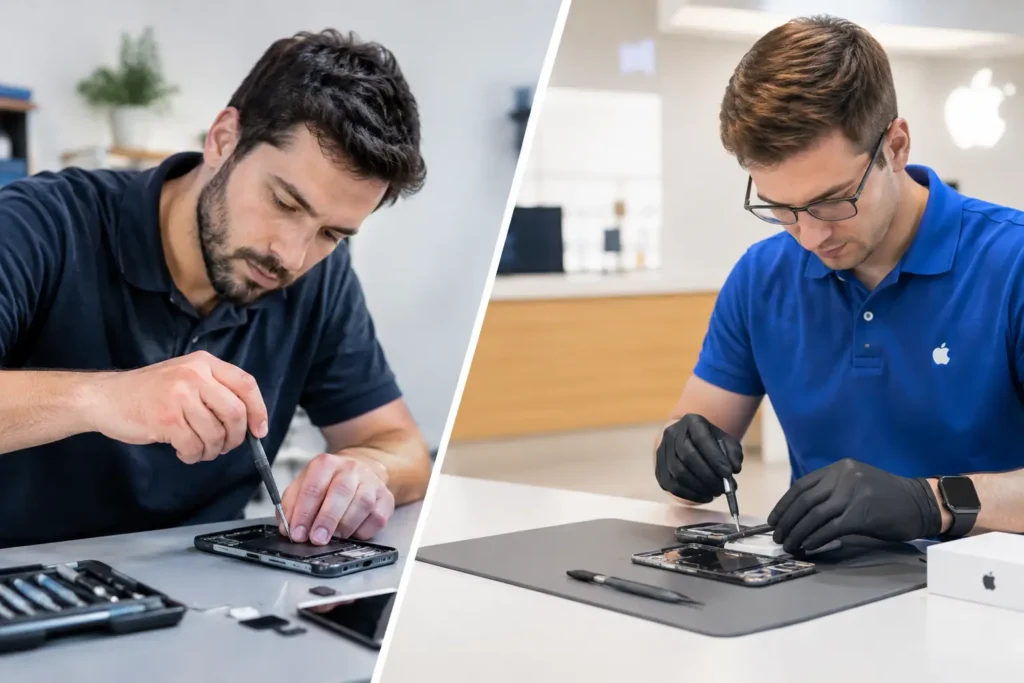
A laptop failing the night before coursework is due, freezing during a work call, or refusing to charge can make replacement feel like the only sensible option. But before you repair or replace laptop hardware, it is worth looking at the actual fault, the machine’s age and what you need it to do each day. A targeted repair can often cost far less than a new device and get you back up and running quickly.
For households, students and businesses across Barrow-in-Furness, Furness and the wider Cumbria area, the best choice is rarely about whether a laptop looks old. It is about value, reliability and whether the machine can still meet your needs safely.
Repair or replace laptop: start with the fault
Some problems sound serious but are relatively straightforward to fix. A cracked screen, worn battery, damaged charging port, failed keyboard, faulty fan or broken hinge does not automatically mean the whole laptop has reached the end of its life. These are individual components, and replacing the failed part can give an otherwise capable machine several more useful years.
A laptop that will not switch on may also have a repairable cause. It could be a failed charger, a damaged DC jack, a battery issue, a memory fault or a problem with the power circuitry. Proper diagnosis matters here. Guessing and buying parts at random can turn a manageable repair into a more expensive problem.
Software symptoms deserve the same care. Slow start-up, constant pop-ups, crashing applications and a full storage drive can often be resolved with maintenance, an operating system repair, malware removal or a storage upgrade. If your laptop has become sluggish, that does not necessarily mean its processor is worn out.
When repairing your laptop makes good financial sense
Repair is usually the sensible route when the laptop is under five or six years old, was a decent specification when bought, and has only one clear fault. A quality business laptop, MacBook or gaming machine is often worth repairing for longer because its original build quality and performance still have value.
Consider what a replacement would actually need to cost. A cheap new laptop may handle web browsing and email, but it may not match the display, storage, processing power or graphics performance of the device you already own. Replacing a £150 battery in a well-specified laptop can be better value than spending £500 on a new machine that feels less capable.
Repair can also save disruption. Your files, familiar programs, browser settings and peripherals are already set up. For a small business, replacing several laptops means staff time, software installation, account setup and data transfer, not just the price shown on the receipt. Schools face a similar calculation when devices are needed for lessons rather than sitting in a cupboard awaiting replacement.
There is an environmental benefit too. Keeping a repairable laptop in service reduces electronic waste and avoids replacing a whole device because of one failed component. It is a practical choice, not just a green one.
Signs replacement may be the better option
There are times when putting more money into an old laptop is not the best decision. If a machine is eight or more years old, struggles with current software and has multiple failing parts, replacement may offer better long-term value. This is especially true where a repair solves one fault but leaves you with very limited storage, poor battery life and performance that still cannot support your work or study.
Replacement is also worth considering when the laptop cannot run a supported operating system or receive current security updates. An unsupported machine can be risky for online banking, business accounts, customer data and school work. Security should not be treated as optional simply because the device still switches on.
Be cautious if the repair quote is close to half the price of a suitable replacement and the laptop already has other issues. For example, a liquid-damaged device with corrosion, a failing screen and an unreliable keyboard may need more than one repair. It can sometimes be fixed, but the honest question is whether it will be dependable afterwards.
The following situations often point towards replacement rather than repair:
- The laptop has recurring motherboard faults or extensive liquid damage.
- It cannot support current software or security updates needed for daily use.
- Several major parts need replacement at the same time.
- Its performance is too limited for the tasks you rely on it for, even after sensible upgrades.
That said, these are not automatic rules. A specialist device with expensive software, a high-end gaming laptop or a MacBook with a single board-level fault may still be worth assessing properly before making a decision.
Look beyond the repair quote
The cost of repair matters, but it should not be the only number you compare. Think about the cost of downtime, data recovery, accessories, software licences and setting up a replacement device. A laptop used for invoices, remote work, college assignments or family photos has value beyond its resale price.
Ask what caused the fault and whether the repair addresses the root problem. Replacing a battery is very different from repeatedly replacing a charger that is being damaged by a loose charging port. Likewise, a new screen will not help for long if the hinge damage that caused it is left untreated.
It is also sensible to consider the expected life after repair. A good repair should restore normal, reliable use, not merely keep a laptop alive for a few weeks. Clear diagnosis helps you make that distinction before authorising work.
Data security should shape your decision
A broken laptop can leave important files trapped on the drive. This is one reason not to rush into replacing it or attempting a repair yourself. Even when the screen is blank or the laptop will not power on, documents, photographs, accounts and business records may still be recoverable.
Before handing over a device, ask how your data will be handled and whether repairs are completed securely. For business devices, this is particularly important where customer information, staff records or confidential documents may be stored locally. A local repair specialist should explain the work required in plain language and treat your device as more than a piece of hardware.
If replacement is the right answer, arrange a careful data transfer where possible. Then make regular backups part of the plan for the new laptop. A backup will not prevent a cracked screen or failed battery, but it removes much of the stress when hardware lets you down.
Can an upgrade change the answer?
Sometimes the choice is not repair versus replacement, but repair plus upgrade. Replacing an old hard drive with a solid-state drive can make a dramatic difference to start-up times and everyday responsiveness. Adding memory can help when a laptop slows down with several browser tabs, video calls and office applications open at once.
These upgrades will not turn every old machine into a modern powerhouse. They cannot overcome an outdated processor, weak graphics hardware or operating system limitations. However, for web browsing, administration, school work and general home use, they can extend the useful life of a suitable laptop at a sensible cost.
A professional assessment can tell you whether upgrades are compatible and worthwhile. This is particularly useful with laptops that have soldered memory or storage, where not every part can be changed.
Choose based on how you use it
The right decision depends on the job the laptop needs to do. A family device used for shopping, emails and streaming has different demands from a graphic design workstation, a gaming laptop or a business machine carrying sensitive client information.
For basic tasks, a repaired laptop with a fresh battery and SSD may be all you need. For video editing, CAD work, modern gaming or demanding business software, replacement may be the better investment if the existing hardware is already at its limit. Buying for your real workload avoids paying for power you will never use, or ending up with a new laptop that is underpowered from day one.
If you are unsure, bring the laptop in for a proper diagnosis before committing to either route. TechLab Repairs can assess the fault, explain the options clearly and help you decide what represents genuine value. Don’t let one frustrating fault force a rushed purchase: the best choice is the one that gets you reliably back to work, study or relaxing at home.