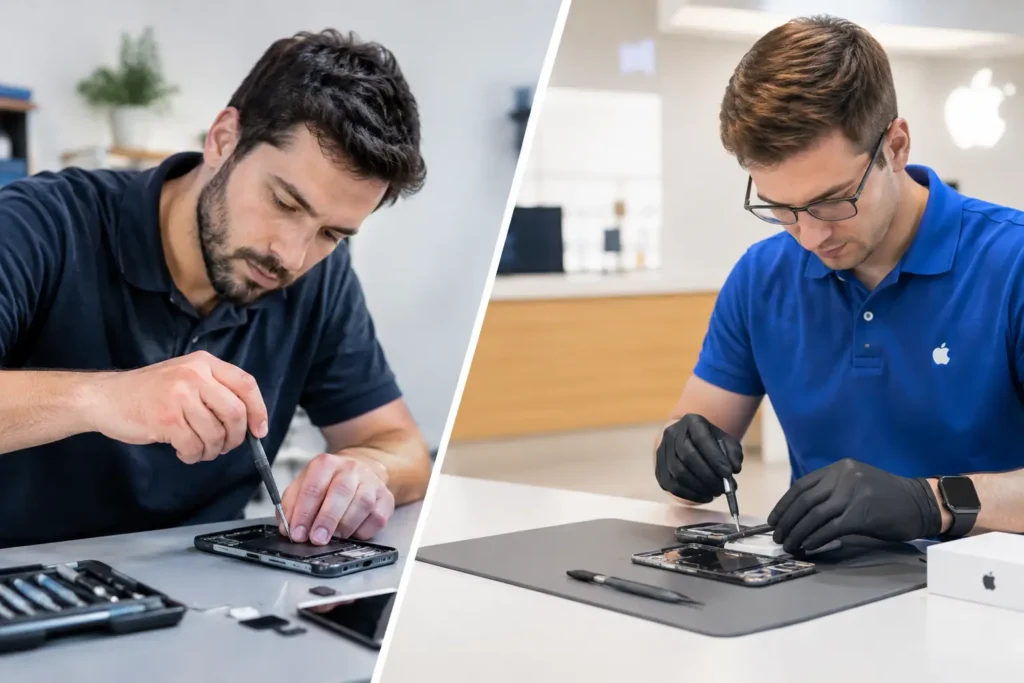
A laptop failing at 8.30am is not a minor IT issue when the person using it has customer quotes to send, stock to check and a full day of work ahead. This business laptop repair case study follows a typical situation faced by a small Cumbrian business: one essential work laptop, an apparent power fault and no spare device ready to take its place.
The business had initially assumed replacement was the only realistic answer. After all, the laptop would not charge consistently, switched off without warning and had started running painfully slowly. But replacing a machine can mean more than buying new hardware. There is downtime, software setup, access credentials, files, emails and the risk that important data has not been backed up as recently as everyone hoped.
Names and identifying details have been changed, but the repair process reflects the practical issues local businesses bring to a repair shop every week.
The problem: one laptop, several business risks
The customer was a small service business with a busy office and mobile staff. Their laptop was used for invoicing, job scheduling, supplier communication and storing active project documents. It had been in daily use for several years, so some wear was expected, but the sudden shutdowns made it difficult to trust.
The first concern was power. The charging cable had to be held at a certain angle before the charging light appeared, and even then the battery percentage barely rose. The second concern was performance. The laptop took several minutes to reach the desktop and regularly froze when opening spreadsheets.
These symptoms can point to more than one fault. A failing charger may be the simplest explanation, but it could also be a worn charging port, a tired battery, a damaged power circuit or a storage drive beginning to fail. Treating every power problem as a battery issue is a quick way to waste money and leave the real fault unresolved.
For a business, the priority is not simply getting a green charging light back. It is understanding what has failed, protecting the data already on the machine and choosing the repair route that makes commercial sense.
Business laptop repair case study: diagnosis before decisions
The laptop was booked in for a full assessment. Before any repair work began, the focus was on confirming the fault and checking the condition of the device’s storage. This matters because a laptop with unstable power can also be at risk of file corruption if it loses power while documents or accounting software are open.
Testing identified three separate issues: the charging port had become loose through repeated use, the battery had significantly deteriorated, and the original mechanical hard drive was struggling. None of those faults alone was unusual. Together, they created the impression that the entire laptop was beyond saving.
It was not.
The charging port was no longer making a dependable connection with the charger, explaining why moving the cable made a difference. The battery health had declined to the point where it could not provide stable backup power. Meanwhile, the ageing hard drive was responsible for the long start-up times and intermittent freezing.
The diagnosis changed the conversation. Rather than choosing between a basic battery replacement or an expensive new laptop, the customer could consider a targeted repair that addressed each confirmed problem.
Why a proper diagnosis protects the budget
A business laptop repair should never be a guessing game. Replacing parts without testing can create unnecessary costs, especially where several faults present similar symptoms.
In this case, fitting only a new battery would have left the loose charging port in place. Replacing only the charging port would have improved power delivery but not the poor battery life or slow performance. A new laptop would have worked, of course, but it would have introduced the added cost and disruption of transferring everything across.
The right choice depends on the machine’s age, its specification, the condition of the screen and keyboard, and how the business uses it. A repair is usually worth considering when the laptop remains suitable for its core tasks and the total repair cost is sensible against replacement. If the device is already too slow for essential software, has major damage in several areas or cannot run supported security updates, replacement may be the better long-term decision.
The repair plan: fix the fault and improve the working day
The customer approved a repair plan covering the charging port, battery and storage drive. The failing hard drive was replaced with a solid-state drive, then the operating system, files and essential business software were transferred and checked.
This was not just a speed upgrade. A solid-state drive has no moving parts, so it is generally more resilient to the knocks and movement a working laptop experiences. For a device used on desks, at customer sites and in vehicles, that is a practical benefit. The improvement in start-up and loading times also meant staff were not waiting around for the laptop to catch up with simple tasks.
Data handling remained central throughout. Business devices can contain customer information, financial records, contracts, passwords and private correspondence. A repair provider should treat that responsibility seriously. Access should be limited to what is necessary to test and restore the machine, and the customer should know what will happen to their files before work starts.
After the parts were fitted, the laptop was tested on mains power and battery power, checked for stable charging and run through repeated start-ups. Key applications were opened, files were verified and the customer was given clear advice on maintaining the device after collection.
The result: less downtime than replacement
The repaired laptop returned to service with dependable charging, a longer usable battery life and noticeably faster day-to-day performance. More importantly, the business avoided the disruption of beginning again with a new machine in the middle of a busy working week.
There is a tendency to think of laptop repair as a short-term patch. Sometimes it is, particularly when a device is near the end of its useful life. But a well-diagnosed repair can be a sensible operational decision. It can extend the life of equipment, preserve a familiar setup and allow a business to plan future replacements rather than making a rushed purchase after a failure.
For smaller organisations, that flexibility matters. One unplanned technology cost can affect cash flow, while a day without a key device can hold up work across the team. Fast diagnosis and a clear repair quote give business owners something valuable: a choice.
What businesses can learn from this repair
The biggest lesson is to act when the early signs appear. A charger that only works at an angle, a battery that drains far too quickly or a laptop that takes ten minutes to start are not inconveniences to ignore. They are warnings that deserve attention before a complete failure interrupts work.
It also helps to keep a simple device record. Note the laptop model, serial number, purchase date, warranty status, installed software and where important files are backed up. This reduces stress if a device needs urgent repair and makes it easier to decide whether repair or replacement is the best value.
Businesses with several laptops should think ahead, too. A spare device does not need to be the newest or most powerful machine in the office. It simply needs to let a member of staff access core systems while their usual laptop is being assessed. For schools, offices and mobile teams, this can prevent one fault from becoming a lost day.
TechLab Repairs supports businesses across Barrow-in-Furness, Cumbria and the Lake District with practical laptop fault diagnosis, secure repair work and clear options before any major decision is made. Whether the issue is a broken screen, charging fault, liquid damage, poor performance or a machine that will not power on, the best next step is usually an assessment rather than an assumption.
A faulty work laptop does not have to force an immediate replacement. Get the cause checked, protect the data that matters and make the decision that keeps your team moving.