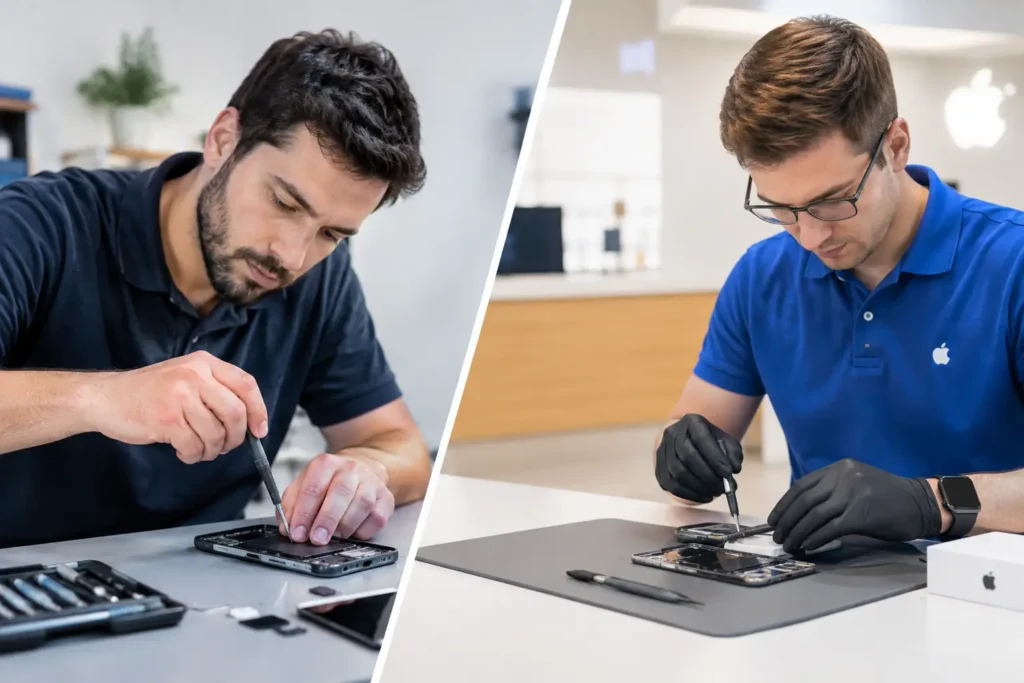
Third Party Versus Authorised Repair: Which Is Best?
Third party versus authorised repair explained: compare cost, parts, warranty, speed and data care before booking a repair in Cumbria for your device.

Last Updated: 4 November 2026
Quick Summary
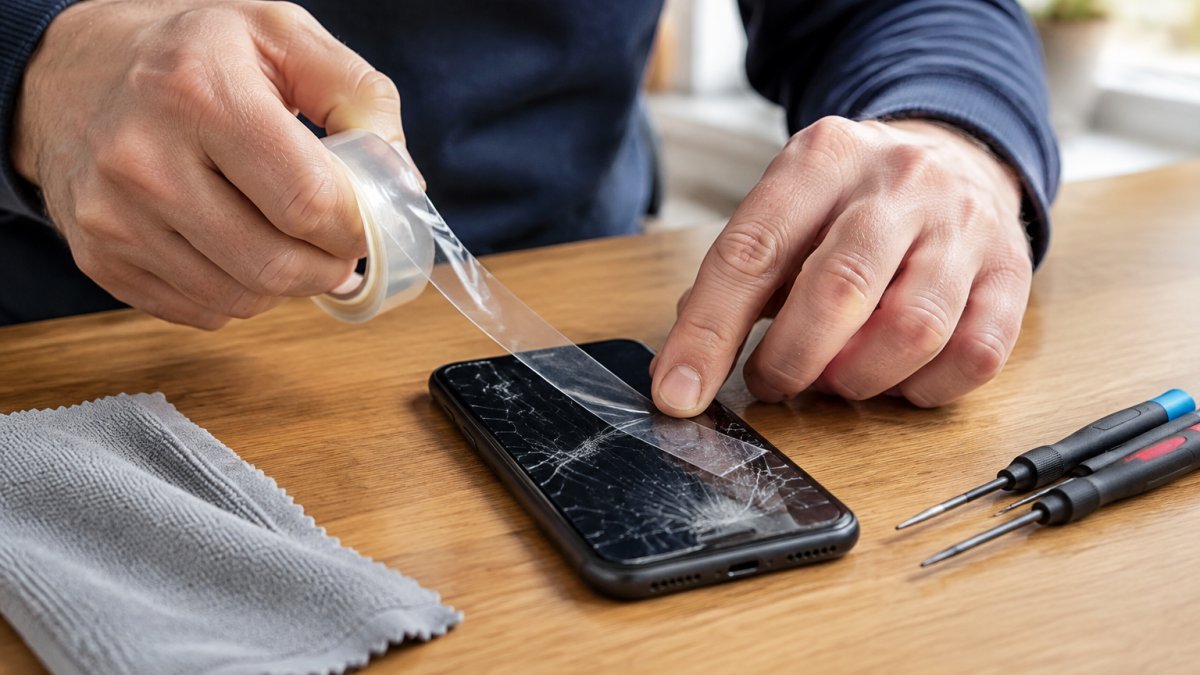
To fix a cracked iPhone screen safely, stop using the phone, cover the broken glass with clear tape and power it down if the damage is severe. A cracked iPhone screen exposes sharp fragments, so keep it away from water and book a professional repair before the damage spreads.
The safest first move when you crack an iPhone screen is to stop using it, cover the broken glass with clear tape and power the device down if the damage is severe. A cracked iPhone screen exposes sharp fragments and leaves the display vulnerable to further harm.
First, judge how bad the damage is. The right next step depends on which of these three patterns you see:
For a phone that is safe to handle, follow this order:
Tape the screen before bagging the phone, because loose fragments can work into the charging port. If glass is shedding, collect it with tape rather than shaking it out over a sink or bin. If the phone is your only means of contact, tell the repairer at booking so they can prioritise the inspection.
Match the damage you can see to the right first response before you touch the phone again.
| Damage pattern | Signs | What to do |
|---|---|---|
| Cosmetic crack | Glass cracked, image intact, touch works, no loose fragments | Tape it, avoid water, book repair at your convenience |
| Display or touch damage | Black patches, green or pink lines, flickering, dead touch zones | Stop using the phone and arrange a repair promptly |
| Structural or battery damage | Screen lifting, bent case, hot when idle, bulge, hissing, smoke | Do not charge or press; keep on non-flammable surface |
Back up your iPhone before any repair: a screen replacement is routine, but data loss is not worth the risk. Use iCloud or a computer with Finder, and confirm the backup finished before handing the device over.
The Apple Support guide to backing up iPhone walks through both methods step by step. If the touchscreen no longer responds, ask the repairer to back up for you before they start.
DIY iPhone screen replacement can work for confident hobbyists, but the risks are real: damaged connectors, a broken Face ID module, lost water and dust resistance, and no warranty. Professional repair removes those risks. Professional repair also makes testing screen quality an important final check, helping confirm the replacement is clear and responsive.
The common mistakes we see after a failed DIY attempt:
If you are weighing options, read our guide to third party versus authorised repair and check does screen repair affect warranty coverage. Our local guide to iPhone screen replacement covers costs, quality and data safety.
iPhone screen repair cost UK pricing depends on the model, parts and any other damage. Pricing depends on the model, parts and inspection, so for a current price or quote please contact TechLab Repairs directly.
What affects the price and the turnaround:
Turnaround depends on whether the correct part is in stock, and any additional damage or an ordered part will take longer. Ask at booking whether the part is held in stock, so you know what to expect.
Compare quotes like with like. Ask any repairer three questions: what grade of part is fitted, whether the repair is calibrated and tested afterwards, and what warranty covers the work. A cheap quote with a budget panel and no warranty is rarely cheaper once you factor in a second repair.
Our iPhone screen replacement review explains parts, price and Face ID. Ready to book? See the iPhone 12 repair service. Repairs come with a 12-month warranty, and we use high-quality replacement parts and advanced diagnostic tools.
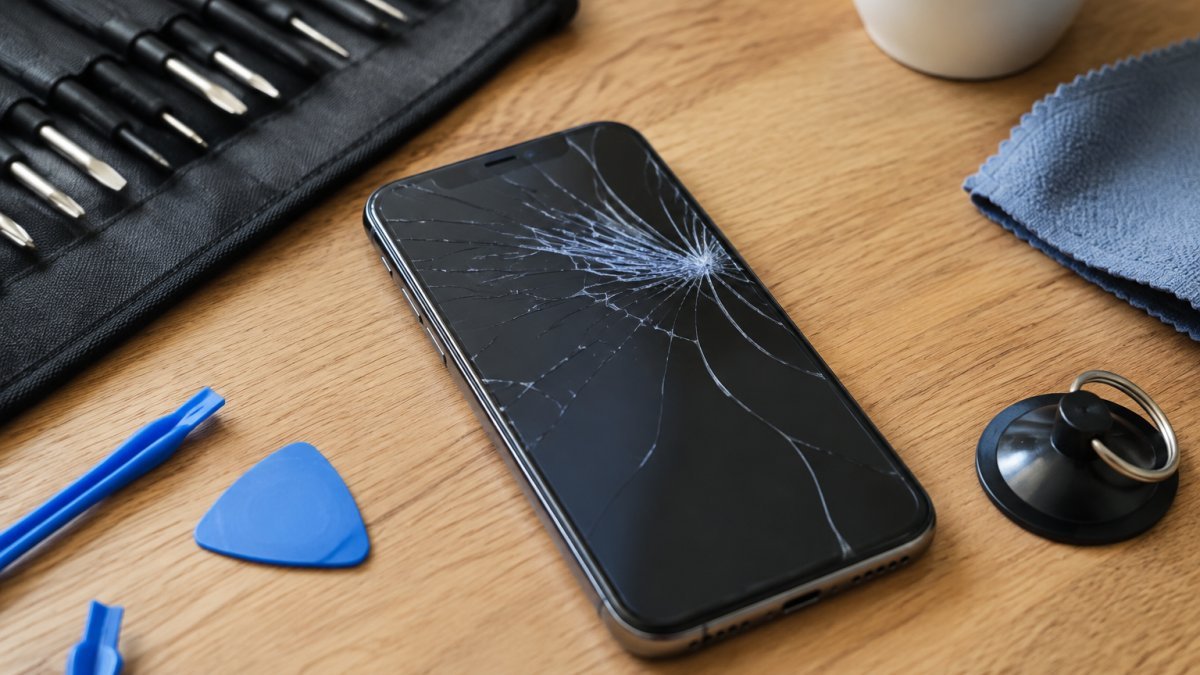
Using a phone with a cracked iPhone screen is risky. Broken glass can cut your fingers, and exposed edges let dust and moisture reach the display and internal parts. A damaged touchscreen may also register ghost touches or stop responding. Cover the glass with clear tape and avoid pressing hard until you can arrange a repair. If the screen is lifting or the frame is bent, stop using the device and have it inspected.
The iPhone screen repair cost UK customers pay depends on the model, the part quality and whether a specialist diagnoses extra damage. Newer models and original-quality parts cost more than older handsets. Ask for a quote before work starts, and check what the warranty covers. TechLab Repairs provides a 12-month warranty on repairs; for current pricing, please contact TechLab Repairs directly.
DIY iPhone screen replacement risks include cracked glass from too much heat, damaged connectors, and losing water and dust resistance once the seal is broken. Without the right tools, such as a suction handle and spudger, you can tear flex cables. A poor repair can also void any remaining warranty. If the phone holds sensitive work files, a professional repair with a clear data-handling policy is the safer choice.
A cracked screen rarely gets better on its own, and the longer you wait, the more chance of moisture or battery damage creeping in. TechLab Repairs offers fast turnaround, high-quality replacement parts and a 12-month warranty on repairs, backed by expert diagnosis for complex faults. Get started with TechLab Repairs and get your iPhone back to full working order.
Third party versus authorised repair explained: compare cost, parts, warranty, speed and data care before booking a repair in Cumbria for your device.
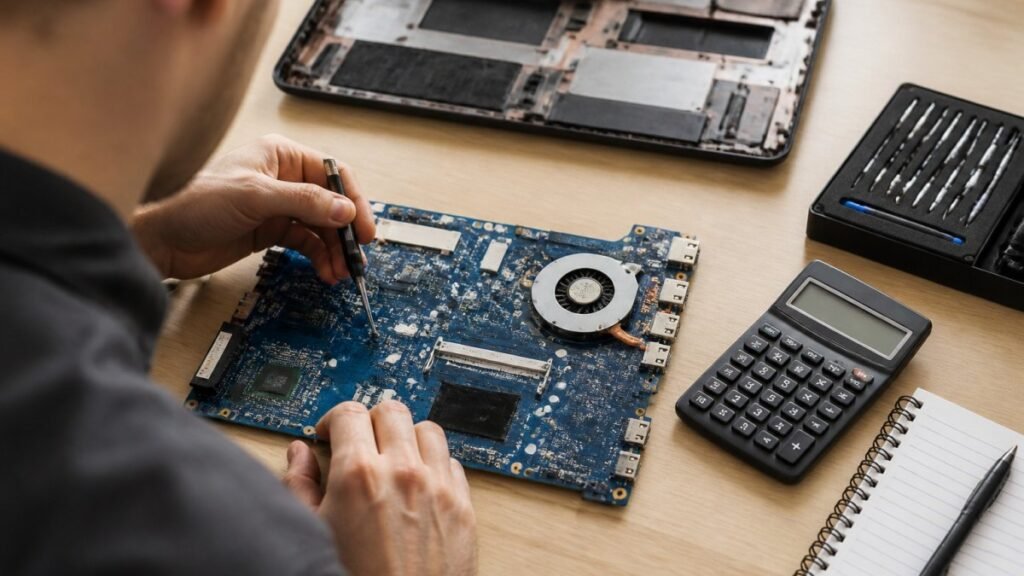
Motherboard repair cost in the UK depends on the fault, the laptop and the quote type. Compare repair with replacement and see what to ask for in writing.
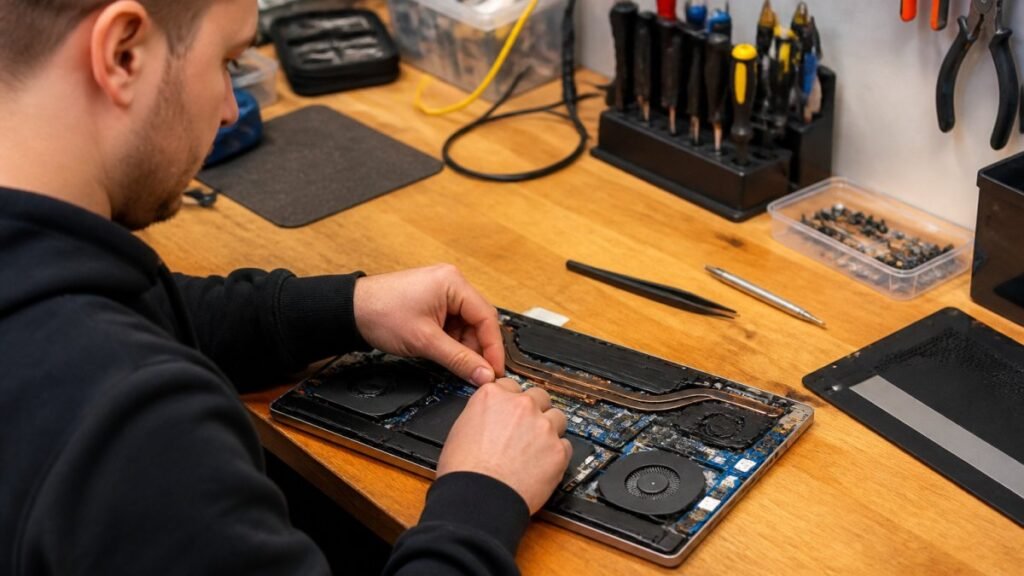
Need fast laptop repair in Barrow-in-Furness? Learn how diagnostics, turnaround times and same-day fixes work, and how to check your repair progress.
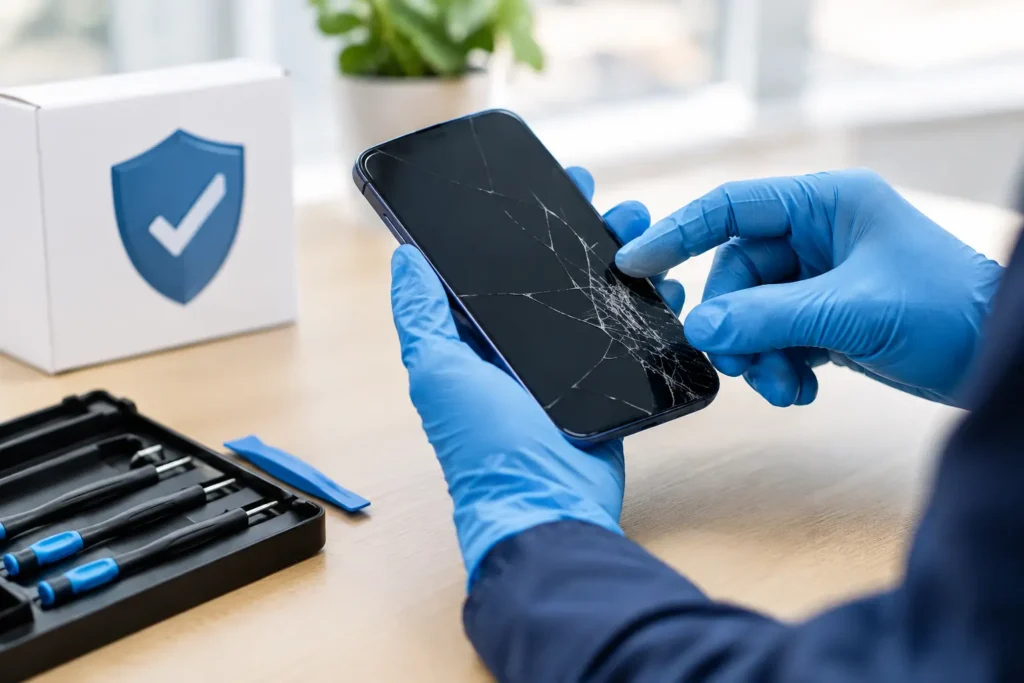
Does screen repair affect warranty cover? Learn when a replacement voids cover, what UK consumer rights still protect, and how to choose a trusted repairer
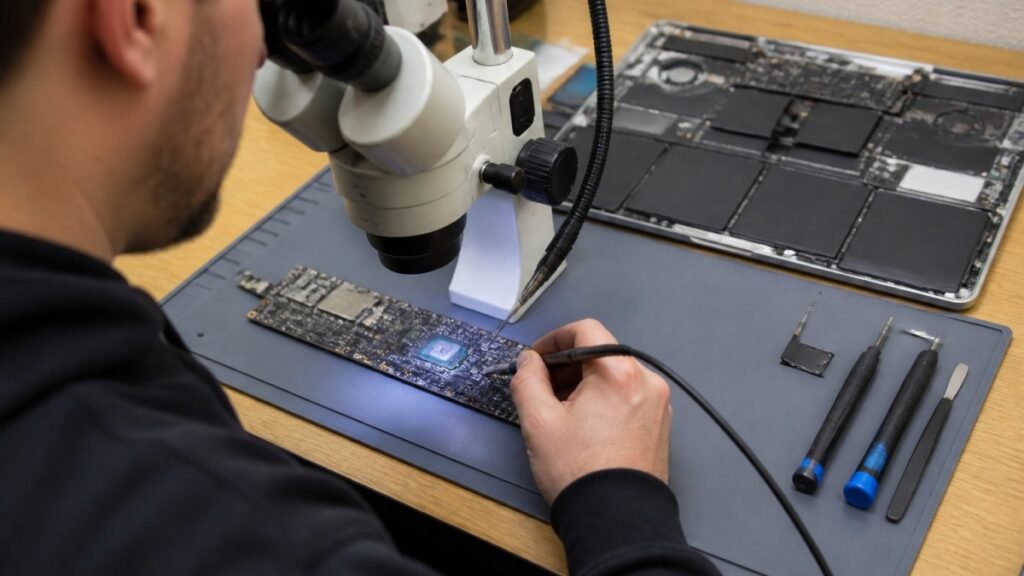
Find out how a MacBook logic board repair works in Cumbria, from spotting the faults to treating liquid damage and recovering your data.
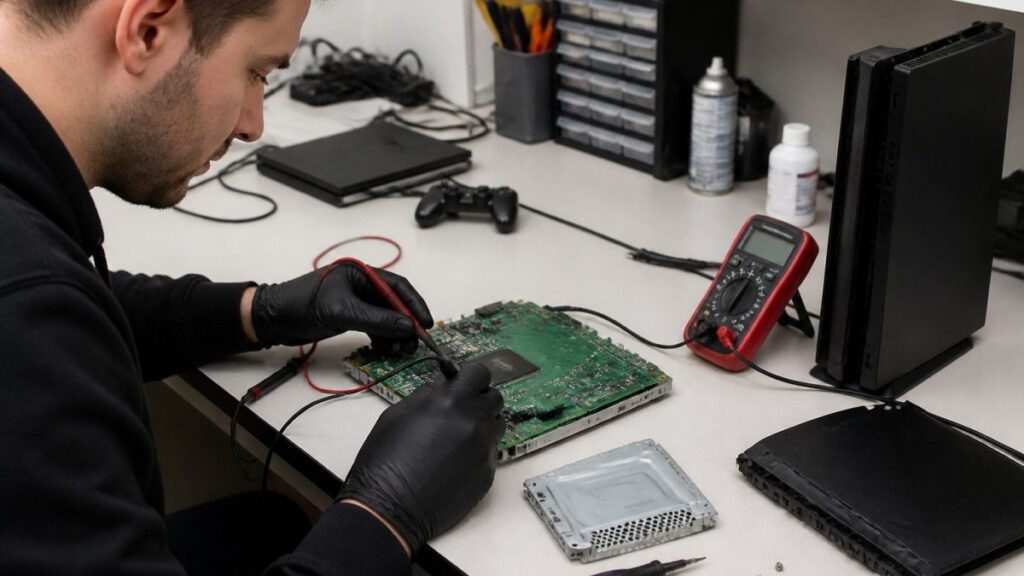
A console diagnostic in Barrow can pinpoint HDMI, overheating or power faults in minutes. Find out which fault fits your console.
Phone ghost touches can make your screen unusable. Learn the likely causes, safe checks and when a professional repair is the sensible next step today.

Is a refurbished laptop warranty reliable? Learn what cover you actually get, how long it lasts and how to check the terms before you buy with confidence.
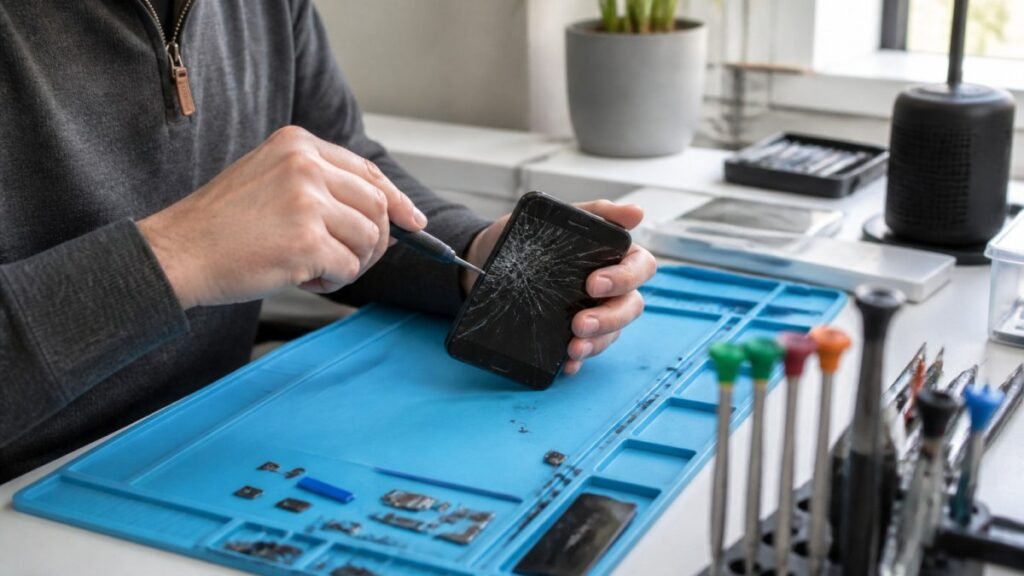
Urgent smartphone repair in the Lake District can often be same day, so check these basics, back up your data and call ahead first.
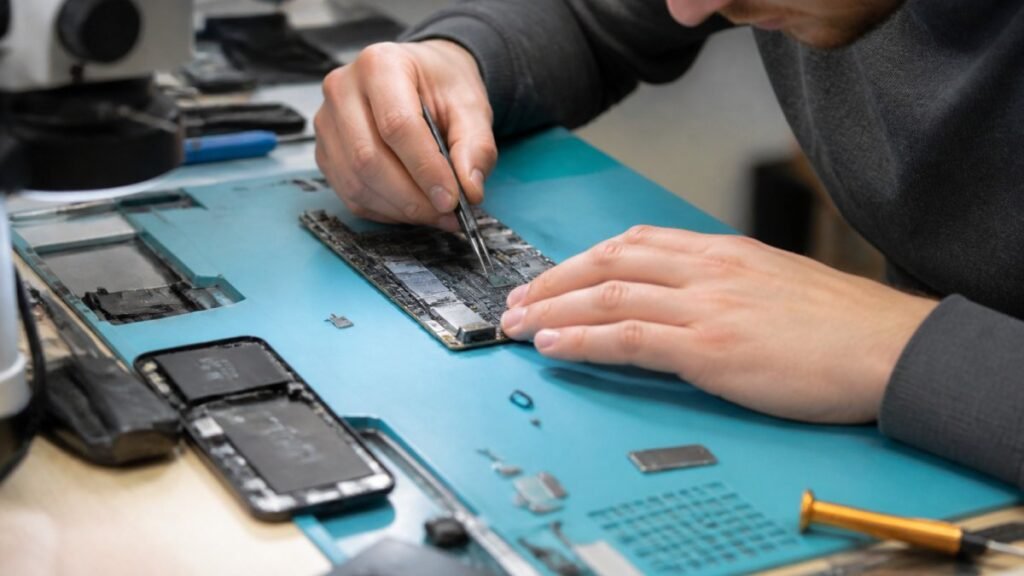
Logic board repair matters because it fixes the root fault rather than symptoms. Learn the warning signs, repair options and what to ask a technician.