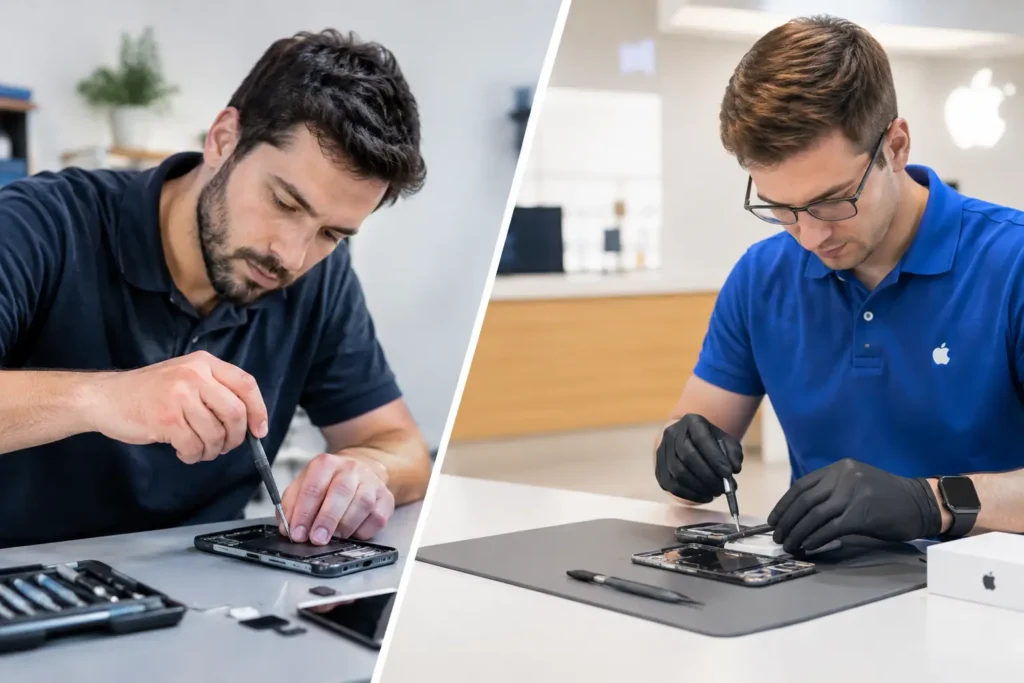
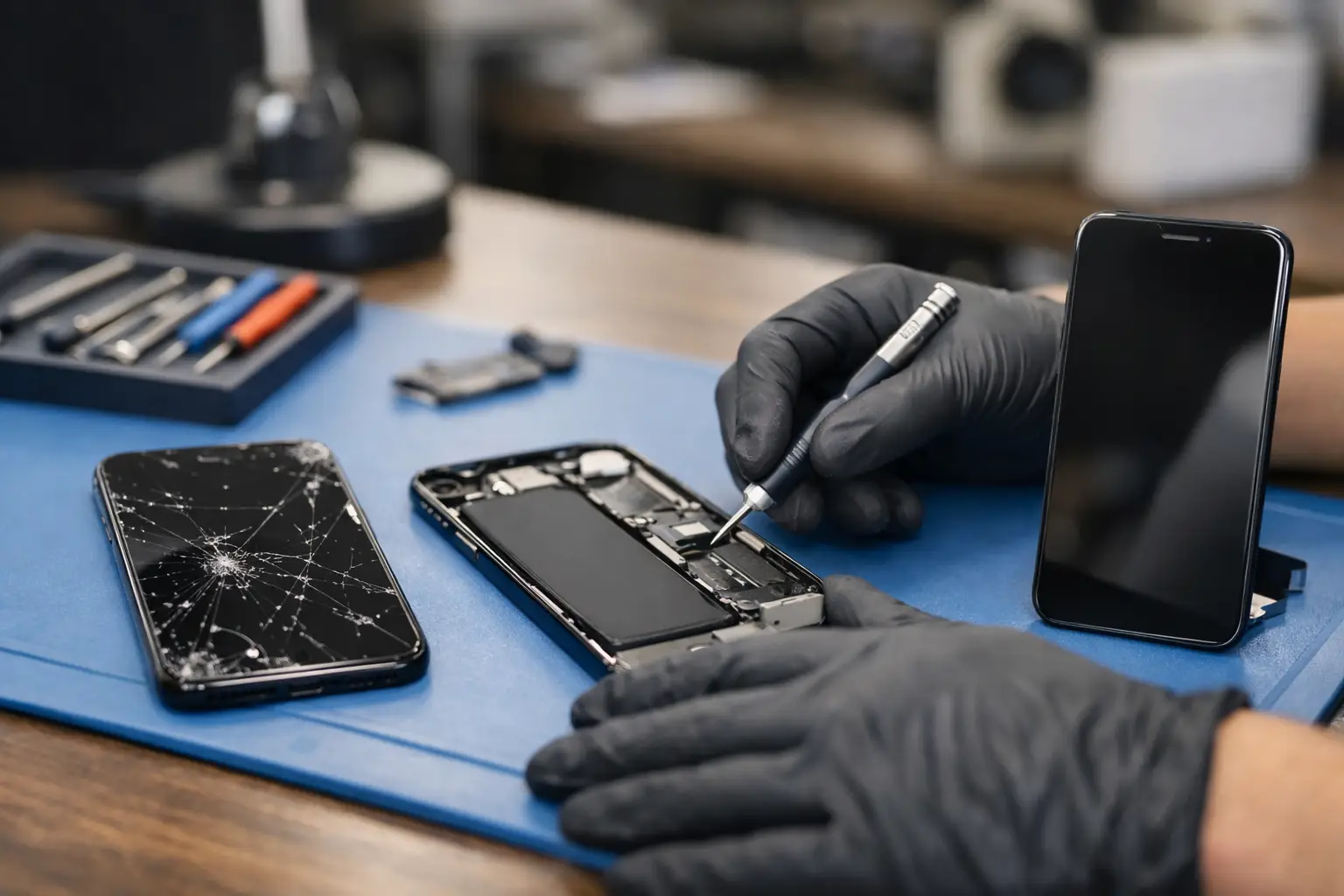
A cracked iPhone screen rarely happens at a convenient time. One drop on the pavement, a knock from the kitchen worktop or a phone caught in the car door can leave you dealing with sharp glass, unreliable touch controls and a display that is hard to read. This guide to iPhone screen replacement explains what has actually gone wrong, what a proper repair involves and how to make a confident decision without paying for more than you need.
For most people across Barrow-in-Furness, Furness, Cumbria and the Lake District, replacing a damaged screen is a far more practical option than replacing an otherwise reliable phone. The right repair restores the part of your iPhone you use every minute of the day, while keeping your apps, photos and settings where they belong.
Is it the glass, the display or both?
People often describe any front-screen damage as a cracked screen, but an iPhone display is made up of several working layers. The outer glass protects the display below, while the display panel creates the image and the touch layer responds to your fingers. On newer models, these parts are commonly replaced together as one complete screen assembly.
If the glass has cracked but the image is clear and touch still works across the whole screen, the phone may appear to have only cosmetic damage. It is still worth arranging a repair. Cracks can spread, moisture can enter the device and loose shards can make using the phone uncomfortable or unsafe.
Lines on the display, black patches, flickering, a green or white screen, dead areas of touch or a screen that stays black after a drop point to damage beneath the glass. These faults normally require a full screen replacement rather than a simple glass-only fix. A technician should inspect the handset before confirming the repair, as a heavy impact can occasionally affect the frame, battery or internal connectors too.
What a professional iPhone screen replacement should include
A quality repair is more than fitting a new panel and handing the device back. The phone needs to be opened carefully, with screws, shields and delicate components managed correctly. The replacement screen must be tested for display quality, brightness, touch response, proximity sensing and front-camera operation before the repair is completed.
On supported iPhone models, features such as Face ID need particular care. The original front sensor assembly contains paired components that should be handled properly during the screen transfer. Damaging or incorrectly fitting these parts can affect functions you rely on for secure access and payments.
The device should also be checked after reassembly. This means making sure the screen sits correctly in the frame, the earpiece works, the display responds around every edge and the handset charges and powers on as expected. TechLab Repairs approaches screen repairs as a complete fault-resolution service, not a quick cosmetic swap.
Water resistance after a repair
Many newer iPhones have water-resistance ratings when they leave the factory, but no repairer can honestly promise that an opened handset will have exactly the same factory seal afterwards. Adhesive seals can be renewed during reassembly, yet wear, frame damage and the age of the phone all make a difference.
Treat a repaired iPhone with sensible caution around water. Avoid testing it in the sink, using it in heavy rain or assuming it is protected from spills. This is true even if the original screen was replaced with a high-quality part.
Choosing the right screen quality
Screen quality is one of the biggest reasons repair prices vary. The cheapest quote is not always the best value if the display is dim, colours look wrong, touch response feels delayed or the part fails early. The right option depends on your iPhone model, how long you plan to keep it and how you use it.
For OLED iPhones, including many Pro models, display quality matters especially. OLED panels produce deep blacks, strong contrast and responsive visuals. Lower-cost alternatives may be suitable for some customers, but can look noticeably different beside the original screen. A good repair shop should explain the available part grades in plain language and be clear about the warranty that applies.
Ask what type of replacement is being fitted, whether the screen has been tested and what is covered if there is an issue afterwards. A transparent answer is more useful than a vague promise of a “premium” screen. If you use your phone for work, photography, streaming, gaming or navigation, spending a little more on a better-quality display can be worthwhile.
Should you repair the screen or replace the iPhone?
A cracked display does not automatically mean it is time for a new handset. If your iPhone has a healthy battery, enough storage and still receives the software features you need, a screen repair can add plenty of useful life. It also avoids the expense and disruption of moving everything to a new phone.
Replacement may make more sense if there are several major faults at once. For example, an older device with severe screen damage, poor battery health, a bent frame and charging problems may need a more careful cost comparison. The same applies if the phone has suffered significant liquid damage or repeated drops.
Before deciding, consider the model, overall condition and value of the device. A reliable local technician can assess the whole handset and explain whether a screen replacement is sensible. You should never feel pushed into a repair that does not stack up financially.
Preparing your iPhone for a screen repair
Most screen repairs can be completed without erasing your data. Your photos, messages and apps are stored separately from the screen itself. Even so, any device repair carries a small risk, particularly if the phone has experienced a hard impact or has an underlying fault.
Back up your iPhone before bringing it in if the screen still allows you to use it. An iCloud backup is convenient, while a computer backup can be useful if your online storage is full. If the display is unreadable but the phone still powers on, a repair technician can advise on the safest next step.
You may be asked to turn off Find My iPhone before the repair. This is a normal security step that allows proper testing once the device has been reassembled. Do not share your Apple Account password with anyone. A trustworthy repair service will respect your privacy and handle your handset securely.
Warning signs that should not wait
A cracked screen can often be used temporarily, but some problems deserve faster attention. Stop using the phone and arrange an assessment if the screen is lifting away from the frame, the handset is getting unusually hot, the battery appears swollen, or you can see internal components through the damage.
You should also act promptly if touch controls are typing on their own. This fault, sometimes called ghost touch, can enter the wrong passcode repeatedly and potentially disable the iPhone. If this starts happening, avoid tapping at the screen and seek a repair as soon as possible.
A guide to iPhone screen replacement costs
The cost of an iPhone screen replacement depends on the model, the screen technology and the quality of the replacement part. An older LCD iPhone generally costs less to repair than a recent OLED model, while larger Pro Max displays and devices with advanced features usually involve more expensive components.
A reliable quote should account for the correct model and include fitting, testing and a clear warranty position. Be cautious of a price that seems dramatically lower than every other local option. It may exclude labour, use a poor-quality panel or offer little support if the screen develops a fault shortly after fitting.
Turnaround matters too. Being without your phone for days can be difficult when it holds train tickets, bank access, work authentication, school messages and family contacts. Where parts are available, many screen repairs can be turned around quickly, but it is better to ask for an honest timeframe than assume every model can be completed while you wait.
Getting back to normal safely
Once your new screen is fitted, use a good case and a properly sized screen protector. They cannot guarantee survival from every drop, but they reduce the chance that the next knock becomes another costly repair. Check the display, touch response, front camera and earpiece before leaving, and keep your repair receipt somewhere safe.
A broken display should not slow your life down or force you into buying a new phone before you are ready. With the right diagnosis, a quality part and careful workmanship, screen replacement can make your iPhone feel dependable again.