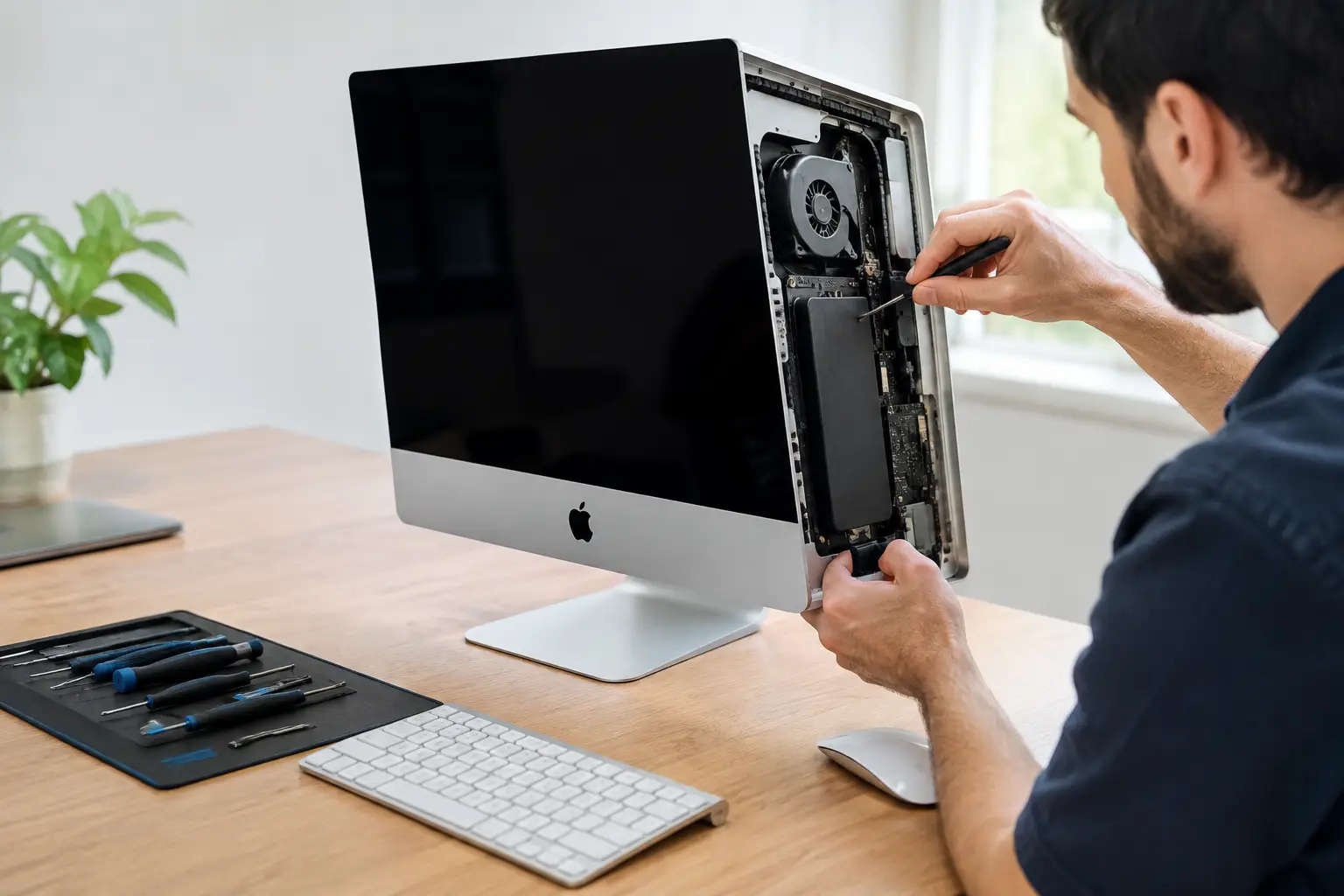
An iMac that will not switch on, shows lines across the display or crawls through simple tasks can make replacement feel like the only sensible option. But the best reasons to repair iMac faults are often more practical than people expect: the machine may have years of useful life left, your files may still be recoverable, and a targeted repair can cost far less than buying a new desktop.
For home users, students and local businesses across Barrow-in-Furness, Cumbria and the Lake District, the right decision comes down to the fault, the model and what you need the iMac to do next. Here is how to make that decision with confidence.
The best reasons to repair iMac problems
A repair can be far more affordable than replacement
A new iMac is a major purchase, especially if you need a larger display, extra memory or storage for work, study or creative projects. By comparison, many common faults have a specific cause that can be diagnosed and repaired without replacing the whole computer.
A failing hard drive or SSD, worn power supply, damaged screen, faulty charging circuit or overheating issue does not automatically mean the iMac is beyond saving. If the processor, display and main components are otherwise in good condition, replacing the failed part can restore a machine that still meets your needs.
This is particularly true for iMacs that are used for web browsing, email, video calls, office work, schoolwork, music, photo storage or point-of-sale tasks. There is little sense in paying for more computer than you require simply because one component has failed.
Your data may still be there
An iMac can stop booting for several reasons, and not all of them mean your files have disappeared. A failed storage drive, corrupted operating system, power fault or display issue can leave personal photos, coursework, business documents and customer records intact.
Trying repeated restarts, opening the machine without the right tools or attempting unverified software fixes can make matters worse. A proper diagnosis helps establish whether the data is accessible and whether it should be backed up before further work begins.
For businesses and schools, this point matters even more. Devices often contain files that are difficult, costly or impossible to recreate. A local repair service that treats data security seriously can assess the fault while keeping handling clear and accountable.
A storage upgrade can make an older iMac feel new again
Many older iMacs were supplied with mechanical hard drives or Fusion Drives. As these age, they can become noticeably slow: long start-up times, spinning beachballs, delayed apps and pauses when opening files are common warning signs.
Replacing an ageing drive with a solid-state drive can transform day-to-day performance. The iMac may start faster, open applications more quickly and respond better when several programmes are running. For many people, that is the difference between a desktop that feels frustrating and one that remains perfectly useful.
Whether an upgrade is possible depends on the model. Older Intel-based iMacs generally offer more repair and upgrade options than newer Apple silicon models, where storage and memory are more integrated. That does not rule out repair on newer machines, but it does make accurate model-specific advice essential.
You keep the display and setup you already know
The iMac’s large all-in-one screen is a real advantage for households, reception desks, home offices and creative workspaces. Replacing it can mean choosing between another all-in-one, a separate monitor and desktop, or moving to a laptop with a smaller display.
Repairing your existing iMac preserves the setup you are comfortable with. Your keyboard, mouse, software, user accounts and working habits can stay largely the same once the fault is resolved. That saves time as well as money, particularly where more than one family member or staff member uses the machine.
For someone who simply needs their computer to work reliably again, familiarity has value. A repair avoids the disruption of moving everything to a new system before you are ready.
Repairing reduces unnecessary electronic waste
A desktop computer contains a large display, metal casing, circuit boards, glass and components that took energy and raw materials to manufacture. Replacing an iMac because of one failed part adds to electronic waste when the rest of the machine may still be serviceable.
Repair is not always the greenest answer. If an iMac is extremely old, unsupported for the software you need and likely to develop further faults, replacement may make more sense. However, when the issue is a known and repairable component failure, extending the life of the device is a sensible way to get more from what you already own.
It is also a practical choice for families and organisations trying to manage technology costs responsibly. Keeping a working machine in use for another few years can delay an expensive upgrade cycle.
It can be the quickest route back to work
Ordering a replacement iMac does not end the problem immediately. You still need to set it up, install applications, sign in to accounts, move files, reconnect printers and make sure everything works as it should. If the old computer has failed unexpectedly, that process can be disruptive.
A straightforward repair may get you back to your existing files and workflow sooner. Turnaround depends on the fault and the availability of parts, so no reputable repairer should promise the same timescale for every job. But a local diagnosis gives you a clear route forward rather than leaving you to guess.
This is especially useful for small businesses. A reception computer, office desktop or stock-management machine can quickly become a bottleneck when it goes down. Repairing the existing iMac may be less disruptive than replacing and reconfiguring it mid-week.
When an iMac repair is worth it
The strongest case for repair is an iMac with a single identifiable fault, a good-quality screen and enough processing power for your current workload. A 2017 or 2019 Intel iMac with a failed drive, for example, can still be a capable home or office computer after the right repair or storage upgrade.
Age alone should not decide it. Think about software compatibility, the condition of the display, repair cost, available parts and how long you realistically expect to keep the machine. If you only need basic daily computing, an older iMac may have plenty of life remaining. If you edit high-resolution video, run demanding design software or need the latest macOS features, a newer model could be the better long-term investment.
Screen damage needs a similar balanced view. A cracked display can be repairable, but the cost depends heavily on the iMac generation and panel type. An assessment helps you compare the repair cost with the value and expected lifespan of the machine instead of making a decision based on frustration.
Faults that deserve a professional diagnosis
Some symptoms point to straightforward repairs, while others need closer investigation. Do not assume a black screen means the display has failed, for example. The cause could be the power supply, graphics hardware, cable connections or a logic board issue.
Common problems worth checking include:
- An iMac that will not turn on or repeatedly switches itself off
- A screen with flickering, lines, dark patches or no image
- Very slow start-up, freezing or a flashing folder symbol
- Loud fan noise, overheating or sudden performance drops
- Liquid damage, burning smells or signs of corrosion
- USB, audio, Wi-Fi or Bluetooth faults that affect daily use
Liquid damage and logic board faults are more complex, and the outcome can depend on how quickly the device was powered down and how far corrosion has spread. In these cases, avoid charging or repeatedly powering on the iMac. The sooner it is assessed, the better the chance of limiting further damage.
Choose repair with clear expectations
Before authorising work, ask for a diagnosis that explains the likely fault, the proposed repair, estimated cost and any limitations. If data is important, make that clear from the start. A good repair service should also tell you when replacement is the more sensible option rather than forcing a repair that does not offer value.
TechLab Repairs can assess iMac power faults, slow performance, display issues and component failures with the straightforward advice local customers need. The aim is not to keep an ageing computer alive at any cost. It is to identify whether a safe, reliable repair gives you better value than replacement.
A broken iMac does not have to stop your work, study or family routine. Get the fault properly checked, protect your data where possible, and make the choice based on the machine in front of you rather than the pressure to buy new.