A console that suddenly will not switch on, displays a black screen or overheats halfway through a match can put a stop to more than a gaming session. It can disrupt family time, frustrate a child on their only day off, or leave you wondering whether an expensive replacement is the only answer. In many cases, gaming console repairs are a sensible, affordable way to get your PlayStation, Xbox or Nintendo console back in action.
The key is identifying the real fault before spending money. A flickering picture may be an HDMI port, but it could also be a damaged lead or television setting. A console that shuts down may need internal cleaning, yet it could point to a failing fan or power supply. Good diagnosis saves time, avoids unnecessary parts and gives you a clear answer on whether repair is worthwhile.
When gaming console repairs make sense
Repair is usually the right choice when the console has been reliable until a specific issue appeared. A damaged HDMI port, worn charging connector, failed cooling fan, noisy disc drive or faulty power socket can all prevent an otherwise healthy machine from being used. These are hardware faults that a specialist can assess and, where practical, repair without asking you to replace the whole console.
Age matters, but it is not the only factor. An older console with an isolated fault can still be worth repairing, particularly if it holds downloaded games, saved progress, family accounts or accessories you already own. A newer console is often a strong repair candidate because replacing it costs significantly more than fixing a single component.
There are occasions when replacement is the better call. Severe liquid damage that has spread across several internal boards, repeated faults after previous repairs, or extensive damage following a power surge may make a repair uneconomical. The right repair shop should be honest about that rather than promising a fix at any cost.
For households across Barrow-in-Furness, Furness and the wider Cumbria area, local diagnosis has another advantage: you can speak to the person handling the repair and understand the options before your console is sent away for weeks.
Common gaming console repairs and their warning signs
HDMI port faults
No picture is one of the most common console problems, especially where the HDMI lead has been knocked, bent or pulled while connected. You might see a black screen, a picture that cuts in and out, coloured distortion, or a message saying there is no signal even though the console appears to power up.
Before assuming the port has failed, try a known-working HDMI lead and another HDMI input on the television. If the issue remains, avoid repeatedly forcing the cable into the socket. A loose or damaged port can worsen quickly, and professional microsoldering work may be needed to restore a stable connection.
Overheating, loud fans and unexpected shut-downs
Consoles pull air through their vents to keep processors and graphics components within safe operating temperatures. Over time, dust, pet hair and compacted debris can restrict that airflow. The result may be a fan that runs at full speed, a hot console cabinet, performance problems or shut-downs during demanding games.
Cleaning the outside vents carefully is sensible, but internal cleaning is not always a simple job. Modern consoles contain delicate connectors, shielding and thermal materials. If overheating continues after the console has been positioned in a clear, well-ventilated area, it needs a proper inspection. A failing fan, dried thermal compound or another cooling fault may be involved.
Power and charging issues
A console with no lights, no start-up sound or intermittent power may have a problem with its power supply, power socket, internal cable or main board. Nintendo Switch owners can also encounter USB-C charging port faults, particularly if the charging cable has been strained or the console has been used heavily in its dock.
Do not keep swapping unofficial chargers or repeatedly connecting a loose plug in the hope that it catches. Use the correct power lead where possible and stop if you notice excessive heat, a burning smell or visible damage. Those signs need prompt professional attention.
Disc drive and storage faults
A console that will not accept discs, makes grinding noises or fails to read games can have a disc drive issue. With digital consoles, storage faults can show up as failed installs, corrupted data messages or games that refuse to launch.
A dirty or scratched game disc can be ruled out easily, but do not put cleaning fluids or objects into the drive. Disc mechanisms are precisely aligned. The same principle applies to storage: avoid repeatedly restarting a console during updates or removing external storage while it is in use, as this can create further data problems.
Liquid damage
Spilled drinks, damp bags and accidental contact with water can cause corrosion that develops over time. A console may work at first, then begin to show charging, display or power problems days later.
If liquid reaches a console, turn it off, unplug it and do not attempt to charge or power it back on. Do not use a hairdryer, which can push moisture further inside and expose components to unnecessary heat. Early inspection and treatment gives the best chance of limiting damage.
What to check before booking a repair
A few basic checks can prevent an unnecessary trip and help a technician diagnose the fault faster. Test another mains socket and, if safe to do so, another compatible power or HDMI lead. Check that the console has space around its vents and is not sitting inside a closed cabinet. For a display fault, test the console on another television if one is available.
If the console starts, back up saved data where the manufacturer allows it. Do not factory-reset it just to solve a hardware fault, as this may remove saved games and account information without fixing the underlying issue. Write down what happened immediately before the fault appeared, whether it was dropped, updated, overheated or exposed to liquid. Those details are genuinely useful during diagnosis.
It is also worth removing game discs before transport if the console will allow it. Pack the console securely and bring its power supply, dock or relevant accessories when they could be connected to the fault. If a controller will not pair, for example, bringing the controller and charging lead helps distinguish a console issue from an accessory issue.
Why DIY repair is not always cheaper
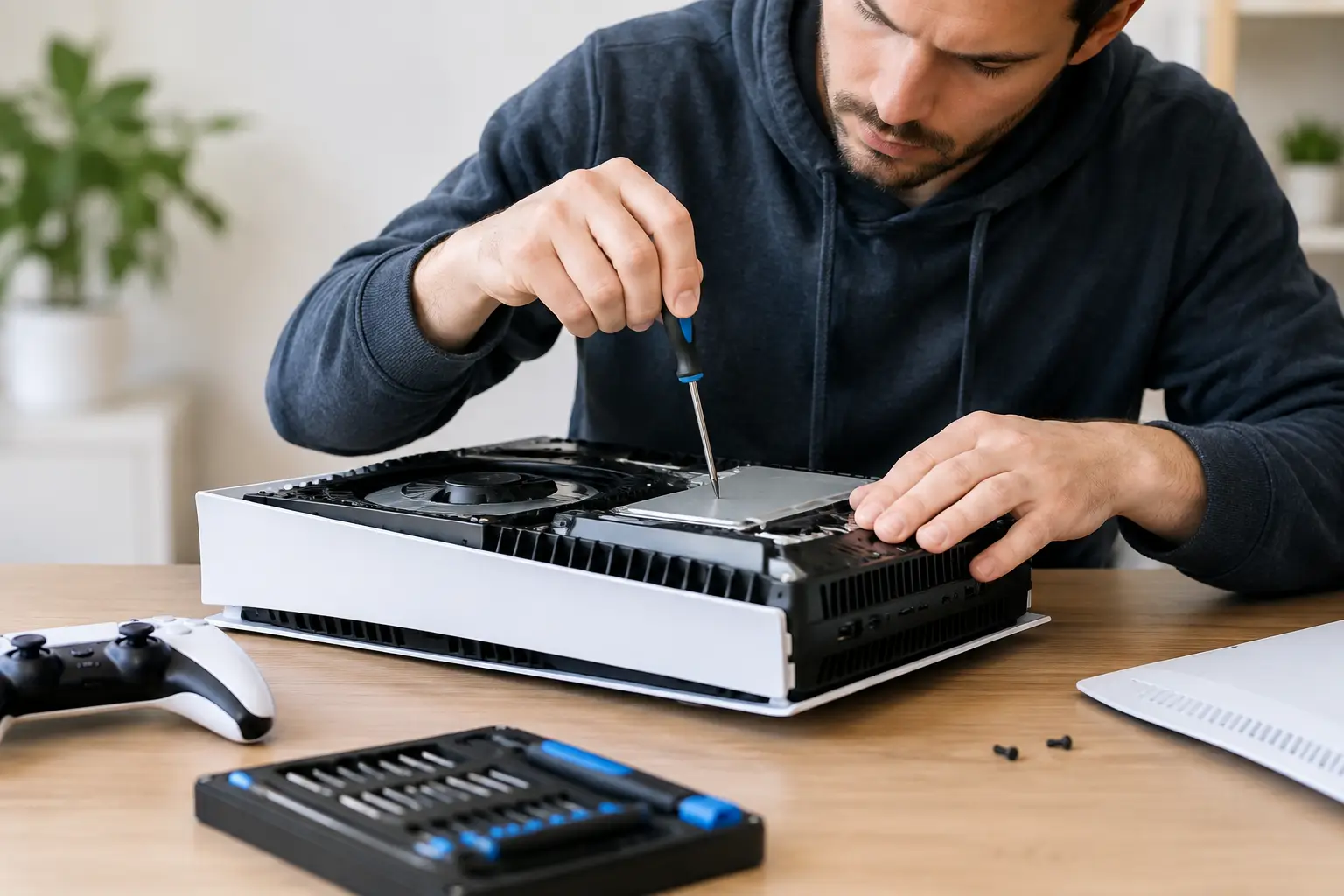
Repair videos can make an HDMI replacement or internal clean look straightforward. The reality is that console repairs often involve tiny screws, fragile ribbon cables, heat-sensitive components and, in some cases, board-level soldering. One lifted connector or damaged circuit track can turn a focused repair into a more complex fault.
DIY can be reasonable for simple external tasks, such as carefully replacing a user-serviceable controller battery with the correct part. It is far less suitable for ports, power faults, liquid damage and overheating where the cause has not been confirmed. The cost of the wrong tool, unsuitable replacement part or accidental damage can quickly exceed the cost of professional work.
A repair specialist should explain the fault in plain language, outline the likely work and provide a clear price before proceeding where possible. At TechLab Repairs, consoles are assessed with the same practical approach used for phones, laptops and other essential devices: find the cause, protect the device and recommend the most cost-effective route forward.
Choosing the right repair option
Look for a repair provider that works on the specific console type you own and has the equipment for the fault involved. HDMI port repairs and board-level power faults require different skills from a routine external clean. Ask about diagnostic charges, expected turnaround, parts quality and what happens if the fault proves more extensive than first expected.
Data security deserves attention too. Consoles may hold payment details, accounts, messages, screenshots and saved games. A trustworthy repair process treats that information with care and only accesses what is necessary to test the repair. You can remove saved payment methods or sign out of accounts beforehand if the console remains usable, but do not delay urgent treatment for a liquid-damaged device just to do so.
A broken console does not automatically belong in a cupboard or recycling pile. With the right diagnosis, a targeted repair can protect your games, reduce replacement costs and get the household back to playing sooner. If something does not look, sound or behave as it should, stop using it and get a clear professional assessment before a small fault becomes a bigger one.