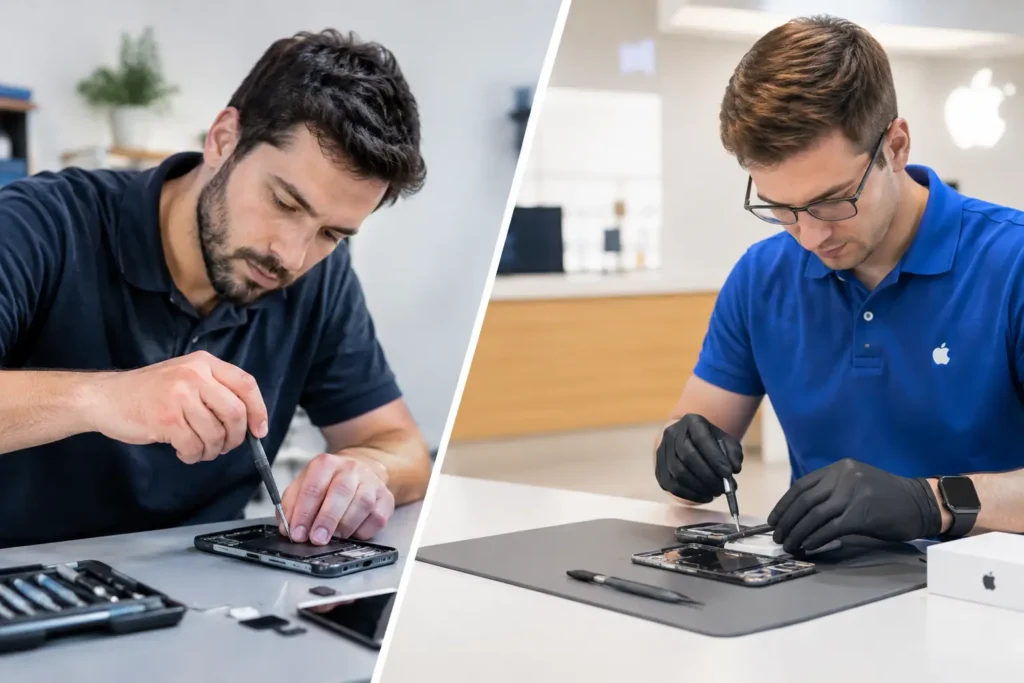
Your Samsung only charging at a certain angle is more than an annoyance when you rely on it for work, school, maps and keeping in touch. This Samsung charging port repair review looks at when a repair is genuinely worthwhile, what can cause the fault and what a proper technician should check before recommending any work.
A loose cable does not automatically mean the charging port has failed. In many cases, compacted pocket fluff is stopping the plug from reaching the contacts properly. In others, the issue lies with the cable, charger, battery, charging circuit or liquid damage inside the handset. Getting the diagnosis right is what separates a cost-effective repair from paying for a part you did not need.
Samsung Charging Port Repair Review: What Is Being Fixed?
Most recent Samsung Galaxy phones use USB-C, while some older models use Micro USB. Both types of port deal with constant daily wear. Repeated plugging and unplugging can loosen internal connections, bend contact pins or wear down the port assembly. A port can also become clogged with debris, especially if the phone spends a lot of time in a pocket, bag or vehicle.
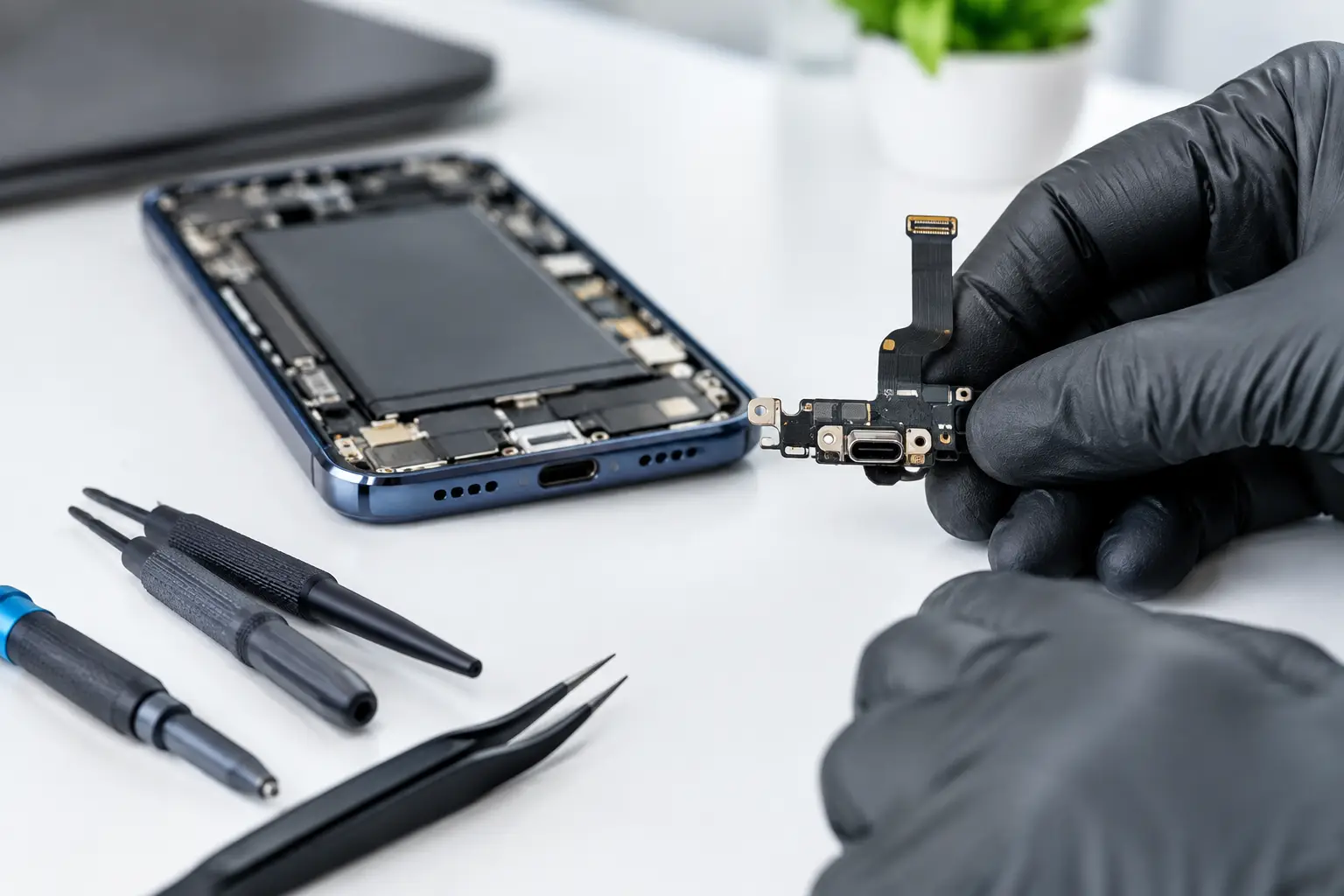
A professional charging port repair may involve a careful clean, replacement of the charging flex assembly, or microsoldering work on the main board. The right route depends on the model and the fault. On some Samsung handsets, the port sits on a separate charging board and can be replaced efficiently. On others, damage may involve connections on the logic board, which requires more specialist work.
That distinction matters. A quick repair is often possible, but no reputable repair shop should promise a replacement port before testing the device.
Signs Your Samsung May Need a Port Repair
The clearest sign is a cable that will only charge when held in a particular position. You may also notice that the connector feels loose, fast charging cuts in and out, or the phone repeatedly makes the charging sound without gaining battery percentage.
Other symptoms need a little more investigation. If your Samsung shows a moisture warning, refuses to charge after getting wet, or becomes unusually warm around the charging area, do not keep forcing power through it. Disconnect the charger and arrange a diagnosis. Continuing to charge a damp or damaged device can cause further corrosion or electrical damage.
Slow charging can be confusing too. It may be caused by a worn cable or low-output plug rather than the handset. Testing with a known-good, compatible charger is a sensible first step. If wireless charging works but wired charging does not, that points more strongly towards the port or its associated circuitry, although it is still not a final diagnosis.
Is a Samsung Charging Port Repair Worth It?
For many Galaxy owners, yes. A charging port repair is usually far more affordable than replacing a phone that is otherwise working well. This is particularly true when the screen, cameras, battery and performance are still in good condition. Repairing the port can give a reliable device several more years of useful life while keeping your photos, apps and familiar setup intact.
It depends on the age and overall condition of the handset. If an older phone also has a badly degraded battery, a cracked screen and software that no longer meets your needs, putting money into several repairs may not make financial sense. A good repair technician should explain that honestly, rather than pushing a repair at all costs.
The value is often strongest for newer Samsung Galaxy S, Galaxy A, Galaxy Z and Note models. These devices can be expensive to replace, and a single fault should not automatically send them to a drawer. For business users, the calculation is also about downtime. A fast, local repair can be less disruptive than arranging a replacement, restoring data and setting up security apps again.
What a Good Repair Service Should Check
A proper inspection starts with the basics: the cable, charger and visible condition of the port. A technician should inspect for packed debris, bent pins, corrosion and signs of impact. They should then test whether the phone draws power correctly and whether it communicates through the USB connection where relevant.
Battery condition matters as well. A phone that appears not to charge may actually be charging slowly because the battery is worn or because background activity is draining power as quickly as it arrives. Software faults are less common, but restarting the handset and checking for system messages can still help rule them out.
Where liquid damage is involved, the repair should go beyond changing a port. Moisture can travel further into the handset and leave corrosion on connectors or the board. The sensible approach is to assess the full extent of damage and explain the risk clearly. Liquid-damaged phones can sometimes recover well, but the outcome is never as predictable as a straightforward wear-and-tear repair.
Data security should also be part of the conversation. A charging port repair does not normally require access to your personal files, but responsible handling still matters. Use a local specialist that treats customer devices carefully and explains if a passcode is needed for post-repair testing.
Repair Quality Matters More Than the Quickest Fix
Not all charging port repairs are equal. The port must be correctly fitted, securely connected and tested with an appropriate cable and charger. On models with a charging board, the technician should check microphones, antennas and any other components linked to that assembly. On devices that need board-level work, the repair needs precise tools and experience rather than a rushed attempt.
It is also worth asking about the part quality and workmanship guarantee. Cheap components can cause unreliable charging, poor cable fit or fast-charge problems. The lowest quote is not always the best value if the fault returns within weeks.
If your handset had water resistance when new, be realistic after any repair. Opening a phone can affect its original seals, and no repair should be presented as a guarantee of factory-level water resistance. The best approach is to avoid unnecessary exposure to water afterwards, even if the repair includes replacement adhesive and careful resealing.
How to Avoid Making the Fault Worse
Avoid digging into the port with pins, paperclips or other metal objects. It is easy to bend delicate contacts or create a short. Blasting compressed air into the port can also push moisture or debris deeper into the phone. If you suspect fluff is the issue, let a technician inspect and clean it safely.
Do not repeatedly twist the cable to find a charging position. This can turn a minor connection problem into a broken port or damaged board. Likewise, stop using cables with damaged connectors, exposed wires or loose ends. A quality, compatible charger is a small investment compared with the cost of repairing a power fault.
Backing up your Samsung while it can still power on is wise. If charging is intermittent, copy important photos and files, check that cloud backups have completed and make sure you know your account passwords. This puts you in a better position whatever the diagnosis reveals.
A Local Repair Can Save You Time
Sending a phone away can leave you without it for days, often with little clarity about the real fault. For customers across Barrow-in-Furness, Furness, Cumbria and the Lake District, a local assessment gives you the chance to ask questions, understand the recommendation and decide whether repair is the right call.
TechLab Repairs approaches Samsung charging faults with diagnosis first, clear advice and reliable workmanship. Whether the problem is trapped debris, a damaged USB-C port, a tired battery or something more complex, the aim is simple: get your device working properly without making you pay for unnecessary work.
If your Samsung has started charging only when the cable is held just right, do not wait for the port to fail completely. A prompt inspection can often keep a small problem from becoming a much more inconvenient one.