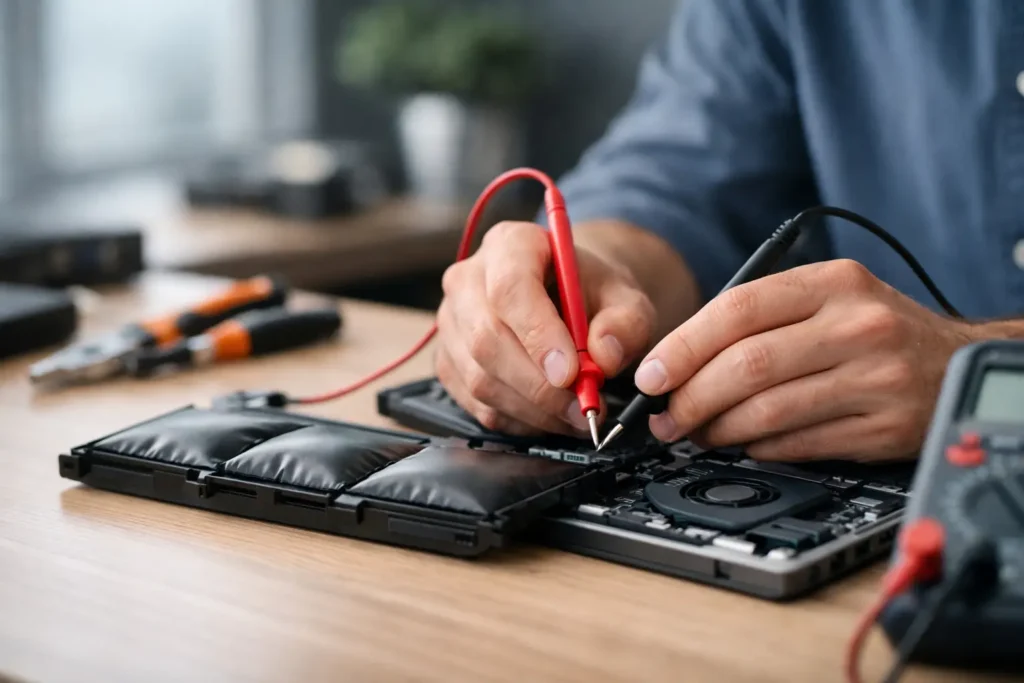
A cracked phone screen before work, a laptop that will not charge during coursework, or a console with no HDMI signal can turn into a major disruption quickly. When weighing up local repair shop versus manufacturer service, the right answer is not always the same – but it should be based on more than the logo on the device.
For people across Barrow-in-Furness, Furness, Cumbria and the Lake District, the practical questions are usually simple: How soon can I get my device back? What will it cost? Will my data be safe? And will the repair last? Here is how to make a confident choice.
Local Repair Shop Versus Manufacturer Service: The Key Difference
Manufacturer service is the official route. You book directly with the brand or an authorised provider, and the device may be assessed, repaired or replaced under that brand’s processes. This can be the right path for a device still covered by its manufacturer warranty, particularly where the fault appears to be a production defect rather than accidental damage.
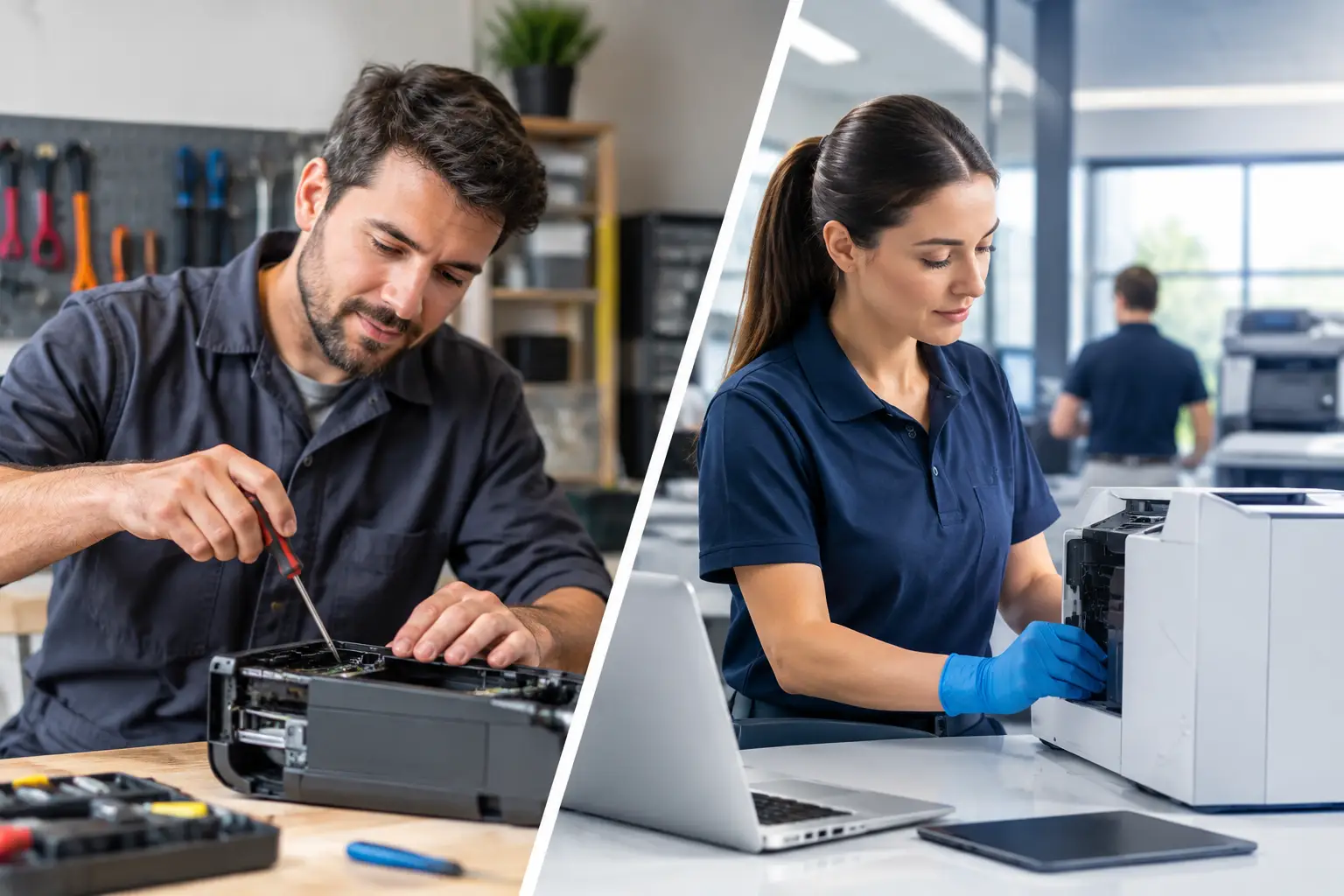
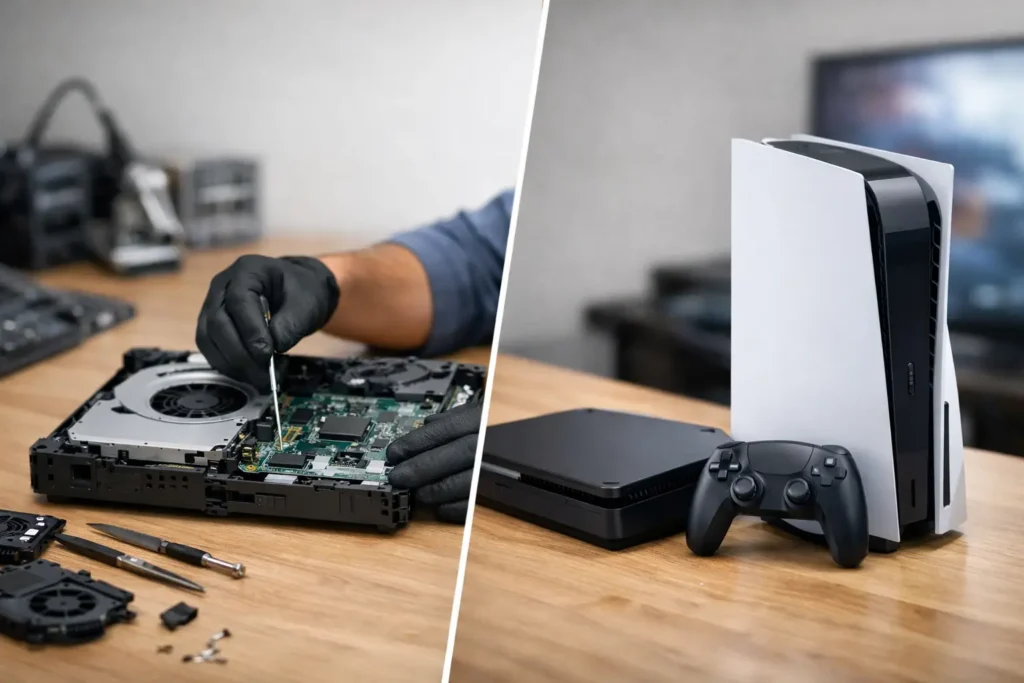
A good local repair shop takes a more direct approach. Rather than posting a device away and waiting for a central repair facility, you can speak to the person handling the fault, get clear advice and arrange a repair that fits the problem. For common issues such as cracked screens, worn batteries, charging faults, liquid damage, laptop keyboard faults and console HDMI repairs, this can make a real difference to cost and turnaround.
The important word is good. Not every independent repairer offers the same standard of parts, diagnosis, workmanship or customer care. Ask the right questions and choose a repairer that stands behind its work.
Speed Matters When Your Device Is Essential
Manufacturer turnaround can be convenient if you live close to an official service location or have a replacement plan in place. But many repairs involve booking an appointment, sending the device away or waiting for parts and assessment. That is manageable for a spare tablet. It is far less convenient when your only phone is your bank card, camera, diary, sat-nav and connection to family.
A local repair shop can often diagnose faults quickly and complete straightforward repairs on a much shorter timescale, subject to stock and the condition of the device. A screen or battery replacement may be far more practical locally than sending a handset away for days. The same applies to a work laptop that needs attention before Monday, or a games console that has stopped displaying a picture.
For businesses and schools, speed is more than convenience. A faulty staff laptop, classroom iPad or phone used for customer calls can interrupt day-to-day operations. A local repair partner can offer a more personal route for assessing multiple devices, explaining priorities and helping keep disruption down.
Cost: Repairing Is Not Always the Same as Replacing
Official service pricing can be clear, especially for fixed-price screen or battery work. However, manufacturers may decide that a repair is not economical within their process and offer a replacement unit instead. That can be useful in some cases, but it may also cost more than repairing the specific component that has failed.
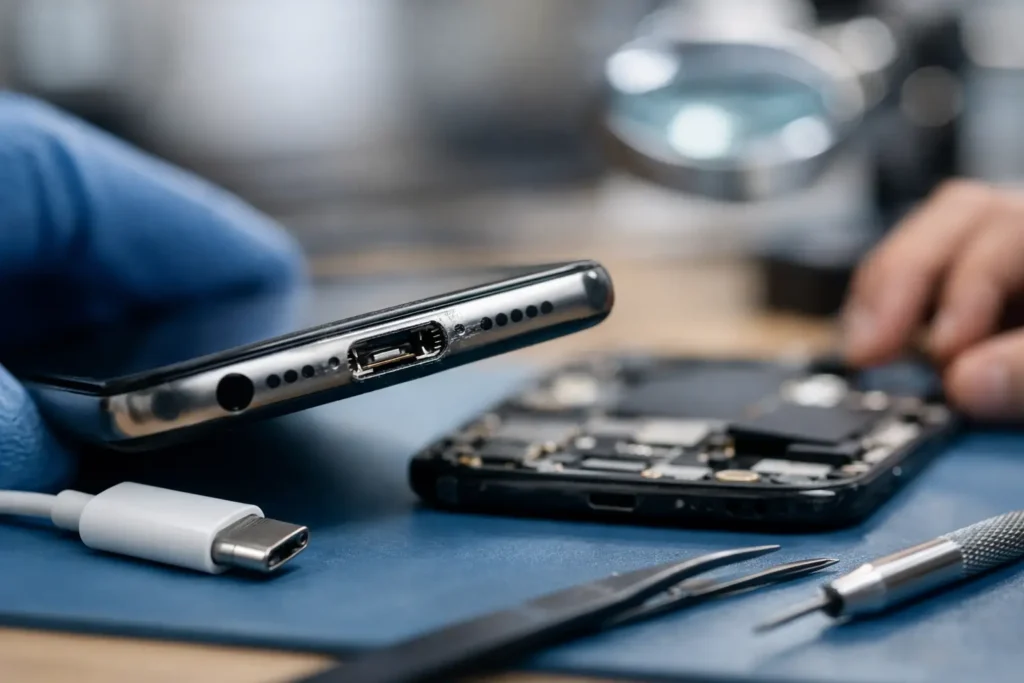
Independent specialists can often carry out targeted work. For example, a charging problem might be caused by debris in the port, a damaged connector, a failed charging circuit or a worn battery. These are very different faults, and they should not all result in the same expensive answer.
This is particularly relevant for older iPhones, Samsung handsets, MacBooks, Windows laptops and consoles. If the device still does what you need, a well-priced repair can give it years more useful life. That is good for your budget and avoids replacing technology before it is necessary.
Be cautious of prices that sound too good to be true. An unusually cheap screen repair may involve poor-quality parts, weak fitting or no meaningful warranty. Value is not simply the lowest upfront price – it is a repair that works properly, looks right and is supported if there is a problem afterwards.
Parts Quality and Repair Standards
Manufacturer service usually uses official parts and follows brand-specific procedures. For newer devices, this can matter, especially where screens, batteries, cameras or biometric features require software configuration, calibration or pairing after installation.
A capable local repairer should be upfront about the parts they use and the options available. In some cases, an original-quality or premium compatible part may be a sensible, cost-effective choice. In others, particularly with the latest devices or a sensitive feature such as Face ID, fingerprint recognition or advanced display technology, the best option may be official manufacturer service.
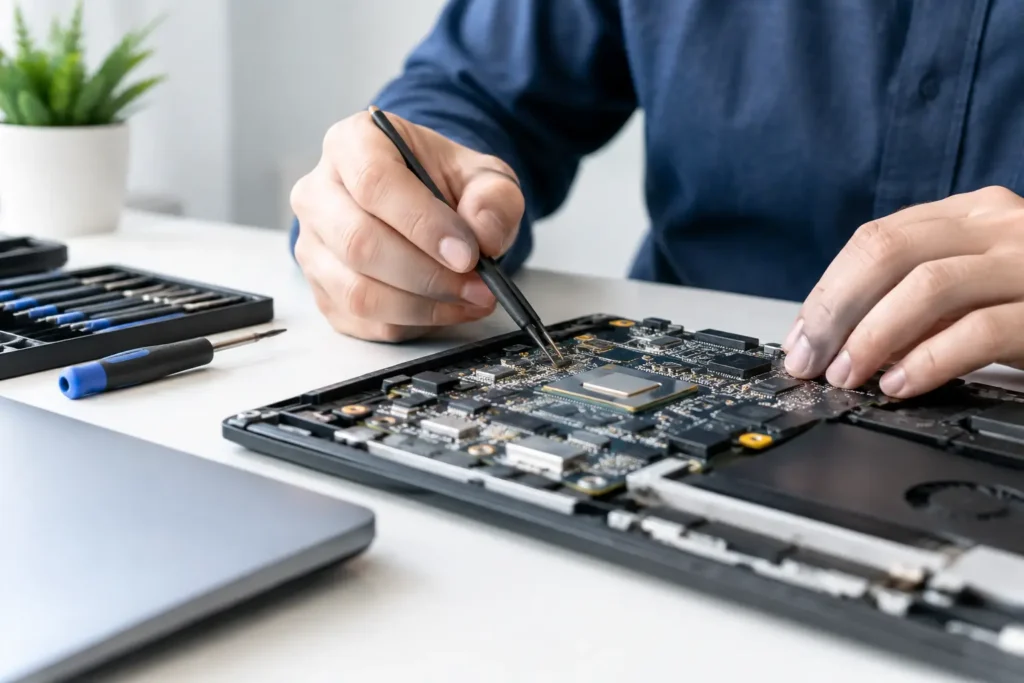
Do not be afraid to ask whether a replacement screen supports the expected brightness, touch response and display quality, or whether a battery includes a warranty. For laptop and desktop repairs, ask whether the diagnosis has identified the underlying cause rather than simply treating the symptom.
When official service may be the better choice
Manufacturer service is often worth considering when the device is under a valid warranty, protected by an insurance or care plan, or affected by a known manufacturing fault. It can also be the safer route where a repair depends on proprietary tools, official calibration or specialist parts that are not readily available.
If a device has significant water damage, a bent frame, repeated faults or extensive internal damage, an official replacement may also be more sensible than continuing to invest in repairs. A trustworthy local specialist should tell you that plainly rather than push for a repair that offers poor value.
When a local specialist makes more sense
Local repair is often the stronger option for accidental damage outside warranty, urgent everyday faults and devices that manufacturers consider too old to support. It is also useful when you want to discuss the problem face to face, keep costs proportionate and avoid being without your device for longer than necessary.
TechLab Repairs supports a wide range of phones, tablets, laptops, desktops, Macs and gaming consoles, so customers do not have to find a different provider for every device in the household or workplace. That breadth is useful when a family has an iPhone with a damaged screen, a Samsung with a battery issue and a laptop that needs diagnosing.
Your Data Should Be Part of the Decision
Handing over a device can feel worrying because it may hold photos, messages, work files, school documents and saved passwords. Manufacturers and independent repairers may both ask you to back up your device or remove sensitive information before a repair. If the device still switches on, back it up before doing anything else.
The difference is often communication. With a local repair shop, you should be able to explain what data matters, ask whether access is required for testing and understand how the device will be handled. For business devices, this is especially important. A repairer should respect privacy, keep devices secure and avoid unnecessary access to confidential material.
No repairer can guarantee data recovery from a severely damaged device, particularly after liquid damage or a logic board fault. But an experienced technician may be able to assess the chances before you agree to further work. That honest conversation is valuable when irreplaceable family photos or business records are involved.
Check the Warranty You Are Being Offered
A manufacturer repair may come with official service coverage, while a reputable local repair shop should provide its own clear workmanship warranty. Read what is covered, how long it lasts and what happens if the same fault returns.
It is also worth separating a repair warranty from your original manufacturer warranty. Third-party work may affect manufacturer coverage in some circumstances, particularly if the device is still within its original warranty period. Ask before proceeding. The right repairer will explain the trade-off clearly rather than bury it in small print.
Make the Choice Based on the Fault, Not Habit
There is no prize for always choosing the manufacturer, and there is no benefit in choosing local purely because it is nearby. Start with the device’s age, warranty status, fault, urgency and replacement value. Then compare the real outcome: turnaround, repair quality, warranty, data handling and total cost.
If you are unsure, get the fault assessed before deciding. A clear diagnosis can turn a stressful broken-device moment into a straightforward repair decision – and help you get back to work, study, gaming and everyday life without letting a faulty device slow you down.