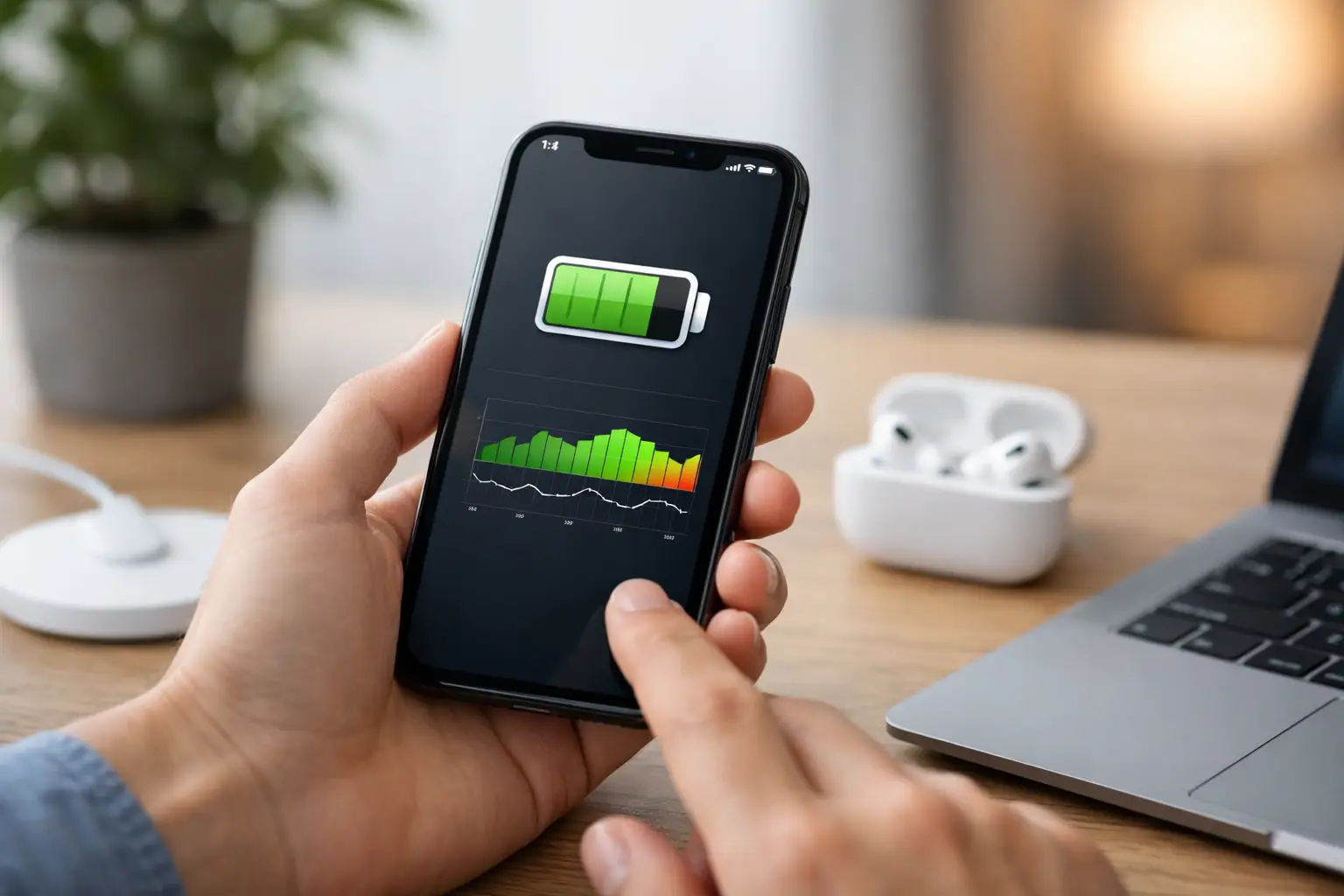
A phone that drops from 30% to 5%, shuts down in the cold or needs charging before lunchtime is more than an inconvenience. This guide to iPhone battery health checks explains what your iPhone is telling you, what the figures actually mean and when a battery replacement is likely to save you daily frustration.
Your battery is a consumable part. Every full charge cycle causes a small amount of wear, so reduced capacity after months or years of use is normal. The aim is not to chase a perfect number forever. It is to work out whether your iPhone still fits the way you use it or whether an ageing battery is now holding it back.
How to check iPhone battery health
On most current iPhones, open Settings, tap Battery, then select Battery Health & Charging. The key figure is Maximum Capacity. This is an estimate of how much charge your battery can hold compared with when it was new.
For example, an iPhone showing 85% maximum capacity will not necessarily stop at 85% on the battery icon. It means the battery holds roughly 85% of its original capacity, so it will generally run for less time between charges than it did when new.
You should also check the message underneath the capacity figure. If iOS says your battery is supporting normal peak performance, the phone has not detected a performance-management issue. If it displays a service warning or says battery health is significantly degraded, it is a clear sign to consider replacement.
On iPhone 15 models and later, some versions of iOS can show additional battery information, including cycle count, manufacture date and first-use date. A cycle is the equivalent of using 100% of the battery’s capacity in total. That can happen in one go or across several top-ups. Two 50% discharges, for instance, equal one cycle.
What if Battery Health & Charging is missing?
The menu wording and available information can vary by iPhone model and iOS version. Update iOS if you can, then check Settings again. Older handsets may provide less detail, but unexpected shutdowns, very short battery life and a service message remain useful warning signs.
If the battery has been replaced previously, your iPhone may also show an important battery message. This does not always mean the replacement has failed. It can mean the handset cannot verify or display health information for the fitted battery. A professional diagnosis can establish whether the issue is the battery itself, its connection or another fault.
What is a good iPhone battery health percentage?
There is no single percentage where every iPhone must have a new battery. Your usage matters just as much as the number on screen.
At 90% or above, most people will still find battery life perfectly manageable, particularly on newer or larger iPhone models. If the phone lasts through your normal day and there are no shutdowns or charging faults, there is usually no urgent reason to replace it.
Between 80% and 89%, you may notice that charging is becoming more frequent. For a light user, this can still be acceptable. For someone using their iPhone for work calls, school, navigation around Cumbria or photographing a day out in the Lake District, that lost capacity can become a real nuisance.
At 80% or below, Apple generally considers the battery significantly degraded. This is the point at which a replacement often makes financial sense, especially if the screen, cameras and overall performance are otherwise in good condition. A fresh battery can give an older iPhone a useful second life for far less than replacing the handset.
Do not rely on maximum capacity alone. A battery at 84% that behaves consistently may be less disruptive than one at 88% that suddenly drops charge, overheats or causes the phone to switch off. The condition of the cell and your real-world experience both count.
Signs your iPhone battery needs more than a check
Battery health is a helpful starting point, but it cannot diagnose every power issue. Watch for a pattern rather than one unusual day, especially after a major iOS update or when you have been using power-hungry apps.
A failing battery may cause the percentage to fall unusually quickly, the phone to restart without warning, or the handset to become very slow when the charge is low. You might also find it takes much longer to charge, gets excessively warm, or only works reliably when plugged in.
Physical changes need quicker attention. If the screen is lifting away from the frame, the back of the phone appears to be separating or the handset feels swollen, stop using and charging it where possible. A swollen battery is not a wait-and-see problem. Arrange a professional inspection promptly and avoid pressing the screen back down yourself.
It is also worth ruling out simpler causes. A worn cable, damaged charging port, weak plug adaptor or wireless charger that is not sitting correctly can make a healthy battery appear faulty. Heavy background activity, poor signal and constant location use can drain power quickly too. Check Settings > Battery to see which apps have used the most power over the previous 24 hours or 10 days.
Why an iPhone can feel slow with an old battery
iPhones may manage peak performance when a battery can no longer deliver power reliably during demanding tasks. This is designed to reduce unexpected shutdowns, but it can make apps open more slowly and the interface feel less responsive.
A battery replacement can improve reliability and restore normal performance management where battery condition was the cause. It will not fix every slowdown, though. An older processor, almost-full storage, software problems or hardware faults can still affect speed. A proper assessment prevents spending money on the wrong repair.
Charging habits that help battery health
Lithium-ion batteries wear over time regardless of how carefully you charge them. Still, sensible habits can reduce unnecessary heat and strain.
Avoid leaving your iPhone in direct sun, on a radiator or in a hot car while charging. Heat is one of the biggest contributors to battery wear. Remove a very thick case if the phone becomes unusually warm during charging, and use a reliable cable and plug adaptor rather than a damaged or poor-quality accessory.
You do not need to run the battery flat before charging it. Regular top-ups are fine. Equally, charging to 100% is not harmful when you need the full day of use. The more practical approach is to let the phone manage charging intelligently and avoid prolonged heat. Turn on Optimised Battery Charging in the Battery Health & Charging menu if it is available. It learns your routine and may delay the final part of charging overnight.
If your iPhone has a newer charging limit option, setting a lower limit can be useful for a phone that spends much of the day on a desk or charger. The trade-off is straightforward: you may reduce long-term wear slightly, but you start the day with less available charge. For many people, a full charge and dependable all-day use is the better choice.
When battery replacement is the sensible repair
A replacement is worth considering when your iPhone is otherwise reliable but battery life has become a daily problem. It can be especially cost-effective for devices with a good screen, working cameras and enough storage for your needs. Rather than replacing a handset simply because it is a couple of years old, assess the fault and the likely repair cost first.
Choose a repair provider that can diagnose the complete power issue, not just read the percentage in Settings. Charging faults can come from the battery, port, cable, charging circuitry or liquid damage. Data security matters as well. Although a battery repair should not erase your phone, backing up before any repair is sensible.
For local customers, TechLab Repairs can inspect iPhone battery and charging problems, explain the likely cause in plain English and carry out a dependable replacement where appropriate. A worn-out battery should not force you into an expensive new-phone decision before you are ready.
Check your battery health when you notice a change, then judge the result against how you actually use your iPhone. If it is no longer lasting through the moments that matter, a straightforward battery assessment can be the quickest route back to a phone you can rely on.