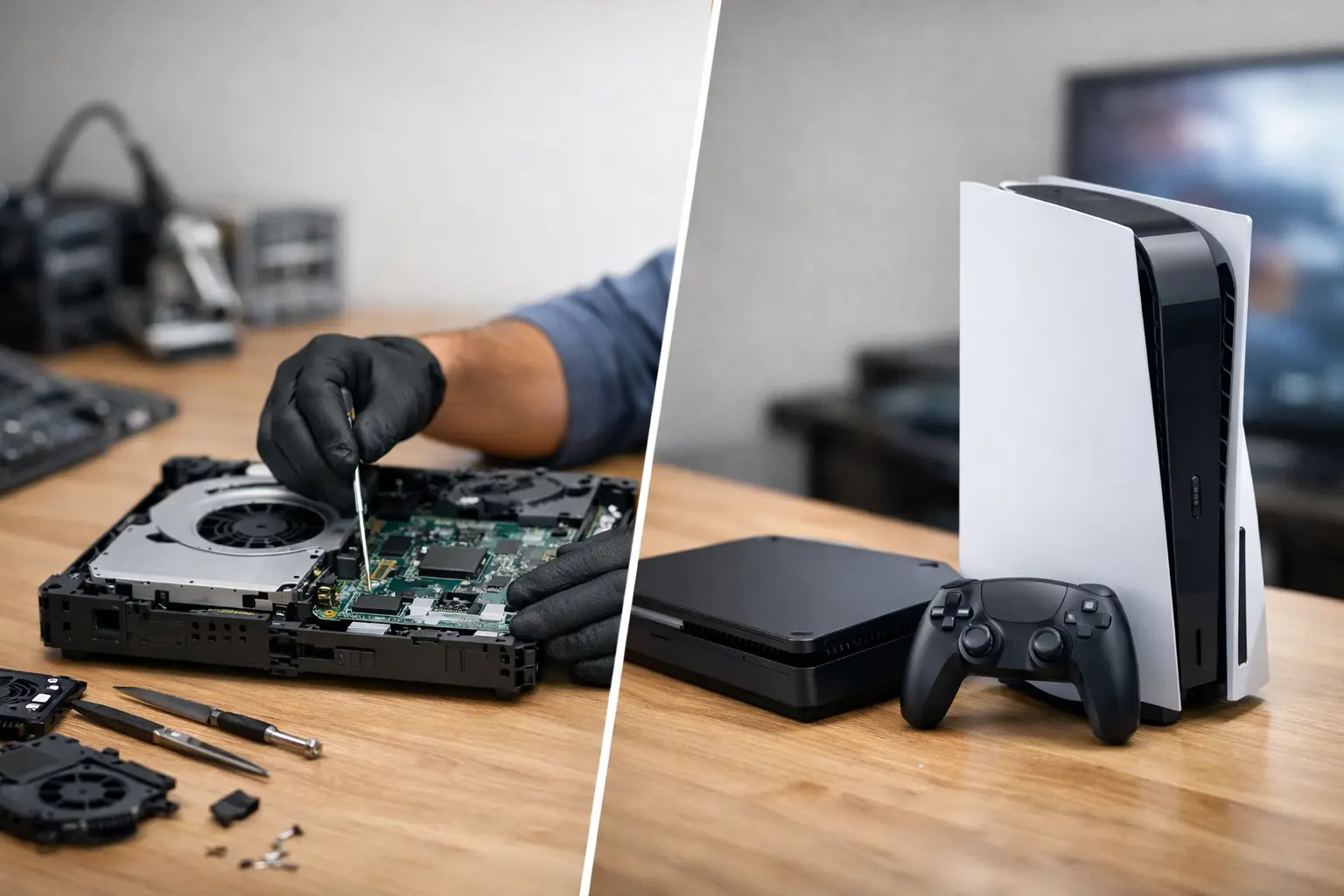
A games console rarely breaks at a convenient time. It is usually just before a weekend session, a new release, or when the children are finally settled. If you are asking when should a console be repaired, the answer is not simply “when it stops working”. Many faults are repairable for far less than the cost of replacing the console, especially where the issue is isolated to a port, power component, cooling system or storage drive.
The sensible decision comes down to the fault, the age and condition of the console, the likely repair cost, and what you would lose by replacing it. Saved games, digital purchases, accessories and the time spent setting up a new machine all have value too. Don’t let a broken console slow you down before you know what can be fixed.
When should a console be repaired?
A console is usually worth repairing when it has a specific hardware fault but is otherwise in good working order. A PlayStation, Xbox or Nintendo console with a damaged HDMI port, a charging problem, overheating issue or failed storage drive may look finished, but these are common faults that can often be resolved with the right diagnosis and parts.
Repair makes particular sense when the console is still within its useful life. For example, a current-generation console that will not display on the television because its HDMI port has been bent or pulled is normally a strong repair candidate. The rest of the machine may be completely healthy. Replacing the port can cost considerably less than buying another console, particularly when stock is limited or prices are high.
It is also worth considering repair if your console contains games or data you have not backed up. Some saves are stored in the cloud, but that depends on your account, subscription and game settings. A repair may preserve access to locally stored data that could be difficult or impossible to recover after replacement.
HDMI faults are often repairable
No picture on the screen does not automatically mean the console has failed beyond repair. First, rule out the simple causes: try another HDMI cable, another television input and, if possible, another screen. If the cable feels loose in the console, the port looks damaged, or the display cuts in and out when the connector is moved, the HDMI port could be the issue.
HDMI port repairs require specialist soldering work. Trying to force a cable into a damaged socket or using a cheap adaptor can make matters worse by damaging the board beneath the port. A professional assessment can confirm whether the fault is limited to the port or whether there is additional board-level damage.
Power and charging faults deserve a diagnosis
A console that will not switch on can be frustrating, but the cause may be smaller than expected. It could be a damaged power socket, faulty power supply, worn charging port on a handheld device, or a component that has failed after a power surge.
There is a difference between a console with no power and one that powers on briefly before shutting down. The latter can point to overheating, storage issues or internal component faults. Either way, an accurate diagnosis matters. Replacing parts at random can quickly cost more than a proper repair.
Faults that are usually worth fixing
Some repairs are especially worthwhile because they are common, targeted and do not necessarily affect the rest of the console. These include HDMI ports, USB ports, disc drive faults, fan replacement, overheating treatment, power socket repairs, controller connection issues and internal storage replacement.
Overheating is a good example. If your console is loud, hot to the touch, shuts down during games or displays an overheating warning, stop using it until it has been checked. Dust build-up, blocked vents, a failing fan or dried thermal material can prevent heat from escaping properly. Continuing to play may turn a manageable cooling repair into more serious damage.
Disc drive problems can also be repairable. If discs are not being read, are ejected unexpectedly, or the drive makes clicking or grinding sounds, the problem may be a worn laser, mechanical issue or damaged drive component. Before assuming the drive has failed, inspect game discs for damage and test more than one disc. A single scratched disc is not proof that the console needs a repair.
For handheld consoles, cracked screens, damaged charging ports, faulty joysticks and battery issues are often worth fixing. Drift on a controller or handheld joystick can make games unplayable, but it does not always mean you need to replace the whole device.
When replacing the console may make more sense
Repair is not always the best route, and a trustworthy repair service should be clear about that. Replacement can make more sense if the console has suffered extensive liquid damage, has multiple serious faults, or needs costly board-level work on an older model with limited remaining life.
The repair-to-replacement gap is the key consideration. If a repair is likely to cost close to the price of a clean, tested replacement console with a warranty, replacement may offer better value. This is especially true for older generations where parts are scarce and the console may already have other age-related issues.
Think about your intended use as well. If you mainly play newer releases and your current console is already struggling with storage, performance or game compatibility, putting money towards an upgrade could be the better long-term choice. On the other hand, an older console may be worth repairing if it is used for favourite back-catalogue games, has sentimental value, or is part of a family set-up that does not need the latest hardware.
Signs you should stop using it straight away
Some symptoms call for caution rather than another attempt to switch it on. Disconnect the console from power and arrange an assessment if you notice a burning smell, smoke, visible swelling, sparking, liquid inside the case, or repeated electrical tripping.
Do not open the console if you are unsure what you are doing. Consoles contain delicate ribbon cables, shielding, screws of different lengths and components that can be damaged by static electricity. Opening the case may also complicate the repair if screws, clips or internal cables are damaged in the process.
Liquid damage is particularly time-sensitive. Even if a console starts working after a spill, moisture can remain inside and corrosion may develop later. Turn it off, unplug it, avoid using heat to dry it, and get it checked as soon as possible. A hairdryer can push moisture deeper into the device and expose components to unnecessary heat.
What to check before booking a console repair
A few safe checks can help separate a simple set-up problem from a genuine hardware fault. Test a known-working power lead and HDMI cable, use another wall socket, and try a different television input. If the console supports safe mode or recovery mode, follow the manufacturer’s instructions carefully, but avoid repeatedly restarting it if it is overheating or making unusual noises.
Take note of what happened before the fault appeared. Did the console fall? Was there a power cut? Did it become noisy over several weeks, or did the display disappear after someone tripped over the HDMI lead? These details help narrow down the likely cause and can speed up diagnosis.
If the device powers on, consider backing up your data before handing it in, where possible. Remove any game disc, memory card or personal accessories unless they are needed to demonstrate the fault. Keep your account passwords private. A reputable repair provider should handle your device securely, but you should never need to share your full account credentials for a hardware repair.
Why a diagnosis is better than guessing
Two consoles can show the same symptom for very different reasons. No display could be an HDMI cable, a damaged port, a display chip fault or an internal board issue. A console that switches off could have a blocked fan, power fault or failing drive. The right repair begins with identifying the actual cause, not replacing the most obvious-looking part.
At TechLab Repairs, the aim is to give customers in Barrow-in-Furness and the wider Cumbria area a clear answer before work begins. You should know what has failed, what the repair involves and whether it is likely to be worthwhile. That transparency matters whether the console belongs to a keen gamer, a busy family or a school common room.
A broken console does not have to mean an expensive replacement. If the fault is contained, the repair cost is sensible and the machine still suits how you play, getting it professionally assessed is often the practical choice. A quick diagnosis can replace uncertainty with a straightforward plan – and get game night back on track.