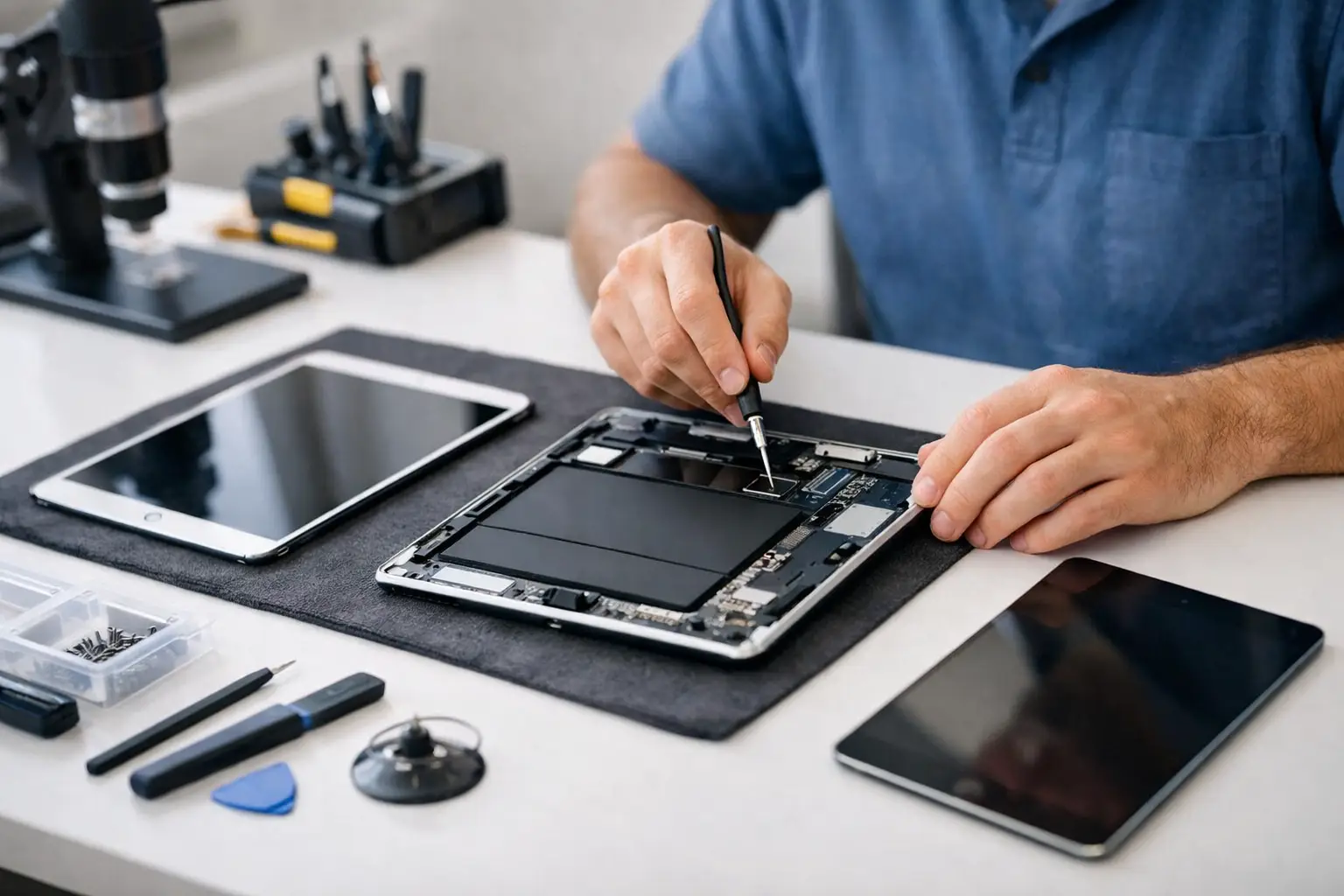
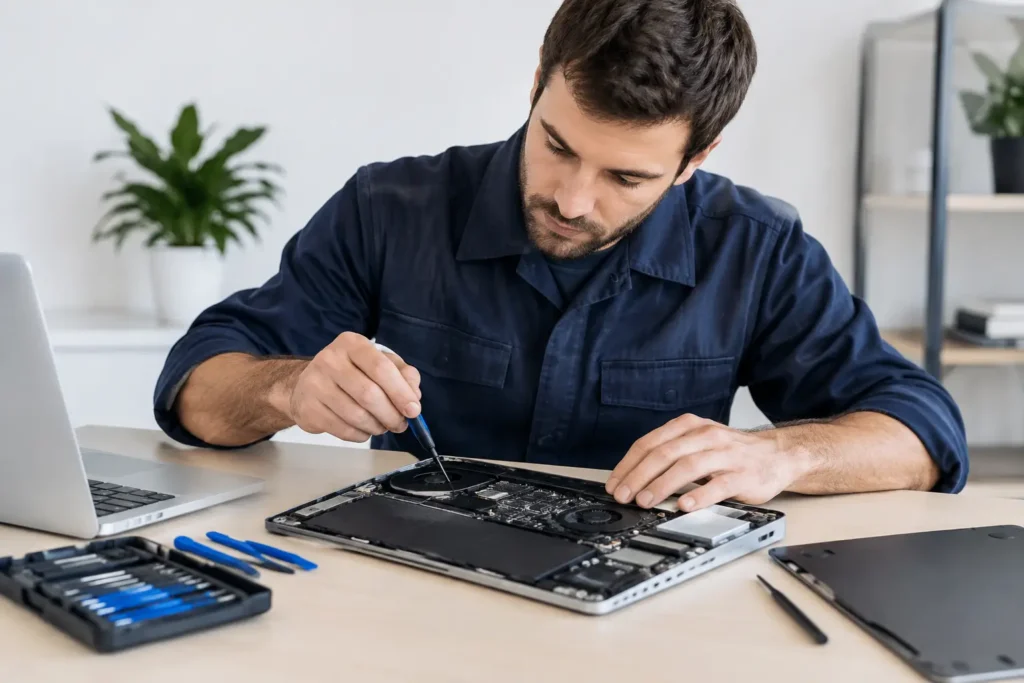
A cracked iPad screen rarely arrives at a convenient moment. It happens before a school deadline, halfway through a workday, or just as the children settle in with their favourite programme. Before writing the device off, consider the best reasons to repair iPad problems locally. In many cases, a targeted repair is quicker, less expensive and far less disruptive than buying a replacement.
An iPad is more than a tablet. It may hold family photos, notes, passwords, business files, schoolwork and the apps that make daily life run properly. A fault can feel serious, but not every fault means the whole device is finished.
1. Repairing usually costs less than replacing
For most people, cost is the first question. A new iPad can be a significant purchase, especially if you need a larger storage capacity, mobile connectivity or an Apple Pencil-compatible model. When the issue is a broken screen, tired battery, charging fault or damaged charging port, replacing the affected part is normally much more sensible than replacing a device that otherwise works well.
A repair lets you pay for the actual fault rather than for a new camera system, processor and features you may not need. That can make a real difference for families with several devices, students on a budget, or businesses managing tablets for staff.
The key is an honest diagnosis. If an iPad has multiple serious faults, extensive liquid damage or an ageing model with limited software support, replacement may be the better value. A reputable repair shop should explain that clearly rather than recommend a repair that does not make financial sense.
2. A repaired iPad keeps your day moving
Sending a device away through a manufacturer or postal service can leave you without it for days or longer. That is not ideal when the iPad is used for Teams calls, invoices, classroom work, travel bookings or keeping children occupied on a rainy Cumbrian afternoon.
Local repair gives you the chance to have the problem assessed quickly and understand the likely turnaround before committing. Common repairs, such as screen and battery replacements, can often be completed much faster than a replacement journey involving backups, accounts, deliveries and setting up a new device from scratch.
There is also less uncertainty. You can speak to the technician handling the repair, ask what has failed and get straightforward advice on how to prevent the same issue happening again.
3. Your data stays where it belongs
An iPad can contain years of photos, messages, documents and saved logins. Even when a replacement is covered by insurance or warranty, transferring everything across can be stressful. If the old tablet will not switch on, has a damaged display or will not charge, accessing that data can become even harder.
Repairing the original device can preserve your familiar setup. Your apps, files, settings and photos remain in place, provided the fault has not damaged the storage itself. That is particularly valuable for people who have not made a recent backup, as well as small businesses that keep work materials on shared tablets.
Of course, no repair process can promise that data will survive every type of damage. Severe liquid exposure and logic board faults carry more risk than a straightforward screen replacement. A good technician will be open about that risk and handle your device with proper care and respect for your privacy.
4. A new screen can make an iPad feel new again
A shattered display changes how you use a tablet. Sharp cracks are unpleasant, touch controls can become unreliable, and a small break can spread across the screen after one more knock in a bag. You might keep putting up with it because the iPad still powers on, but damaged glass can turn a simple repair into a more complicated problem.
Replacing the screen restores clear viewing, accurate touch response and a safer surface for everyday use. It is one of the strongest reasons to repair an iPad rather than replace it, especially where the cameras, speakers, buttons and performance are otherwise in good condition.
Screen quality matters. The aim should not simply be to cover the crack. A properly fitted replacement should support reliable touch performance and leave the device securely reassembled. Once repaired, a protective case and tempered glass screen protector can be a modest investment that prevents the next accident from becoming expensive.
5. Battery replacement solves a common frustration
If your iPad drops from 40% to 5%, needs charging twice a day, or switches off unexpectedly, the battery may be reaching the end of its useful life. This is normal wear, not proof that the whole tablet needs replacing.
A fresh battery can bring back the dependable all-day use you remember. That matters for students taking notes, tradespeople showing plans on site, and families using an iPad for streaming, video calls and homework. It can also reduce the temptation to leave the device on charge constantly, which is not much use when you need to take it out of the house.
Battery symptoms can sometimes point to another fault, such as a charging issue or software problem. Diagnosis is useful here because it avoids paying for a battery when the actual cause is elsewhere.
6. Charging and power faults are often repairable
An iPad that will not charge can look completely dead, but the cause is not always catastrophic. Dust or debris in the port, a worn cable, a damaged connector, a failed battery or a board-level fault can all produce similar symptoms. Trying several cheap chargers without knowing the cause can waste time and occasionally make matters worse.
A professional inspection identifies whether the fault is with the charging port, power circuit, battery or another component. Many of these problems can be repaired, allowing you to keep a device you already know and rely on.
Avoid digging aggressively into a charging port with metal tools. It is easy to damage the internal contacts, and a minor blockage can become a genuine port repair. If a cable feels loose, only works at a particular angle or the iPad gets unusually hot when charging, stop using it and get it checked.
7. Repairing reduces unnecessary electronic waste
Tablets are packed with materials, batteries and components that take energy and resources to manufacture. Replacing an iPad because of one broken part creates waste when much of the device may still have years of useful life left.
Repair is a practical choice, not just an environmental one. Extending the life of a working device reduces the need to buy new technology before it is necessary. For schools and businesses with several tablets, that approach can significantly reduce both replacement spend and the pile of retired devices waiting in a cupboard.
There is a limit. Older iPads eventually lose software support, struggle with newer apps or become uneconomical to fix. But a device that is still secure, performs well and meets your needs deserves proper consideration before it is replaced.
8. Local expertise provides clarity and accountability
Choosing a nearby specialist means you are not dealing with an anonymous online process. You can explain what happened, show the fault in person and ask questions before work starts. That is reassuring when the device contains personal information or is essential for work.
TechLab Repairs supports iPad owners across Barrow-in-Furness, Furness, Cumbria and the Lake District with practical fault diagnosis and dependable repair options. The right service should give clear pricing, explain the work required and stand behind its workmanship, rather than leave you guessing about the condition of your device.
For businesses and schools, local support is especially useful. A cracked pupil tablet or a staff iPad with a charging fault should not sit unused for weeks. Quick assessment helps organisations decide whether a repair, replacement or device-management change is the most sensible next step.
When replacing may be the smarter decision
Repair is often the sensible route, but it depends on the iPad’s age, condition and intended use. If the device has serious water damage, repeated faults, a badly bent frame and an outdated operating system, putting money into it may not be wise. The same applies where the repair cost is close to the price of a suitable replacement.
Ask for a diagnosis that considers the whole device, not just the visible damage. You should know what is wrong, what the repair is expected to achieve and whether there are any risks or additional issues to consider. That information makes the decision much easier.
Do not let a cracked screen, weak battery or charging fault slow you down more than it needs to. Get the iPad assessed, protect your data where possible and choose the option that gives you the best value for the way you actually use it.