Your Samsung was lasting comfortably until bedtime. Now it drops from 30% to 5%, switches off in your pocket, or needs charging twice a day. A Samsung battery replacement can restore the reliability you depend on for calls, banking, work messages, maps and family photos – without the cost of replacing an otherwise good phone.
Battery problems are frustrating, but they are not always caused by the battery itself. Charging ports, cables, software faults and power-hungry apps can produce similar symptoms. The right repair starts with a proper assessment, so you pay for the fix your handset actually needs.
Signs your Samsung battery may need replacing
Every rechargeable battery loses capacity over time. This is normal wear rather than something you have done wrong. Heat, frequent fast charging, heavy use and hundreds of charge cycles can all speed up the process, particularly on phones that are two or three years old.
The clearest sign is reduced battery life. If your phone used to last a full day and now struggles through a morning with normal use, the battery may no longer hold enough charge. A percentage that falls unusually quickly, or a phone that switches off despite showing charge remaining, can also point to a worn battery.
Unexpected restarts are another warning. When a battery cannot supply stable power during a call, camera use or a demanding app, the handset may shut down or reboot. You may notice that this happens more often outdoors in cold Cumbrian weather, as low temperatures place extra strain on an ageing battery.
Slow charging can be related to the battery, but it is not a guarantee. Check first for a damaged cable, loose plug or debris in the charging port. If several known-good chargers produce the same problem, a technician can determine whether the issue lies with the battery, port or charging circuitry.
Treat a swollen battery as urgent
A lifting back cover, raised screen, gap around the frame or phone that no longer sits flat can indicate battery swelling. Stop using and charging the device, do not press the screen or try to force the casing shut, and arrange professional help promptly. A swollen lithium-ion battery needs careful handling.
Do not put a damaged phone in the bin or attempt to puncture, bend or remove the battery yourself. This is one repair where waiting can make damage to the screen, housing and internal components more likely.
Is Samsung battery replacement worth it?
For many people, yes. If the screen is clear, the cameras work, the phone receives the software support you need and it otherwise does everything you need it to do, a replacement battery is often the sensible value choice. It can give a dependable handset a useful second life and reduce the disruption of moving apps, contacts and authentication details to a new device.
It depends on the model and its overall condition. An older handset with extensive screen damage, liquid damage, failing buttons and poor performance may be better assessed as a wider repair decision. The same is true if the cost of several repairs approaches the value of a newer device. A straightforward conversation before work begins helps avoid surprises.
For families, students and businesses managing several devices, repairs can also be easier to budget for than frequent replacement. Keeping a working Samsung in service is often the more practical option when the fault is isolated and the phone still meets its owner’s needs.
What happens during a professional Samsung battery replacement?
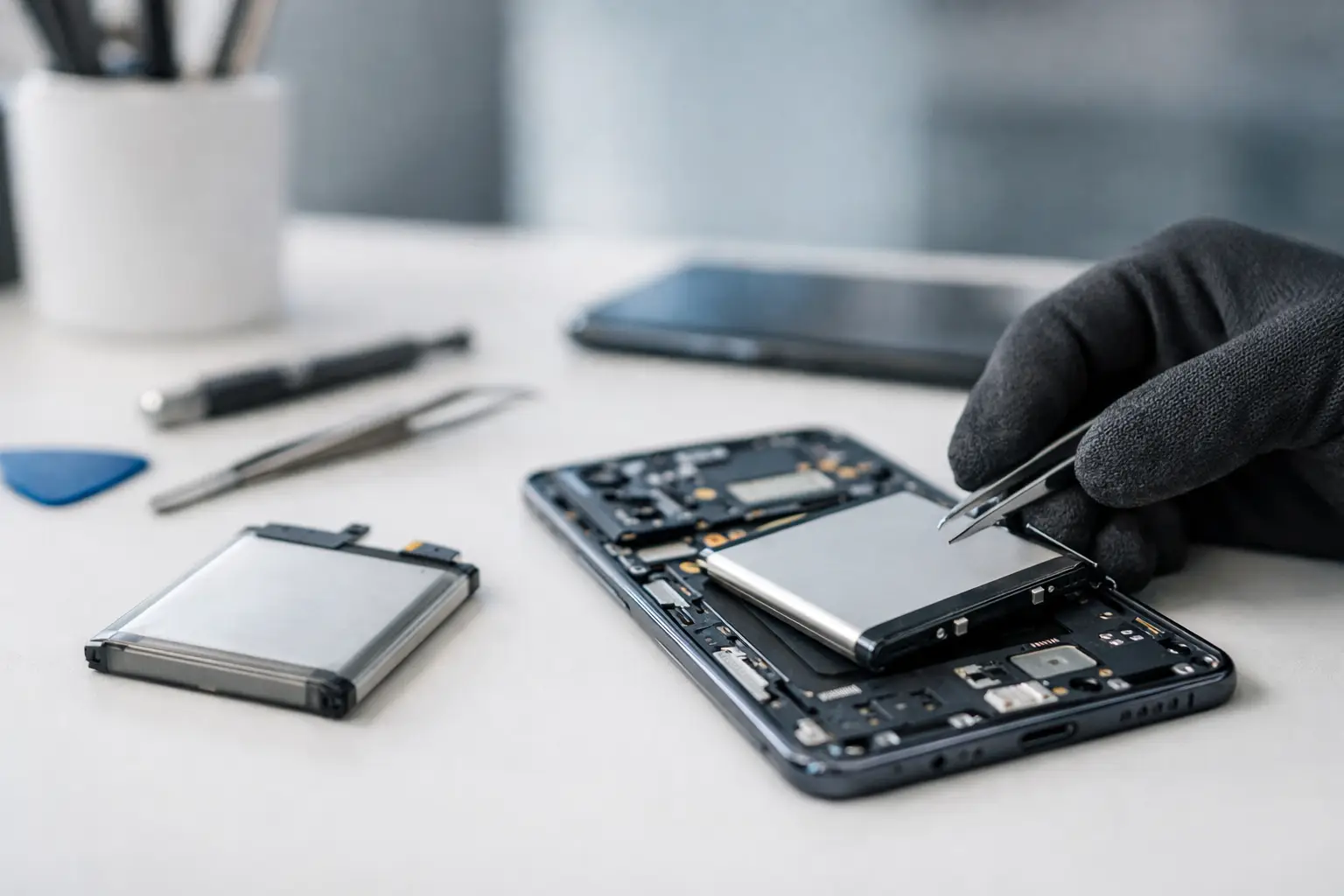
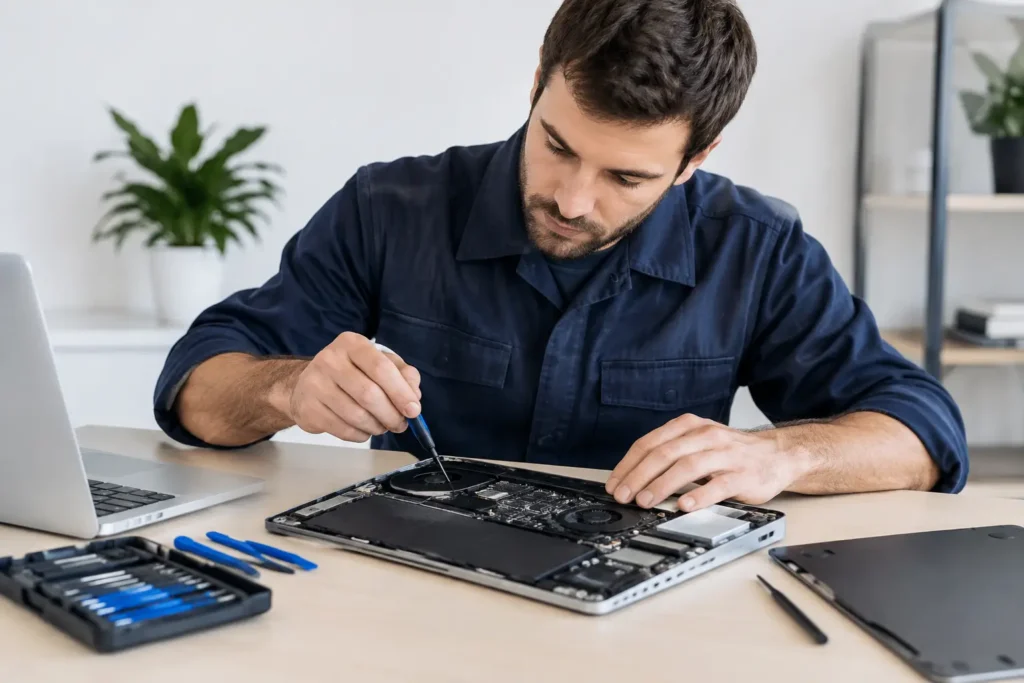
Modern Samsung phones are tightly built, with batteries secured inside the chassis and screens or rear covers that need to be opened carefully. It is not like swapping removable batteries on older handsets. Rushing the process can crack a display, damage a flex cable or compromise the phone’s seals.
A professional repair normally begins with a check of the reported fault. The technician will look at charging behaviour, battery performance and the physical condition of the device. This matters because fitting a new battery will not solve a worn charging port or a board-level power fault.
Once the battery is confirmed as the likely cause, the device is opened using the correct tools and controlled heat where required. The old battery is removed safely, the replacement is fitted, and the handset is reassembled and tested. Charging, power-up, touchscreen response and general function should all be checked before the phone is returned.
At TechLab Repairs, the focus is on practical local support: clear fault diagnosis, careful workmanship and a repair that gets you back to your routine as quickly as possible. If your Samsung holds important photos, work files or account access, tell the technician before repair begins. Battery replacement does not usually require data removal, but secure handling and sensible precautions should always be part of the service.
Parts quality and water resistance
Not all replacement batteries are equal. A cheap, unknown part may seem tempting, but poor capacity, unreliable performance and fitment issues can turn a saving into another repair. Ask what standard of part is being used and whether the work is covered by a repair guarantee.
It is also sensible to understand the trade-off around water resistance. Samsung handsets that were water-resistant when new rely on seals and adhesives that can weaken over time. Opening any phone can affect that protection, even when it is reassembled with care. Treat the repaired device as something to keep away from water rather than assuming it is safe for a sink-side splash or rainy walk.
Get more life from your replacement battery
A new battery should improve day-to-day use, but good habits can help it stay healthier for longer. You do not need to obsess over charging percentages. The biggest enemy is heat, so avoid leaving your phone on a dashboard, under a pillow, beside a radiator or in direct sun while charging.
Use a reliable charger and cable suited to your Samsung model. If the phone becomes unusually hot during charging, remove a thick case temporarily and stop using demanding apps until it cools. Fast charging is convenient, but gentle, cooler charging is easier on a battery when you are not in a hurry.
Keep your software updated too. Updates can address battery-draining bugs and improve power management. In the battery settings, review which apps use the most power. A navigation app, social media feed or game may be responsible for a large part of the drain, especially if it is constantly refreshing in the background.
If you are storing a spare phone for a few months, do not leave it flat or permanently on charge. Switch it off with some charge remaining and store it somewhere cool and dry. Check it occasionally rather than forgetting it in a drawer for a year.
When battery trouble is actually something else
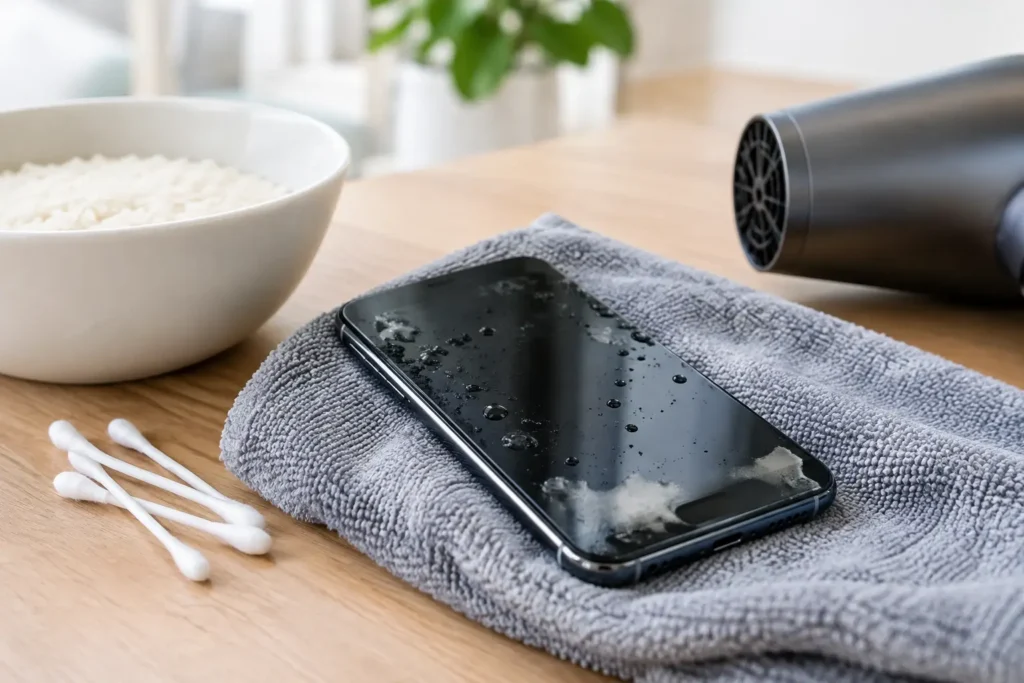
A phone that only charges when the cable is held at a certain angle probably has a charging-port issue. One that loses power after liquid exposure may have corrosion or internal damage. If the battery percentage behaves erratically after a recent software update, a settings check, update or diagnostic may be the better first step.
Poor signal can also make a battery appear worse than it is. When a phone constantly searches for a network in rural areas or inside a thick-walled building, it uses more power. That does not rule out a worn battery, but it shows why a quick diagnosis is more useful than guessing.
Your phone should not dictate where you can go or whether you can make it through the day. If charging has become a constant calculation, a professional assessment can tell you whether a Samsung battery replacement is the straightforward fix that puts dependable power back in your pocket.