A console that powers on but shows a black screen can turn a relaxing evening into a proper headache. This console HDMI repair guide helps you separate a simple connection problem from a damaged HDMI port or an internal board fault, so you can make the right call before assuming the console has failed.
HDMI faults are common on PlayStation, Xbox and Nintendo Switch consoles because the port sits at the back of the machine, where cables can be knocked, bent or pulled during everyday use. The good news is that not every “no signal” message needs a repair. The key is testing carefully before spending money or risking further damage.
Start with the simple HDMI checks
Before inspecting the console itself, rule out the parts around it. A faulty cable, the wrong TV input or a TV setting can produce exactly the same symptom as a damaged HDMI port.
Turn the console and television off, then remove the HDMI cable from both ends. Check for visible damage to the cable, including sharp bends, crushed sections and loose connector ends. Reconnect it firmly, making sure it sits fully into the console and television. If possible, test with a known-working, good-quality HDMI cable rather than relying on the cable currently in use.
Next, try a different HDMI input on the TV. Many televisions have several ports, and one may have failed or be configured differently. Select the matching input with the TV remote rather than relying on automatic detection. Testing the console on another television or monitor is also useful. If it works on a second screen, the console may be fine and the issue could be with the original TV, its input or its settings.
Power cycling can help with temporary signal handshaking errors. Switch the console off fully rather than leaving it in rest or sleep mode, unplug it for a minute, then restart both the TV and console. This is particularly worthwhile after a power cut, a display setting change or moving the console between screens.
Signs your console HDMI port is damaged
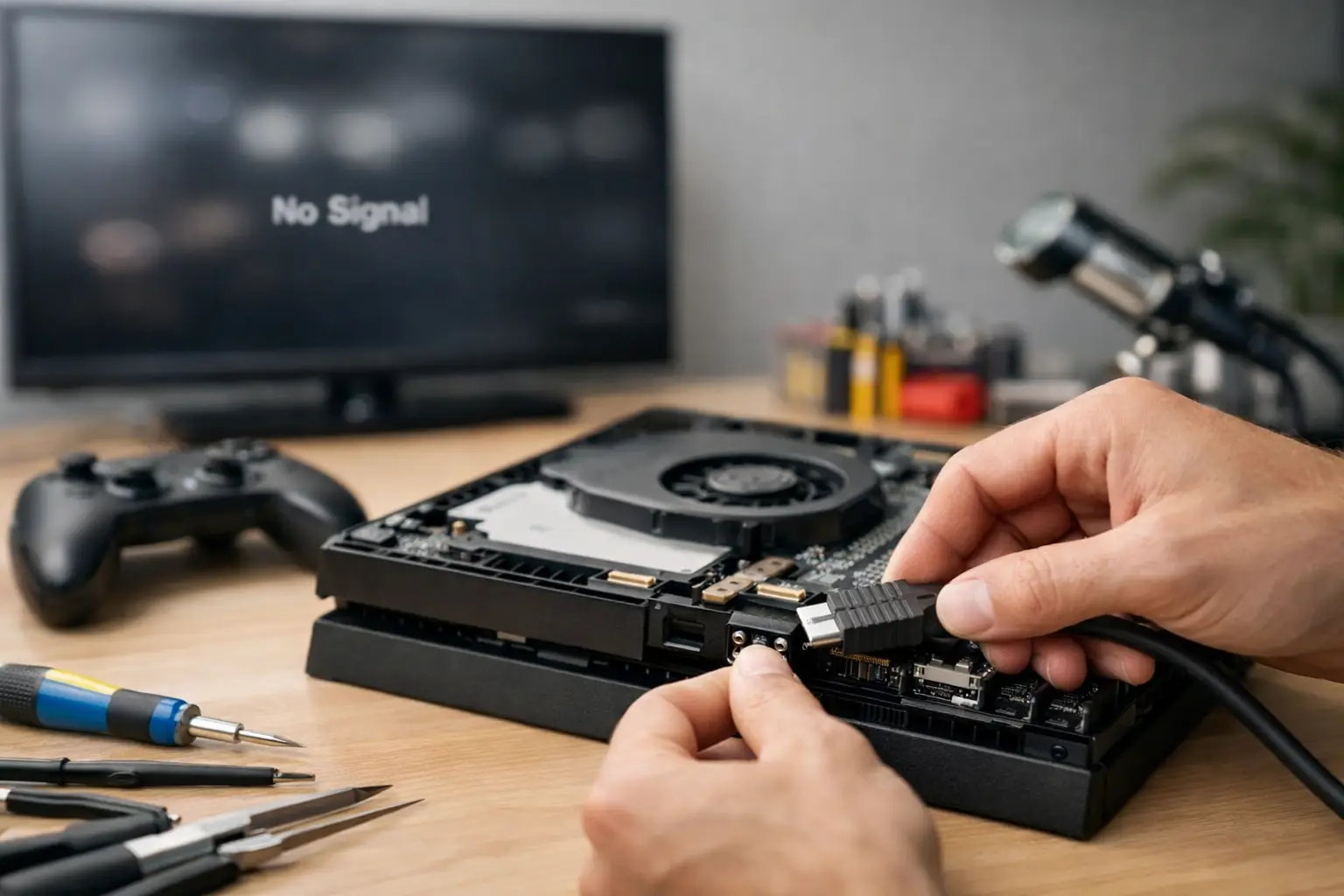
If a different cable and screen make no difference, look closely at the HDMI port using a torch. Do not force anything into it. A healthy port should appear straight, secure and evenly aligned with the console casing.
A damaged port can show obvious signs such as bent internal pins, a loose metal housing, cracked plastic inside the connector or a port that has sunk backwards into the case. Sometimes the cable only works when held at a particular angle, or the screen flickers, cuts out during play or displays coloured lines and static. These are strong warnings that the connection is no longer stable.
It is also possible for a port to look normal but have broken solder joints underneath it. This often happens after the cable has been knocked sideways while plugged in. The console may show an intermittent picture, lose signal whenever the cable moves, or show nothing at all despite powering on normally.
Avoid repeatedly wiggling the cable to get a picture. It can turn a repairable port fault into damaged tracks on the main board, which is more complex and costly to resolve.
Console HDMI repair guide: port fault or board fault?
An HDMI port is only one part of the video output system. Behind it are tiny components that process and protect the signal. That is why a replacement port does not fix every no-display console.
A port fault is more likely when there is physical damage, the connector feels loose, or the fault started immediately after the cable or console was knocked. In these cases, professional HDMI port replacement is usually the appropriate repair. The damaged port is removed from the board, the solder pads are inspected and cleaned, and a replacement is fitted using specialist soldering equipment.
A board-level HDMI fault is more likely when the port is intact but there is still no image after sensible cable and screen tests. Power surges, liquid damage, overheating, incorrect previous repair work and component failure can affect the HDMI encoder, filters, protection circuitry or nearby board traces. Symptoms can include a completely black display, a picture with heavy distortion, no signal on multiple screens, or a console that switches on then shuts down.
There is no reliable visual test at home for many of these faults. Proper diagnosis requires electrical testing and experience with the console’s board layout. A reputable repair shop should identify whether the issue is the port alone or a deeper board fault before carrying out unnecessary work.
Why DIY HDMI repairs are risky
Replacing an HDMI port looks straightforward in a short video, but it is one of the easier console repairs to get wrong. Modern console boards contain delicate multi-layer tracks and closely packed components. The port is soldered in multiple places, including small pins that carry the video signal.
A standard soldering iron, excessive heat or pulling the old port before the solder has released can lift pads from the board. Once pads or tracks are torn away, the repair may require microsoldering work rather than a routine port replacement. Too much heat can also damage nearby chips, melt plastic connectors or warp the board.
There is also the issue of diagnosis. Replacing the port when the real problem is an HDMI chip or a damaged trace wastes time and money. If your console contains saved games, work files, family accounts or downloaded content, opening it without the right tools can introduce further risk to the device and its data.
DIY work can make sense for basic external checks, careful cleaning around the outside of the port and cable replacement. For soldered HDMI port or main board work, professional repair is normally the safer value option.
What to do before booking a repair
A few notes can make diagnosis faster. Record the console model, when the fault began and whether it followed a drop, cable knock, liquid spill, power cut or failed update. Take note of the console lights, fan behaviour and any beeps. If you get sound but no picture, mention that too.
Remove game discs before transporting the console where possible, and bring the power lead if the repairer asks for it. You do not usually need to provide controllers, games or every cable unless the fault is intermittent and testing with your own equipment would help.
If the console still gives an image occasionally, back up saves and important data where the platform allows it. Do not delay this just because the picture returns temporarily. Intermittent HDMI faults often worsen as the port moves or weakens further.
For families, schools and businesses, label the device clearly and keep a note of the account holder. A professional repair service should handle devices carefully and respect the security of personal and organisational data throughout the process.
How to prevent another HDMI fault
The best protection is reducing strain on the port. Leave enough slack in the HDMI cable so it is not pulled tight behind the television cabinet. Avoid placing the console where children, pets, furniture or vacuum cleaners can catch the cable. When moving the console, unplug the HDMI lead first rather than carrying it with the cable still connected.
Use a cable that fits properly without putting sideways pressure on the port. Very heavy, stiff cables can place extra strain on a console that sits close to a wall. A shorter, flexible cable is often a better choice if space is limited. It is also worth keeping the console well ventilated, as excessive heat can contribute to wider board problems over time.
When professional HDMI repair is worth it
For a current-generation console, a professional HDMI repair is often far more affordable than replacement, especially when the console otherwise powers on and works normally. It can also protect access to installed games, user profiles and saved data that may not be fully backed up.
The decision can depend on the age and condition of the console. An older machine with several unrelated faults may need an honest assessment of repair cost versus replacement. But if the issue is confined to the HDMI port or video circuit, a targeted repair is usually a sensible route.
At TechLab Repairs, console HDMI faults can be assessed by a local specialist, with clear advice on the likely cause and the right repair before work goes ahead. Don’t let a black screen leave a perfectly good console gathering dust – a careful diagnosis can get game night back on track.