
7 Safe Steps to Fix a Cracked iPhone Screen
A cracked iPhone screen needs careful handling before repair. Learn safe first steps, backup, cost factors and when DIY risks outweigh the savings.


Last Updated: 4 November 2026
Quick Summary
Refurbished business laptops allow small firms, schools, and sole traders to reduce IT expenditure, offering professional-grade performance typically at 30% to 60% less than retail prices. Their value is contingent on the refurbishment process, so it’s essential to check diagnostics, data sanitisation, warranty terms, and upgrade options before purchasing.
Buying a refurbished business laptop is one of the most practical ways for a small firm, school, or sole trader to cut IT spending without compromising on equipment quality. Many businesses question whether a second-hand machine presents too much of a risk. Generally, the answer is yes, provided you know what to look for when selecting refurbished business laptops.
Industry projections indicate that refurbished laptops will constitute 74.0% of the sector by 2026, largely propelled by the rise of remote workers and students (Future Market Insights refurbished computer and laptop market report). Businesses can achieve IT procurement cost reductions of up to 80% compared to purchasing new assets (Rapid IT analysis of business IT procurement costs). Refurbished laptops typically offer professional-grade performance at 30% to 60% off retail prices (Human-I-T comparison of refurbished and retail business hardware). It is crucial to examine the specifications before comparing prices.

A refurbished laptop’s reliability is directly tied to the quality of its refurbishment process. Request that suppliers detail their process specifically, rather than relying on vague descriptions.
A thorough refurbishment workflow typically includes:
Corporate refresh machines can be several years old, potentially placing some at the edge of official Windows 11 support. Verify that the model is listed on the manufacturer’s Windows 11 tested list and confirm the presence of TPM 2.0, Secure Boot, and a supported processor generation. Enquire whether the firmware (BIOS/UEFI) is up-to-date and will be updated prior to dispatch. Also, check your essential line-of-business software requirements against the actual machine specification, not just the model family name.
A refurbished business laptop has almost certainly contained sensitive data. Reputable suppliers adhere to recognised standards for storage sanitisation, clearly stating whether drives are wiped, cryptographically erased, or physically destroyed. If a supplier cannot adequately explain their data sanitisation methods, consider it a significant warning sign. For businesses operating in regulated sectors, obtaining a certificate of data destruction is essential.
Understand the warranty duration and its coverage (including parts, labour, battery degradation, and accidental damage). Clarify whether support is return-to-base, on-site, or collect-and-return. Crucially, ascertain if the supplier maintains a stock of spare parts, as business-grade chassis often share components across different generations, offering a distinct advantage over consumer models.
Our own warranty details for repaired devices are outlined on our warranty page. If you’re considering extending the life of a device you already own, compare a refurbished device with a repair service to make an informed decision.
Heads up: A battery reported as “healthy” within the operating system might still be significantly below its original design capacity. Always request the cycle count and the remaining capacity as a percentage, rather than a simple pass/fail indicator.
Business-grade machines are typically engineered for consistent daily office use, featuring enhancements such as more strong chassis and docking connectors in many models. For a buyer of refurbished equipment, the more significant distinction is serviceability; business models are designed for easier opening, repair, and upgrades, whereas consumer models increasingly have memory and storage soldered directly to the motherboard.
Consult the model’s service manual (most manufacturers provide these) to assess memory (SO-DIMM slots, maximum supported capacity, and whether any RAM is soldered), storage (accessibility of M.2 slots, PCIe or SATA interfaces, and the presence of any 2.5-inch bays), battery (user-replaceable or requiring technician intervention), and wireless card (some corporate models employ a whitelist that restricts the types of Wi-Fi modules that can be installed). A refurbished business laptop equipped with accessible RAM and storage slots often represents the most economical path to acquiring a machine that not only meets current specifications but can also adapt to future needs.
The initial purchase price is merely the first consideration. A more comprehensive assessment should include the acquisition cost relative to a new equivalent, upgrades, energy consumption (examine the power supply rating and efficiency labelling), support and downtime (warranty terms, parts availability, repair turnaround times), depreciation and residual value (refurbished assets have already undergone their steepest depreciation), and disposal costs, which relate to your Waste Electrical and Electronic Equipment (WEEE) obligations.
Refurbished corporate units may come with certain limitations. Dell Refurbished notes that these machines often cannot be customised at the point of purchase and may exhibit minor cosmetic imperfections (Dell Refurbished guidance on corporate units). You are also acquiring a device that is one or two generations behind the latest processors, which is a consideration if your workload is particularly compute-intensive. However, this is rarely a significant factor for standard office, finance, and administrative tasks. For ongoing support, compare business device support against in-house IT, and explore how business repair support packages help maintain device functionality.
Best for: Small firms, schools, and sole traders requiring dependable machines for office work who value the potential for upgrades and repairs.
Skip if: You require the absolute latest processor generation, a specific cosmetic finish, or a sealed, non-serviceable design.
The article outlines the primary cost and ownership factors to consider when comparing a refurbished business laptop with a consumer model.
| Factor | What to check | Why it matters |
|---|---|---|
| Memory | SO-DIMM slots, maximum capacity, whether soldered | Impacts upgrade potential |
| Storage | Accessible M.2 slot, PCIe or SATA, 2.5-inch bay | Cost-effective route to increased capacity |
| Battery | User-replaceable or technician-only | Determines repair cost and accessibility |
| Wireless card | Whether a whitelist restricts Wi-Fi modules | Can limit replacement options |
| Purchase price | Acquisition cost against new equivalent | The initial outlay |
| Energy use | Power supply rating and efficiency labelling | Contributes to running costs |
| Support and downtime | Warranty terms, parts availability, repair turnaround | Affects overall cost of ownership |
| Residual value | Refurbished assets have already absorbed steepest depreciation | Influences long-term value |
Business-class refurbished laptops are generally reliable for everyday office tasks such as email, documents, spreadsheets, and video calls. Many suppliers rigorously test processor, RAM, SSD, and battery health before sale. Reliability ultimately depends on the specific model, its age, and the grading of the unit. Therefore, it is crucial to check the specification and the supplier’s testing procedures before purchasing. A unit that has passed a documented inspection is a sound choice for standard office work.
Many refurbished laptop suppliers in the UK include a warranty with each unit, although the duration can vary between sellers and is often shorter than the warranty provided with a new laptop. It is important to carefully read the warranty terms before placing an order, paying close attention to what is covered, such as hardware faults, battery health, and return policies. TechLab Repairs offers a 12-month warranty on its repairs. For the most current terms on any device, please contact TechLab Repairs directly.
Ready to make your IT budget go further? Speak with TechLab Repairs about refurbished and repaired business laptops, and book a call to find the ideal solution for your team.
A cracked iPhone screen needs careful handling before repair. Learn safe first steps, backup, cost factors and when DIY risks outweigh the savings.
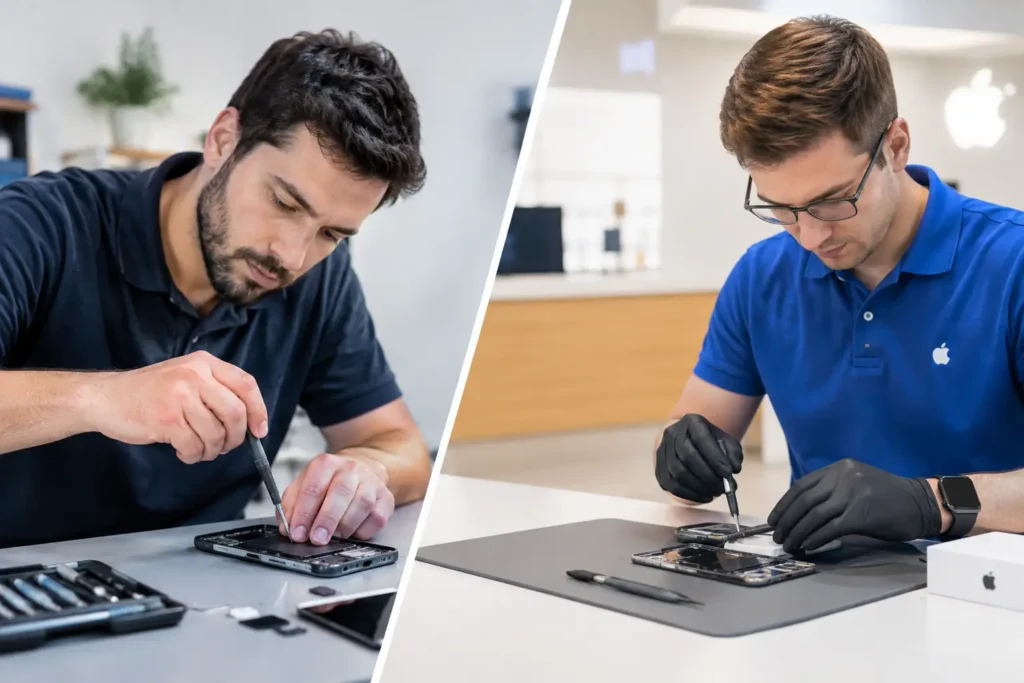
Third party versus authorised repair explained: compare cost, parts, warranty, speed and data care before booking a repair in Cumbria for your device.
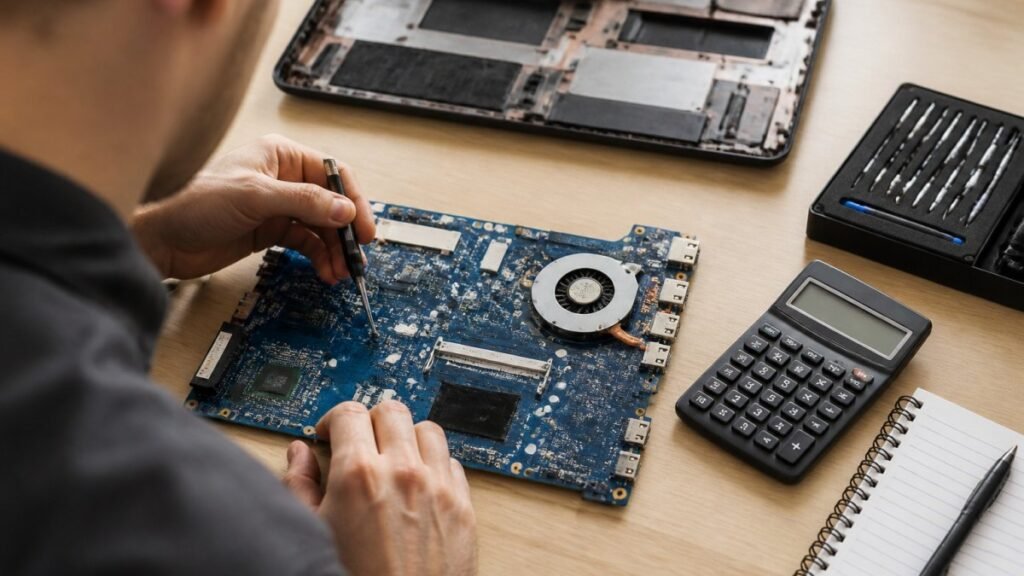
Motherboard repair cost in the UK depends on the fault, the laptop and the quote type. Compare repair with replacement and see what to ask for in writing.
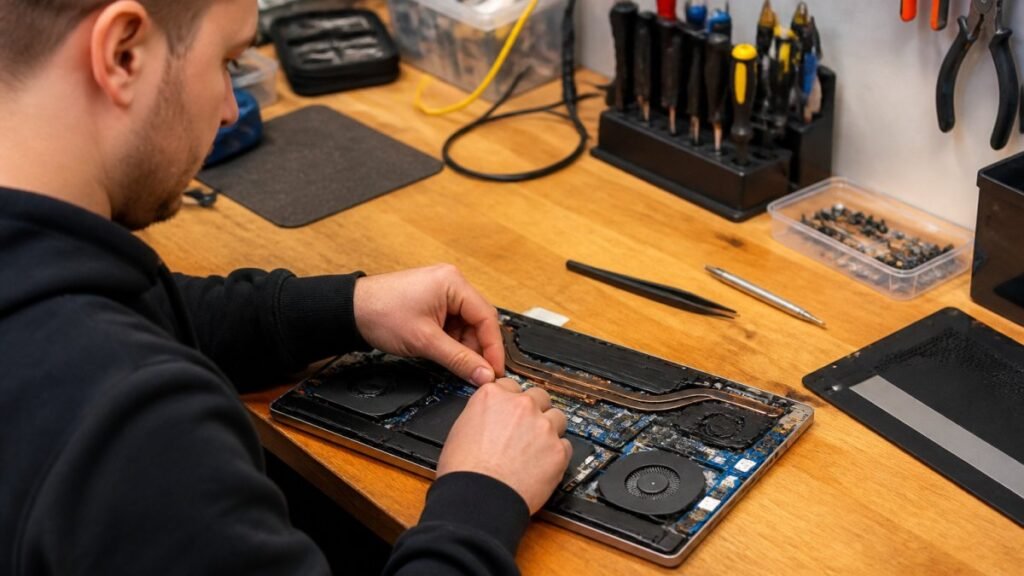
Need fast laptop repair in Barrow-in-Furness? Learn how diagnostics, turnaround times and same-day fixes work, and how to check your repair progress.

Does screen repair affect warranty cover? Learn when a replacement voids cover, what UK consumer rights still protect, and how to choose a trusted repairer
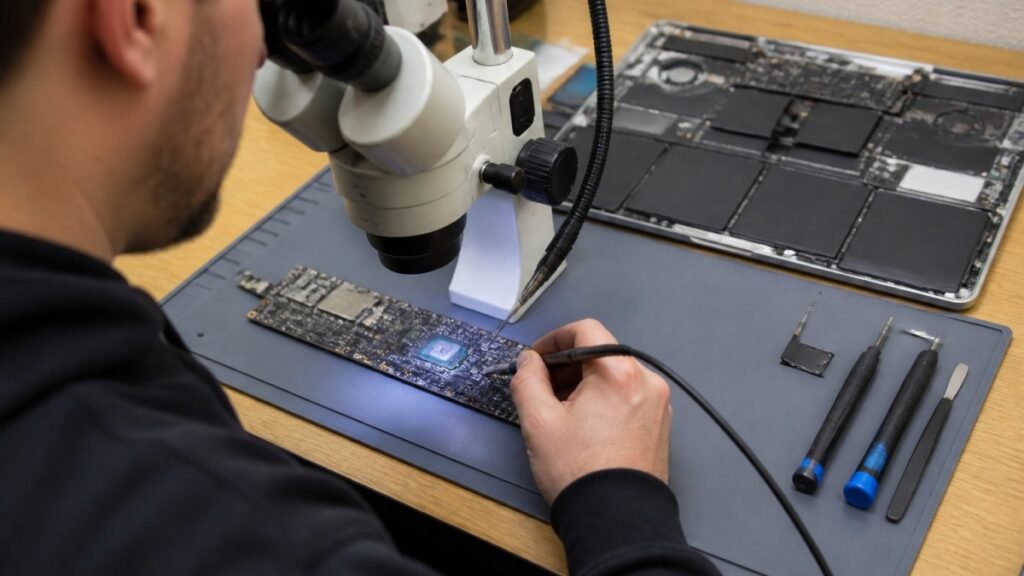
Find out how a MacBook logic board repair works in Cumbria, from spotting the faults to treating liquid damage and recovering your data.
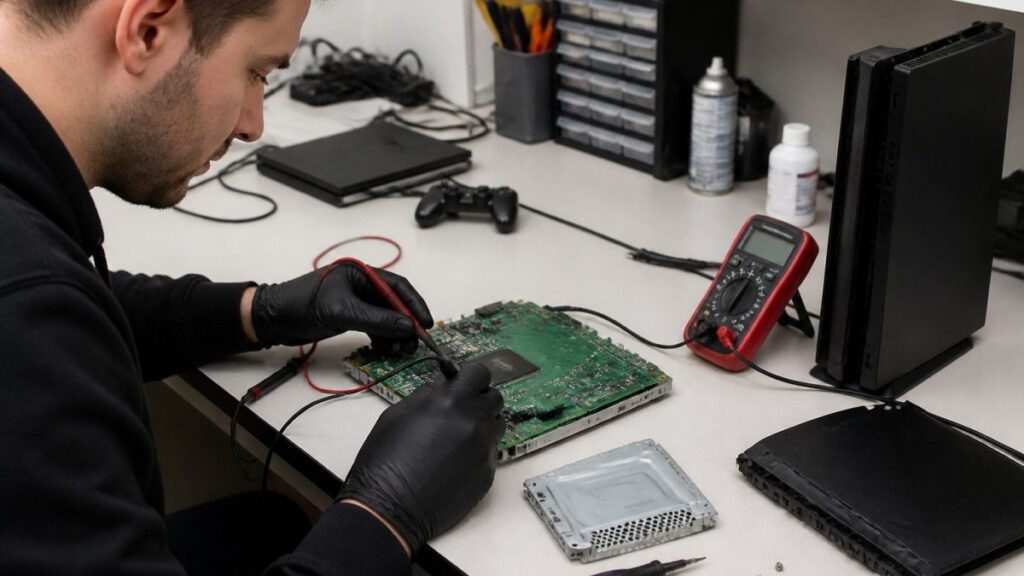
A console diagnostic in Barrow can pinpoint HDMI, overheating or power faults in minutes. Find out which fault fits your console.

Phone ghost touches can make your screen unusable. Learn the likely causes, safe checks and when a professional repair is the sensible next step today.

Is a refurbished laptop warranty reliable? Learn what cover you actually get, how long it lasts and how to check the terms before you buy with confidence.
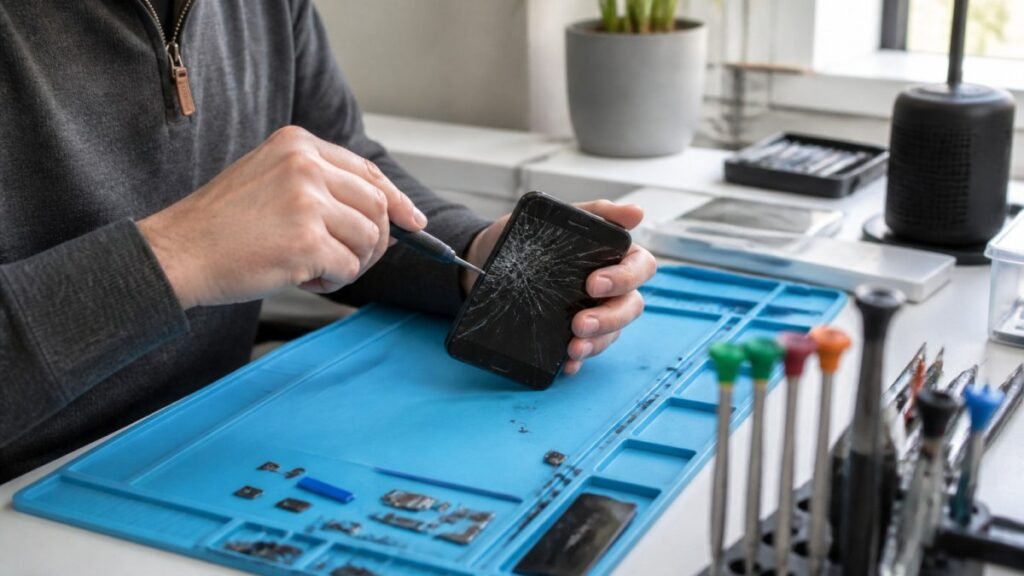
Urgent smartphone repair in the Lake District can often be same day, so check these basics, back up your data and call ahead first.