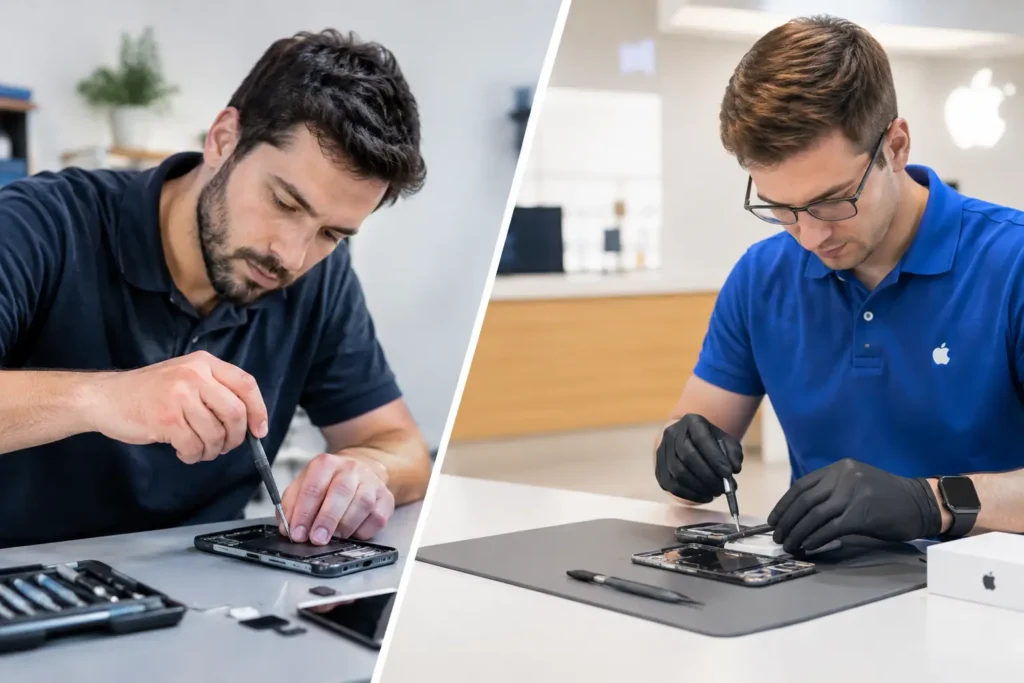
A wet iPhone can look perfectly normal for an hour, then refuse to charge by tea time. That delay is why an iPhone water damage repair example is useful: it shows why quick, sensible action can make the difference between a clean repair and a failed logic board.
Imagine an iPhone dropped into a kitchen sink for a few seconds. It is retrieved quickly, the screen still lights up, and a notification sound plays. The owner assumes it is fine, plugs it in to check the battery and carries on using it. By the following morning, the display flickers, Face ID has stopped working and the phone will not take a charge. The water did not suddenly become a problem overnight – corrosion had started on the internal connectors and board components.
iPhone water damage repair example: a realistic case
In this example, the phone arrives switched off with no obvious external damage. The customer has already removed it from a case and wiped it dry, which is helpful. However, it was charged after getting wet, and that can create a short circuit where moisture remains around the charging port, battery connection or logic board.
The first job is not to fit a new screen or replace a battery. It is to assess the extent of the liquid ingress. An iPhone may have water-resistant seals, particularly on newer models, but water resistance is not permanent waterproofing. Age, heat, previous repairs, drops and normal wear can all weaken those seals.
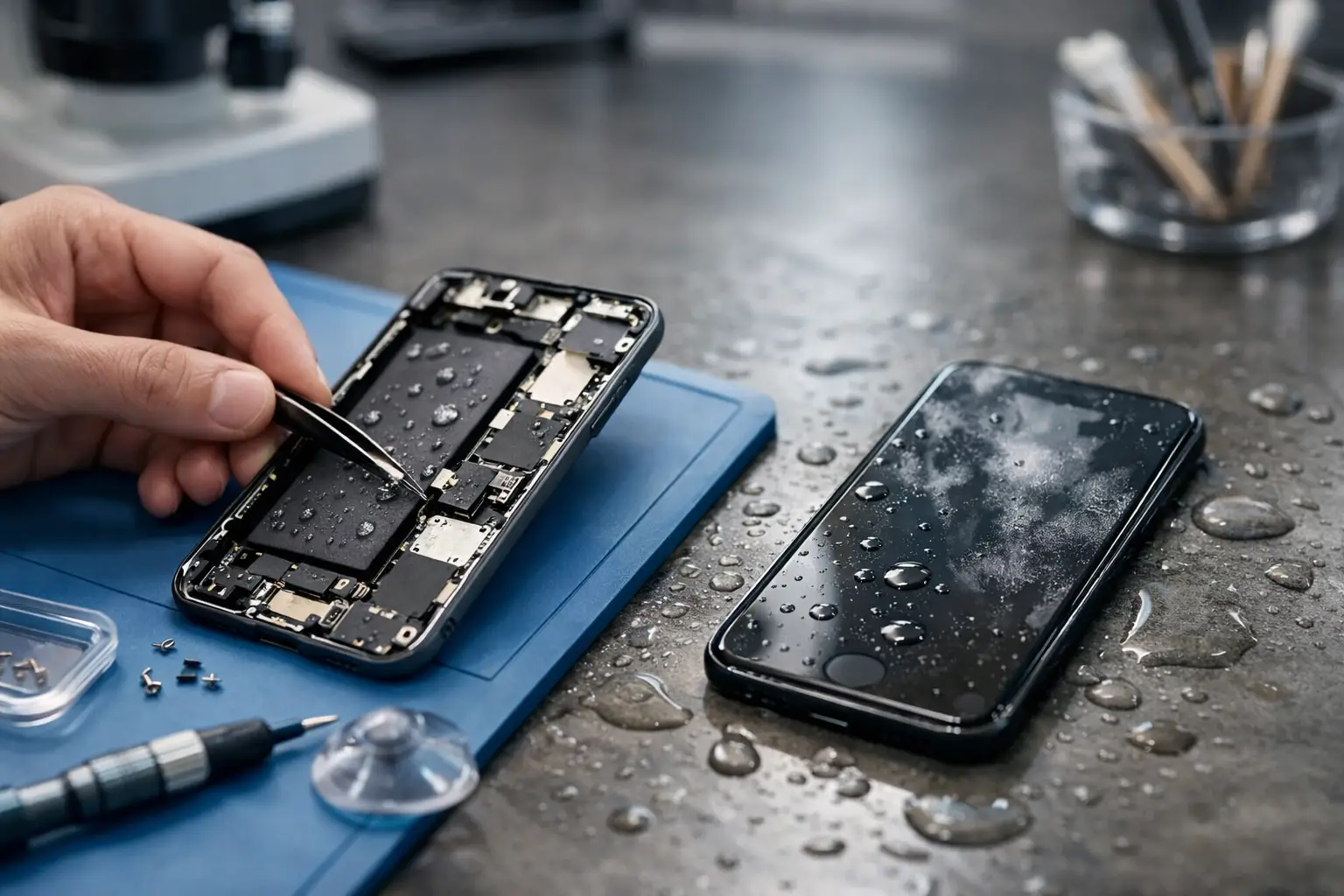
A technician carefully opens the handset, disconnects the battery and checks the liquid contact indicators. These indicators can suggest exposure, but they do not tell the whole story. The more useful evidence is inside: residue around the charging port, moisture under shields, green or white corrosion on connectors, and damage around the display or camera connections.
In our example, inspection finds light corrosion around the charging port flex, moisture beneath the display connector shield and residue close to a power-management area on the logic board. The battery is disconnected before any further testing. This matters because power and moisture are a bad combination. Keeping a wet phone switched on, pressing buttons repeatedly or plugging in a cable can turn a repairable issue into a more serious board fault.
What a proper liquid damage repair involves
The handset is dismantled far beyond the level needed for a simple screen repair. Components affected by moisture are cleaned using professional methods designed for electronic boards and connectors. The aim is to remove conductive residue and stop corrosion spreading, not merely dry the phone’s surface.
The charging port assembly may need replacing if its pins are corroded or if it cannot reliably charge, connect to a computer or pick up a microphone signal. In this case, the port is replaced because cleaning alone does not restore a stable connection. The display is tested separately, as flickering can come from either a damaged screen or corrosion at its connector.
The logic board needs particular care. This is where the iPhone stores vital data and manages its core functions. If corrosion is localised, cleaning and microscopic inspection may restore normal operation. If a component has failed, logic board repair may be possible, but the cost and outcome depend on the exact fault, the model and how long the liquid has been inside.
After cleaning and any component replacement, the phone is reassembled for controlled testing. A worthwhile test checks more than whether it powers on. It should include charging, battery behaviour, touchscreen response, cameras, speakers, microphones, Wi-Fi, Bluetooth, mobile signal, buttons, Face ID or Touch ID where applicable, and proximity sensors.
In this example, the iPhone powers up normally after treatment, charges consistently and the screen no longer flickers. The charging port is replaced, while the display itself is saved. The customer avoids the cost of a replacement handset and, just as importantly, keeps their photos, messages and apps on the original device.
Why rice is not the answer
Putting a wet iPhone in rice is a familiar bit of advice, but it is not a repair method. Rice cannot remove corrosion from internal connectors, and its dust can make its way into ports. Leaving the device in rice for a day or two can also delay the professional cleaning that gives it the best chance.
A hairdryer is no better. Heat can push moisture further into the device, damage seals and affect the battery or display. Do not put an iPhone on a radiator, in an oven or in a tumble dryer. Those methods can create more damage than the original spill.
If the phone has been exposed to seawater, a sugary drink, coffee, bath water or washing-up liquid, the need for prompt assessment is even greater. These liquids leave more residue than clean tap water. Seawater is especially corrosive, while drinks can leave sticky deposits that continue causing faults long after the handset seems dry.
What to do as soon as an iPhone gets wet
Act calmly, but do not wait around to see whether the phone recovers. Remove it from the liquid, take off the case and wipe the exterior with a soft, lint-free cloth. If it is still on, switch it off straight away. Do not charge it, connect accessories or try to test every feature.
If possible, remove the SIM tray and allow the phone to sit with the port facing down so excess liquid can drain. Avoid inserting paper, cotton buds or tools into the charging port. They can leave fibres behind or damage the delicate pins.
Then arrange a professional inspection as soon as you can. For people in Barrow-in-Furness, Furness, Cumbria and the Lake District, a local repair service avoids the uncertainty and delay of posting a water-damaged device away. Fast assessment is particularly valuable when the phone holds work files, school accounts, booking details or irreplaceable family photos.
Data recovery comes before convenience
When an iPhone has liquid damage, getting it working long enough to back up its data can be the most valuable outcome. A new handset is easy to buy; years of photos, WhatsApp messages, notes and business contacts may not be.
That is why a repair should be approached with data security in mind. A responsible technician does not need to browse through your personal content to clean the board, replace a port or test hardware. Where a passcode is needed for functional testing, it should be handled carefully and only with the customer’s agreement.
There are occasions when full repair is not the sensible option. Severe logic board corrosion, a damaged OLED screen and a compromised battery can make the total cost hard to justify on an older model. Even then, a board-level assessment may be worthwhile if the data matters. It depends on the iPhone model, the liquid involved, the time since exposure and whether the handset was powered or charged while wet.
Costs, repair times and honest expectations
There is no single price for liquid damage because no two spills behave the same way. A phone with light moisture around one connector may need cleaning and a small replacement part. Another phone that has spent time underwater may need a charging port, battery, display and advanced logic board work.
The honest approach is diagnosis first, followed by a clear explanation of what has been found and what it will cost to address. Be cautious of anyone who promises a guaranteed fix before opening the phone. Liquid damage can reveal hidden faults during testing, including issues that were already developing before the spill.
At TechLab Repairs, the focus is on giving customers a practical route forward: protect the data where possible, repair what is economically sensible and explain the options without jargon. Don’t let a wet phone become a write-off simply because it still appeared to work at first.
If your iPhone has been splashed, dropped or left in the rain, switch it off and keep it away from the charger. A prompt inspection gives the device its strongest chance of returning to reliable daily use.