A cracked iPad screen before a deadline, a battery that dies halfway through the school run, or a charging port that only works at a certain angle can make replacement feel like the easy answer. But iPad repair vs replacement is rarely a simple choice. The right option depends on the fault, the model, the cost of repair, and how much you still rely on the device.
For many households, students and local businesses across Cumbria, an iPad is not just for streaming. It holds schoolwork, work files, photos, apps, passwords and day-to-day routines. Don’t let one fault push you into spending more than you need to.
iPad Repair vs Replacement: Start With the Fault
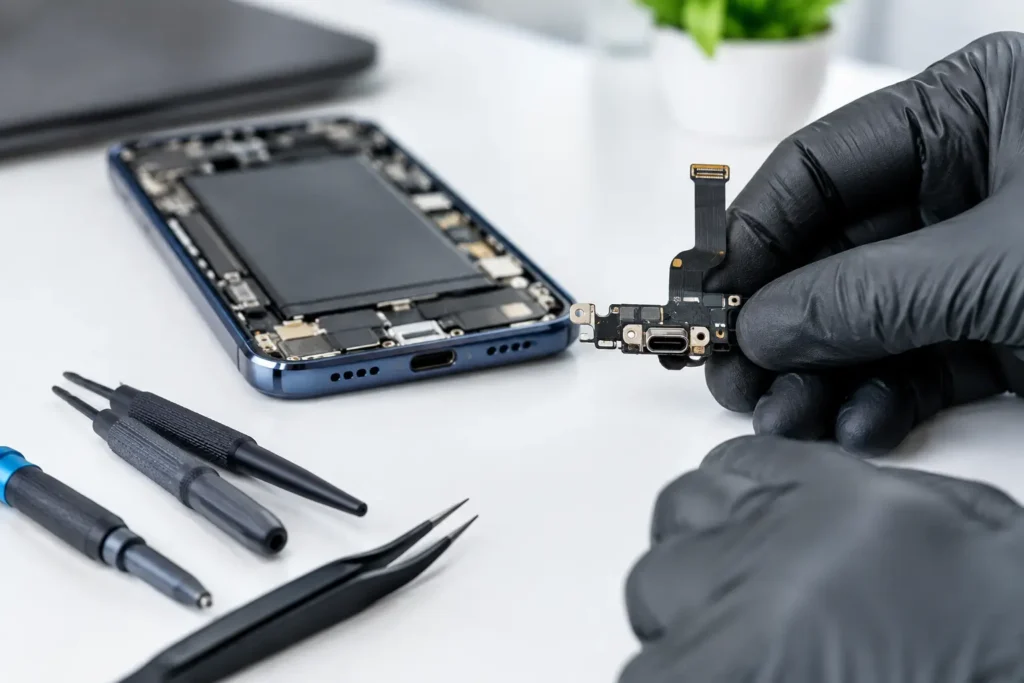
The type of fault matters more than how frustrating it feels. A damaged screen can look terminal, but on an otherwise healthy iPad it is often one of the clearest cases for repair. The same applies to a worn battery, faulty charging port, damaged camera, unresponsive buttons or speaker problems.
These are usually isolated hardware faults. Once the faulty component is replaced, the rest of the iPad can continue to do its job. If the device still runs the apps you need, connects reliably to Wi-Fi and has enough storage, repairing a single component can be much better value than buying a new tablet.
Liquid damage is more complicated. A spill may cause an obvious problem immediately, or corrosion can create faults days or weeks later. Fast assessment gives the best chance of protecting the iPad, but the final decision should follow a proper diagnosis. A repair may still be worthwhile where damage is limited. If liquid has affected several areas of the board, screen and battery, replacement can become the more sensible long-term option.
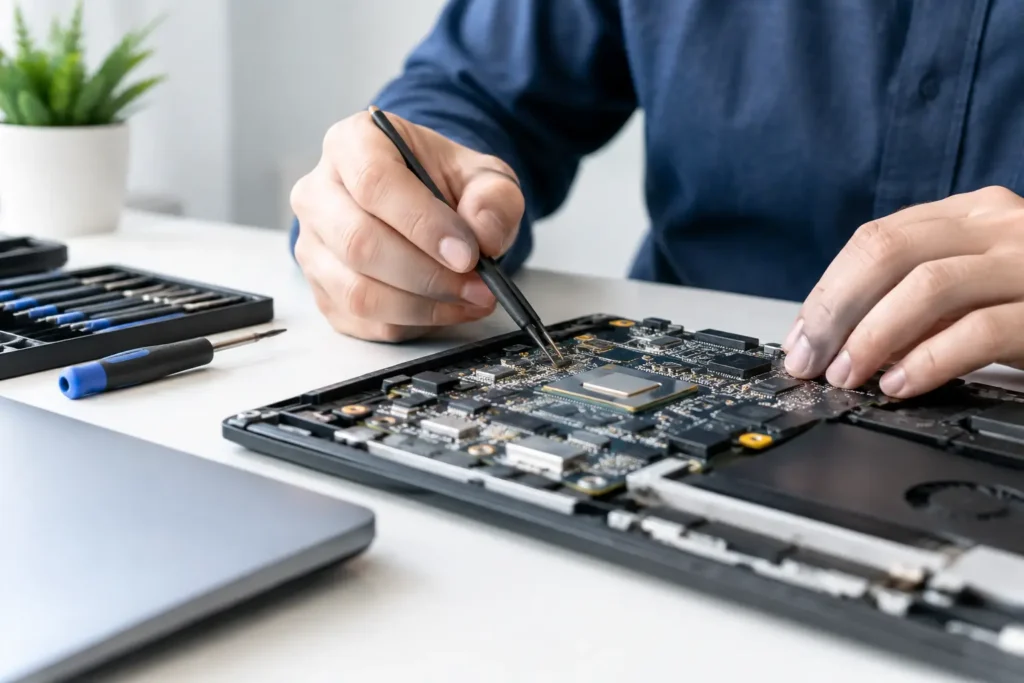
The same is true of serious logic board faults. These need specialist diagnosis rather than guesswork. A board-level repair can save a high-value iPad and, in some cases, protect data that has not been backed up. However, if the repair cost is close to the value of a comparable replacement device, it is worth stepping back before approving the work.
When Repair Is Usually the Better Value
Repair is often the practical choice when your iPad is still reasonably current and the issue is confined to one part. A newer iPad Pro, iPad Air or standard iPad with a cracked display is normally worth assessing, especially if it has good storage capacity and remains fast enough for work, study or creative apps.
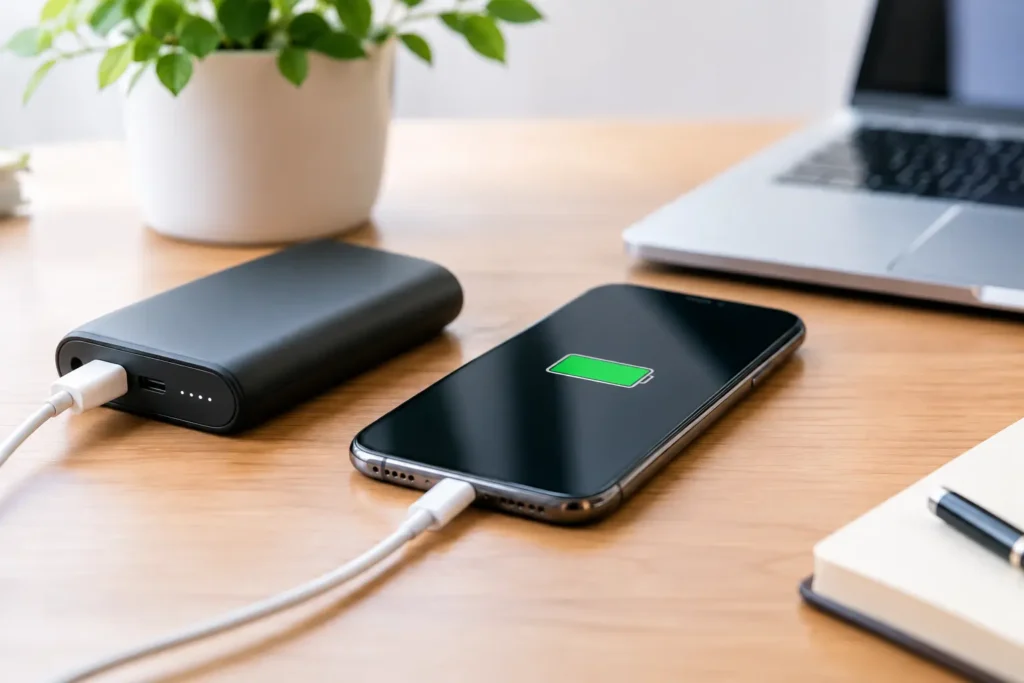
Battery replacement is also easy to overlook. Batteries wear down gradually, so people sometimes assume their whole iPad has become slow or unreliable. If the device switches off unexpectedly, needs charging repeatedly, becomes warm during basic tasks or loses power quickly, the battery may be the main issue. Replacing it can give an otherwise capable iPad a useful second life.
Think about what replacement really costs. The price is not only the tablet itself. You may need a new case, keyboard, Apple Pencil or adapter. You may also spend time moving accounts, restoring backups, downloading apps and setting up access for work or school. Repair can avoid those extra costs and disruption.
For businesses and schools, this adds up quickly. Replacing a fleet of tablets because of screens, batteries or charge ports can consume a budget that could have covered several targeted repairs. A clear diagnosis helps separate devices with straightforward faults from those that are genuinely at end of life.
When Replacing Your iPad Makes More Sense
There are times when replacement is the sensible call. An iPad that no longer supports the apps, security updates or operating system features you need may be nearing the point where repair is no longer good value. This is particularly relevant if you use the device for banking, business software, school platforms or newer creative applications.
Storage is another deciding factor. Repairing a 32GB or 64GB iPad may not solve the real problem if it is permanently full and struggling with updates. Likewise, a device that is slow across every app, has a badly worn battery and has more than one physical fault may need more investment than it is worth.
Replacement is also worth considering after extensive physical damage. An iPad with a broken screen, bent frame, damaged housing and charging fault may technically be repairable, but each issue adds cost and increases the chance that another hidden fault will appear. A reliable replacement can be the better route where several major components have been affected.
Age alone should not decide it. A well-looked-after older iPad with one repairable fault can still be useful. Equally, a newer device that has suffered heavy liquid or impact damage may not be an economical repair. Condition and intended use matter more than the year printed on the receipt.
Compare the Repair Cost With Real Replacement Value
Before choosing, compare the repair quote with the cost of a like-for-like replacement, not just the newest iPad in the shop. Look at a comparable model with similar screen size, storage, cellular capability and condition. A low-priced older iPad may look tempting but could leave you with the same performance or software limitations within months.
A useful rule is to ask what you gain from replacing it. If a repair restores a device that already meets your needs, replacement may offer very little beyond the excitement of something new. If a new model brings essential storage, performance, compatibility or battery life, then spending more can be justified.
Also consider the quality of the repair. A cheap quote is not always a saving if it uses poor-quality parts, skips proper testing or offers no reassurance if a fault returns. Screen repairs should restore clear display quality and reliable touch response. Charging repairs should be tested with appropriate cables and power sources. A good repair is about dependable use afterwards, not simply making the device look fixed at the counter.
Protect Your Data Before Any Decision
Whether you repair or replace, back up your iPad if it will still switch on. Use your preferred cloud backup or create an encrypted backup on a computer where possible. Check that important photos, notes, files and app data have actually completed syncing before handing the device over or trading it in.
If the iPad will not power on, do not repeatedly force-charge it or keep trying random fixes after liquid exposure. This can worsen damage. Explain exactly what happened, when it happened and what the iPad did afterwards. That information helps a technician diagnose the fault more accurately.
Data security should be part of choosing a repair provider, particularly for business-owned devices, school tablets and iPads containing personal information. You should know who is handling the device, what work is being carried out and whether the repair has been tested properly before collection.
Questions Worth Asking Before You Commit
A straightforward diagnosis should give you enough information to decide without pressure. Ask whether the fault is isolated or whether other damage has been found, whether the quoted price includes parts and labour, and whether the repair is covered by a workmanship guarantee.
It is also worth asking about expected turnaround. A screen or battery fault may be resolved far more quickly than ordering, setting up and transferring to a replacement device. More complex liquid or board-level work can take longer because careful testing matters, so a realistic timescale is better than a rushed promise.
At TechLab Repairs, the aim is to give local customers a clear answer, not sell a repair that does not make financial sense. If your iPad is worth saving, a professional repair can keep it working without the cost and hassle of replacement. If replacement is the better value, knowing that early lets you move forward with confidence.
The best choice is the one that gets you back to reliable work, learning, entertainment and communication without paying twice for the same problem. Bring the fault, the model and your priorities into the decision, and the answer is usually much clearer than it first appears.