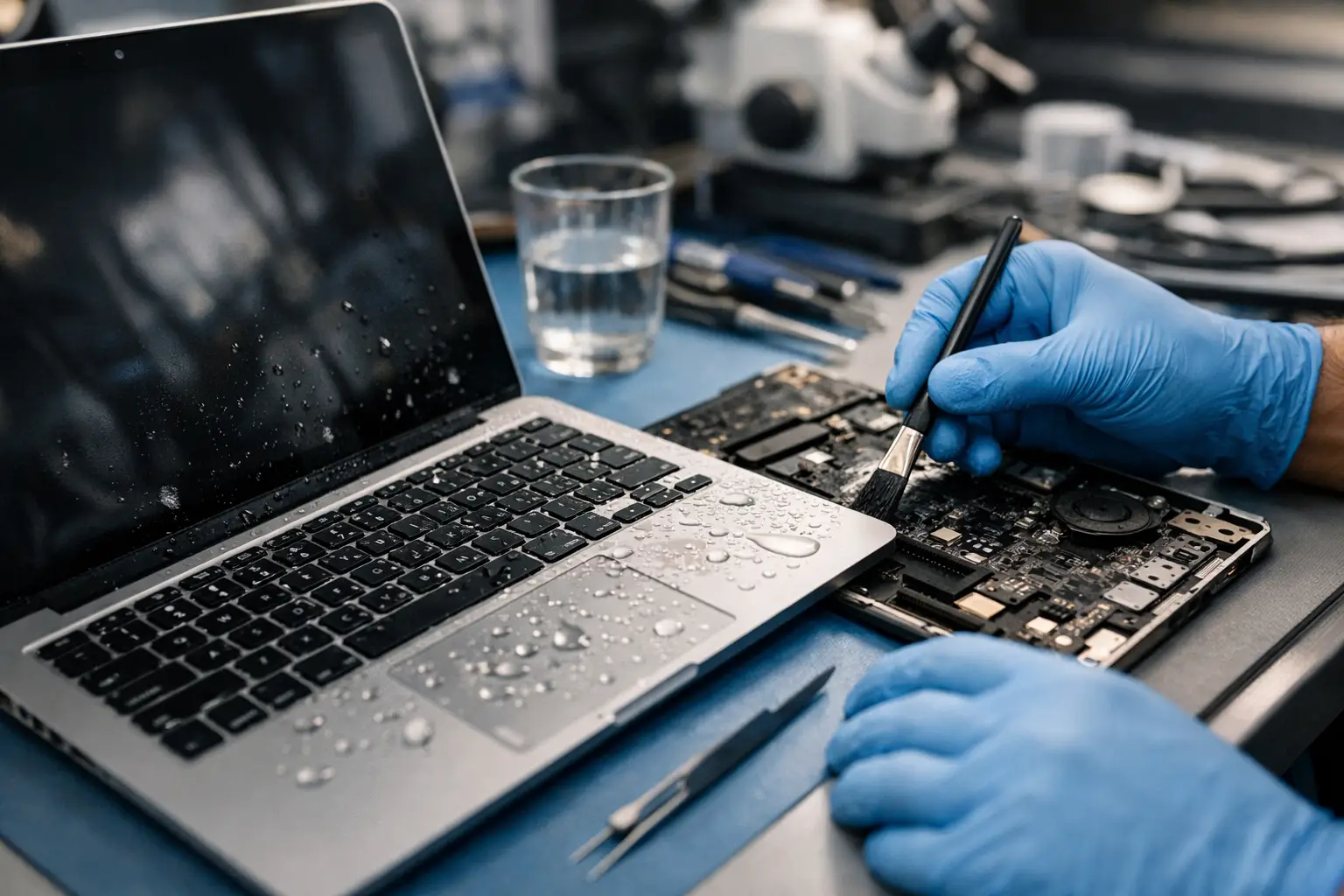
Tea across the keyboard. Coffee in the trackpad. A water bottle leak in your bag on the way to work. If you need MacBook Air liquid damage repair Barrow, the first few minutes matter far more than most people realise. Fast action can be the difference between a repairable fault and a logic board that is beyond economical repair.
Liquid damage rarely behaves in a neat, predictable way. One MacBook Air may shut down immediately and refuse to power back on. Another might appear fine for a day or two, then develop charging faults, keyboard issues, random restarts or a black screen. That delay catches people out. Just because the laptop still turns on, it does not mean the liquid has not started corrosion inside.
What liquid damage does to a MacBook Air
MacBook Air models are compact, efficient machines, but that slim design leaves little room for error once liquid gets inside. Moisture can reach the keyboard, battery connector, trackpad, display circuitry and logic board in a matter of seconds. Sugary drinks are especially troublesome because they leave residue behind, while plain water can still trigger corrosion and short circuits.
The real problem is not only the spill itself. It is what happens afterwards. Minerals, sugars and contaminants remain on internal components, and corrosion can continue even after the visible moisture has dried. That is why a MacBook Air that seems to recover on its own often comes back later with more serious faults.
MacBook Air liquid damage repair in Barrow – what to do first
The right first steps can improve the chances of a successful repair. The wrong ones can make things worse very quickly.
Turn the MacBook Air off straight away if it is still on. Unplug the charger and disconnect any accessories. If possible, do not keep pressing keys, opening apps or trying repeated restarts to see if it still works. Every extra second with power running through wet components increases the risk of shorting.
After that, keep it switched off and bring it in for proper assessment as soon as you can. A common mistake is leaving the laptop for several days in the hope it will dry itself out. Dry on the outside does not mean safe on the inside. Corrosion does not wait politely.
Rice is another myth that wastes valuable time. It does not clean contamination from the board, and it does not stop corrosion already underway. The same goes for hairdryers and radiators. Excess heat can warp components, damage adhesives and push liquid further into the machine.
Signs your MacBook Air has liquid damage
Some symptoms are obvious, and some are easy to dismiss at first. If you notice any of these after a spill, it is worth getting the device checked properly:
- It will not power on
- It powers on but shows no image
- The keyboard types the wrong characters or stops responding
- The trackpad clicks oddly or becomes erratic
- The battery is not charging
- The fan runs constantly
- It shuts down at random
- The screen flickers or has lines
Sometimes the issue is limited to one affected area, such as the keyboard or charging circuit. In other cases, the damage reaches the logic board and multiple components at once. That is why proper diagnosis matters more than guesswork.
Can a liquid-damaged MacBook Air be repaired?
Often, yes. Not always.
A good repair outcome depends on what was spilled, how much entered the machine, how long it stayed there, and whether the laptop remained powered on afterwards. A splash caught early has a better outlook than a full cup of coffee left overnight in a powered-up machine. That said, even more serious cases can sometimes be saved if the right board-level work is carried out quickly.
Liquid damage repair is rarely a one-size-fits-all service. Some MacBook Air devices only need internal cleaning and replacement of one affected part. Others need logic board repair, keyboard replacement, battery work, trackpad replacement or charging circuit repair. In more severe cases, data recovery may be the priority if the full machine is not viable.
Why speed matters with local repair
Sending a liquid-damaged MacBook Air away can add days of delay before anyone even opens it. That is not ideal when corrosion is active and your files, work and studies may be sitting on the device. A local repair service in Barrow gives you something far more useful – a faster diagnosis and a clearer answer.
That speed matters to students with assignments due, professionals who rely on their laptop every day, and families who cannot afford to replace a MacBook at short notice. It also matters to businesses and schools that need dependable devices back in service without long downtime.
For many customers, the biggest relief is simply knowing whether the machine is repairable, what the likely cost is, and whether the data is safe. Clear advice beats days of uncertainty.
What happens during MacBook Air liquid damage repair Barrow services
A proper liquid damage repair should start with assessment, not assumptions. The device is inspected for signs of liquid entry, affected areas are identified, and technicians test for common failures linked to power, charging, keyboard input and display output.
If the machine needs internal cleaning, the aim is not just to dry it. The contamination has to be removed from affected components to reduce ongoing corrosion. Where board-level faults are present, damaged areas on the logic board may need targeted repair. If a component has failed completely, replacement may be the most reliable option.
There is always a practical balance to strike. On an older MacBook Air with extensive damage, a customer may prefer the most cost-effective route to get it running again or recover important files. On a newer model, a more involved repair can make strong financial sense compared with replacing the laptop.
How much does liquid damage repair usually cost?
It depends on the extent of the damage, which is why fixed assumptions can be misleading. A minor case that needs cleaning and one part replaced is very different from a machine with multiple failed circuits on the board.
The honest answer is that liquid damage repair sits on a spectrum. Lower-cost repairs are possible when the spill is caught early and confined to a small area. Costs rise if the keyboard, battery, trackpad and board have all been affected. What customers usually want to know is whether repair is worth it compared with replacement, and that decision comes down to age, model, fault severity and the value of the data stored on the device.
A trustworthy repair service should explain the likely route before carrying out major work, rather than dressing up an uncertain case as a guaranteed save.
Is your data safe after liquid damage?
In many cases, yes, but there are no promises until the machine is tested. For most people, the files on the MacBook Air matter just as much as the hardware itself. Photos, business documents, coursework, passwords and creative work can all be at risk if corrosion spreads.
This is another reason not to keep trying to switch the laptop on at home. Repeated power attempts can turn a repairable board issue into a more serious failure. If data matters, treat the machine carefully and get it assessed quickly.
A repair-first approach often gives you the best chance of both saving the laptop and preserving access to your files. Even where full repair is not economical, it may still be possible to focus on data recovery.
Why people in Barrow choose nearby repair instead of replacement
Replacing a MacBook Air is expensive, and it is not always necessary. A local repair option is often quicker, more affordable and less disruptive. You also get direct communication with real people, which counts for a lot when you are dealing with a device that holds your work and personal life.
That local support is especially valuable if you need straight answers. Can it be fixed? How serious is it? Will your files still be there? How long will it take? Those are the questions that matter when a spill happens, and they deserve a practical response rather than a vague script.
For customers across Barrow-in-Furness and the wider area, that is where a specialist repair shop makes the difference. TechLab Repairs handles liquid damage cases with the urgency, care and honest diagnosis they need, so you are not left guessing while the problem gets worse.
The best next move after a spill
If your MacBook Air has been exposed to liquid, do not wait for the fault to become obvious. Turn it off, stop using it, and get it looked at properly. The sooner the device is assessed, the better the odds of a cleaner repair, a lower cost and a better chance of protecting your data.
A spilled drink does not always mean the end of your laptop – but delaying action gives it every chance to become one.