
A Guide to Laptop Hinge Damage and Repair
Our guide to laptop hinge damage explains the warning signs, safe next steps and when a professional repair can protect your screen and data safely.

Is your iPhone 17 struggling to make it through the afternoon? It’s a common frustration. You bought a top-of-the-line device, but lately, you’ve found yourself tethered to a wall socket or carrying a bulky power bank just to survive the commute home.
Before you start looking at the price of a new phone, the problem might not be the device itself: it might be how you’re treating the battery. We see it every day at Tech Lab Repairs: perfectly good phones with batteries that have been prematurely aged by simple, avoidable habits.
If your iPhone 17 "Maximum Capacity" has dropped below 80%, or if you’re seeing the "Service" warning in your settings, no amount of "tips" will fix it. At that stage, a professional phone battery replacement service is the only way to get your phone back to its original reliability. However, if your health is still high but the battery is draining fast, the mistakes below are likely the culprit.
We’ve all been there. You’ve forgotten your cable, and you pick up a cheap, unbranded one from a local shop or petrol station for a few pounds.
The Mistake: Cheap cables often lack the necessary "handshake" chips that communicate with your iPhone 17. This can lead to "dirty" power delivery, which generates excess heat and can even damage the charging IC on your motherboard.
The Fix: Stick to MFi (Made for iPhone) certified cables. They cost a little more upfront but will save you the £70+ cost of a battery or charging port repair down the line.

Heat is the silent killer of lithium-ion batteries. In the UK, we don't get many heatwaves, but the inside of a car on a sunny day can reach over 40°C in minutes.
The Mistake: Leaving your iPhone 17 on the dashboard while using GPS, or sitting it in direct sunlight on a window ledge. If the phone feels hot to the touch, your battery chemistry is actively degrading.
The Fix: Keep your phone in the shade. If you’re using it for navigation in the car, try to mount it near an air conditioning vent to keep the temperature stable.
There is an old myth that you should let your phone die completely before charging it to 100%. This was true for old nickel-based batteries, but for the iPhone 17, it’s actually harmful.
The Mistake: Frequently letting your phone hit 0% or keeping it pegged at 100% for hours on end (like overnight charging without "Optimized Battery Charging" enabled).
The Fix: Lithium batteries are happiest between 20% and 80%. Your iPhone has a setting called "Optimized Battery Charging" (under Settings > Battery > Battery Health): make sure it’s turned on. It learns your routine and waits to finish charging past 80% until you actually need it.
The iPhone 17 supports impressive charging speeds, but "fast" usually means "hot."
The Mistake: Using a high-wattage iPad or MacBook brick to charge your phone every single night. While the phone can handle it, the extra heat generated every night adds up over a year.
The Fix: Use a slower 5W or 12W charger for overnight charging when you aren't in a rush. Save the fast charger for those 15-minute "emergency" top-ups before you head out.
Your iPhone is actually quite good at telling you when it’s tired.
The Mistake: Seeing the "Service" message in your Battery Health settings and ignoring it for months. A degraded battery doesn't just hold less charge; it can become unstable, causing the phone to shut down unexpectedly during a call or while taking a photo. In rare cases, an old battery can even swell, pushing against the screen and causing a much more expensive iPhone screen replacement issue.
The Fix: When your phone tells you it's time, listen to it. A quick battery swap is much cheaper than a new phone.

Sometimes it’s not the battery hardware, but the software that's "leaking" power.
The Mistake: Having 50+ apps with "Background App Refresh" and "Location Services" turned on. Apps like Facebook, Instagram, and certain Maps apps constantly ping your location and refresh data even when your phone is in your pocket.
The Fix: Go to Settings > General > Background App Refresh and turn it off for apps that don't need it. Do the same for Settings > Privacy > Location Services. You'll be surprised how much extra "juice" you have at the end of the day.
With the cost of living rising, many people try to save money by ordering a £15 battery kit online and following a video.
The Mistake: We see at least two "DIY gone wrong" cases every week. Modern iPhones are held together with incredibly strong adhesives and fragile ribbon cables. One slip with a metal tool can puncture the battery (causing a fire) or tear the FaceID sensors, which are almost impossible to fix once broken.
The Fix: Use a professional service. We use premium, high-capacity cells that are tested for safety and longevity. Plus, we handle the delicate internal seals to ensure your phone stays properly put together.
At Tech Lab Repairs, we believe in being upfront about costs. While sending your phone away to a manufacturer can take a week and cost upwards of £100, a local specialist can usually get you sorted much faster.
| Service Type | Estimated Cost (iPhone 17) | Typical Turnaround |
|---|---|---|
| Official Manufacturer | £99 – £119 | 3-7 Days |
| Tech Lab Repairs (Premium) | £65 – £85 | 1-2 Hours |
| Cheap "Mall Kiosk" | £30 – £50 | 30 Mins (Low quality) |
Note: We prioritize high-quality parts over the absolute cheapest price. A cheap battery might save you £20 today, but if it fails in three months, you're back to square one.
We’re not just another repair shop; we’re your local experts. Whether you need a simple battery replacement or a complex motherboard repair, we treat every device like it's our own.
Based locally, we understand that you can't afford to be without your phone for days. That's why we offer rapid turnaround times and a solid warranty on all our work. If you're in the area and your iPhone 17 is acting up, bring it in for a free battery health check. We'll tell you honestly if it needs a swap or just a settings tweak.
Ready to get your battery life back?
Don't let a dying battery ruin your day. Contact us today or drop by the lab to see how we can help.
Our guide to laptop hinge damage explains the warning signs, safe next steps and when a professional repair can protect your screen and data safely.

Choose a data secure repair service in Barrow-in-Furness that protects your photos, accounts and work files while fixing the device you rely on every day

Our business device support guide helps Cumbria teams reduce downtime, protect data and choose fast, dependable repairs for essential daily work devices.

Need a MacBook repair service in Barrow-in-Furness or Cumbria? Get clear fault diagnosis, secure data handling and practical repairs to keep work moving.

Can data be recovered safely after a phone, laptop or tablet fails? What to do first, what to avoid, and when professional recovery can help save files.

Need an iphone screen replacement in Barrow-in-Furness or Cumbria? Learn what affects cost, quality and turnaround, and protect your phone after repair.

Choosing macbook repair versus apple store? Compare cost, turnaround, data care and repair options for Mac users across Cumbria and the Lake District.
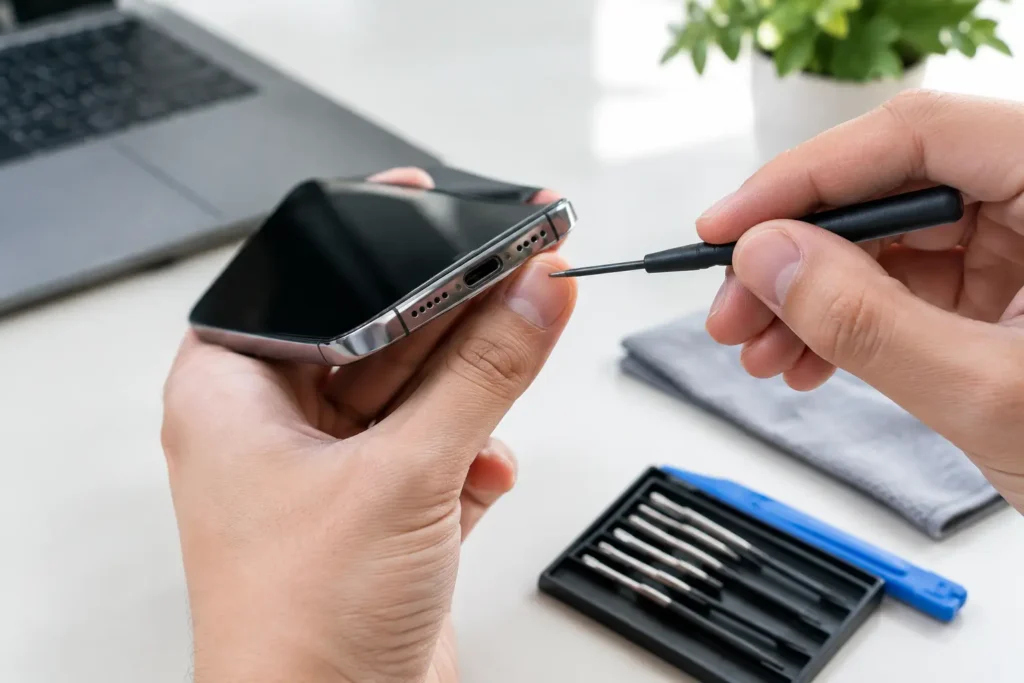
Learn how to fix charging port issues safely, spot the cause, protect your data and decide when professional repair is the smarter choice for your device.
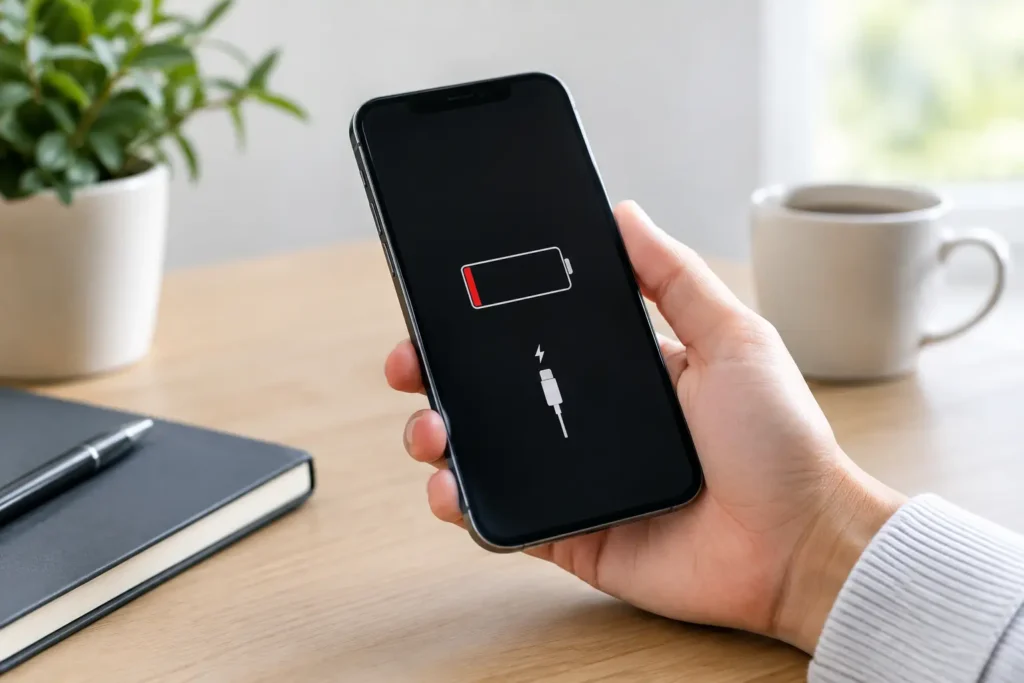
What causes iPhone battery drain? Learn how settings, apps, signal and battery age affect power, plus when a repair can help restore daily reliability.

Corporate device repairs that reduce downtime, protect business data and keep your staff’s phones, laptops and tablets ready for work across Cumbria now.
