A MacBook usually picks the worst possible moment to go wrong – halfway through coursework, before a client deadline, or just when you need to book the family holiday. If you are looking for MacBook repair Cumbria services, what matters most is not flashy jargon. You want a local repairer who can tell you what is wrong, what it will cost, and whether the machine is worth fixing.
That is especially true with Apple laptops. MacBooks are well built, but they are not simple machines. A cracked screen might be obvious, yet the real issue could also involve the backlight, hinges or camera cable. A battery warning may point to normal wear, but it can also be tied to charging faults or power management issues on the board. Good repair work starts with proper diagnosis, not guesswork.
Why local MacBook repair in Cumbria makes sense
Sending a laptop away can seem convenient at first, but it often brings delays, vague updates and added worry about your files. For people across Barrow-in-Furness, the Furness peninsula and wider Cumbria, local repair offers something better – direct answers and faster turnaround.
You can actually speak to the person handling the job. That matters when your MacBook contains work documents, family photos, university notes or business accounts. It also matters when you need an honest view on whether a repair is sensible or whether replacement would be the better option.
Local support is also more practical for businesses and schools. If several devices are in use every day, downtime costs money and causes disruption. A nearby specialist can assess faults quickly and keep things moving without the long lead times that often come with manufacturer routes.
Common faults seen in MacBook repair Cumbria jobs
Some problems are easy to spot. Others look minor but point to deeper damage. The most common MacBook faults usually fall into a few clear categories.
Cracked or faulty screens
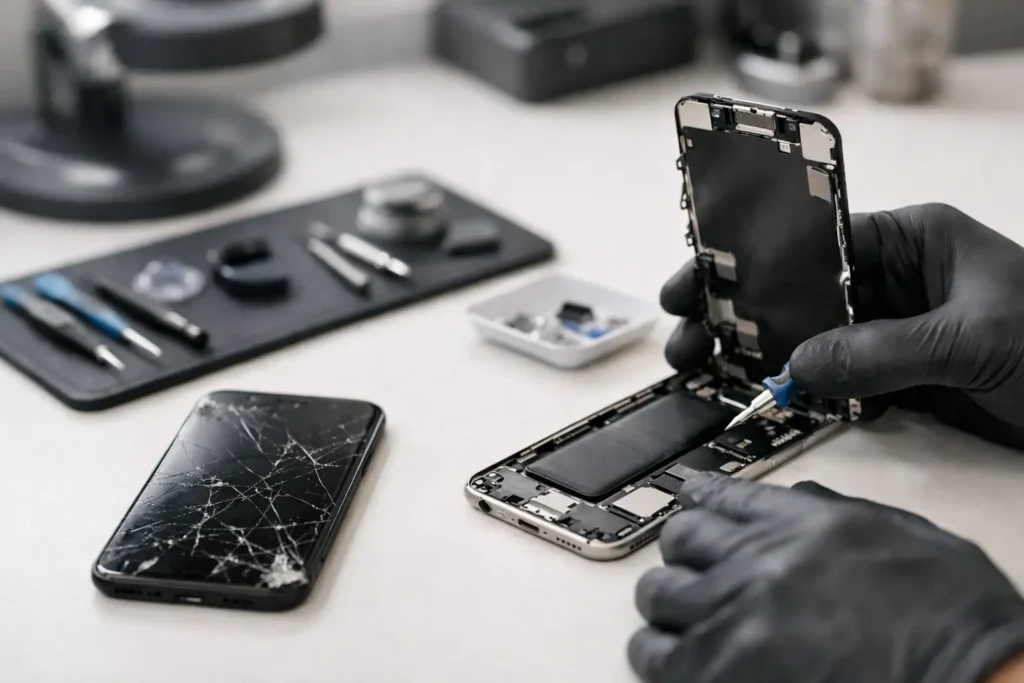
A cracked display is one of the most frequent issues. Sometimes the glass is visibly damaged. Other times the screen shows lines, flickering, black patches or no image at all. On newer MacBooks, the display assembly is a precise and costly component, so accurate identification matters.
If the laptop has been dropped, the screen may not be the only casualty. Hinges, casing and internal connectors can also suffer. A proper inspection helps avoid replacing one part only to find another fault still present.
Battery and charging problems
MacBook batteries wear down over time. You might notice poor battery life, sudden shutdowns, swelling, overheating or service battery warnings. Charging faults can feel similar, but the cause may be the USB-C ports, charging circuit, power management components or the charger itself.
This is where experience counts. Replacing a battery will not solve a board-level charging issue, and replacing a charger will not fix a failing battery. The right repair starts with testing, not assumptions.
Liquid damage
Spilled tea, coffee or water can cause anything from sticky keys to complete failure. The tricky part with liquid damage is timing. A MacBook may still switch on after a spill, then fail days later as corrosion spreads.
Quick action gives the best chance of saving the machine and protecting your data. It is usually a mistake to keep trying to power it on. A technician should assess it properly, clean affected areas and check for damaged components before the fault gets worse.
Keyboard, trackpad and casing issues
Some faults are more frustrating than dramatic. Keys double-type, stop responding or feel stuck. The trackpad may click erratically or stop working altogether. In some cases the real culprit is liquid ingress or battery swelling putting pressure on internal parts.
Physical wear also matters. A bent casing or damaged hinge can place strain on the screen and internal cables. Left alone, what starts as an annoying fault can turn into a larger repair.
Logic board and power faults
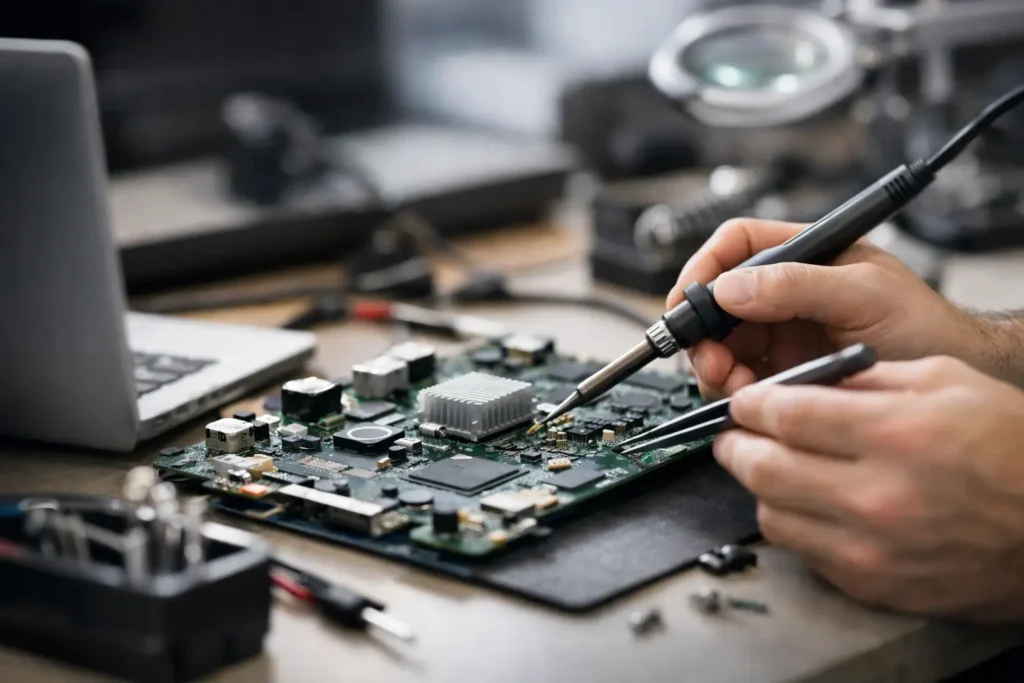
When a MacBook will not turn on, keeps restarting, fails to charge, or shows no image despite powering up, the issue may be on the logic board. This is the area many general repairers avoid, but it is often where an otherwise repairable MacBook can still be saved.
Board-level work is not always the cheapest route, and it is not always the right one. The age, model and value of the laptop all matter. Still, for many customers, board repair can cost far less than replacing the whole device.
What a good MacBook repair process should look like
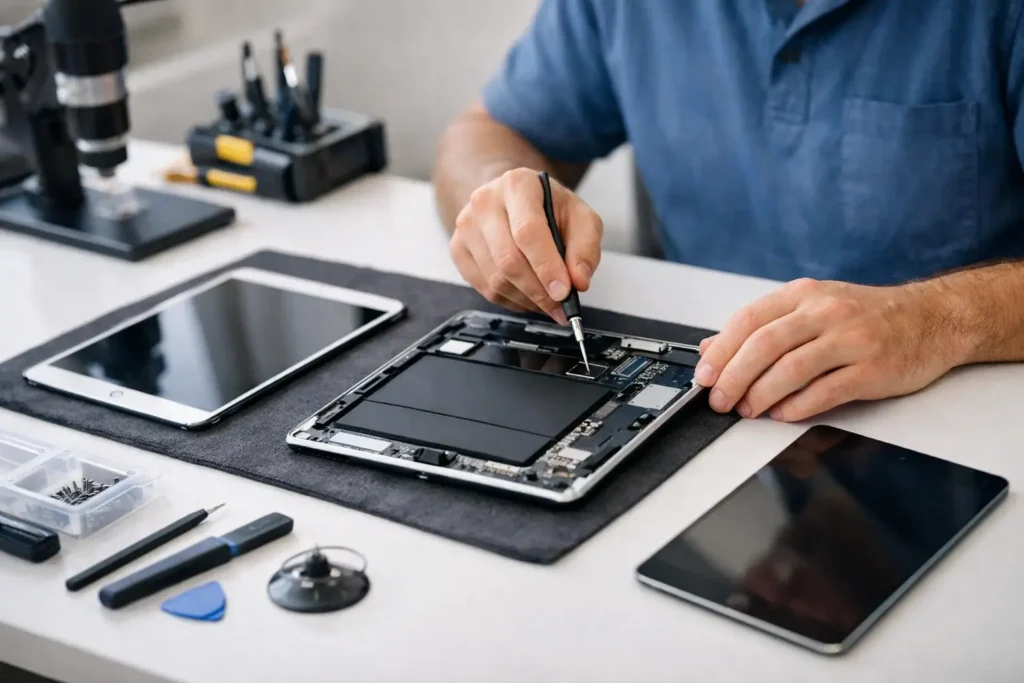
A trustworthy repair service should be clear from the start. First comes diagnosis. That means checking the MacBook properly, confirming the fault and ruling out related problems. If a shop quotes instantly without examining the device, that can be a warning sign unless the fault is very straightforward.
Next comes a plain-English explanation. You should know what has failed, what needs replacing or repairing, how long it is likely to take, and whether your data is at risk. Good repairers do not hide behind technical terms to make simple issues sound more complicated than they are.
After that, the work itself should be tidy and consistent. That includes careful fitting, testing after repair and sensible advice on what to watch for afterwards. For many customers, the biggest point is peace of mind – knowing the machine has been fixed properly rather than patched up for a week.
Repair or replace? It depends on the model and the fault
Not every MacBook is an automatic repair. If the machine is very old and needs an expensive screen plus a battery, replacement may make more sense. If a newer model has a single major fault, repair is often far better value.
The right decision usually comes down to four things: the model, the age, the cost of the fault, and how you use it. A student may be fine with a cost-effective repair that keeps a machine going through the academic year. A business user relying on the laptop daily may want the fastest, most dependable fix available. There is no one-size-fits-all answer.
That is why honest advice matters. A decent local repairer should be willing to say when a repair is not financially sensible. Customers remember that kind of honesty, and it builds trust.
Data security matters as much as the repair
For most people, the laptop is not just hardware. It holds photos, messages, saved passwords, work files, coursework and personal records. Any MacBook repair in Cumbria should take data handling seriously.
That means secure intake, careful storage, controlled access and a repair process that does not involve unnecessary tampering with personal files. In many cases, the goal is to fix the hardware while leaving the data untouched. If there is a risk to the drive or the board, you should be told clearly before work goes ahead.
For business and school devices, this becomes even more important. Confidential information, staff records or student data require a repair partner that understands the responsibility involved, not just the technical side.
Choosing a MacBook repair service in Cumbria
Price matters, but it should not be the only factor. Very cheap quotes can hide poor parts, rushed workmanship or misdiagnosis. At the same time, expensive does not always mean better. What you want is value – a fair price for accurate diagnosis, reliable repair and straightforward service.
Look for a repairer who handles a wide range of faults, not just simple parts swaps. That breadth usually suggests stronger technical knowledge. It also helps to choose somewhere local enough that you can speak to a real person, ask questions and get support if anything needs checking afterwards.
A good service should feel reassuring, not confusing. You should know where your MacBook is, what is happening to it and what the likely outcome will be. That is the standard customers should expect, whether the job is a battery replacement or a more involved logic board repair.
For customers in Barrow and across the wider area, TechLab Repairs offers exactly the kind of practical local support that makes a difference – fast diagnostics, honest advice and repair options that help you avoid replacing a MacBook before you need to.
A faulty MacBook can throw off your whole day, but the right repair should put you back in control quickly, clearly and without unnecessary stress.