One minute your iMac is working normally, the next it will not power up at all – no chime, no screen, no sign of life. If you are searching for iMac not turning on repair, the first thing to know is that this fault can come from several very different causes. Some are simple, such as a failed power lead or mains issue. Others point to deeper hardware faults like a damaged power supply, logic board problem or liquid damage.
That difference matters because guessing can waste time and, in some cases, make the repair more expensive. A proper diagnosis starts with the basics, then moves to internal faults only if the obvious checks rule themselves out.
iMac not turning on repair starts with the right diagnosis
When an iMac does nothing at all, many people assume the screen has failed. Sometimes that is true, but a dead display is not the same as a dead machine. An iMac with a display fault may still spin up, make startup sounds, or respond to a keyboard command. A machine with a full power fault often stays completely silent.
This is why the first stage of iMac not turning on repair is identifying what the Mac is actually doing. Is there no power whatsoever? Does it attempt to start and then shut down? Is the screen black but the fan still running? These details help narrow the fault quickly.
On older and newer iMac models alike, the most common causes usually fall into a few groups. There can be an external power issue, an internal power supply fault, a logic board fault, corrupted startup behaviour, or damage caused by liquid, impact or a power surge. Less often, an accessory or connected device can stop proper startup.
What you can safely check at home
Before booking a repair, there are a few sensible checks worth doing. These are low-risk steps and can sometimes save you an unnecessary repair visit.
Start with the plug socket. It sounds obvious, but socket faults, loose extensions and switched-off surge protectors catch people out all the time. Try the iMac in a known working wall socket. If you use a removable power lead, reseat it at both ends and, where possible, test with another compatible lead.
Next, disconnect everything except power. Remove USB devices, external drives, printers, hubs and memory card readers. A faulty peripheral can interfere with startup, especially if the iMac is hanging during the boot process rather than being fully dead.
Then press and hold the power button for around ten seconds. Leave the iMac disconnected from power briefly, reconnect it, and try again. On some machines, a power cycle can clear a temporary fault state.
If your model shows any sign of life at all, such as fan noise or a faint screen glow, the issue may not be complete power loss. In that case, the fault could be tied to the display, backlight, startup drive or operating system. That changes the repair path completely.
What you should avoid is opening the iMac unless you already know exactly what you are doing. Modern iMacs are not designed for casual DIY access. The display is delicate, internal components are tightly packed, and even basic disassembly can lead to cracked screens, damaged cables or dust contamination.
Common hardware faults behind a dead iMac
If the simple checks do not change anything, the fault is more likely to be internal. In repair work, one of the most frequent causes is a failed power supply unit. This component converts mains power into the voltages the iMac needs internally. When it fails, the machine may appear completely dead.
Power supply faults can happen gradually or all at once. Sometimes the iMac has shown earlier warning signs, such as random shut-downs, failure to wake properly, or a burning smell. In other cases, it stops without warning.
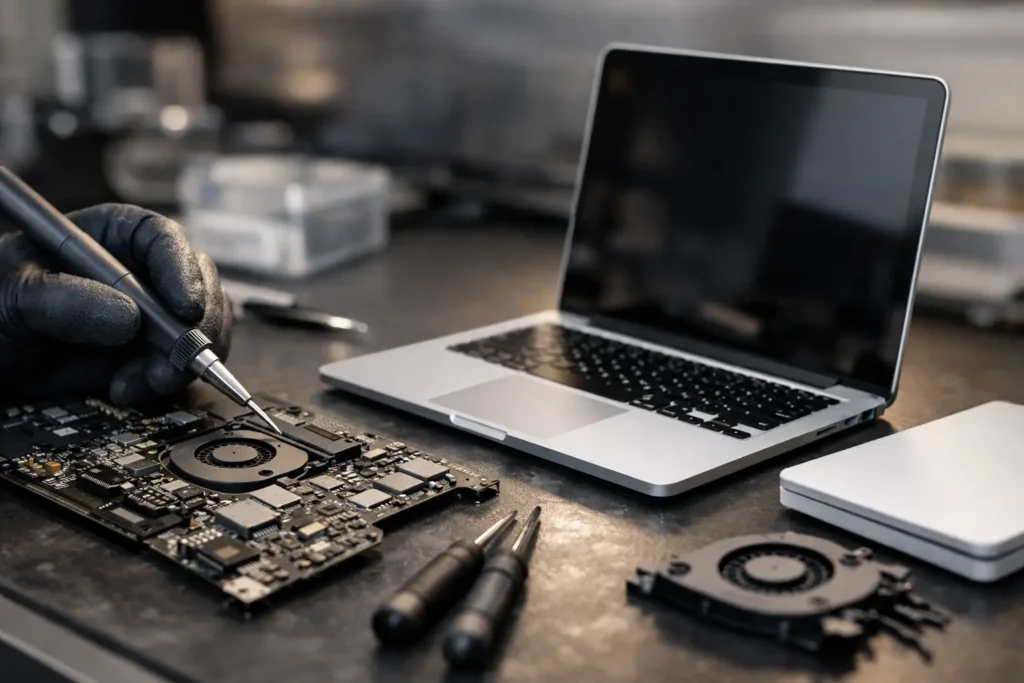
Another likely cause is the logic board. This is the main board that controls communication between components. If there is shorting, corrosion, failed power rails or damaged chips on the board, the iMac may refuse to start. Logic board repairs are more specialist than part swapping, which is why accurate bench testing matters.
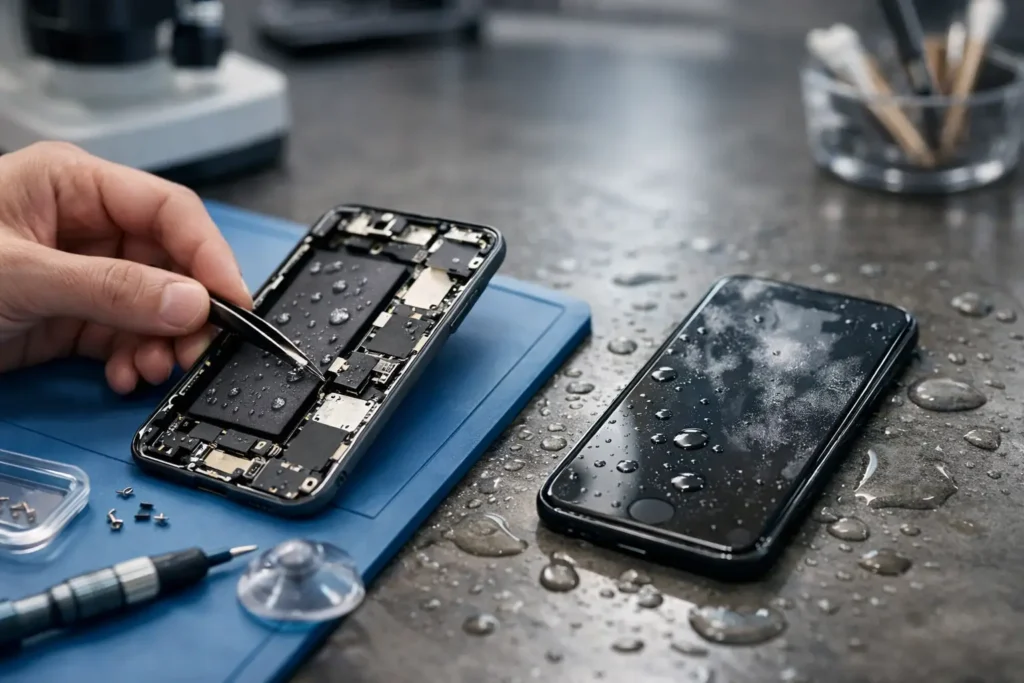
Liquid damage is another big one. Many owners say, quite understandably, that no drink was spilled directly into the machine. But moisture can still find its way in through cleaning spray, condensation, open windows or accidental splashes on the desk. Corrosion can build slowly and cause delayed failure weeks later.
There are also cases where the problem is not the power system itself but a failed component elsewhere causing a short. That is why a proper repairer does not simply fit the first likely part and hope for the best. Good diagnosis means checking whether the fault is isolated or whether another failed part has caused it.
When it is not really a power fault
An iMac that seems dead is not always dead. A failed display panel, damaged backlight circuit or graphics-related issue can make the computer look lifeless even when it is actually starting in the background.
You might notice fan noise, keyboard response, startup sounds on older models, or signs that the machine is active on your network. In those cases, the repair approach changes from power fault diagnosis to display or board-level testing.
This is one reason remote advice has limits. From a distance, two faults can look identical. On the bench, they are very different jobs with different parts, timeframes and costs.
Why DIY iMac repair can go wrong quickly
There is nothing wrong with checking the socket and cable, but beyond that, iMac repair becomes less forgiving. Opening the unit often means cutting through adhesive or carefully removing a screen assembly. A slip can turn a power fault into a display replacement as well.
There is also the data risk. If your iMac contains work files, family photos, school documents or business records, the priority should not just be getting power back on. It should be doing that without putting your data at risk.
A proper repair process takes both into account. That means fault-finding first, clear pricing before major work, and careful handling if storage access or data protection becomes part of the job. For local customers around Barrow-in-Furness and wider Cumbria, that is often a much better option than sending the machine away and waiting without clear updates.
What to expect from a professional iMac not turning on repair
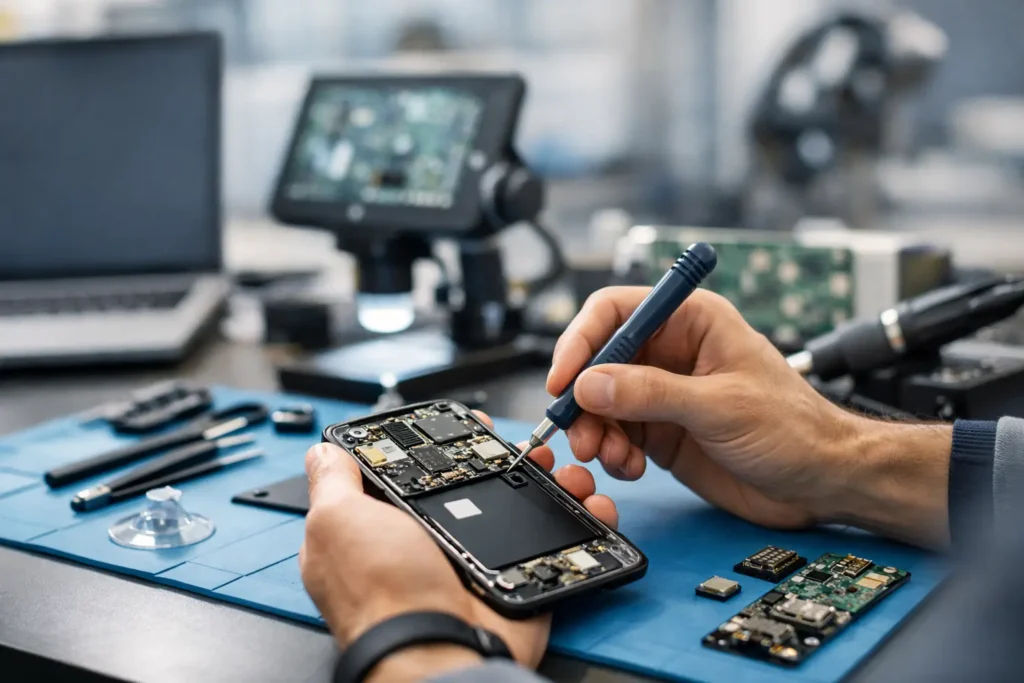
A good repair starts with triage. The technician checks for external power issues, signs of liquid damage, internal voltage behaviour and board-level faults. If the machine powers partially, they will also test whether the issue is tied to the display, boot sequence or storage.
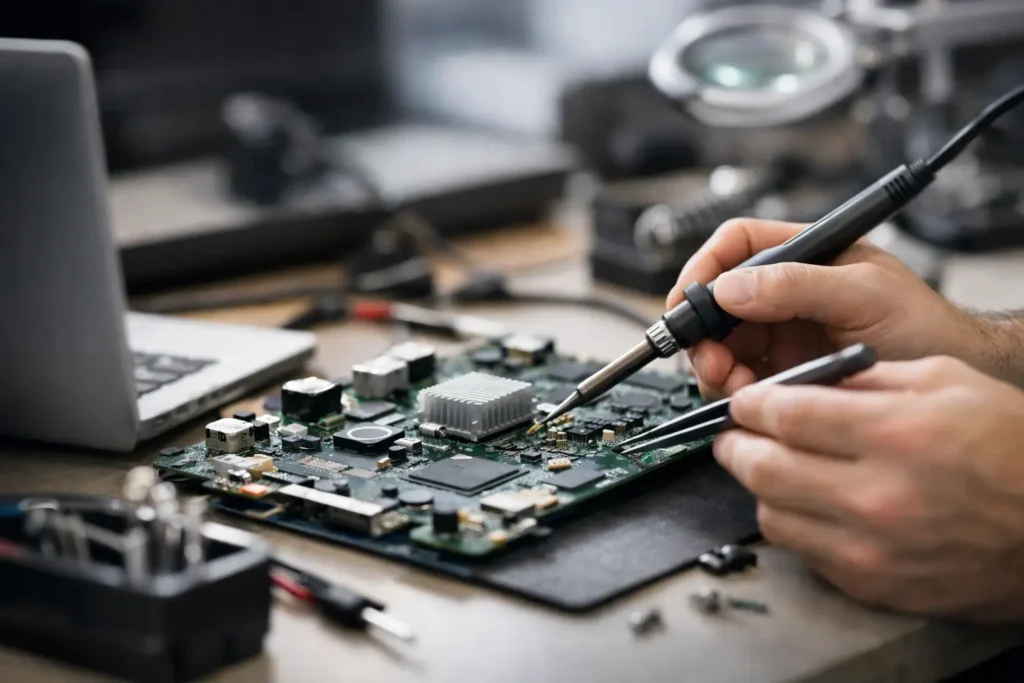
From there, the repair may involve replacing a failed power supply, repairing damaged board circuitry, cleaning corrosion, or resolving a fault caused by another internal component. The right answer depends on the model, the symptom pattern and the extent of the damage.
It also depends on value. On an older iMac, a major board repair may or may not be the best route compared with replacement. On a newer machine, repair is often far more cost-effective than buying another device. Honest advice matters here. The best outcome is not always the biggest repair bill.
At TechLab Repairs, that practical approach matters because customers usually want the same three things – a quick answer, a fair price and confidence that their device is in safe hands. That is especially true if the iMac is used for home working, schoolwork, design projects or business admin where downtime has a real cost.
How to decide whether repair is worth it
This comes down to age, specification, condition and what you use the iMac for. If the machine still meets your needs and the repair is straightforward, fixing it often makes far more sense than replacing it. A power supply repair on a solid iMac can be a very worthwhile spend.
If the device has multiple issues, is already slow for your workload, or has extensive liquid or board damage, the maths can change. In those cases, a reputable repairer should tell you plainly what is sensible and what is not.
That honesty is important because people do not just bring in a machine. They bring in a problem. Sometimes the solution is a repair. Sometimes it is data recovery first, then a replacement decision.
The best next step if your iMac will not power on
If you have checked the socket, removed accessories and tried a basic power cycle with no result, do not keep forcing it. Repeated attempts after a fault, especially where liquid damage or electrical failure is involved, can make the outcome worse.
Get the machine assessed properly. A dead iMac can be anything from a simple power issue to a more complex board fault, and the sooner it is diagnosed, the better your chances of a cost-effective fix. When your computer stops without warning, a calm, methodical repair is what gets you back up and running – without turning one fault into two.