One loose HDMI connection can make a perfectly good TV, console or laptop feel useless. If you are searching for how to fix hdmi port faults, the key is working out whether the problem is with the cable, the settings, or the port itself before you risk making it worse.
HDMI ports fail in a few predictable ways. Sometimes the device says no signal even though it powers on normally. Sometimes the picture cuts in and out if the cable is nudged. In worse cases, the port feels physically loose, the pins are bent, or the console only works if the cable is held at a certain angle. Those details matter, because they usually point to very different fixes.
How to fix HDMI port faults starts with the right checks
Before assuming the port is broken, check the obvious things properly. A surprising number of HDMI issues come down to a damaged cable, the wrong input selected on the TV, or a display setting mismatch after swapping devices.
Start by testing with another known-good HDMI cable. Cheap or heavily bent cables often fail before the port does, especially if they have been pulled tight behind furniture or wrapped too tightly for storage. Then try a different HDMI input on the TV or monitor. If another input works straight away, the problem may be on the display side rather than the device you were about to open up.
It is also worth testing the device on another screen. If your games console works on a second television, the console port may be fine and the original display may need attention. If the device fails on every screen with multiple cables, suspicion moves back to the HDMI output.
For laptops and desktops, check display settings as well. A machine can be outputting to the wrong resolution or refresh rate, which leaves you staring at a blank screen and blaming the hardware. Booting with only the external display connected, or resetting the graphics output, can sometimes bring the picture back without any repair at all.
Signs the HDMI port is physically damaged
Physical damage is common because HDMI ports take a lot of stress. A cable gets knocked sideways, a console is moved while still connected, or a laptop is used on a crowded desk where the lead is under constant tension. Over time, that pressure weakens the port solder joints or damages the internal pins.
The clearest signs are visible movement in the port, bent or flattened pins, or a connection that drops in and out when touched lightly. On some consoles, especially those moved often between rooms, the port can detach partially from the motherboard. That is not something a new cable will solve.
There is also a difference between dirt and damage. Dust packed into the port can stop the connector seating fully, and that can mimic a hardware fault. But if the inside of the port looks misshapen, scraped or loose, cleaning alone will not put it right.
Can you clean an HDMI port safely?
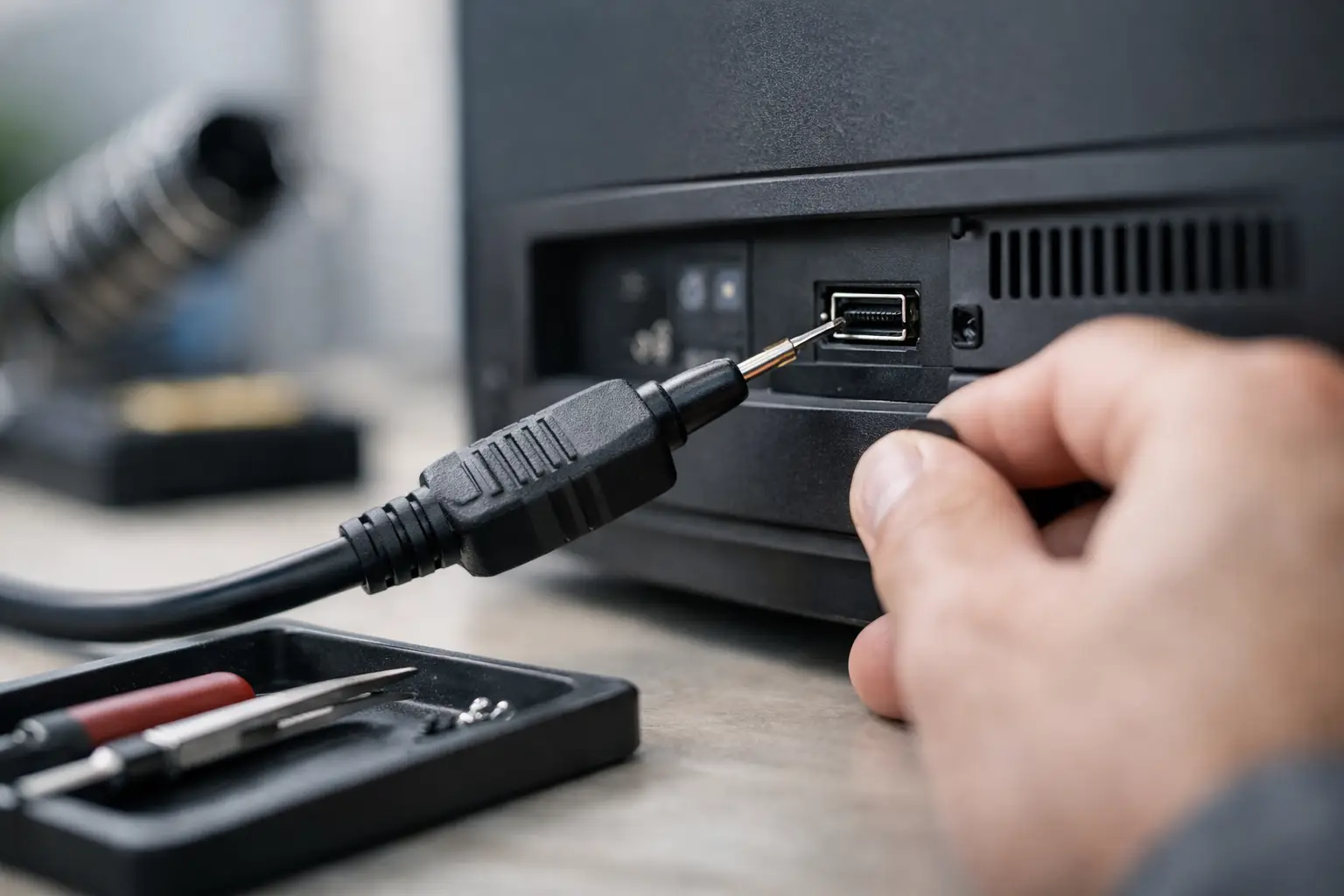
Yes, but only gently. Switch the device off fully and disconnect power before doing anything. Use a torch to inspect the port rather than poking around blindly. If you can see fluff or debris, a careful burst of compressed air can help. A soft anti-static brush may also clear loose material.
Avoid metal tools, excessive force or anything wet. It is easy to bend pins or push debris deeper inside. If the connector still does not fit snugly afterwards, the issue is probably structural rather than simple dirt.
How to fix HDMI port issues without opening the device
If there is no obvious physical damage, there are a few low-risk fixes worth trying before considering a hardware repair.
Power cycling is the first one. Turn off the device and the display, unplug both from the mains for a minute, then reconnect everything and try again. HDMI handshakes can fail, particularly after updates, power cuts or repeated hot swapping.
Software resets can help too. Consoles may need display settings reset to default. Laptops may need graphics drivers refreshed or the output mode toggled. TVs and monitors can also hold onto odd signal settings from previous devices, so trying a factory reset on the display side is sometimes worthwhile.
Still, there is a limit to what settings can achieve. If the image only appears when the cable is pushed upwards, or if the port feels loose, you are not dealing with a menu problem.
When DIY stops being sensible
Plenty of people search how to fix hdmi port and end up watching a soldering video that makes the job look simple. In reality, replacing an HDMI port is delicate board-level work. The port is soldered to the motherboard, often with multiple anchor points and very small signal pins. Remove it badly and you can lift pads, damage nearby components, or turn a repairable device into a much more expensive fault.
That risk is highest on games consoles, laptops and compact media devices where the board layout is tight. Heat has to be controlled properly, the replacement part must match, and the new port needs accurate alignment. It is not just about getting the connector on the board – it has to hold firm and pass signal reliably afterwards.
If the device stores important files, there is another reason to be cautious. A failed DIY attempt can create extra board damage and make data recovery or a straightforward port replacement harder than it needed to be.
Devices most likely to need professional HDMI port repair
Games consoles are high on the list, especially if they have been unplugged and moved often. Laptops also suffer because side-mounted ports take knocks in bags and on desks. Desktop graphics cards can develop port faults too, though sometimes the issue lies with the card itself rather than the port housing.
Televisions are a little different. If one HDMI input fails but the others work, the port or input board may need repair. If every HDMI input fails at once, the issue may be wider than a single socket.
What a proper HDMI port repair involves
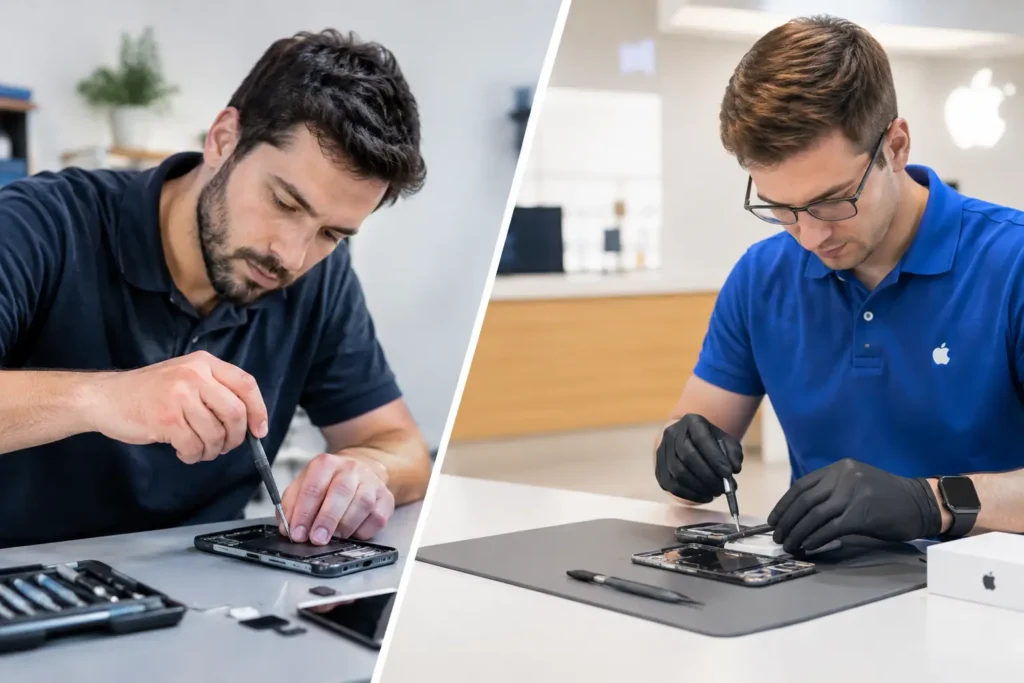
A professional repair should start with diagnosis, not guesswork. The technician checks the cable, signal path, surrounding components and the condition of the board before deciding whether the HDMI port itself is the fault.
If the port is damaged, the old connector is removed using the right tools and heat control. The solder pads are cleaned, the board is inspected for torn traces or lifted pads, and a compatible replacement port is fitted. Once the hardware work is done, the device should be tested for stable output, not just a brief image on a screen.
That matters because some ports appear fixed but fail again quickly if the mounting points were weak or the board was already damaged around the socket. A proper repair aims for durability, not a temporary connection.
Repair or replace?
It depends on the device, the age of the hardware and the value of what is on it. For a current games console, a good laptop or a business machine with important files, HDMI port repair is often far more sensible than replacement. The cost is usually lower than buying new, and you avoid the disruption of setting everything up again.
For very old or low-value hardware, the maths can be different. If several faults are present, or if the board has wider damage beyond the port, replacement may make more sense. A good repair shop will tell you that plainly rather than pushing work that is not worth doing.
For customers across Barrow-in-Furness and the wider Cumbria area, local repair also has a practical advantage. You can speak to someone directly, get a realistic turnaround time, and avoid sending a valuable device away without knowing where it is or how your data is being handled.
How to avoid HDMI port damage in future
Most HDMI port damage is caused by strain rather than bad luck. Leaving enough slack in the cable helps more than people realise. If a cable is stretched tight behind a TV cabinet or across a desk, every movement transfers force to the port.
Try not to move consoles or laptops while the HDMI cable is still connected. Insert the connector straight rather than at an angle, and never force it if it does not line up. If a setup is permanent, using a good quality cable of the right length reduces tension and accidental tugging.
For schools, offices and shared family spaces, ports wear faster because devices are plugged and unplugged constantly. In those settings, a quick inspection when signal problems first appear can prevent a fully torn port later on.
If you are still not getting a picture after swapping cables, testing another screen and checking for visible port damage, there is no point wrestling with it for another week. A clean diagnosis saves time, protects the device, and gets you back to using it properly instead of balancing the cable at exactly the right angle every evening.