A dropped Samsung is rarely just a cosmetic problem. A cracked screen can expose the display to further damage, a battery that drains before lunch can make work difficult, and a charging fault can leave you without maps, messages or access to banking apps when you need them most. This guide to Samsung phone repairs explains what may be wrong, when repair is worthwhile, and how to protect your data while getting your handset back in service.
Whether you use a Galaxy S model, Galaxy A handset, Note, Fold or Flip device, the right repair starts with an accurate diagnosis. Two phones can show the same symptom for very different reasons. That is why a local inspection is more useful than guessing from a quick internet search.
The Samsung faults worth repairing
Cracked screens and display problems
A cracked front glass is one of the most common Samsung repairs, but the visible crack is only part of the picture. If the screen has black patches, coloured lines, flickering, dead areas or no touch response, the display underneath has been damaged too. On many Samsung models, the glass, OLED display and touch layer are supplied as one assembly, so a proper screen replacement is usually the dependable answer.
Do not wait too long if the glass is splintering or lifting from the frame. Moisture and dust can get inside through those gaps, turning a straightforward screen repair into a more involved fault. If the phone still works, back it up before handing it over. If it does not, a technician can assess whether data access is possible once the display is restored.
Foldable Samsung phones need extra care. A crease that has developed a dark line, touch issue or lifting screen protector should be inspected by someone familiar with foldable construction. The internal display, hinge and outer screen are separate areas, and the cheapest-looking option is not always the safest one.
Batteries that no longer last
Battery performance naturally drops over time, particularly on a phone that has had two or three years of daily charging. A replacement may be sensible when your Samsung loses charge unusually quickly, switches off with battery remaining, becomes hot during normal use, or only works reliably when plugged in.
Not every battery complaint means the battery itself has failed. Background apps, weak signal, a damaged charging port and software issues can also shorten runtime. A good diagnosis checks the charging behaviour and power use before replacing parts unnecessarily. If the handset is otherwise in good condition, a new battery is often far better value than replacing the whole phone.
Charging port and power faults
If you have to hold the cable at an angle, the phone repeatedly connects and disconnects, or it will not charge at all, the port may be blocked, worn or damaged. Pocket fluff is a surprisingly frequent cause. It can compact inside the USB-C port and stop the cable from seating correctly.
Avoid poking inside with a pin, paperclip or anything metal. The contacts are delicate, and a quick attempt at cleaning can cause a bigger problem. A repair technician can safely inspect the port, cable and charging circuit. In some cases the answer is careful cleaning; in others, the port or charging board needs replacing.
Camera, speaker and microphone faults
Blurry images, camera focus problems, muffled calls and no sound from the speaker can all be repairable. Before assuming hardware failure, remove a case or lens protector, test with another app and restart the phone. If the problem continues, internal damage, dirt, liquid residue or a failed component may be responsible.
Samsung camera modules and flex cables are compact and sensitive. If a phone has been dropped and the camera rattles, will not focus or shows a black preview, avoid repeatedly forcing the camera app open. An assessment can identify whether the issue is with the module, connector or main board.
Liquid damage
A phone that has been splashed, dropped in water or exposed to heavy rain needs prompt action. Switch it off if possible, disconnect it from power and do not keep testing it. Do not put it in rice. Rice does not remove corrosion from inside the phone and can introduce dust into ports.
Liquid damage is not always obvious straight away. A handset may appear fine, then develop charging, screen or microphone issues days later as corrosion spreads. Professional treatment focuses on opening the device safely, checking affected areas and cleaning residue before it causes further damage. The outcome depends on the liquid, how long it remained inside and which components were affected, so no responsible repairer should promise a result before inspection.
A guide to Samsung phone repairs or replacement
The decision usually comes down to the phone’s age, overall condition and the cost of the work. A screen repair on a recent Galaxy S or Galaxy A model can make excellent sense when the cameras, battery and performance are otherwise sound. The same applies to a battery or charging repair on a device that still receives the features you need.
Replacement may be more sensible if several expensive faults have appeared at once, such as a damaged display, failing battery and motherboard problem on an older model. It may also be worth considering if you need more storage, a better camera or a newer network capability anyway.
Do not judge only by the price of a replacement handset. Factor in the time needed to move photos, apps, contacts, authenticator access and work files, as well as the environmental cost of discarding a repairable device. A clear repair quote gives you a fair comparison without pressure.
Part quality matters too. Some repairs can use different grades of compatible parts, while others benefit from a particular specification to preserve display quality, brightness, fingerprint performance or durability. Ask what part is being fitted, what functionality will be tested afterwards and what guarantee applies to the workmanship. Straight answers are a good sign.
What to do before booking a repair
Back up your Samsung if the screen and touch controls still work. Samsung Cloud, Google backup or a computer can help preserve photos, contacts, messages and app data. Check that you know your Google and Samsung account passwords too. They may be needed after a reset or software update.
Remove your SIM card if you prefer, although it can be left in place when testing calls and mobile data is relevant to the fault. If you use an eSIM, tell the repairer. Also make a note of the issue: when it began, whether the phone was dropped or exposed to water, and what charging accessories you have tried.
For privacy, enable Maintenance Mode if your Samsung model supports it. This creates a separate environment for testing while restricting access to personal photos, messages and accounts. If the phone cannot be used, choose a repair business that treats customer data carefully and only accesses what is necessary to diagnose the fault.
What a proper Samsung repair process looks like
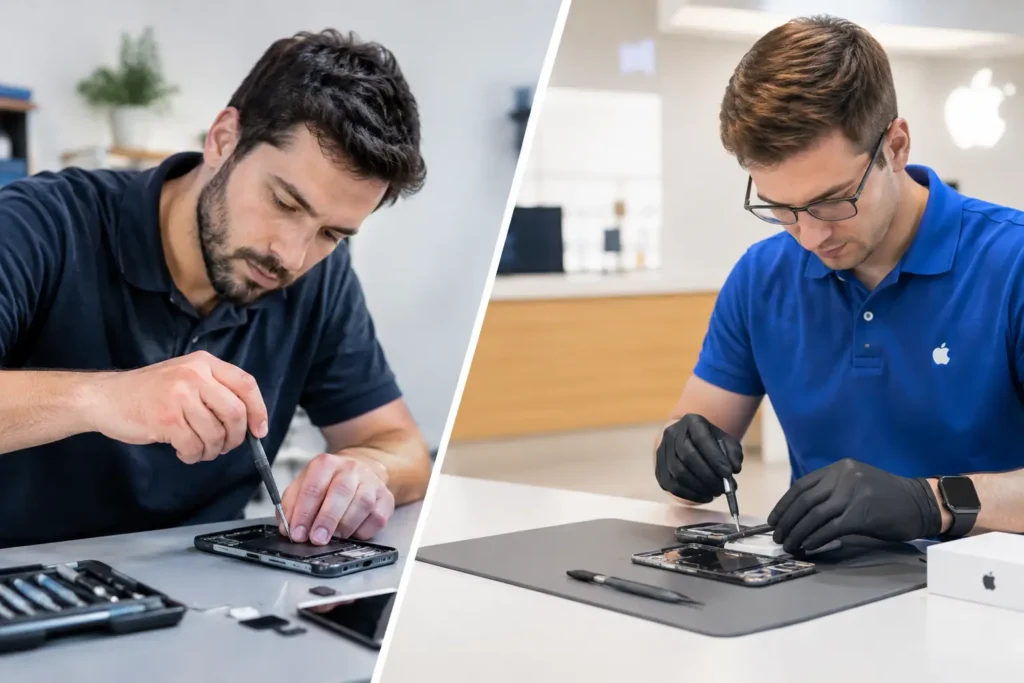
A reliable repair should begin with a clear conversation, not a rushed assumption. The technician should confirm the model, inspect the condition, test the reported fault where possible and explain the likely repair route. This is especially valuable with phones that have more than one issue, because a cracked screen can hide frame damage and a charging problem can be related to liquid exposure.
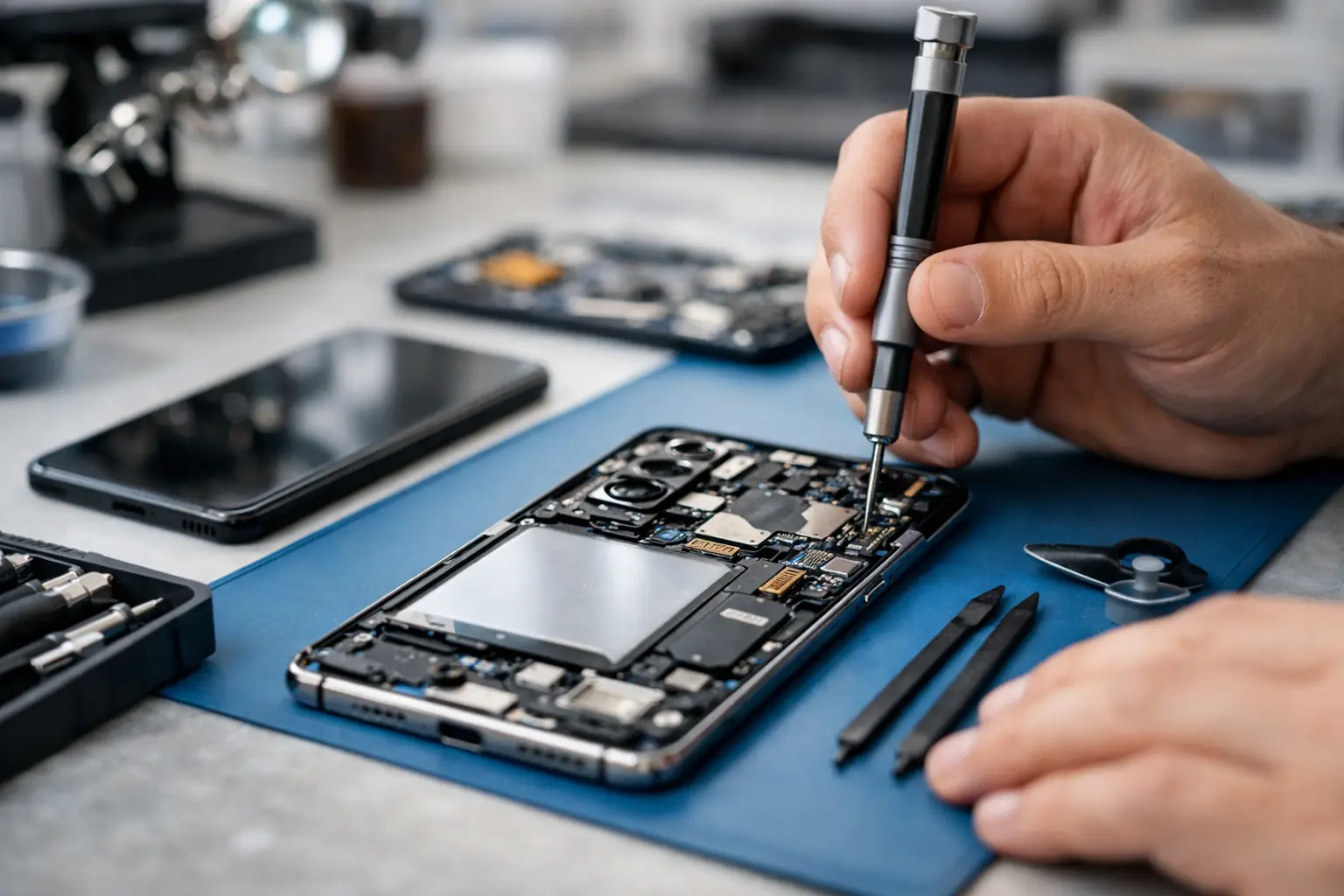
Once the work is approved, the device should be opened with the correct tools and handled carefully. Samsung handsets often use strong adhesive and closely packed internal components. A screen replacement is not just a matter of fitting a new panel: the frame, seals, proximity sensor, cameras, speaker, charging function and touch response all need checking.
After repair, testing should reflect how you actually use the phone. That can include the display, fingerprint reader where applicable, cameras, microphone, loudspeaker, buttons, charging, Wi-Fi and mobile signal. Water resistance can be affected whenever a device is opened, particularly if it already had frame damage, so it is sensible to ask how the phone should be treated afterwards rather than assuming it is as resistant as it was when new.
For people in Barrow-in-Furness and across the wider Cumbria area, TechLab Repairs can assess Samsung faults with the practical aim of getting you connected again without the cost and disruption of an unnecessary replacement.
Keep the repair working for longer
A protective case and a well-fitted screen protector are simple safeguards, but charging habits matter as well. Use a good-quality cable and plug, keep the USB-C port free from lint, and do not routinely leave the phone overheating under a pillow, in a hot car or in direct sun. Heat is hard on batteries and displays.
If you have had a screen replacement, give the new adhesive time to settle as advised. Avoid putting the phone under unusual pressure in a tight pocket or bag during the first day. For a repaired charging port, insert and remove the cable straight rather than twisting it.
A broken Samsung does not have to become a replacement purchase. Get the fault checked early, ask sensible questions about the repair, and choose the option that keeps your phone useful, secure and reliable for the way you live and work.