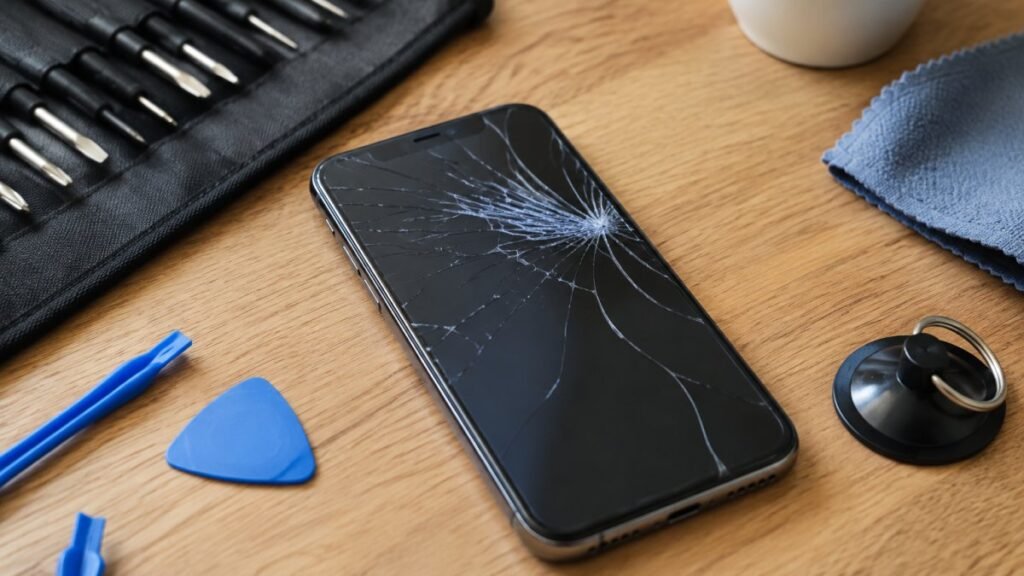
A smashed iPhone screen before work, a MacBook battery that will not hold charge, or an iPad that suddenly refuses to power on can leave you with the same question: AppleCare versus repair – which is the better choice? The answer depends on your cover, the fault, the age of the device and how quickly you need it back in your hands.
For many people in Barrow-in-Furness and across Cumbria, the deciding factor is not simply the headline price. It is whether the repair gets them back to work, school, family messages or a weekend in the Lakes without days of disruption. Here is how to make a confident decision.
AppleCare versus repair: start with your cover
AppleCare is Apple’s extended support and warranty service. AppleCare+ generally adds accidental damage cover, subject to the terms of your plan and an excess fee for each claim. Depending on the device and policy, there may also be cover options for theft and loss. Standard Apple warranty cover is different: it is designed for manufacturing faults rather than drops, cracked glass or liquid damage.
If you have active AppleCare+ and your device has suffered accidental damage, using that cover can make good financial sense. A current iPhone with a damaged display, rear glass or camera system may be expensive to repair without it. Paying the service fee can be more predictable than facing the full cost of an out-of-warranty repair.
However, AppleCare+ is not always the automatic winner. You have already paid for the plan, may still need to pay an excess, and the process may not suit an urgent situation. Check exactly what your policy covers before booking anything. Battery wear, liquid damage, cosmetic marks, loss of data and pre-existing faults can all be treated differently under different plans.
It is also worth remembering that your consumer rights sit separately from any AppleCare plan. If a device has developed a fault through no misuse of your own, speak to the retailer or manufacturer about the issue before assuming you must pay for a repair.
When an independent repair is the sensible option
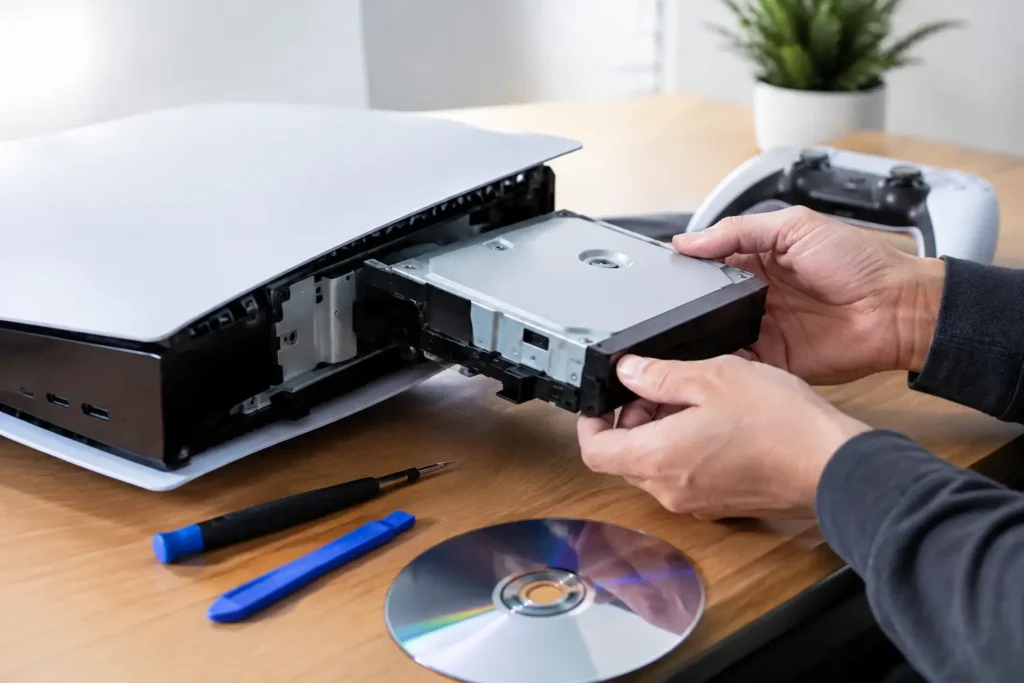
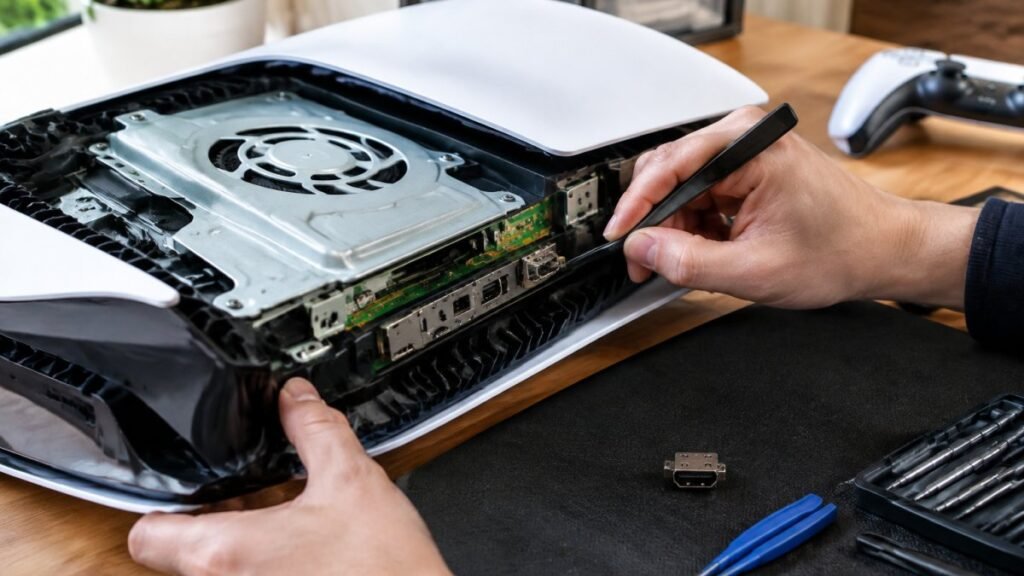
A local repair is often the practical choice when there is no AppleCare cover, the device is outside its warranty period, or the repair is straightforward and time matters. A cracked screen, tired battery, faulty charging port, damaged HDMI port or console power fault does not always require sending a device away.
The biggest advantage is usually speed. Rather than arranging post or travelling to an Apple Store, you can speak to a technician locally, explain what happened and receive a clear assessment. For a student with coursework on a MacBook or a small business with a staff phone out of action, that shorter turnaround can be worth as much as the saving itself.
Independent repair can also be better value for older devices. Putting an expensive manufacturer repair into a four or five-year-old handset is not always proportionate to its current value. A transparent repair quote lets you decide whether fixing it, replacing it or upgrading it is the right move.
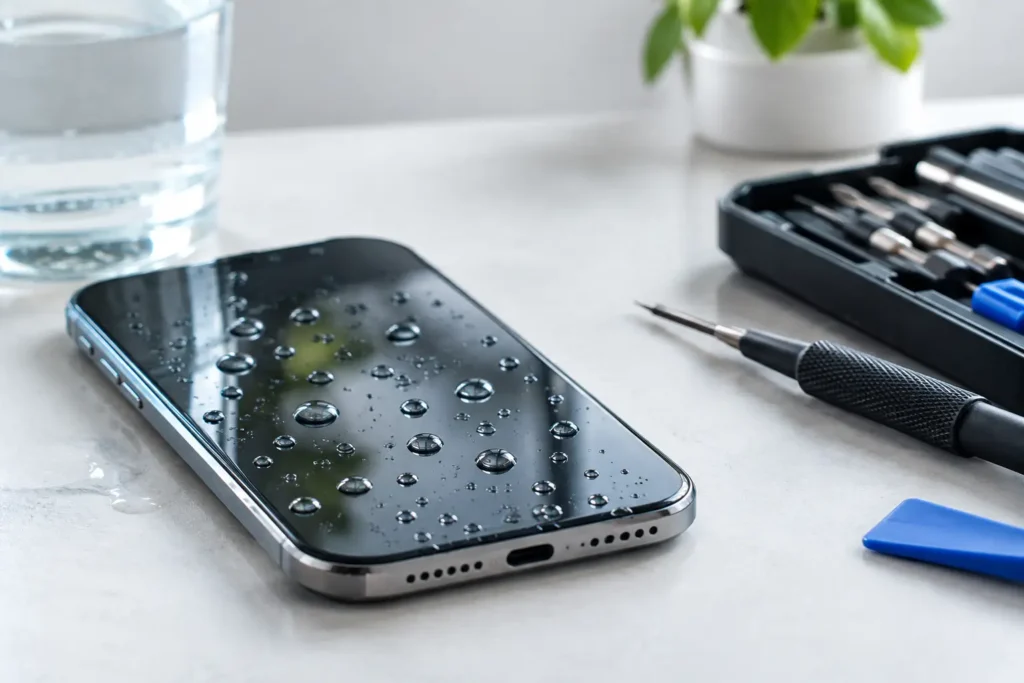
At TechLab Repairs, the aim is simple: do not let a broken device slow you down. A proper diagnosis should identify the actual fault before work begins, particularly where liquid damage, charging faults, overheating or motherboard issues are involved. Replacing a part without testing the underlying cause can cost more in the long run.
Compare the full cost, not just the first number
AppleCare can feel cheaper because the service fee is fixed and easy to understand. Independent repair can appear cheaper because you are paying only for the work required. Both can be true, but neither tells the whole story.
Before choosing, compare the excess or service fee with a written repair quote. Ask whether diagnostics are included, what part quality is being fitted, whether VAT applies, and what guarantee comes with the work. If a repair shop offers several part options, ask what changes between them. The right choice may be a premium-quality display for a newer iPhone, or a more economical option for a backup device.
Also factor in the cost of being without the device. A mail-in repair or appointment at a more distant location may involve travel, time off work or several days without access to two-factor authentication, banking apps, files and contacts. For families sharing one iPad or businesses relying on tablets for bookings and payments, that disruption is real.
A quick example
Imagine an iPhone with a cracked screen. With AppleCare+ in place, the excess may make an official repair the straightforward route, especially if the phone is recent and otherwise in excellent condition. Without cover, a reputable local repair quote may be significantly more attractive and could be completed sooner.
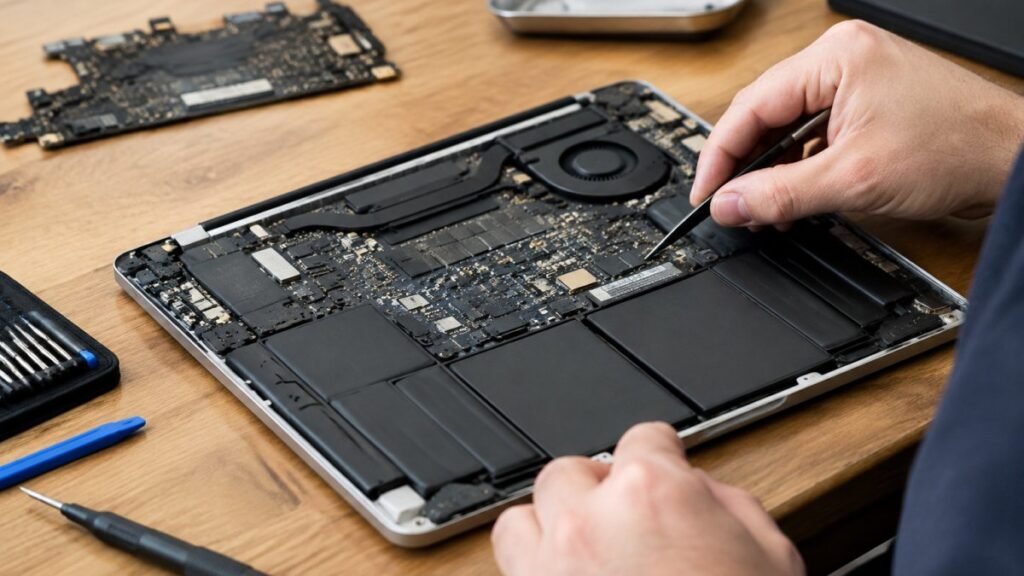
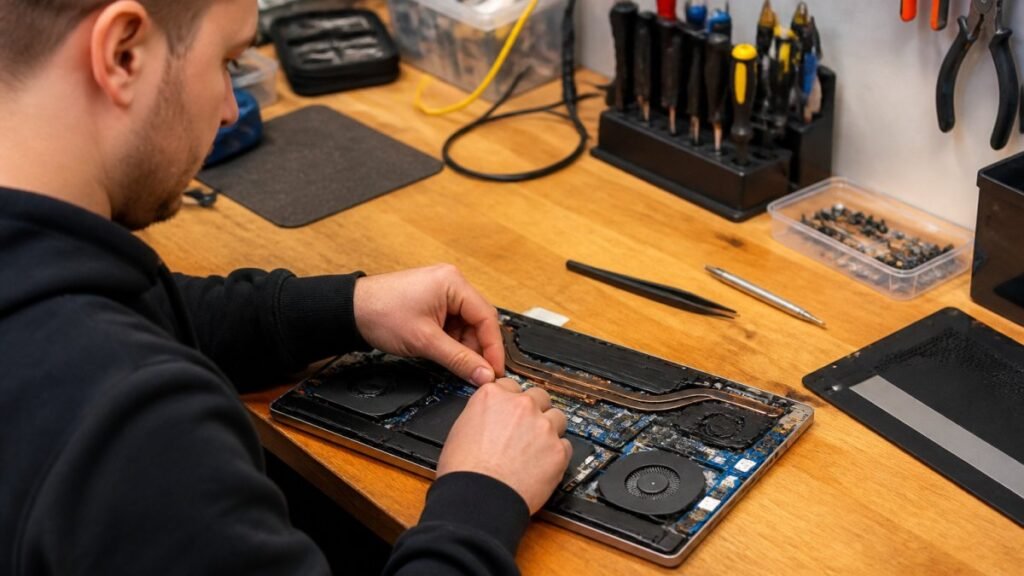
Now consider an older MacBook with a failing battery. AppleCare may no longer apply, while a battery replacement could add years of useful life at a sensible cost. If the machine also has liquid damage or logic board faults, a diagnosis is essential before deciding whether the repair remains worthwhile.
Parts, quality and future support matter
Not all repairs are equal, and the cheapest quote is not necessarily the best value. Ask what replacement part will be used and how it is tested. Screen quality can affect brightness, colour accuracy, touch response and battery usage. Batteries should be fitted carefully and checked for charging performance. A good repair should restore dependable everyday use, not simply get the device to switch on at the counter.
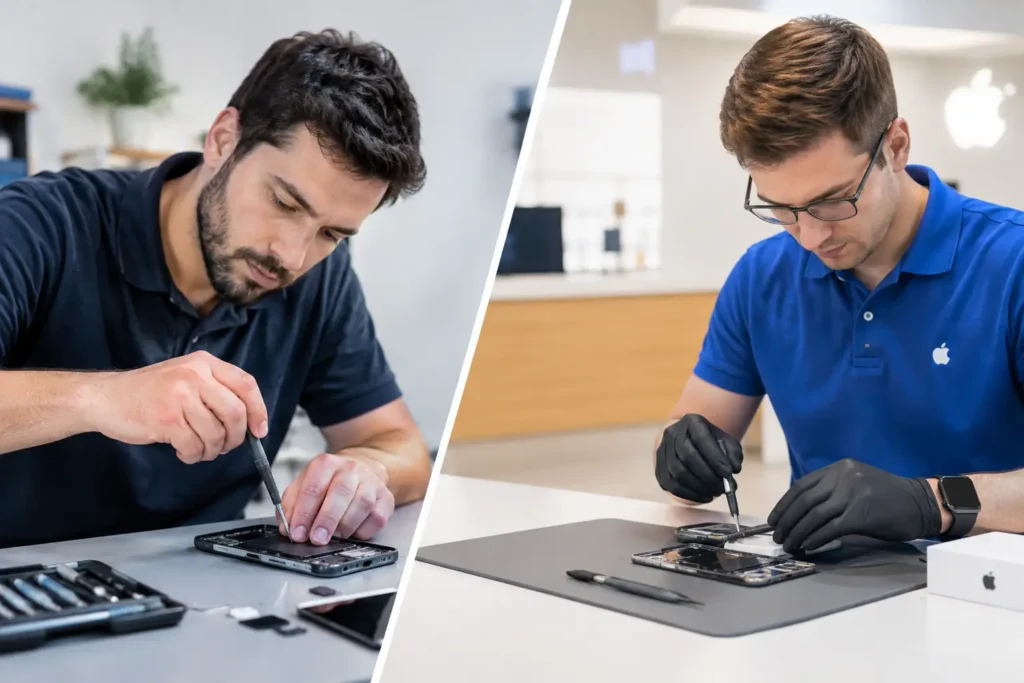
Apple’s own repairs use Apple parts and follow its procedures. That can be particularly appealing for newer devices, complex camera systems and repairs where you want an official service record. It may also be the preferable route where your AppleCare+ policy is active and offers clear value.
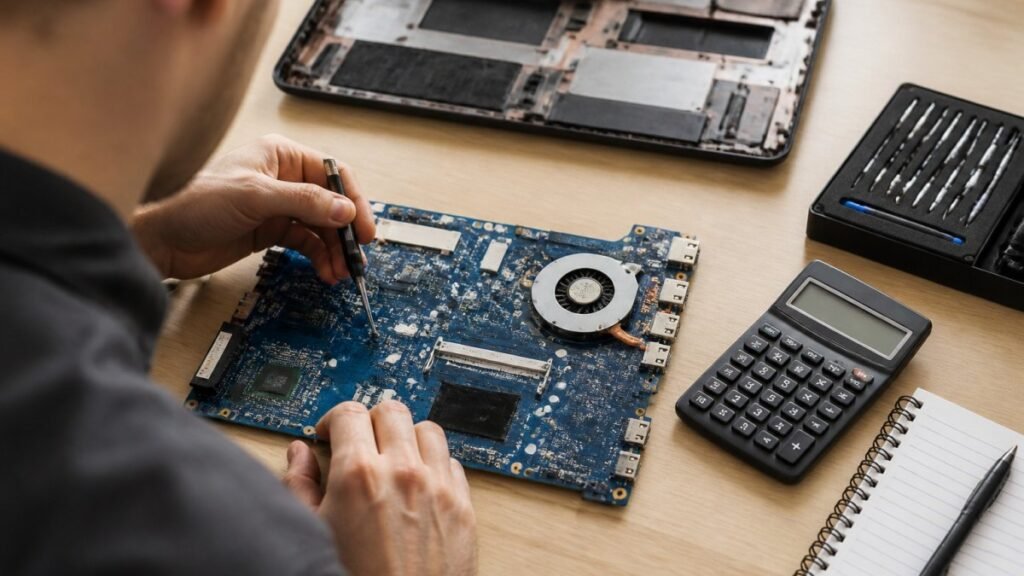
Independent specialists can be a strong alternative when they provide a clear explanation of the parts and workmanship available. They can also diagnose faults beyond a standard screen or battery swap, including board-level problems, charging faults and damage caused by liquid. The key is transparency: you should know what is being fitted, what it costs and what happens if further damage is found during the repair.
Third-party work can affect future manufacturer support where an issue is linked to a non-Apple part or an earlier repair. It does not mean every future issue will automatically be refused, but it is a trade-off worth considering. If your device is still under Apple warranty or you expect to make an AppleCare claim soon, ask the repairer to explain the implications before authorising work.
Think about data before handing over your device
A repair should never leave you guessing about your photos, files or business information. Back up your iPhone, iPad or Mac whenever it is possible to do so before any repair. iCloud, an encrypted computer backup or a secure business backup can prevent a hardware fault becoming a data-loss problem.
Some repairs can be completed without accessing your data, but a passcode may be needed for testing functions such as Face ID, cameras, touch response and charging. Only use a repair provider that explains its data-handling process clearly. Remove payment cards from digital wallets if advised, do not share account passwords, and use any repair or maintenance mode your device offers where available.
For businesses and schools, this is especially important. A damaged staff phone may contain customer details, email access and authentication apps. A clear chain of care, secure handling and straightforward communication are not extras – they are part of a professional repair service.
Which route suits your situation?
AppleCare is usually strongest when you have active cover, a newer Apple device and accidental damage that falls clearly within the policy. It offers a known process and official parts, although it may not always be the quickest local option.
Independent repair is often strongest when your device is out of cover, you need a fast local solution, or the repair cost needs to reflect the age and value of the device. It is particularly useful for common faults such as screens, batteries, charging ports and many laptop, tablet and console issues.
If you are unsure, do not make the decision based on a vague online price or a tempting low quote. Find out what has actually failed, compare the total cost and turnaround, and ask about the repair guarantee. A clear diagnosis turns a stressful broken-device moment into a practical choice – and gets the technology you rely on working again.