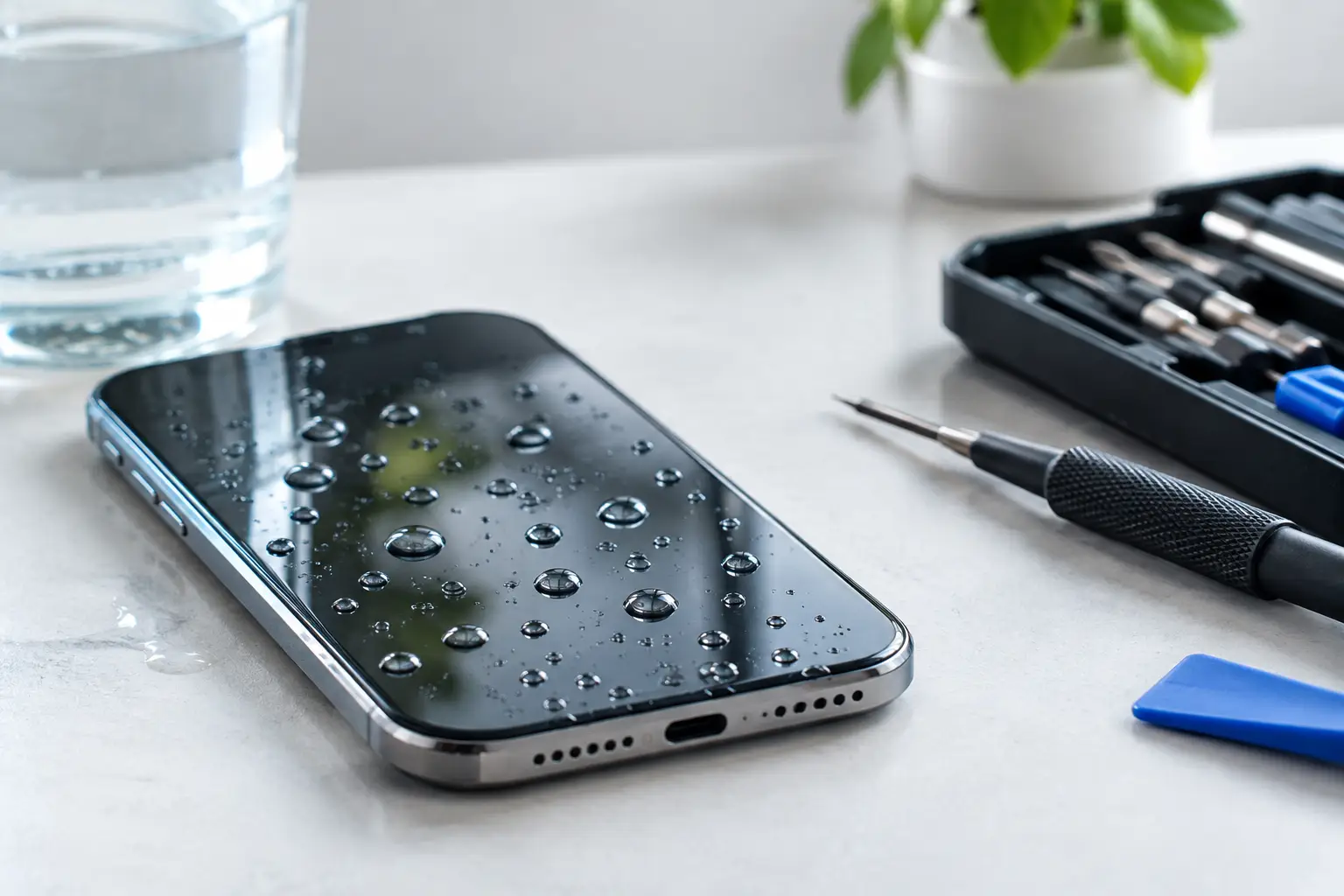
A cracked screen or worn-out battery does not have to mean the end of your phone’s water resistance. But can repaired phones remain waterproof? Sometimes, yes – provided the repair is carried out correctly, the right seals are fitted and the handset has not already suffered hidden damage. The key is understanding that most modern phones are water-resistant rather than truly waterproof, and that protection depends on a very precise seal around the device.
For anyone using an iPhone, Samsung Galaxy or another premium handset around the Furness coast, on a wet Lake District walk, or simply near the kitchen sink, that distinction matters. A good repair can restore a great deal of protection. It cannot always recreate the exact factory conditions under which the phone originally earned its IP rating.
Water-resistant is not the same as waterproof
Manufacturers commonly describe phones using an IP rating, such as IP67 or IP68. The first number refers to protection against dust; the second relates to water. An IP68-rated phone has been tested to withstand immersion under specific laboratory conditions, usually in fresh, still water for a stated depth and time.
That does not mean it is safe to treat the handset like an underwater camera. Real-life water contains variables the laboratory does not: pressure from a tap, soaps, salt, chlorine, sand and sudden temperature changes. Even an untouched phone can lose some resistance over time as adhesive ages, seals compress and the device picks up small knocks.
After a repair, calling a phone “waterproof” can create the wrong expectation. The more accurate question is whether its water-resistant seals can be restored to a dependable standard.
Can repaired phones remain waterproof after a screen repair?
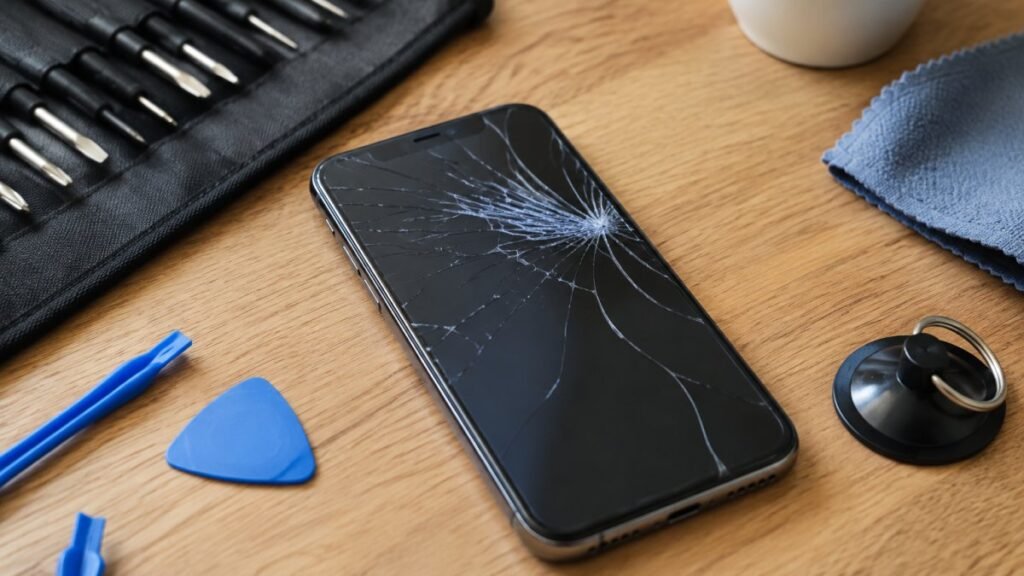
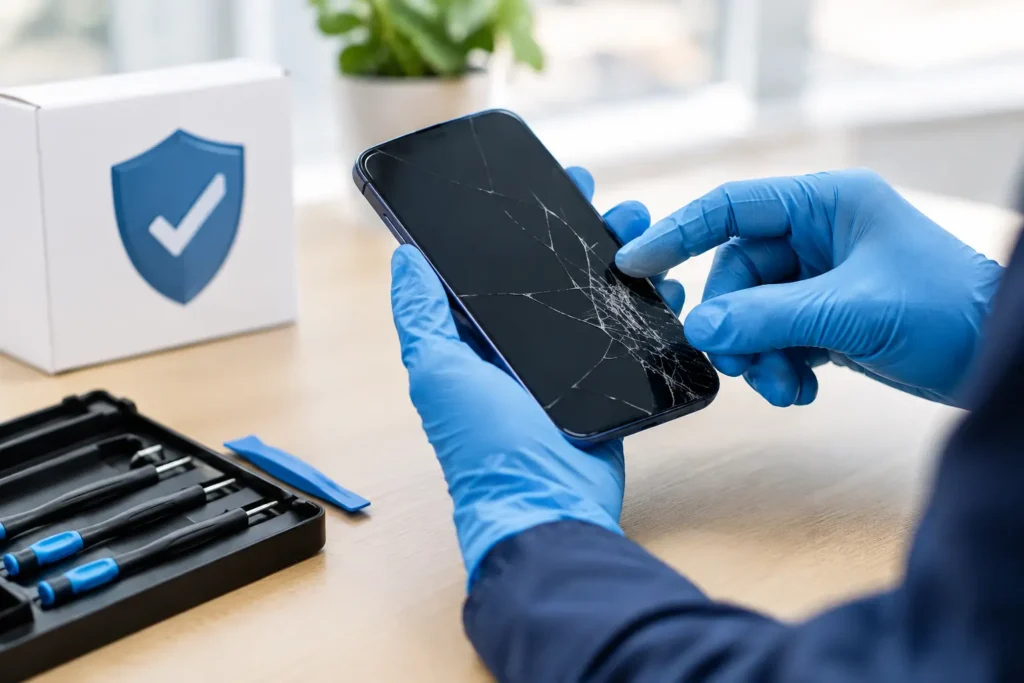
A screen replacement is the repair most likely to raise this question. To remove a damaged display, a technician has to open the handset around its outer edge, where manufacturers use adhesive and gaskets to help keep moisture out.
A careful repair involves removing the old adhesive completely, cleaning the frame, fitting the correct replacement seal and closing the display evenly. If the frame is bent from the original drop, that needs attention too. A fresh seal cannot sit properly against a distorted housing, no matter how good the replacement screen is.
Quality parts and workmanship make a real difference here. An incorrect screen, poorly aligned display or rushed adhesive application can leave tiny gaps that are impossible to see but large enough for moisture to enter. That is why a very cheap screen repair can prove expensive if it compromises the device’s protection.
Even when the repair is completed to a high standard, a responsible repairer should not promise the original manufacturer IP rating. Manufacturers test new devices using specialist equipment and controlled processes. Independent repair can restore resistance, but it does not usually come with the same factory certification.
Battery, charging port and back glass repairs
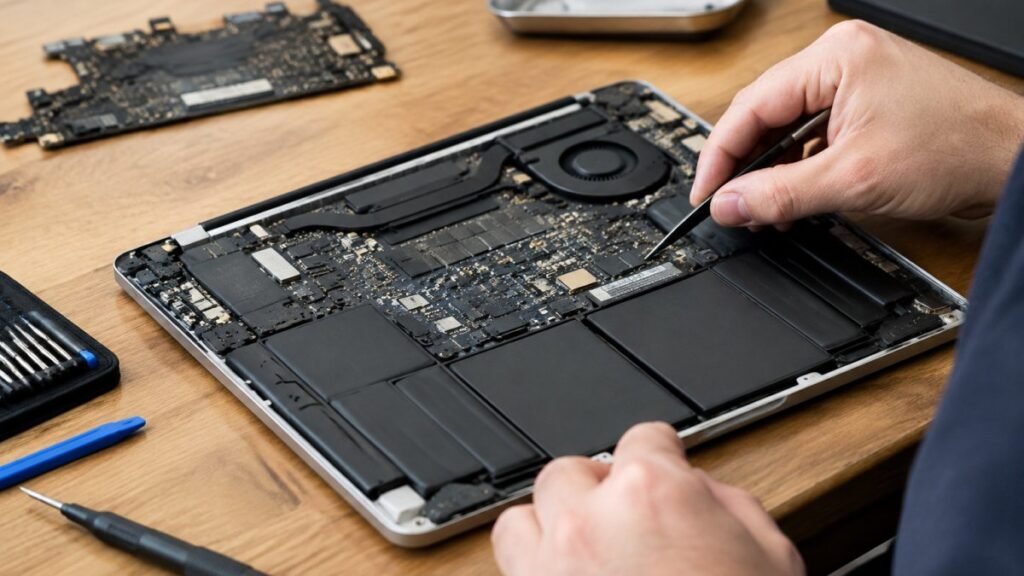
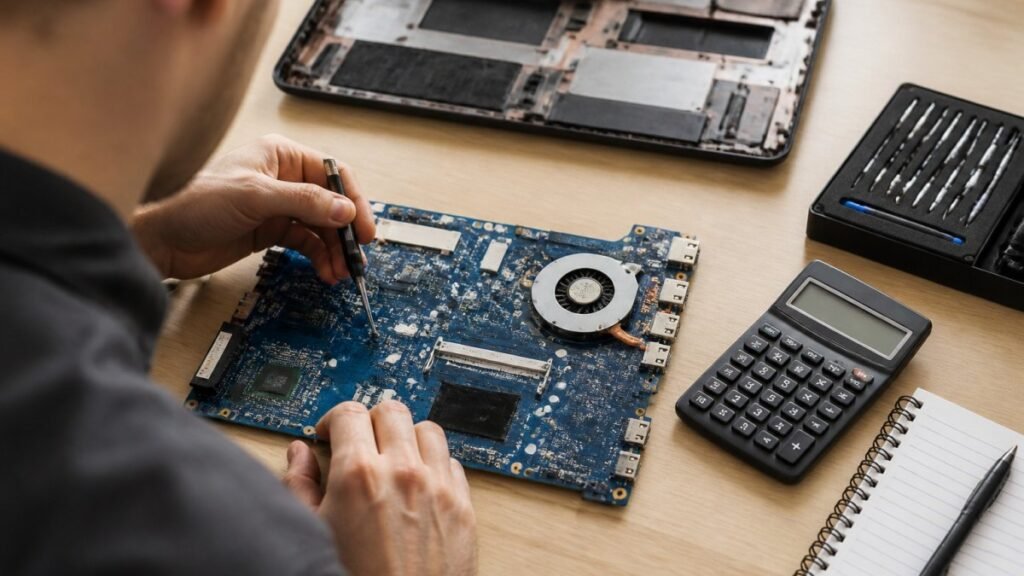
Screen repairs are not the only jobs that affect sealing. Battery replacements require the phone to be opened and then resealed. The same applies to repairs involving a charging port, cameras, side buttons, loudspeakers, microphones and internal components.
Back glass damage can be particularly risky. On many modern handsets, the rear glass forms part of the barrier that protects the internal hardware. A crack may look cosmetic, but it gives moisture a direct route towards the battery, wireless charging coil and logic board. Replacing it properly is about more than improving the look of the phone.
Charging-port repairs deserve extra care because the port itself is an opening into the device. Some water resistance comes from internal seals and the port’s design rather than a cover. If the area is corroded, damaged or incorrectly reassembled, water can enter much more easily.
What determines whether water resistance can be restored?
The outcome depends on the handset, the damage it sustained and how it is repaired. A newer phone with a cleanly cracked screen and an undamaged frame is often a better candidate than a device that has been repeatedly dropped, previously opened or exposed to liquid.
The condition of the housing is crucial. A small bend near a corner, a chipped frame or a loose button can prevent seals from making full contact. Old liquid damage is another warning sign. Corrosion can continue developing long after the phone appears to be working normally, and resealing the device will not reverse it.
The repair process also matters. A technician should use a model-specific seal or high-quality equivalent, prepare the contact surfaces carefully and inspect the device before closing it. Where appropriate, pressure testing can help identify whether the enclosure is holding properly. It is useful reassurance, but it is not a reason to deliberately put the phone underwater.
How to protect a repaired phone around water
Once a phone has been opened, sensible habits offer the best protection. Avoid using it in the bath, taking it into the shower or intentionally submerging it, even if it was originally rated for water resistance. Steam is especially troublesome because moisture can work into openings and condense inside the handset.
Keep it away from high-pressure water too. A splash from a rain shower is very different from a jet of water at the sink or a fast-moving tap. Saltwater and pool water need prompt attention because they can leave conductive, corrosive residue behind.
If your repaired phone gets wet, switch it off if possible, remove any case and dry the exterior with a soft cloth. Do not charge it until the charging port is fully dry. Avoid rice, hairdryers and heating it on a radiator. Rice does not remove moisture from inside a phone, while excess heat can damage screens, batteries and seals.
If there is any sign of moisture under the camera lens, screen flickering, muffled audio, unexpected shut-downs or a charging warning, arrange an inspection quickly. Early liquid-damage treatment gives a device the best chance of recovery.
Questions to ask before booking a repair
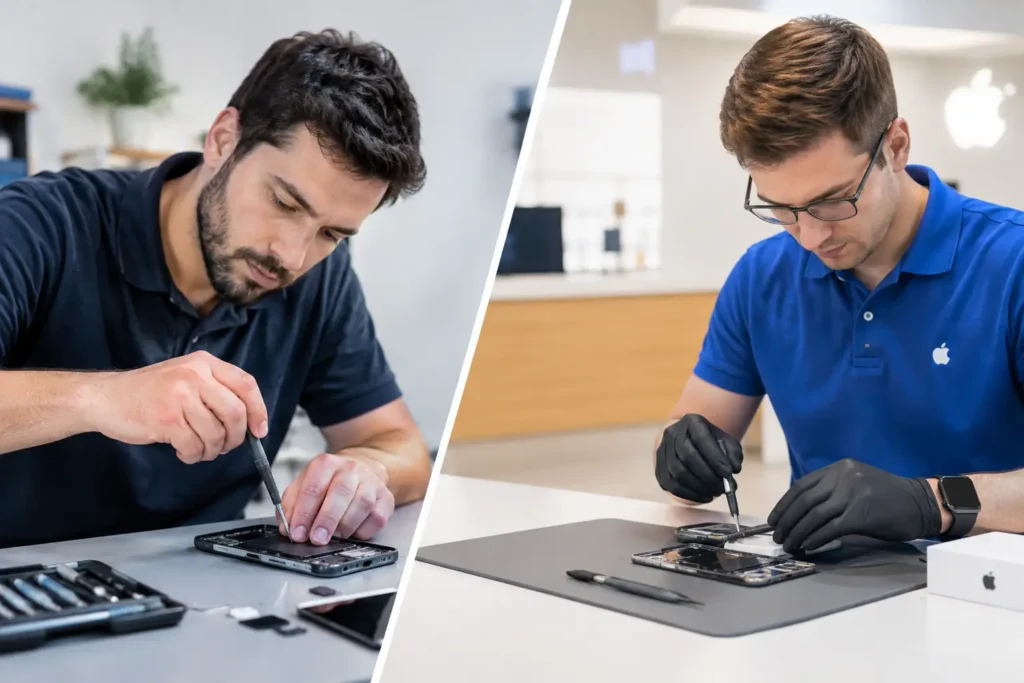
It is worth being direct when you speak to a repair shop. Ask whether the phone will be resealed after the repair, whether the frame has been checked for bends or damage, and whether any form of seal or pressure test is available. A trustworthy technician should explain the limits clearly rather than offering a blanket waterproof guarantee.
You should also mention previous repairs and any past contact with liquid. It may feel irrelevant if the phone currently works, but it helps the technician assess the risk and choose the right approach. For business devices, this conversation matters even more: a lost phone can mean disrupted access to customer details, work apps and two-factor authentication.
At TechLab Repairs, the aim is to give customers a straight answer on what their device needs, whether that is a screen replacement, battery repair or investigation of a possible liquid issue. Don’t let a broken device slow you down, but do make sure the repair protects the phone as well as restores its appearance and function.
A properly repaired phone can remain well protected from everyday splashes and rain, but water resistance should always be treated as a safety net, not a feature to test. Give your handset a quality repair, keep it away from deliberate immersion, and act quickly if water finds its way in.