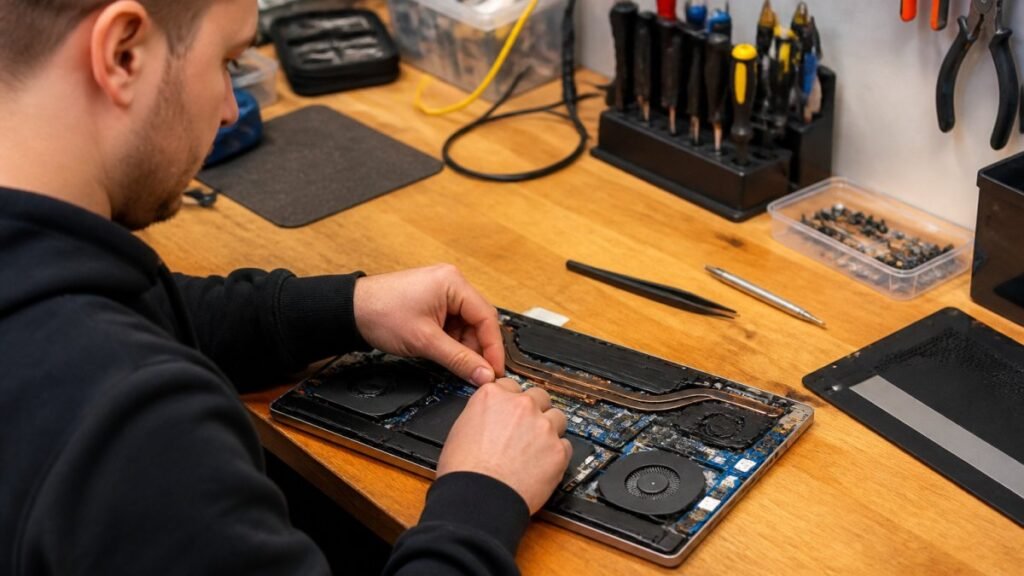
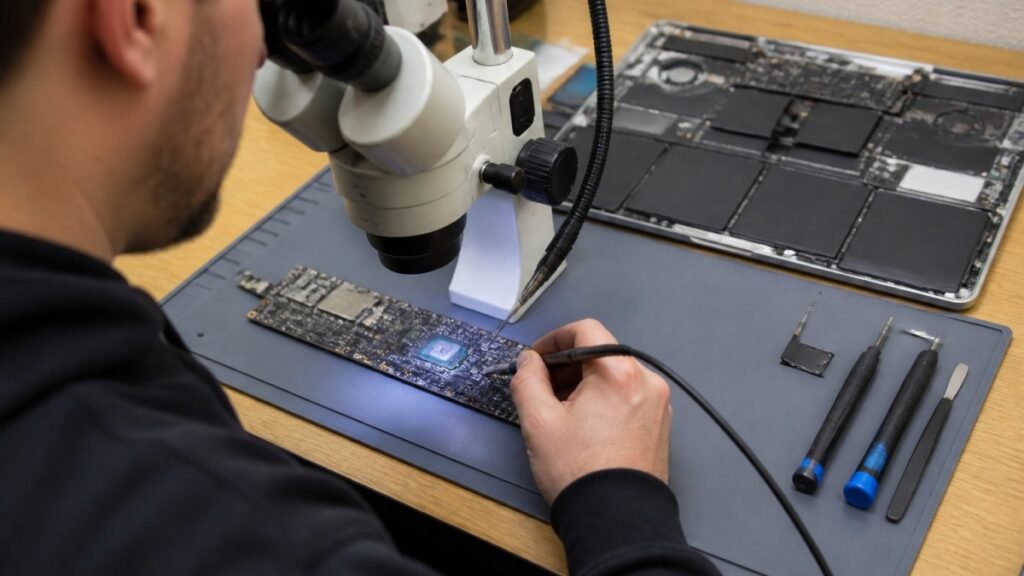
A game that will not install, a console that will not read discs, or a PlayStation stuck on a loading screen can turn a planned evening into a headache. PlayStation drive repair covers two very different faults: the disc drive that reads physical games and the internal storage drive that holds your games, saves and system software. Knowing which one has failed is the first step towards the right repair.
For gamers across Barrow-in-Furness, Furness, Cumbria and the Lake District, sending a console away for weeks is rarely an appealing option. A proper diagnosis can often show whether the fault is repairable, whether a replacement part is sensible, and whether your saved data can be protected.
Is it the disc drive or the storage drive?
The wording matters because the symptoms, parts and repair process are not the same. A disc drive fault affects boxed games, Blu-rays and DVDs. Storage faults affect downloads, updates, save files and the console’s ability to start normally.
If your PlayStation accepts a disc but repeatedly ejects it, makes clicking or grinding noises, or displays a message saying the disc is unreadable, the optical drive is the likely suspect. If digital games crash, installations stop with error messages, the system asks to be reinstalled, or menus take an unusually long time to load, internal storage needs investigating.
There can be overlap. Corrupted system files can make a working console appear to have a drive problem, while a failing hard drive in an older PlayStation can cause games to freeze or refuse to launch. This is why replacing a part based on a single error message is a gamble.
Common disc drive faults on PlayStation consoles
Disc drives contain moving parts, fine mechanisms and laser components, so wear and damage can build up over time. A dropped console, dust around the mechanism, a damaged disc or an earlier poor-quality repair can all cause trouble.
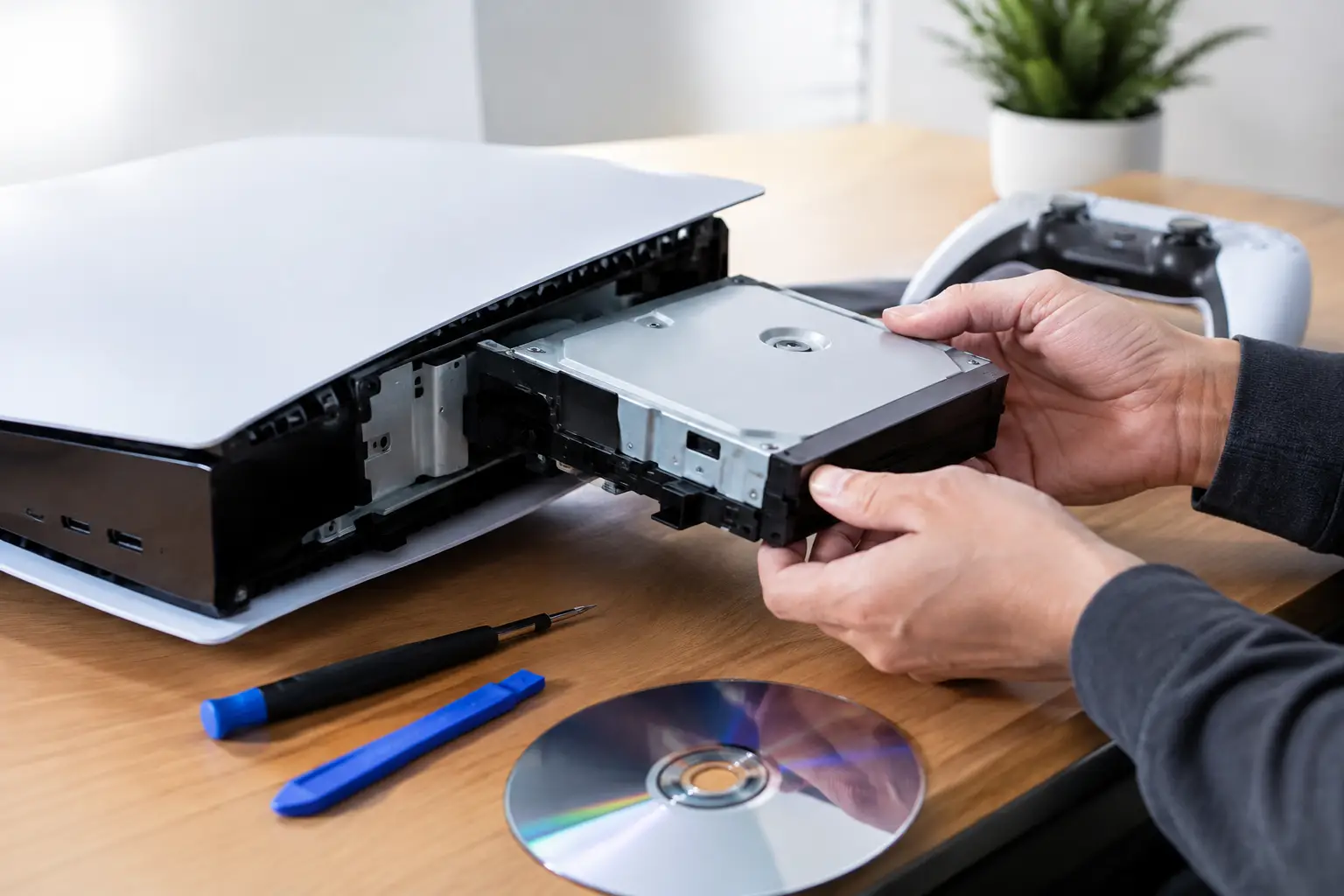
On PS4 consoles, common issues include a worn laser, a faulty spindle motor, damaged rollers and problems with the eject mechanism. A console may pull in a disc but fail to recognise it, or it may make several attempts to spin the disc before giving up. Some PS4 models also develop unusual eject behaviour, which should be assessed before any parts are ordered.
PS5 disc drive faults can look similar: discs may not be accepted, the drive may spin loudly without reading a game, or the console may report that the disc cannot be read. Because the PS5 hardware is more complex, fitting a donor drive is not always a straightforward swap. Certain components may need to remain matched to the original console, so an experienced repairer will inspect the drive and its control hardware rather than treating every issue as a simple replacement.
A dirty disc is the easy possibility. Check for fingerprints, scratches and labels, then gently clean the playing surface with a clean microfibre cloth, wiping from the centre outwards. Test more than one known-good disc too. If one game fails but others work, the disc itself is more likely to be the problem.
Do not put cleaning discs, cotton buds or liquids inside the console. They can damage the laser assembly or leave debris where it is hardest to remove. Opening the console without the right tools also risks stripped screws, broken cables and additional faults.
Storage faults: hard drives, SSDs and corrupted software
Older PlayStation 4 models use an internal hard disk drive. Like any mechanical drive, it can wear out. Repeated crashing, very slow loading, unexplained corruption warnings and a console that starts only in Safe Mode may point to a failing drive or damaged system software.
The good news is that a PS4 hard drive can often be replaced. However, installing a new drive is only part of the job. The PlayStation system software must be correctly reinstalled, and local game saves may be lost if they were not backed up or synchronised beforehand. If the existing drive is still readable, data recovery should be considered before it deteriorates further.
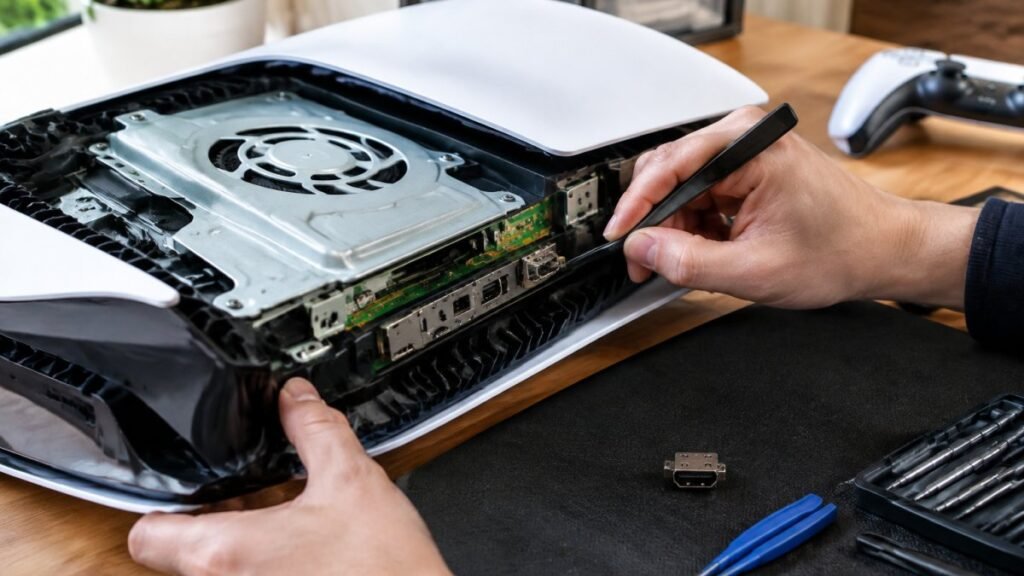
The PlayStation 5 uses built-in solid-state storage rather than a conventional replaceable internal hard drive. Its speed is a major advantage, but storage-related errors need careful diagnosis. A system software problem, overheating, a fault with an added M.2 expansion SSD or a board-level storage issue can produce similar symptoms. Removing or replacing parts without confirming the cause can make recovery more difficult.
An added M.2 SSD can be checked separately if problems began after it was installed. It must meet the console’s compatibility requirements and be fitted with suitable cooling. If the PS5’s original internal storage has failed, the repair is more specialised than a routine PS4 hard drive replacement and may involve board-level work.
What to do before booking PlayStation drive repair
Start with the simple checks that will not put your console or data at risk. Fully power the PlayStation down rather than leaving it in Rest Mode, disconnect it for a short time, then restart it. For a disc issue, test two or three clean discs. For a storage issue, note any error code and whether the fault happens with every game or only one title.
If the console still reaches its settings menu, back up your save data where possible before trying repeated repairs or resets. PlayStation Plus cloud storage may help subscribers, but do not assume every save is already protected. A USB backup can also be useful on supported systems.
Avoid repeatedly forcing the console to restart while it is checking storage or installing an update. Interrupting this process can turn a recoverable software fault into a more serious corruption issue. Likewise, do not keep inserting and ejecting discs if the drive is grinding. Stop using it and arrange an assessment.
When you bring the console in, include the power cable if the machine has power-related symptoms, and explain exactly what happened before the fault began. Did it fail after a power cut, an update, a move, a drop or liquid exposure? Those details can save time during diagnosis.
When repair makes sense and when replacement may not
A repair is often the sensible choice when the PlayStation is otherwise in good condition. Replacing a failing PS4 hard drive, repairing a disc mechanism or resolving a software issue can cost far less than replacing the console, particularly when you have accessories, downloaded games and saved progress tied to the existing system.
There are trade-offs. A heavily damaged console with liquid corrosion, multiple board faults or a severely compromised storage system may need a more involved repair. In those cases, the right approach depends on the console’s age, the condition of the rest of the hardware and the value of recovering its data. A clear diagnosis and upfront explanation should come before you commit.
For PS5 disc drives and storage faults, specialist handling is especially worthwhile. The wrong replacement part, an incorrect software installation or accidental damage to a ribbon cable can add unnecessary cost. A professional repair should focus on the underlying cause, not simply the most obvious symptom.
Local help for PlayStation faults in Cumbria
TechLab Repairs can assess PlayStation disc drive, hard drive and storage-related faults with a practical, repair-first approach. Whether your PS4 has stopped reading games or your PS5 is showing persistent storage errors, the aim is to identify the fault clearly, handle your console carefully and explain the available options in plain English.
Your games are meant to be played, not left staring at an error screen. If the usual safe checks have not solved the issue, stop forcing the console to work and get it assessed before a small drive fault becomes a bigger repair.