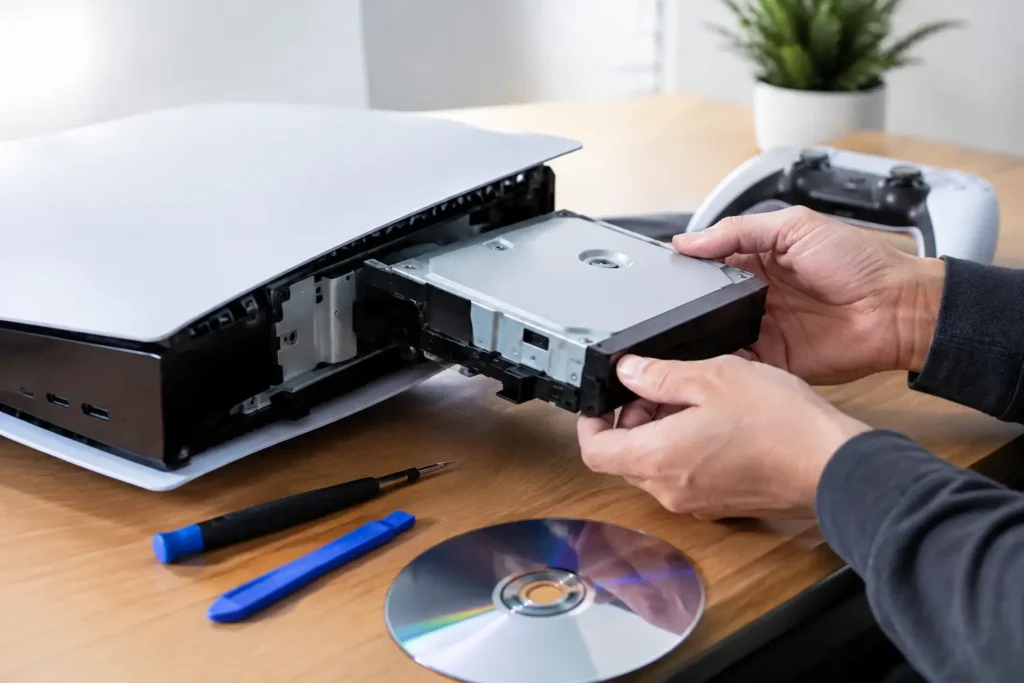
PlayStation Drive Repair for Disc and Storage Faults
Need PlayStation drive repair in Cumbria? Learn the signs of disc and storage faults, what to avoid, and when a local technician can help fix it safely.


Quick Summary
Logic board faults are problems with the main circuit board inside a MacBook, which holds the processor, memory and the chips controlling power, graphics and ports. Common signs include random restarts, ports that stop responding, loud fans at idle, dropped Wi-Fi and storage that fails to appear. Many similar symptoms come from a charger, battery or display instead, so check the basics first.
Last Updated: November 8, 2026
The logic board is the main circuit board inside a MacBook, holding the processor, memory, and the chips that control power, graphics and ports.
Logic board faults usually come from a few causes: power surges, heat damage over years of use, and spills.
A common mistake is assuming a dead Mac always means a dead logic board.
Logic board faults tend to show up as a pattern of problems rather than one clear failure. A single odd moment is rarely a sign of a serious fault.
Common warning signs include:
A MacBook with no power or a black screen is one of the most worrying symptoms. It does not always mean the logic board has failed. A flat battery, a faulty charger or a broken display can produce the same result.
Try a known-good charger first. Then check whether the power light or fan responds at all.
Random shutdowns can point to overheating, a failing battery or a logic board fault. Boot loops, where the Mac restarts again and again, are more often linked to software or storage problems.
If the restarts happen under load, heat is a likely cause. If they happen while the Mac is idle, look more closely at the board.
When a MacBook does not turn on, the first job is to separate the likely causes.

Work through these checks in order, stopping as soon as you get a clear result:
Watch out: Opening a MacBook to test internal parts can damage it further if you are not experienced, and battery components can be dangerous if punctured or mishandled. Do not probe the board with metal tools or apply pressure to connectors.
The pattern of responses tells you more than any single check:
A black screen with a working fan is one of the most misdiagnosed situations. Shine a torch at the screen at an angle. If you can faintly see the desktop or login window, the backlight has failed rather than the logic board. If the screen stays completely dark but the Mac responds to keyboard shortcuts or makes startup sounds, the display assembly or its cable is the more likely culprit.
A swollen battery can press on the trackpad or distort the chassis, and a failing battery can cause random shutdowns that look like board faults. If the Mac runs normally on mains power but shuts down immediately when unplugged, suspect the battery or the charging circuit before the board.
If the Mac shows a charging light but still will not start after the checks above, the logic board is more likely to be involved. If there is no sign of power at all, rule out the charger, cable and battery first. Apple’s official guidance on MacBook power and charging
The table below sets out what each set of symptoms most often points to, so you can see where to start.
| Symptom | Most likely cause | Next step |
|---|---|---|
| No light, fan, backlight or sound | Charger, cable, port or battery | Try a known-good charger and cable |
| Charging light but will not start | Battery, power management or logic board | Check battery and charging circuit |
| Fan or startup sound, black screen | Display, backlight or cable | Shine a torch at an angle to check |
| Starts only when plugged in | Battery or charging circuit | Test battery before the board |
| Restarts during boot | Storage, memory or firmware | Check storage and memory faults |
Liquid damage is one of the most common causes of logic board problems. The damage often does not show straight away.
Signs of liquid damage include:
A common mistake is switching the Mac on straight after a spill, which can short circuits that were still wet.
Liquid damage is a common reason repairs go beyond the logic board, since corrosion may have spread to other parts.
Repair or replacement depends on the fault, the model and the age of the Mac. Some logic board faults can be fixed by repairing specific components, such as a failed power management chip or a damaged port. Others need a full board replacement. Cost matters, but so do the age and value of the Mac, the data on it and your rights as a buyer.
Before choosing, ask yourself:
Component-level repair is usually cheaper than a full board replacement and preserves your existing storage, which matters on models where the drive is soldered to the board. Full board replacement is more predictable and often the only option when the fault is widespread or the board is physically damaged. Liquid damage and power-path faults are often repairable at component level, while multiple failed subsystems or cracked boards are not.
In the UK, goods must be as described, of satisfactory quality and fit for purpose under the Consumer Rights Act 2015 (Consumer Rights Act 2015). If your Mac was bought from a retailer and the fault is not caused by accidental damage, you may have a remedy against the seller rather than the manufacturer.
Watch out: Accidental damage, liquid damage and unauthorised repairs can affect both warranty cover and your consumer rights, so check the terms before authorising work.
Ask any repairer what guarantee they provide on the work and on the parts. A 12-month warranty on a logic board repair is a reasonable benchmark, and you should confirm whether it covers the specific fault you are paying to fix. Ask whether replacement boards are new, refurbished or pulled from donor machines, because this affects both price and lifespan.
On many modern MacBooks the storage is integrated into the logic board, so a board replacement can mean losing access to your files unless they are backed up. Before authorising work, make a backup if the Mac still starts, and ask whether data recovery is included or charged separately.
For most people, a clear diagnosis comes before any decision. You can read more about how repair decisions are usually weighed for older electronics. Our MacBook Logic-Board Repairs: Repair or Replace? page explains the warning signs and options in more detail. Pricing depends on the fault and the model, so check the logic board repair cost guide for what affects the price before you decide.
If your MacBook shows any of these faults, a proper diagnostic is the best next step. At TechLab Repairs, we check the power path, charging, display and logic board before recommending repair, using advanced diagnostic tools and high-quality replacement parts.
Every repair we carry out comes with a 12-month warranty, so you have peace of mind after the work is done. We can also help if your MacBook is stuck or will not start, through our MacBook stuck on Apple logo repair in Barrow page.
Book your MacBook diagnostic today and find out what is really wrong. Our team will explain the fault clearly and give you honest options before any work starts.
The most common signs are a MacBook that will not power on, a black screen despite the machine running, random shutdowns or restarts, and boot loops where the Apple logo appears repeatedly. Charging faults, dead USB-C ports and component failures such as Wi-Fi, audio or a faulty built-in SSD can also point to the logic board. Because several other faults produce similar symptoms, a proper diagnosis is needed before deciding that the logic board has failed. Slowness alone is rarely a sign of a logic board problem on its own.
A charged battery does not rule out a logic board fault, as the logic board controls power delivery and startup. A MacBook that will not turn on may instead have a charging, battery, display or power button fault, so the cause needs to be tested rather than assumed. Checking whether the charging light responds, whether the machine reacts to a different charger, and whether there is any display output helps narrow the problem before booking a repair with TechLab Repairs.
Yes. Liquid that reaches the logic board can cause corrosion on the circuitry, leading to shorts, intermittent faults and sudden failure. Damage may not appear immediately, as corrosion can develop over days or weeks after the spill. If a MacBook has been exposed to liquid, switch it off, avoid charging it, and arrange a diagnostic as soon as possible, since prompt cleaning and assessment improve the chance of a successful repair.
It depends on the extent of the fault, the age and model of the MacBook, and the cost of repair compared with replacement. Repairing a logic board can be worthwhile where the fault is isolated and the rest of the machine is in good condition, and where the data on the device is important. TechLab Repairs can provide a diagnosis and a quote for your specific device; current pricing depends on the model and the fault, so please contact us for a quote.
Need PlayStation drive repair in Cumbria? Learn the signs of disc and storage faults, what to avoid, and when a local technician can help fix it safely.
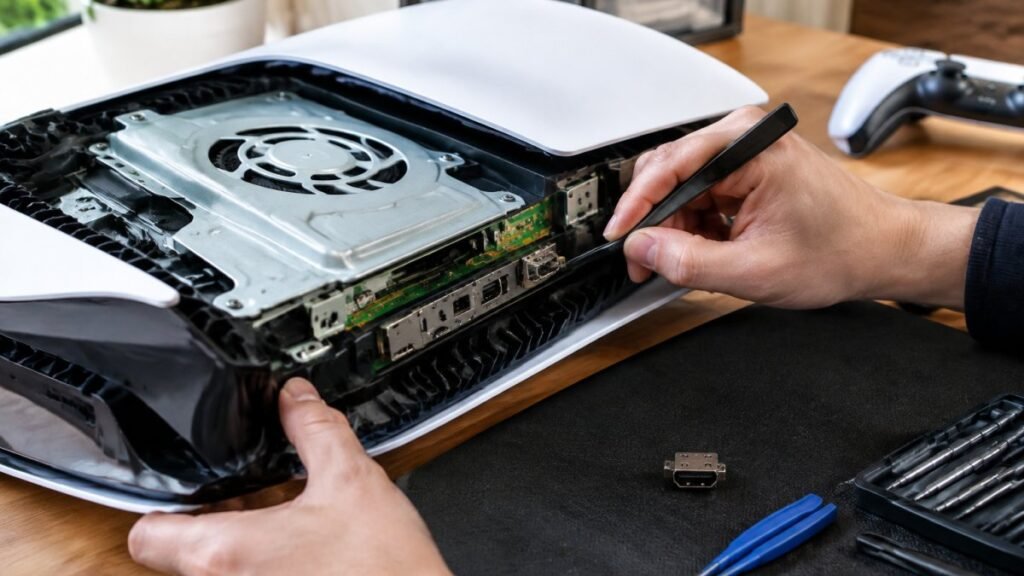
PS5 HDMI port repair cost in 2026 depends on damage severity and console model. Compare repair versus replacement and see what a full quote should cover.
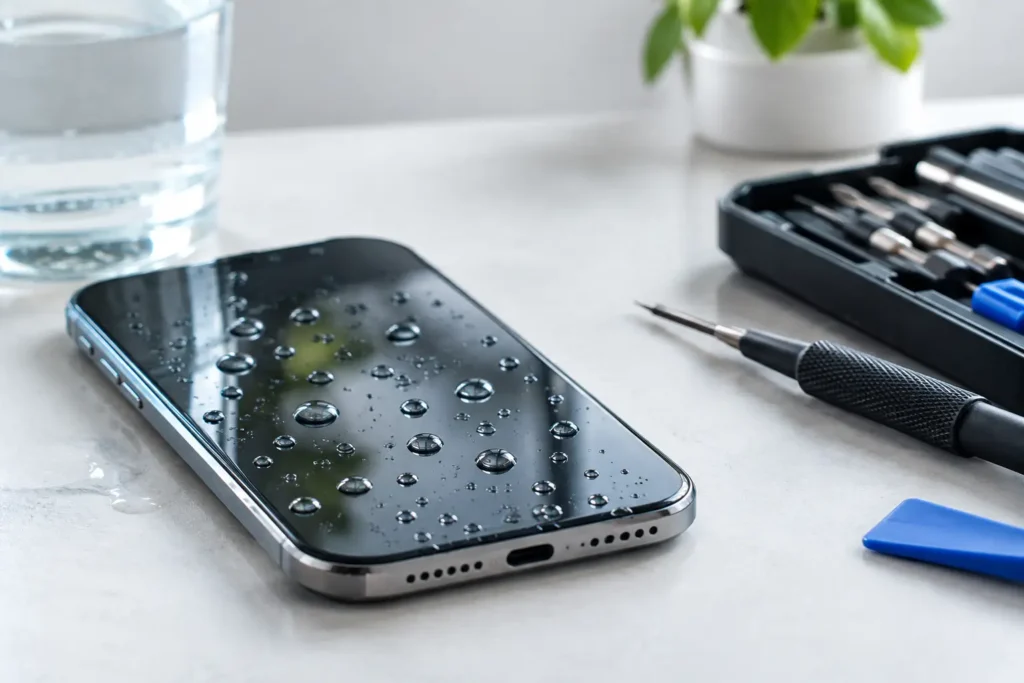
Can repaired phones remain waterproof after a screen or battery repair? Learn what affects the seal, what a proper repair involves and how to stay safe.

Refurbished business laptops can cost 30% to 60% less than new retail models. See the benefits, grading and warranty points to check before you buy.

A cracked iPhone screen needs careful handling before repair. Learn safe first steps, backup, cost factors and when DIY risks outweigh the savings.
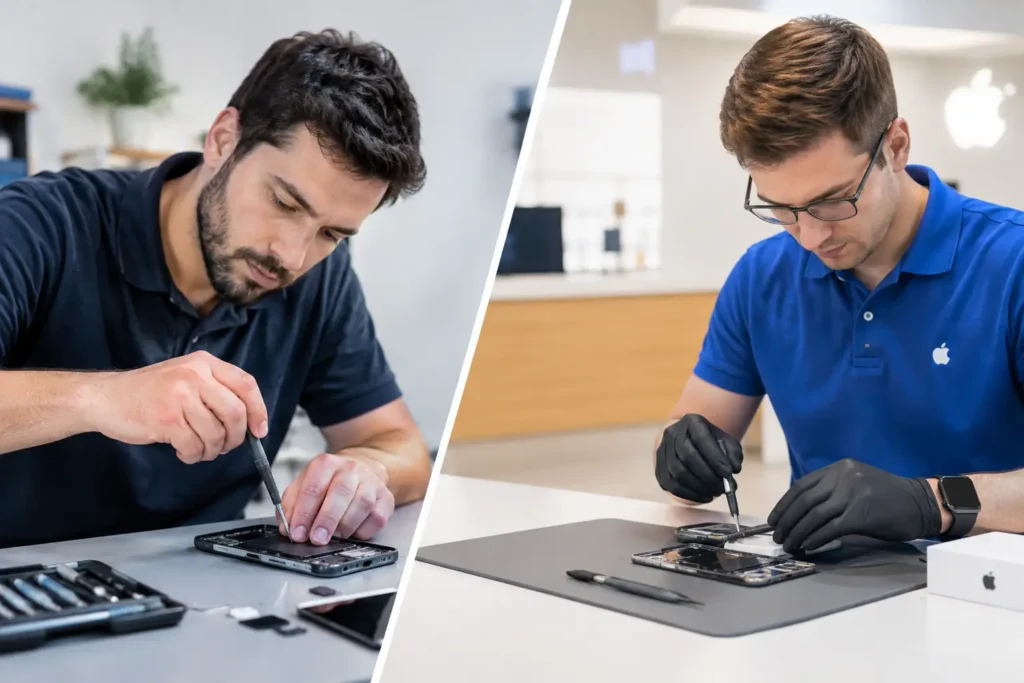
Third party versus authorised repair explained: compare cost, parts, warranty, speed and data care before booking a repair in Cumbria for your device.
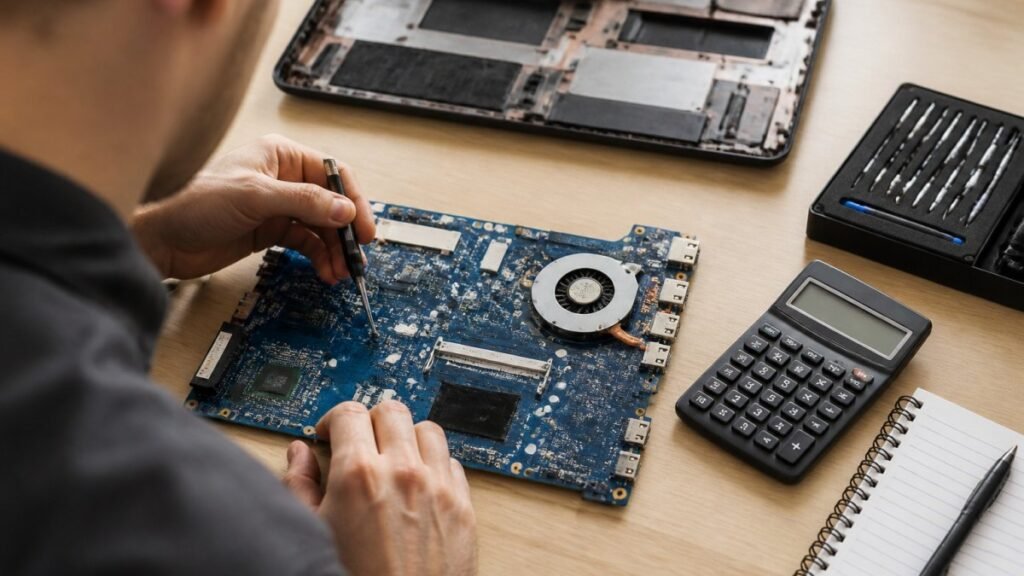
Motherboard repair cost in the UK depends on the fault, the laptop and the quote type. Compare repair with replacement and see what to ask for in writing.
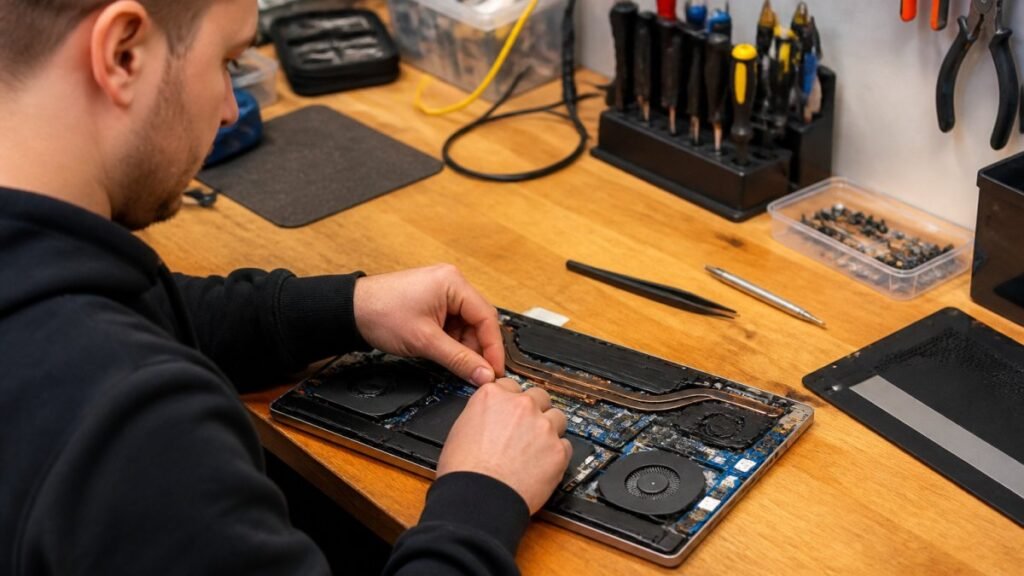
Need fast laptop repair in Barrow-in-Furness? Learn how diagnostics, turnaround times and same-day fixes work, and how to check your repair progress.

Does screen repair affect warranty cover? Learn when a replacement voids cover, what UK consumer rights still protect, and how to choose a trusted repairer
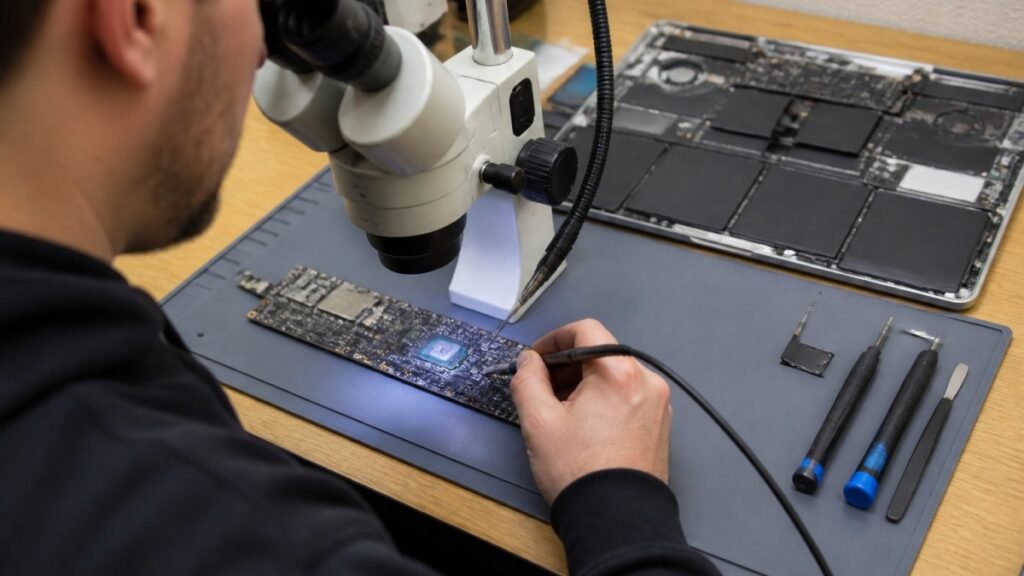
Find out how a MacBook logic board repair works in Cumbria, from spotting the faults to treating liquid damage and recovering your data.