A cracked screen often happens at the worst possible moment – on the school run, during a work call or just as you need your phone for directions. Knowing how to fix a broken phone screen starts with protecting yourself, your data and the phone from further damage. The right next step depends on whether the damage is cosmetic, affecting the display, or exposing sharp glass.
Check How Serious the Screen Damage Is
Not every cracked screen needs the same repair. A light surface scratch may be annoying but harmless, while a deep crack can quickly become a bigger problem. Once the glass is weakened, everyday pressure in a pocket or bag can spread the damage across the display.
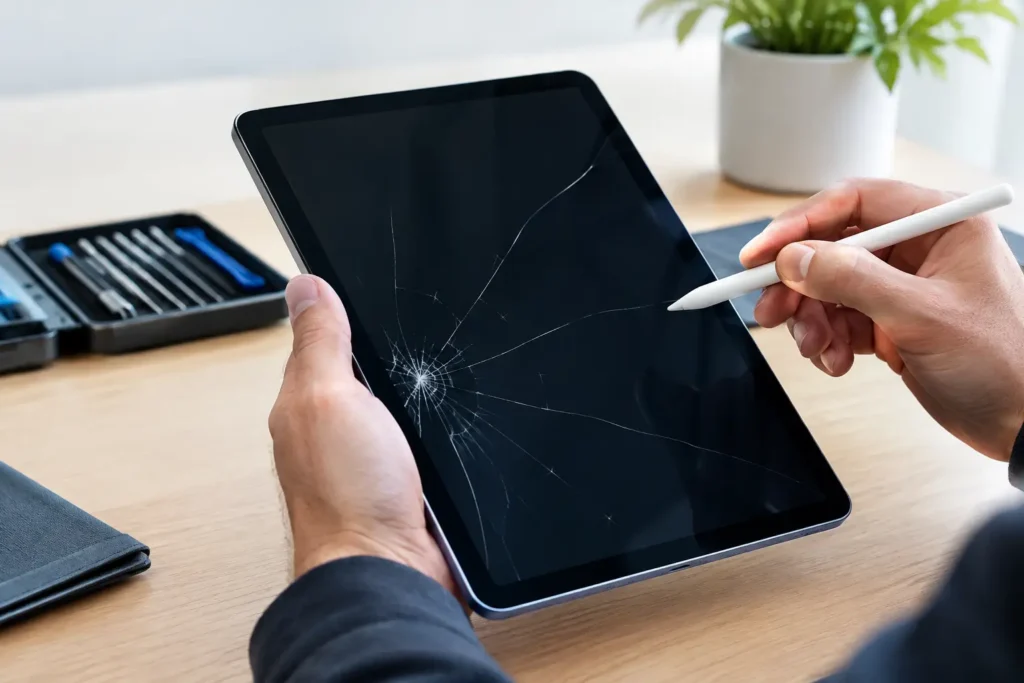
Look closely at the screen with the phone switched on. If the picture is clear, touch works everywhere and there are no loose pieces of glass, the outer glass may be the only damaged part. Even then, it is worth arranging a repair soon. Cracks allow dust and moisture towards the display and internal components, and a small repair can become a more expensive one if left too long.
A screen replacement is more urgent if you notice black patches, coloured lines, flickering, dead areas, ghost touches or a display that stays completely black. These signs usually mean the display panel beneath the glass has been damaged too. On modern iPhones and Samsung handsets, the screen assembly is generally replaced as one unit to restore the glass, display and touch response properly.
What to Do Straight Away
First, stop using the phone if glass is lifting, splintering or cutting your fingers. Avoid pressing damaged areas, as this can push shards further into the display. If you need to handle it, place it on a flat surface and keep it away from children.
Back up your phone as soon as you can, especially if it still switches on and responds to touch. A broken screen does not always mean lost data, but further damage can make it difficult to unlock the device or approve a backup later. Use your usual cloud backup if it is already set up, or connect to a trusted computer where possible.
If the screen is cracked but still usable, a temporary screen protector or clear tape can help contain loose glass until repair. This is a short-term safety measure, not a fix. Do not use packing tape, superglue or liquid adhesive on the screen. Glue can seep into buttons, cameras and speakers, while DIY liquids may affect touch sensitivity and make a professional repair more difficult.
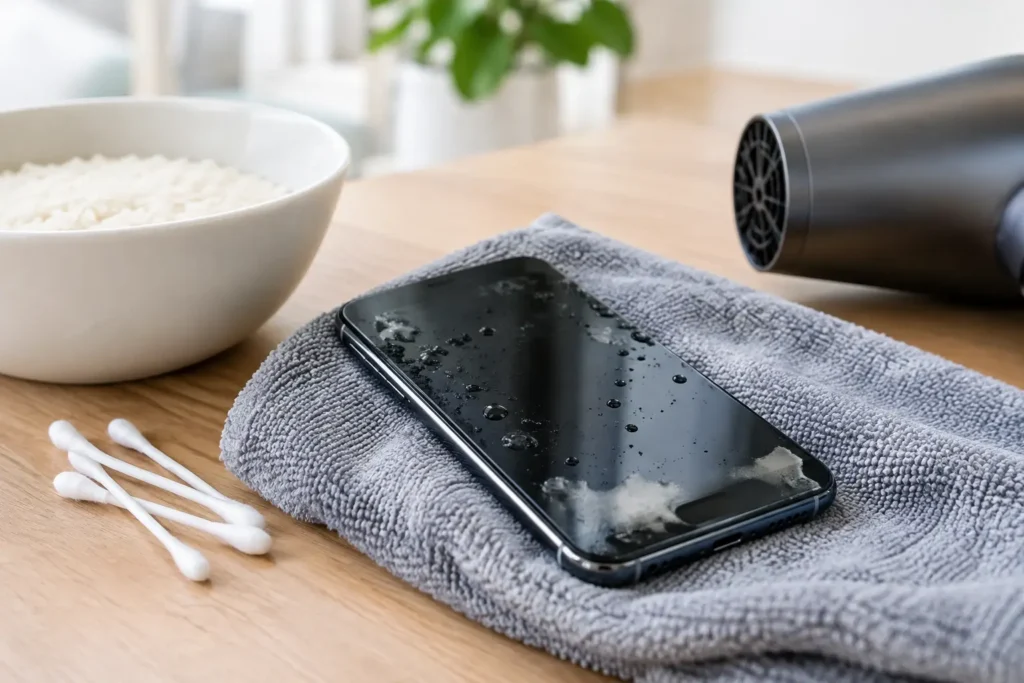
If the phone has also been dropped into water, turn it off rather than charging it. A cracked screen can compromise the seals that help resist moisture, so even a small splash may pose more risk than it would on an undamaged device.
Can You Fix a Broken Phone Screen Yourself?
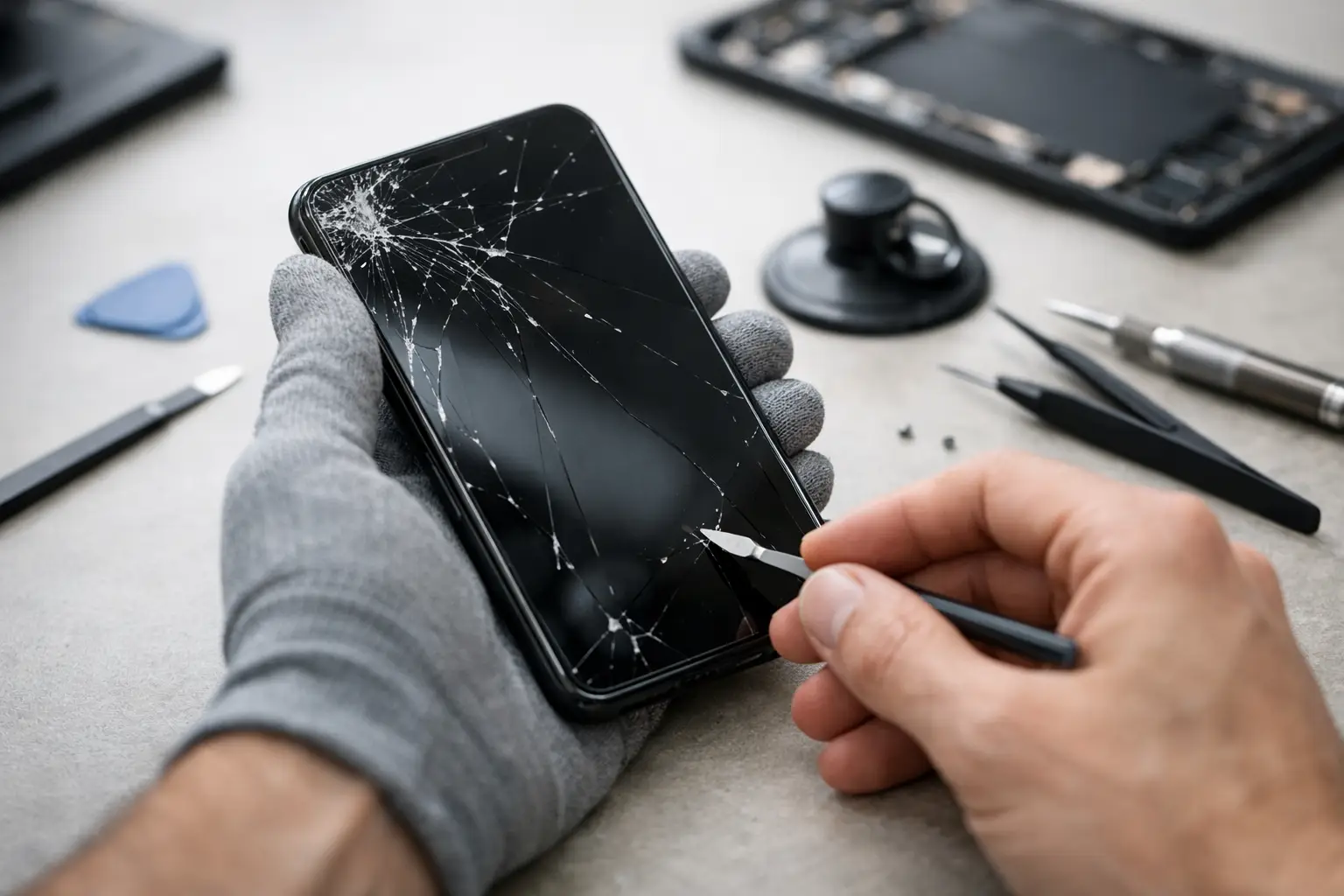
DIY repair kits are widely available, but they are not always the bargain they appear to be. Replacing a modern phone screen means working around delicate connectors, tiny screws, adhesives, batteries and components that can be damaged by one misplaced tool. Some devices also require careful transfer of parts such as earpiece speakers, front sensors or fingerprint components.
A DIY repair can make sense only when you have a low-value older handset, the correct replacement part, the right tools and experience working with small electronics. You should also be comfortable accepting the risk. A poor-quality screen may have weaker brightness, inaccurate colours, reduced touch response or a less secure fit than a properly installed replacement.
For most people, professional repair is the safer option. It saves time, avoids the risk of damaging the logic board or battery, and gives you a clear answer on whether the problem is limited to the screen. This matters when a drop has caused hidden faults, such as a failing camera, charging issue or bent frame.
How to Fix a Broken Phone Screen Professionally
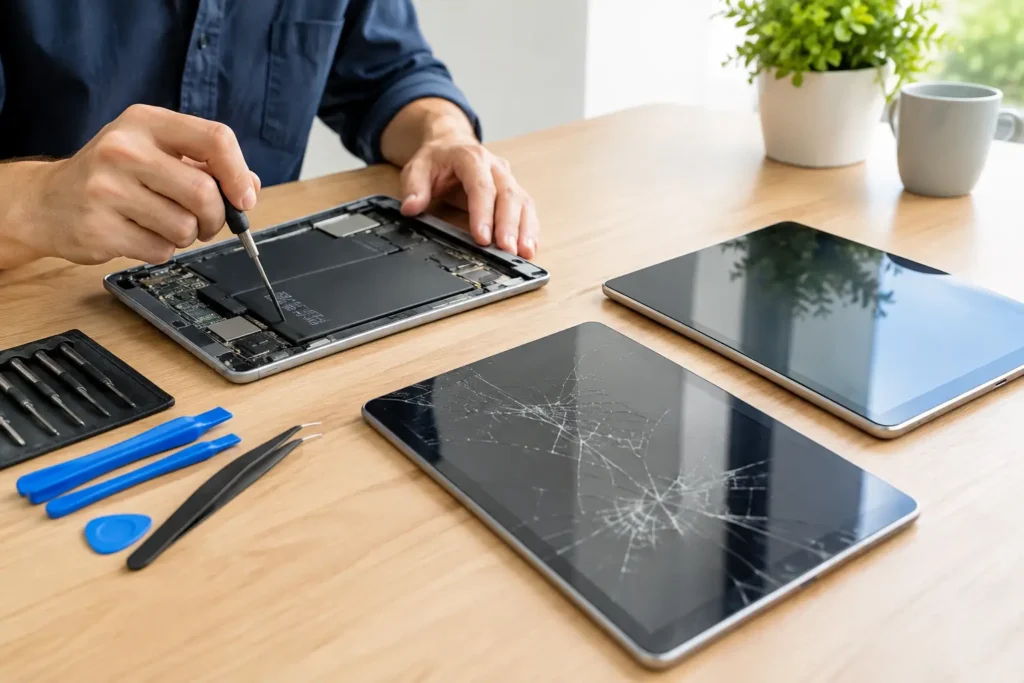
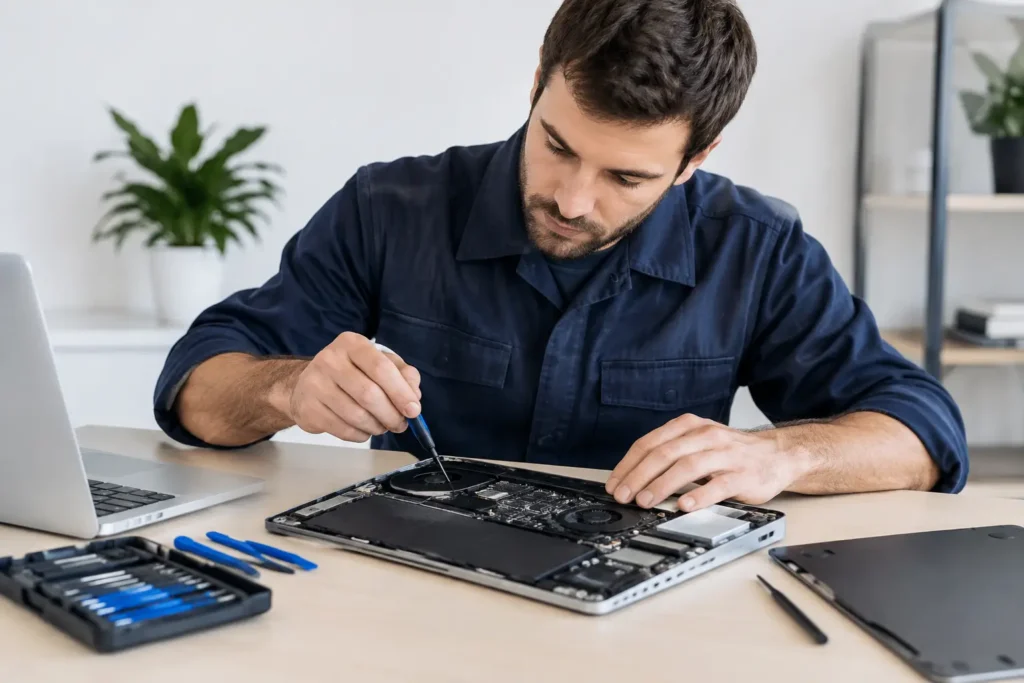
A professional screen repair begins with diagnosis, not simply fitting a new panel. A technician checks the display, touch function, frame condition, cameras, buttons, charging and signs of liquid damage. This helps identify whether a screen replacement will solve the issue or whether the phone needs additional work.
The damaged screen is then carefully removed, with attention paid to the battery and internal connectors. The replacement display is fitted, tested for image quality and touch response, and the phone is reassembled. Before collection, it should be checked for the key functions you rely on, including calling, charging, cameras, speakers and biometric features where applicable.
At TechLab Repairs, we repair a wide range of iPhones, Samsung phones and other popular handsets for customers across Barrow-in-Furness, Furness, Cumbria and the Lake District. The aim is straightforward: get your phone working properly again without the cost and disruption of replacing it unnecessarily.
Repair or Replace: Which Makes More Sense?
A screen repair is usually the sensible choice when the phone is otherwise reliable, receives current software updates and meets your needs. It is often considerably cheaper than buying a comparable new handset, particularly for premium models with high-quality OLED displays.
Replacement may be worth considering if the phone has several major faults at once. For example, a badly cracked screen combined with a failing battery, liquid damage and an older charging fault can make the overall repair cost harder to justify. The phone’s age, storage capacity and expected remaining life all matter.
There is no one-size-fits-all answer. A two-year-old phone with a cracked display is often an excellent repair candidate. A much older handset with repeated faults may be better replaced, but it is still worth having it assessed first – especially if you need to recover photos, contacts or work files.
Protect Your Phone After the Repair
Once the screen has been repaired, a quality case and fitted screen protector are practical investments. A case with a raised edge helps stop the screen making direct contact with the ground during many drops. A tempered-glass protector can take the impact from smaller knocks and is far cheaper to replace than the display beneath it.
It is also wise to review your backup settings. Automatic photo and device backups give you a safety net if your phone is damaged, lost or stolen. For business users, this is particularly important where a handset contains customer details, work messages or access to company systems.
Try not to keep your phone loose in the same pocket as keys, coins or tools. It sounds simple, but repeated pressure and scratches weaken screen protectors and can turn a minor knock into a costly crack.
Do Not Let a Crack Become a Bigger Fault
A broken phone screen can feel like a disaster, but it is usually a repairable problem. Protect the device, back up your data, avoid risky quick fixes and have the damage assessed promptly. A fast, properly fitted screen replacement can put your phone back in your hands and keep your day moving.