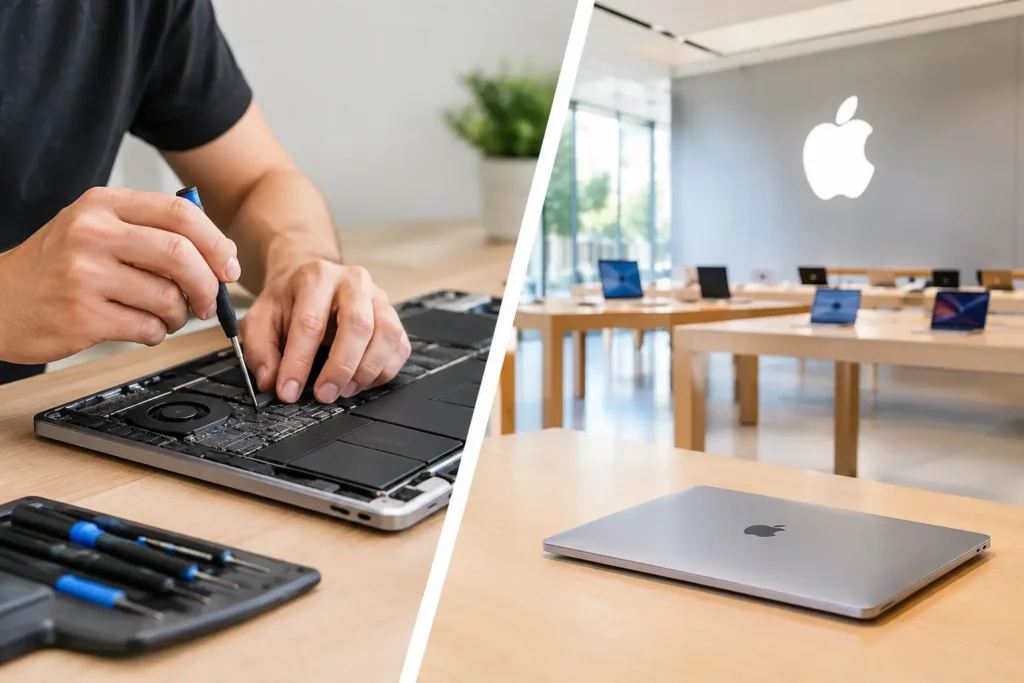
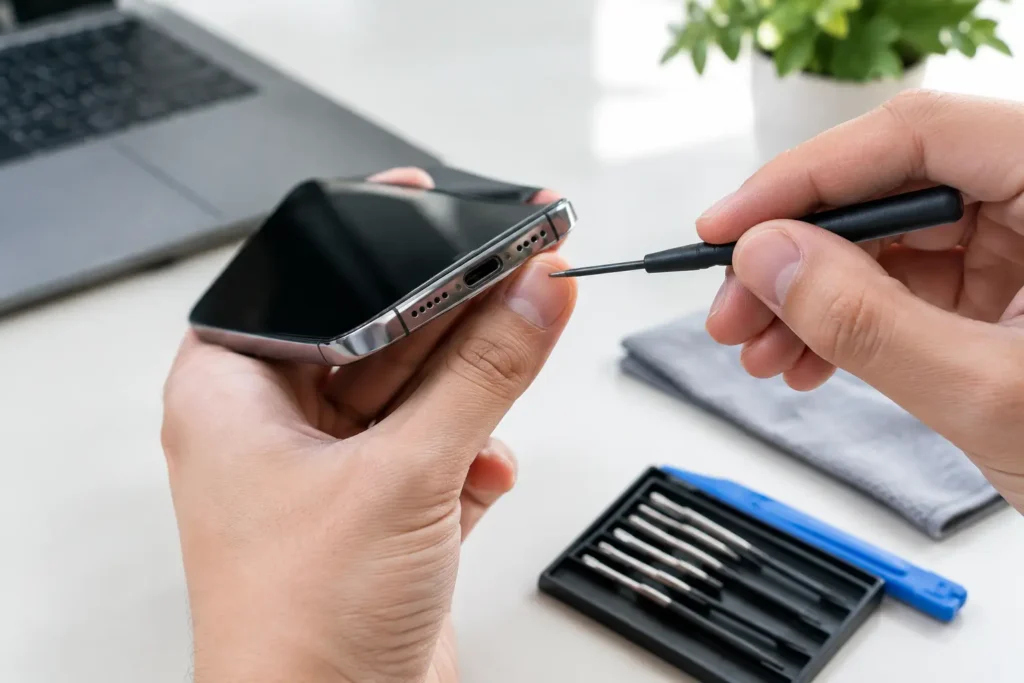
A cracked phone screen before work, a MacBook that will not charge, or a console with no picture on the TV can bring a normal day to a halt. When that happens, the choice between local repair vs manufacturer service is not just about where to take the device. It affects how long you are without it, what the repair costs, whether your data stays accessible, and whether the solution actually fits the fault.
Manufacturer support can be the right route in some cases, particularly for a device covered by a straightforward warranty. But for many people across Barrow-in-Furness, Furness and the wider Cumbria area, a capable local repair specialist offers a faster, more practical answer. The best option depends on the device, the damage and what matters most to you.
Local repair vs manufacturer service: the key differences
The manufacturer route is designed around its own systems, approved parts and warranty rules. This can provide reassurance when a device has a verified manufacturing fault or is still protected by an active manufacturer warranty. The process may involve booking an appointment, posting the device away, using a collection service, or visiting an authorised location.
A local repair shop is usually built around diagnosis and repair rather than replacement alone. You can speak to a technician, explain what happened and get a clearer view of the likely fault before deciding how to proceed. For issues such as broken screens, worn batteries, charging ports, HDMI faults, liquid damage and power problems, that personal diagnosis can make a real difference.
Neither route wins every time. The useful question is not ‘which is best?’ but ‘which is best for this device and this fault?’
Turnaround time: how long can you be without your device?
For most customers, speed is the deciding factor. Phones carry boarding passes, banking apps, school messages, photographs and work contacts. Laptops hold coursework, business files and the tools people need to earn a living. Sending a device through a manufacturer process can mean days or weeks without it, especially where assessment, postage and replacement approval are involved.
Local repair is often quicker because the device is assessed and repaired nearby. A common screen or battery replacement may be completed the same day when parts are available. More involved jobs, including logic board repairs or liquid damage treatment, need proper diagnosis and cannot always be rushed, but you can usually receive direct updates rather than waiting for a central service centre.
This matters even more for businesses and schools. One faulty staff laptop or damaged pupil tablet can create disruption far beyond the cost of the repair. A local provider can assess devices individually, organise several repairs at once and help keep essential equipment in use.
Cost: repair the fault, not necessarily the whole device
Manufacturer service is sometimes excellent value under warranty, but an out-of-warranty quote can be expensive. In some cases, the standard option is a device replacement rather than a component-level repair. That may be convenient, but it can be hard to justify when the actual problem is a battery, charging connector, screen or HDMI port.
A local specialist can often repair the specific failed component. This makes particular sense for devices that are otherwise working well, including iPhones, Samsung handsets, iPads, MacBooks, gaming consoles and desktop PCs. Repairing a device rather than replacing it can protect your budget and avoid the hassle of moving accounts, apps and files onto another device.
The cheapest quote is not always the best quote, though. Ask what is included, whether the fault has been diagnosed properly, what type of replacement part will be fitted and whether workmanship is guaranteed. A low headline price is poor value if the issue returns a fortnight later.
Parts quality: genuine, compatible and fit for purpose
Parts are one of the biggest areas of confusion. Manufacturers generally use their own parts through authorised channels, which can be important for certain newer devices, specialist components and repairs linked to manufacturer features. If retaining a particular manufacturer service arrangement is your priority, authorised service may be the safer path.
Independent repairers may offer genuine parts where available, alongside high-quality compatible options. The right choice depends on the device, the repair and your budget. A trustworthy repair shop should explain the difference clearly rather than hiding it behind vague wording.
For example, a high-quality screen replacement may be an excellent solution for an older phone you plan to keep for another year or two. On a newer premium handset, you may prefer a manufacturer-approved route if specific features, resale expectations or warranty conditions are central to your decision. Clear advice beats a one-size-fits-all answer.
Warranty rights: know what is actually protected
If your device is new and has developed a fault without accidental damage, start by checking its warranty status and your consumer rights. A manufacturer repair or replacement may cost nothing, and that is often worth pursuing.
Accidental damage is different. A smashed screen, liquid exposure or bent charging port is not normally covered by a standard manufacturer warranty. Paid manufacturer repair may still be available, but it is worth comparing the quote and turnaround with a reputable local option.
Third-party repair does not remove your statutory consumer rights. However, manufacturers may refuse to cover a later issue where they believe independent work or non-approved parts caused the problem. Be upfront about previous repairs, keep all paperwork and ask questions before authorising work. If warranty protection is the main reason for your decision, do not guess – check the specific terms for your device.
Data security is more than a password
Handing over a phone or computer means handing over access to a large part of your life. Family photos, emails, saved passwords, client documents and school records may all be on one device. Whether you choose manufacturer service or local repair, data handling should be part of the conversation from the start.
Manufacturer processes can sometimes involve a factory reset, replacement unit or instructions to erase the device before it is sent away. That is sensible for security, but it can be a major problem if you do not have a recent backup. A local repair may allow work to be carried out while preserving your data, although no technician can guarantee recovery where severe liquid damage or storage failure is involved.
Back up your device whenever possible before a repair. Then ask how it will be stored, who can access it, whether a passcode is genuinely required and what happens if further testing is needed. For business and school devices, use a repair partner that understands confidentiality and can work with your IT processes.
When manufacturer service makes sense
Manufacturer service is often the sensible choice when a device has a confirmed warranty fault, is covered by an extended care plan, or needs a specialist repair that relies on proprietary tools and calibration. It may also suit you if the device is very new, you need to maintain a particular warranty arrangement, or the manufacturer has issued a repair programme for a known defect.
It can also be the better option where a full replacement is genuinely more economical than a complex repair. For example, extensive internal damage after a serious impact may make a replacement unit the more reliable long-term outcome.
When a local specialist is the better fit
A local repair is often ideal for everyday faults where speed, cost and convenience matter. Screen replacements, batteries, charging faults, camera issues, laptop power problems, console HDMI repairs and many water-damage cases can be handled without the delays of sending a device away.
It is also a strong choice when you want to speak to the people repairing your device. You can discuss symptoms, receive a realistic assessment and decide whether repair is worthwhile before spending money. At TechLab Repairs, that means looking beyond the obvious fault and helping customers choose a repair that makes sense for the device they own.
Make the decision with the right questions
Before booking any repair, find out whether the device is under warranty, how long you can manage without it and whether your data is backed up. Ask for a clear quote, the expected turnaround and details of the parts and guarantee. If the fault is intermittent, describe exactly when it happens – whether the device only fails while charging, overheats during gaming, loses signal after a drop or works only at a certain angle.
That information helps a technician diagnose the real issue rather than treating a symptom. It also helps you avoid paying for a repair that is not proportionate to the age or value of the device.
A broken device is frustrating, but it does not automatically mean you need a new one or a long wait for help. Choose the service route that protects what matters most – your time, your budget, your data and the useful life still left in your tech.