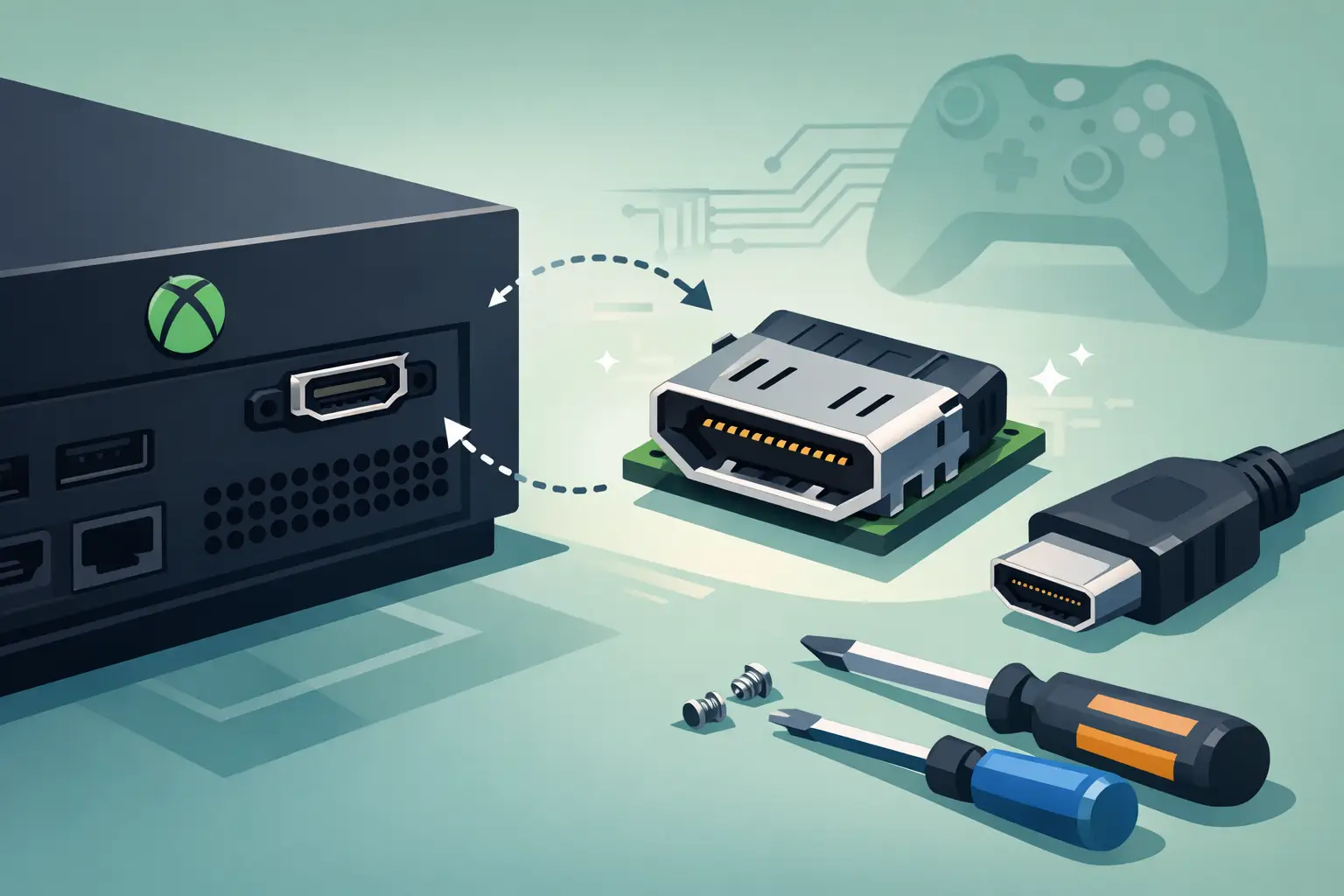
One day your Xbox works fine. The next, it powers on but shows no picture, flickers on screen, or only works if the HDMI cable is held at a very specific angle. That is usually when xbox hdmi port replacement moves from a vague idea to the repair you actually need.
For many players, the fault starts after a cable gets knocked, the console is moved while still plugged in, or a previous lead has been forced into the port slightly off-centre. The result is a damaged HDMI connection that can make a perfectly good console feel dead. The good news is that this fault is often repairable, and in many cases far more sensible than replacing the whole machine.
When an Xbox HDMI port replacement is the right fix
The HDMI port is the main video output on your console, so even small physical damage can cause major problems. If the metal port looks bent, loose, pushed in, or has missing pins, replacement is usually the correct route. Cleaning alone will not fix broken internal contacts.
A damaged port often causes no signal on the TV, intermittent display dropouts, distorted image, or a console that seems to turn on normally but never reaches the screen. Some customers assume this means the motherboard has failed. Sometimes that is true, but often the port is the real issue.
It does depend on the exact symptoms. If the console has taken a heavy knock, there may be damage beyond the port itself, especially around the HDMI retimer chip or nearby board traces. That is why proper diagnosis matters. Replacing the port without checking the surrounding area can solve nothing and waste time.
Common causes of HDMI port damage
Most Xbox HDMI faults are mechanical rather than mysterious. The port sits in an exposed position, and the connection is only as strong as the small soldered anchor points and pins holding it to the board.
The most common cause is strain on the cable. If a console sits in a tight TV unit, the HDMI lead may be bent sharply or pressed against the back panel. Over time, that pressure can weaken the port. A sudden tug from a child, pet, or an enthusiastic furniture move can finish the job.
Frequent unplugging can also wear the connection, particularly if third-party cables fit too tightly or have poorly sized connectors. In some cases, people try to force the HDMI lead in upside down or at an angle, damaging the internal pins. Once those pins bend or snap, signal problems follow quickly.
Dust and debris can make matters worse. A blocked port may stop the cable seating correctly, which leads some users to push harder than they should. That extra force can loosen the port from the motherboard.
Signs the problem may be more than the port
An xbox hdmi port replacement is a common repair, but it is not the only possible cause of no display. If your console also shuts off unexpectedly, shows odd power behaviour, or has visible liquid damage, the fault may go deeper.
There are also cases where the HDMI port looks fine from the outside but the issue sits with the retimer IC, filters, or damaged solder pads underneath. This can happen if the console has been dropped or if someone has attempted a poor-quality repair before. A shop that handles board-level work should be able to spot the difference.
This is where honest diagnosis matters. A reliable repair service should tell you whether the port is the only issue, whether extra board work is needed, or whether the repair is not economical. Straight answers save customers money and frustration.
What happens during an Xbox HDMI port replacement
A proper repair is more precise than simply pulling off one socket and fitting another. The console first needs to be stripped down safely so the board can be accessed without damaging other components. Once exposed, the technician checks the HDMI port, the solder joints, surrounding filters, and the condition of the board itself.
The damaged port is then removed using professional soldering and hot air equipment. This stage needs care because too much heat, poor technique, or rushing the job can lift pads from the motherboard. On modern consoles, that can turn a straightforward repair into a much more involved one.
After removal, the area is cleaned and inspected under magnification. If any pads are damaged or traces have been torn, those need to be repaired before the new port is fitted. Only then is the replacement HDMI port aligned and soldered into place.
Testing is a key part of the process. The console should be checked for stable video output, secure cable fit, and normal display behaviour across repeated connections. A repair is not really finished if it only works once on the bench.
Why DIY can be risky
It is easy to see why some people consider doing this repair themselves. Replacement ports are widely available, and videos online make the process look manageable. The reality is less forgiving.
Xbox HDMI ports are attached to multi-layer boards with fine pins and anchor legs that need the right heat, tools, and handling. A basic soldering iron is rarely enough. Without proper equipment, people often end up tearing pads, bridging pins, overheating nearby components, or fitting the port slightly out of alignment.
That does not mean every DIY attempt fails, but the risk is real. If the console already has a simple port fault, a failed home repair can turn it into a larger and more expensive board repair. For most users, especially if the console stores valuable game data and digital purchases, professional repair is the safer option.
Is it worth repairing or replacing the console?
In many cases, yes, it is worth repairing. An HDMI port fault can make a console unusable, but it does not automatically mean the whole unit is at the end of its life. If the board is otherwise healthy, replacing the port is usually far more cost-effective than buying another Xbox.
This is especially true for newer or higher-value models. Even with older consoles, repair can still make sense if the machine is in good condition and the fault is limited to the port. The decision becomes less straightforward if there is broader motherboard damage, previous failed repair work, or multiple unrelated faults.
For households, the practical benefit is simple. A repair gets gaming, streaming, and family use back up and running without the cost of full replacement. For schools, shared spaces, or business settings using consoles for recreation areas, it can also be the quickest route back to normal use.
How long does xbox hdmi port replacement take?
Turnaround depends on the model, the extent of damage, and whether the fault is only the port. A straightforward repair can often be completed relatively quickly, but if there is trace damage or an issue with the HDMI control circuitry, the job may take longer.
That is why accurate assessment at the start is useful. Customers usually want a clear answer on three things – what is wrong, what it will cost, and how soon they can get the console back. A good repair service should be transparent on all three.
If you are relying on the console for regular use, local repair also has an obvious advantage over sending it away. Less waiting, easier communication, and a more direct handover all make the process less stressful.
Choosing a repair service you can trust
Not every shop approaches console repairs the same way. Some only handle basic part swaps, while others can carry out proper board-level diagnosis when the problem is not obvious. For HDMI faults, that difference matters.
Look for a repairer that is clear about testing, experienced with consoles, and realistic about what can and cannot be fixed. Fast service is helpful, but not if it comes at the cost of poor workmanship. You want a repair that lasts, not one that gets you picture for a week and then fails again.
It also helps to choose a local specialist that treats your device carefully and communicates in plain English. At TechLab Repairs, that means focusing on the fault, explaining the options clearly, and getting customers back up and running without unnecessary delay.
How to avoid HDMI port damage in future
Once the repair is done, a few simple habits can help protect the new port. Avoid moving the console while the HDMI cable is plugged in. Make sure there is enough space behind the unit so the lead is not being crushed against a wall or cabinet. Insert and remove the cable gently, and do not force it if it does not line up cleanly.
It is also worth checking the cable itself. A damaged or badly fitting HDMI lead can place extra stress on the port over time. Sometimes replacing a worn cable is a small step that prevents a repeat repair later.
If your Xbox has started showing no signal, flickering, or a loose HDMI connection, leaving it alone rarely improves things. The earlier the fault is checked, the better the chance of keeping the repair straightforward. A proper diagnosis now can save a much bigger headache later – and get you back to gaming without the guesswork.