Your tablet only charges if you hold the cable at a strange angle. Or it connects, disconnects, then gives up altogether. That is usually the moment people start searching for tablet charging port repair – and for good reason. A faulty port can make an otherwise perfectly usable device feel finished, even when the actual problem is often repairable.
The tricky part is that not every charging issue comes from the port itself. Sometimes the fault is as simple as packed-in fluff or a damaged cable. Other times, the charging port has lifted from the board, the internal pins are bent, or repeated strain has caused deeper damage. Getting the diagnosis right matters, because it is the difference between a quick fix and wasting money on the wrong repair.
When tablet charging port repair is the right fix
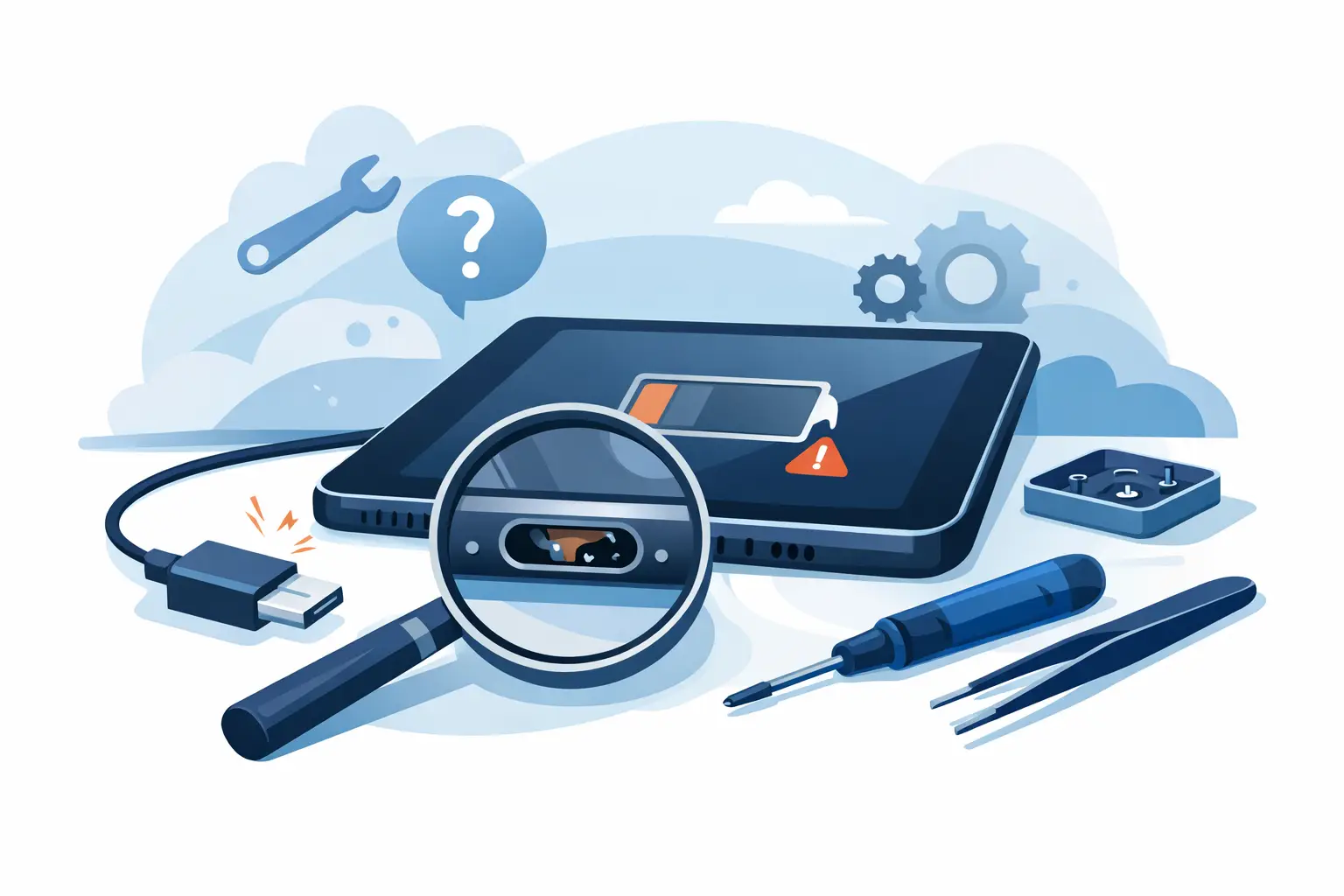
A charging port tends to fail in fairly predictable ways. The first sign is often intermittent charging. You plug the tablet in, the battery symbol appears, then disappears. You may notice the connector feels loose, or that charging only starts when pressure is applied in one direction.
Another common symptom is physical damage. If the cable no longer sits securely, if the port looks bent, or if one of the internal contact points appears out of line, the port may be worn or broken. This is especially common on tablets that are charged daily, used while plugged in, or handled by children where cables get tugged, twisted or yanked out quickly.
There is also the less obvious version of the same problem. A tablet might appear dead, but the real fault is a failed charging port preventing power from reaching the battery properly. In those cases, the device can be mistaken for having a battery issue or a more serious board fault.
That is why proper testing comes first. A good repair technician will not simply swap parts and hope for the best. They will check the cable, charger, battery behaviour, charging current and the physical condition of the port before confirming the repair needed.
Why tablet charging ports fail
Charging ports are small parts that deal with constant wear. Even careful owners put stress on them over time. Plugging in at an angle, using low-quality cables, charging on soft surfaces where the connector gets pressed, or moving the tablet while plugged in all increase the chance of damage.
Dust and pocket debris are another big factor. Tablets are often used in kitchens, living rooms, classrooms and workspaces where fine debris builds up slowly. A port packed with compacted dirt can stop the connector seating fully, which then causes poor contact and repeated strain on the internal pins.
Liquid exposure can play a part too. It does not always mean a dramatic spill. Steam, splashes, and minor moisture exposure can lead to corrosion around the port, especially if the tablet is regularly used in busy households or shared environments.
In schools and businesses, charging port issues often come down to volume of use. Shared tablets are plugged in and unplugged far more often than personal devices, so wear arrives faster. In that setting, a charging problem is not just inconvenient. It can disrupt lessons, admin tasks or staff communication.
Can you fix it yourself?
Sometimes, yes – but only up to a point. If the issue is debris inside the port, careful cleaning may help. That said, this is where many devices get damaged further. Using metal tools, forcing the connector, or scraping too aggressively can bend the pins and turn a simple clean into a proper hardware repair.
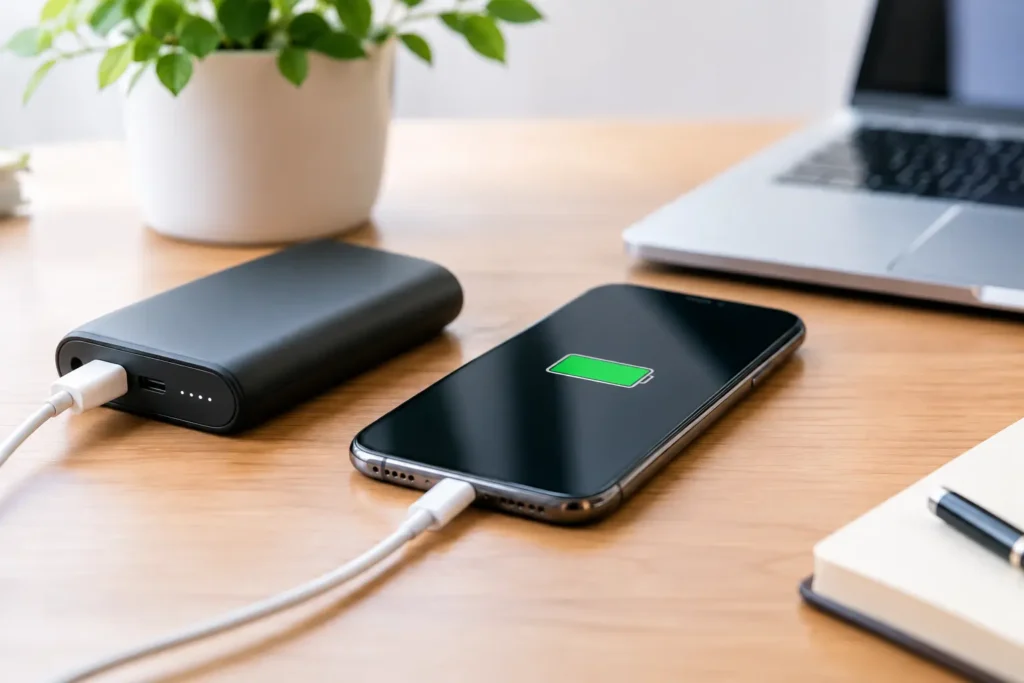
Trying a different charging cable and plug is always sensible. So is checking whether the tablet charges wirelessly, if that model supports it. Restarting the device can also rule out the occasional software-related charging glitch.
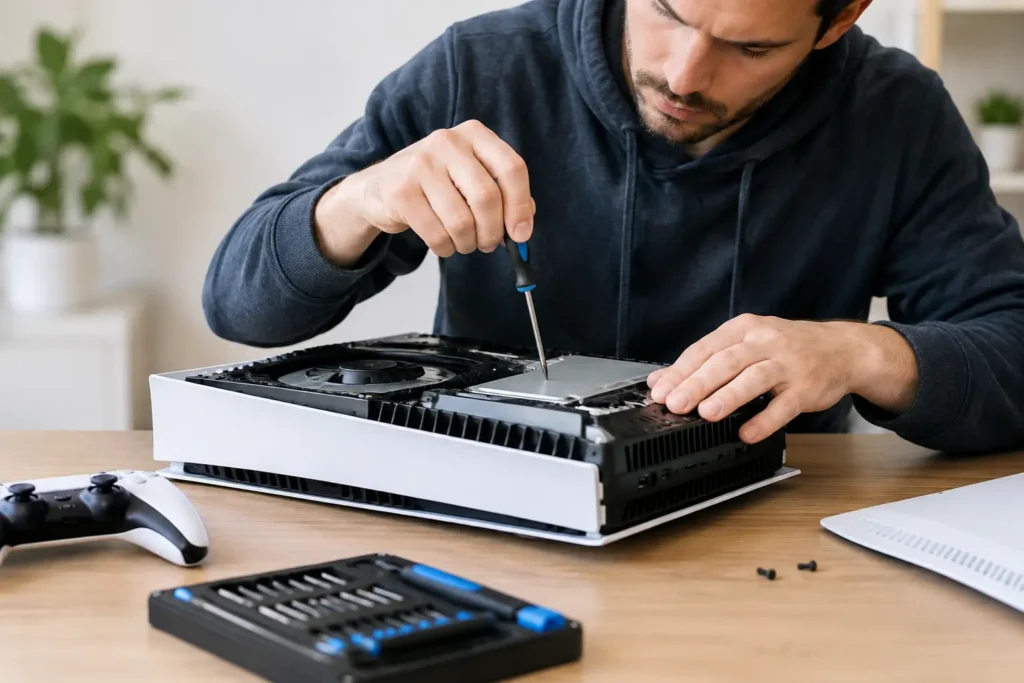
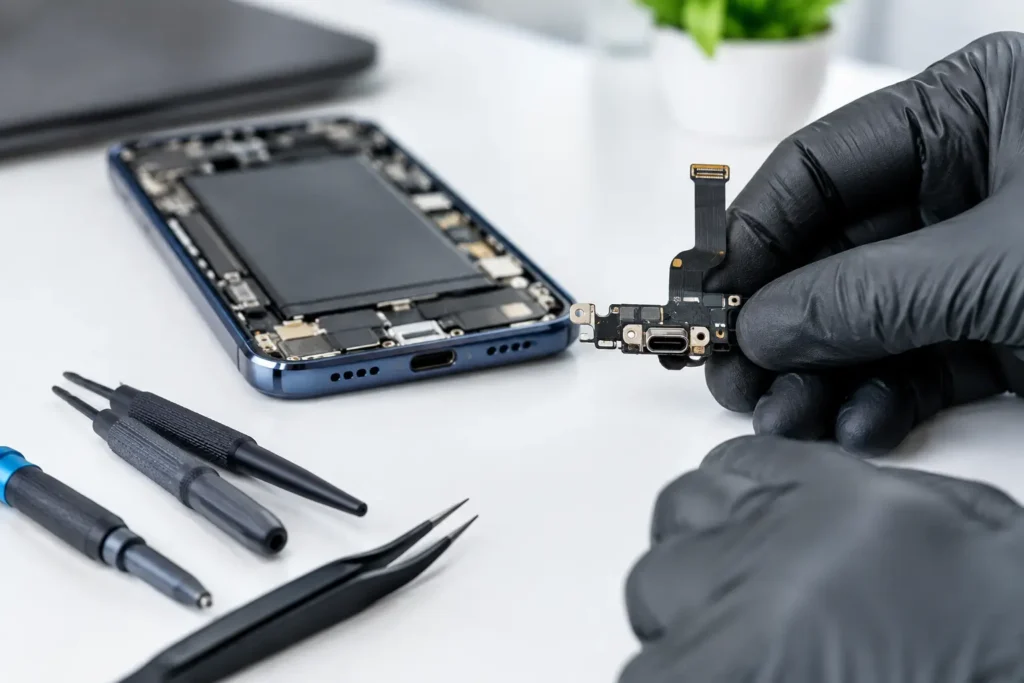
Once there is visible damage, a loose port, signs of overheating, or no charge despite known good accessories, DIY stops being the smart option. Most tablet charging ports are either soldered directly to the board or integrated into a more complex charging assembly. That means the repair needs the right tools, the right parts and a steady hand.
What happens during a professional tablet charging port repair
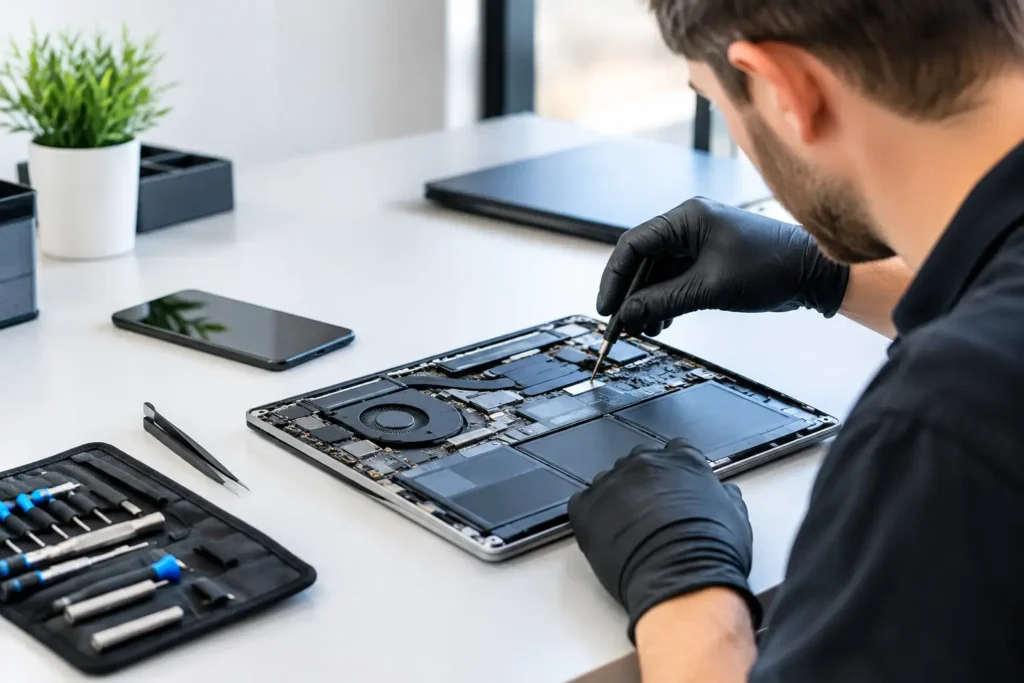
A proper repair starts with diagnosis, not guesswork. The technician checks whether the problem is isolated to the port or tied to another fault such as battery failure, charging IC damage or board-level corrosion. This matters because the symptoms can overlap.
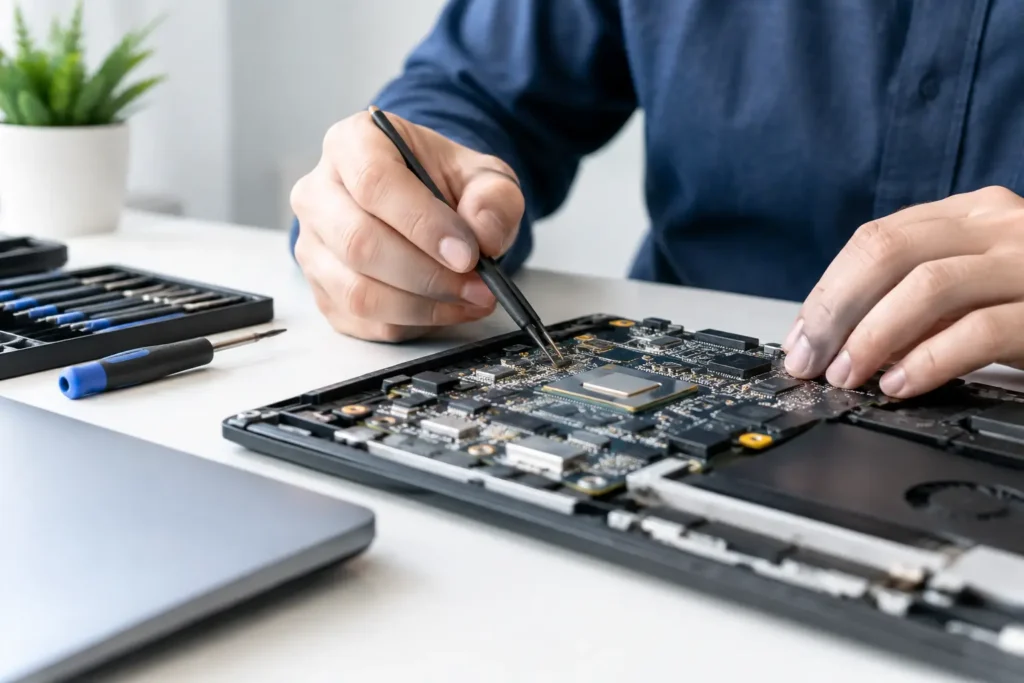
If the port is the issue, the repair itself depends on the tablet model. Some devices use a separate daughterboard that can be replaced more easily. Others have the charging connector soldered to the main board, which requires more delicate micro-soldering work. Neither is unusual, but one is typically quicker and less labour-intensive than the other.
The best repair approach is always the one that solves the fault properly, not just temporarily. A rushed fix on a damaged pad or weakened board can fail again quickly. A careful repair restores a stable connection, proper charging behaviour and reliable day-to-day use.
After the repair, the device should be tested for charge recognition, current draw and connector fit. If the port has failed because of wider damage, that should be flagged clearly rather than hidden behind a partial fix.
How much does it usually cost?
The honest answer is that it depends on the tablet and the type of fault. A straightforward charging port replacement on a common tablet model is usually far cheaper than replacing the whole device. If the repair involves board-level work, the price can rise because the job takes more skill and time.
Brand and model matter. Apple iPads, Samsung Galaxy Tabs and other premium tablets can vary significantly in internal design. Some are built in a way that makes access and repair more involved. Others are more modular and therefore simpler to work on.
The key point is value. If the tablet still performs well, holds charge once powered, and meets your needs for work, study or home use, charging port repair is often the sensible spend. Replacing a device just because it will not charge is usually the most expensive answer to a fault that may be quite focused.
Repair or replace?
This is where context matters. If the tablet is very old, already has a failing battery, a cracked screen and sluggish performance, then charging port repair may not be the best investment on its own. On the other hand, if the device is otherwise in good order, repair is usually the quicker and more cost-effective route.
For families, students and home users, repair often means avoiding the hassle of setting up a new device and moving everything across. For businesses and schools, it can mean keeping fleets of devices in service without the cost of full replacement.
There is also the data issue. Tablets often contain photos, files, saved apps, account access and school or business information. Replacing a device may sound simple, but the real disruption often starts afterwards. A local repair that gets the existing device working again can save time as well as money.
Why local repair support matters
When a tablet stops charging, most people do not want to send it away for days or weeks and hope for updates. They want a clear answer, a fair price and a fast turnaround. That is especially true if the tablet is used daily for schoolwork, meetings, streaming, booking systems or general household use.
A local repair service gives you the chance to speak to someone directly, explain the symptoms, and get realistic advice based on the device in front of them. It also makes follow-up far easier if the problem turns out to involve more than the port alone.
For customers across Barrow-in-Furness, Cumbria and the wider Lake District, that local convenience matters. TechLab Repairs sees these faults regularly, and the benefit of that experience is simple – quicker diagnosis, dependable workmanship and less downtime.
Signs you should get it looked at sooner rather than later
If the port feels loose, the cable gets hot, the tablet charges very slowly, or you can see any bent metal inside the connector, it is worth stopping use and getting it checked. Continuing to force a charger into a damaged port can make the repair more complex.
The same goes for tablets that only charge under pressure. That usually means the connection is already unstable. Leaving it until the device stops charging entirely rarely makes the eventual repair easier.
A charging fault does not always mean the end of the device. Quite often, it means one stressed component needs proper attention. The smartest move is to catch it before a small problem turns into a larger one.
If your tablet is no longer charging as it should, do not let a worn port slow you down. A careful diagnosis and the right repair can get your device back into daily use without the cost and disruption of replacing it.