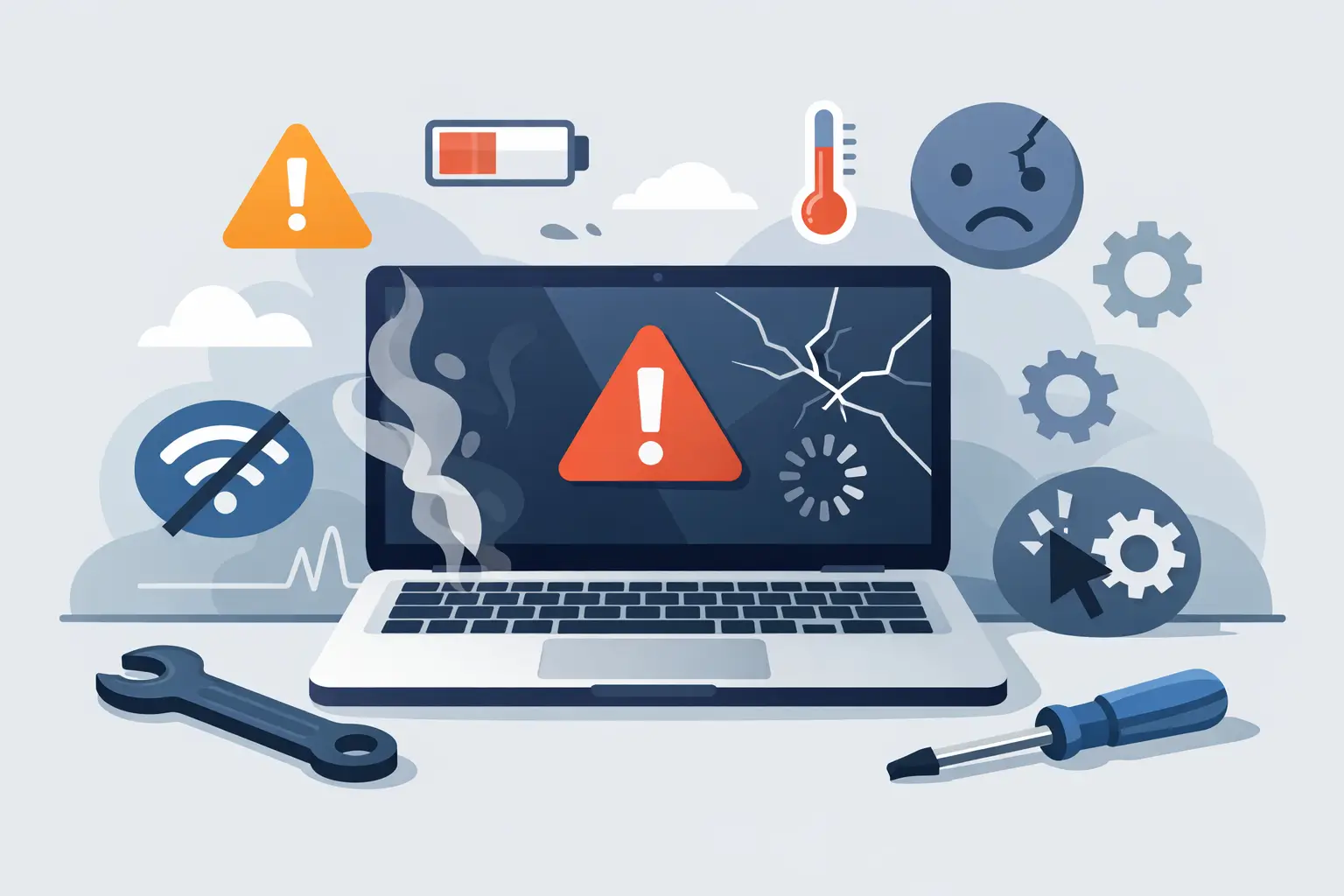
A laptop rarely stops working out of nowhere. More often, it gives you a run of warnings first – a fan that suddenly sounds louder, a battery that disappears by lunchtime, a screen that flickers when you move the lid. The best signs your laptop needs repair are usually easy to miss until they start getting in the way of work, study or everyday use.
That matters because small faults often become bigger, pricier ones. A weak charging port can turn into a power failure. An overheating issue can shorten the life of internal parts. And if your machine holds family photos, coursework, accounts or business files, waiting too long adds risk that has nothing to do with the repair bill.
The best signs your laptop needs repair before it gets worse
Some problems are obvious. Others look like ordinary wear and tear, so people put up with them for weeks or months. If your laptop is showing one or more of the signs below, it is worth getting it looked at sooner rather than later.
1. It is running far hotter than normal
Warm is normal. Too hot to rest on your lap is not. If the base gets unusually hot, the fan runs constantly, or the laptop shuts itself down when under light use, heat is likely building up where it should not.
Sometimes the fix is simple, such as clearing dust from the cooling system. In other cases, the thermal paste has broken down, the fan is failing, or there is a deeper issue on the board. The trade-off is straightforward: put up with overheating and you may end up damaging parts that were fine to begin with.
2. The battery drains quickly or will not charge properly
Laptop batteries wear out over time, but a sharp drop in battery life is a clear warning. If you used to get several hours and now you are hunting for a charger after 30 minutes, that is not just annoying – it can point to a failing battery, charging circuit issue or damaged power jack.
You may also notice the charge percentage jumping around, the laptop only powering on when plugged in, or the charger needing to be held at a certain angle. A replacement battery may solve it, but not always. That is why proper diagnosis matters. Replacing the wrong part wastes both time and money.
3. The screen flickers, goes dim or shows lines
Screen faults have a habit of starting small. A brief flicker when you open the lid. A faint line at the edge. A patch of dimness you can ignore if the room is bright enough. Then one day the display becomes difficult to use.
The cause could be the panel itself, the backlight, the display cable, the hinges putting pressure on the cable, or even a graphics-related fault. If the problem changes when the lid moves, that often points to a physical connection issue. If it stays constant, the screen or graphics hardware may be involved. Either way, leaving it tends not to improve matters.
4. It has become painfully slow for no clear reason
Every laptop slows down a bit with age, but there is a difference between ageing hardware and a fault developing. If your laptop takes ages to boot, freezes during simple tasks, or struggles with programs it used to handle comfortably, something may be failing.
Storage drives are a common culprit. A hard drive on the way out can cause long loading times, crashes and missing files. Some slowdowns come from software clutter, but when the lag is sudden, severe or paired with odd noises, error messages or blue screens, repair is the safer assumption. For business users and students especially, sluggish performance is not just frustrating – it can cost real time when deadlines are tight.
5. It makes clicking, grinding or buzzing noises
Laptops are not silent, especially when fans spin up, but new mechanical noises should never be ignored. A grinding fan may be clogged or worn. A clicking hard drive is more serious and can be an early sign of drive failure.
That matters because storage issues can move quickly from “a bit strange” to “I cannot access anything”. If the noise is coming from inside the machine and you are not sure what it is, stop pushing it. Continued use can make data recovery harder and more expensive than a straightforward repair would have been.
Best signs your laptop needs repair after physical damage
Not every fault starts inside the machine. Drops, knocks, pressure in a bag and liquid spills are some of the most common causes of repair work, and the damage is not always visible straight away.
6. The hinges feel stiff, loose or uneven
A hinge problem is easy to shrug off until the screen casing starts separating or the laptop no longer opens properly. If one side feels tighter than the other, the lid creaks, or the display does not stay in position, stop forcing it.
Hinge faults can damage the screen, bezel, casing and internal cable if they are left alone. In some models, what begins as a small mount crack turns into a much bigger structural repair. Acting early usually keeps the job simpler.
7. It has had contact with liquid, even if it still works
This is one of the biggest mistakes people make. They spill tea, coffee or water, wipe the keyboard, and carry on because the laptop seems fine. Then a few days later the keys stop responding, the trackpad behaves oddly or the machine will not power on.
Liquid damage does not always cause instant failure. Corrosion can spread over time, especially if residue is left on internal components. The best move is to turn the laptop off, unplug it and get it checked. Hoping for the best often turns a recoverable issue into a more complex board-level fault.
When the problem looks minor but still points to repair
Some of the most common repair signs do not look dramatic. They are the little behaviours that chip away at reliability.
If the keyboard misses keystrokes, repeats letters or has certain keys that only work when pressed hard, there may be damage beneath the keys or signs of previous liquid ingress. If the trackpad clicks inconsistently or moves on its own, it could be a surface issue, swelling battery underneath or internal wear. If Wi-Fi keeps dropping on one machine while everything else in the house works properly, the laptop may have an antenna or wireless card fault rather than a broadband problem.
Even random restarting deserves attention. It can point to overheating, battery issues, motherboard faults or software corruption. The phrase “it only does it sometimes” often comes just before “now it will not turn on at all”.
Repair or replace? It depends on the fault and the laptop
Not every laptop is worth major investment, and it is better to be honest about that. If you have an older machine with several faults at once, replacement might make more sense than a large repair bill. On the other hand, many laptops that seem beyond help only need a battery, charging port, screen or fan to get years more use.
The value question is not just about age. It is also about what is on the laptop, how you use it and how quickly you need it back. For a student in the middle of assignments, a straightforward repair can be far less disruptive than setting up a new machine. For a small business, keeping staff devices working locally and quickly may be far more practical than sending them away and waiting.
A proper assessment should tell you what has failed, what it will cost to fix, and whether there is anything else likely to need attention soon. That clarity is what helps people make a sensible decision rather than an expensive guess.
What to do if you notice these signs
First, back up your files if the laptop still allows it. Do not keep using a machine that is overheating, making unusual noises or showing signs of liquid damage just to “get through one more day”. That usually ends badly.
Second, avoid home fixes that involve guesswork. Restarting the machine or checking another charger is sensible. Pulling it apart without the right tools or diagnosis is less sensible, especially on modern laptops where batteries, screens and connectors are more delicate than they look.
For people across Barrow, Furness and the wider Cumbria area, quick local support often makes the biggest difference. A trusted repair shop can test the fault properly, protect your data and tell you plainly whether the repair is worthwhile. That is exactly why many customers bring devices to TechLab Repairs before a minor issue becomes a major one.
If your laptop has started behaving differently, do not wait for a complete failure to make the decision for you. The sooner you act, the better your chances of a faster repair, a lower cost and a lot less disruption.