
Tablet Repair When to Fix, Replace or Upgrade
Need tablet repair in Barrow, Cumbria or the Lake District? Learn which faults are worth fixing, how to protect data and when to replace your device now.


Your PS5 was fine yesterday. Today it powers on with a white light and gives you a blank screen, or it shuts itself off halfway through a match, or the fan sounds wrong and the casing feels hotter than it should. That's usually the point where many users start doing three things in quick succession: swapping HDMI cables, restarting the console again and again, and searching for a fix that doesn't make the problem worse.
If you're in Barrow-in-Furness or elsewhere in Cumbria, that situation feels even more frustrating because sending a console away can mean extra delay, more uncertainty, and a real risk of turning a simple repair decision into a drawn-out hassle. A lecture isn't what's desired. The goal is to know what's likely wrong, whether it's worth fixing, and how to get back to gaming without wasting money.
This guide is written from a repair bench perspective. It's practical, local, and focused on real trade-offs. Some PS5 faults are straightforward. Some only look straightforward until the console is opened and tested properly. The difference matters.
You sit down for an evening on the PS5, tap the power button, and straight away something is off. The TV shows no signal. The console light comes on but there is no picture. Or it starts normally, then cuts out the moment a game puts any load on it.
That is usually the point where a simple annoyance turns into a money question. Replace the console now, or find out whether the fault is limited to one part and worth repairing.
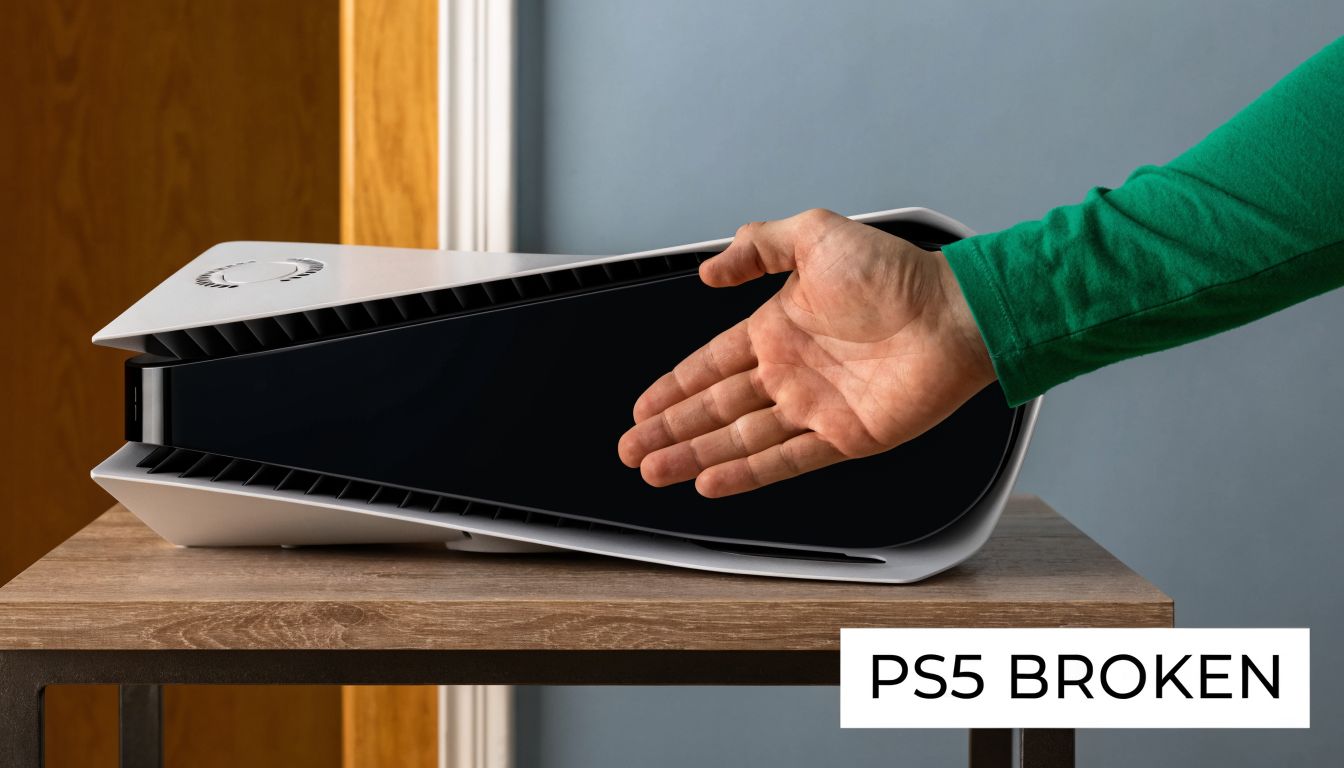
In the workshop, we see this reaction all the time across Barrow-in-Furness and the wider Cumbria area. People often assume the worst because the symptom looks dramatic. In practice, a failed PS5 can still be a sensible PlayStation 5 repair job if the fault is isolated to the HDMI port, power supply, cooling system, storage circuit, or another repairable board-level issue. If your problem starts with no display or a damaged socket, our guide to what to expect from a PS5 HDMI port repair explains the process in plain terms.
A broken PS5 does not always mean the whole console is beyond repair.
The local angle matters here. If you are in Barrow, Ulverston, Kendal, Workington, Whitehaven, or nearby, getting the console checked locally usually gives you a faster and cheaper answer than guessing, posting it away, or replacing it before anyone has confirmed the fault. That matters because the right decision is rarely based on panic. It is based on likely repair cost, turnaround time, and whether the rest of the console is still in good condition.
The first useful step is not opening the console. It's narrowing the fault down from the symptoms you can already see.
Sony built an error log into the PS5 software. You can go to Settings > System > System Software > Error History and review recorded problems. Sony's support page notes that selecting an item shows error details, and some entries include suggested fixes (PS5 Error History support page).
That log is more useful than many people realise. It can help separate a software or configuration issue from a genuine hardware failure, and it often gives a repair technician a better starting point before any strip-down begins.
If the console still boots to a menu, check these before you do anything else:
Some symptoms point strongly to a certain category of fault, but symptoms can overlap. A no-signal console, for example, might have a damaged HDMI port, but it can also have a deeper fault in the signal path.
| Fault Category | Common Symptoms | Likely Professional Fix |
|---|---|---|
| HDMI and video output | White light, no picture, flickering image, image only appears if the cable is held at an angle, visible port damage | Port inspection, HDMI port replacement, trace and signal-path diagnosis if the port is not the only issue |
| Power and startup | No power at all, powers on then immediately dies, shuts down under load, inconsistent startup | Power supply checks, board-level diagnosis, replacement of failed power-related components where appropriate |
| Overheating and cooling | Overheating warnings, loud fan, sudden shutdowns during gameplay, hot casing, poor airflow | Internal clean, fan and heat sink service, thermal work, inspection for blocked airflow |
| Disc drive issues | Won't accept discs, won't read discs, grinding noises, repeated ejection problems | Drive mechanism inspection, repair or replacement of affected drive components |
| Storage and system software | Failed updates, boot loops, corruption symptoms, crashes tied to installs or loading | Firmware troubleshooting, storage checks, targeted diagnosis before hardware replacement |
| General motherboard faults | Multiple unrelated symptoms, no clear pattern, previous failed repair attempt, damaged connectors | Bench testing, board-level fault finding, microsoldering where needed |
For HDMI-specific faults, this guide on what to expect from PS5 HDMI port repair gives a useful overview of how that job is usually approached.
Practical rule: Don't assume the first visible symptom is the root cause. “No signal” describes what you see on the TV. It doesn't confirm why it's happening.
One more point matters here. UK-facing repair guidance and teardown resources point to a diagnose-first approach rather than immediate part swapping. iFixit's PS5 device resources show commonly replaced modules such as the motherboard, fan, SSD, and heat sink, which lines up with the areas technicians tend to inspect first when triaging likely failure points (iFixit PS5 device resources).
Most customers hand over a console and assume the repair starts with replacing the obvious part. Good repair work doesn't start there. It starts with proving the fault.
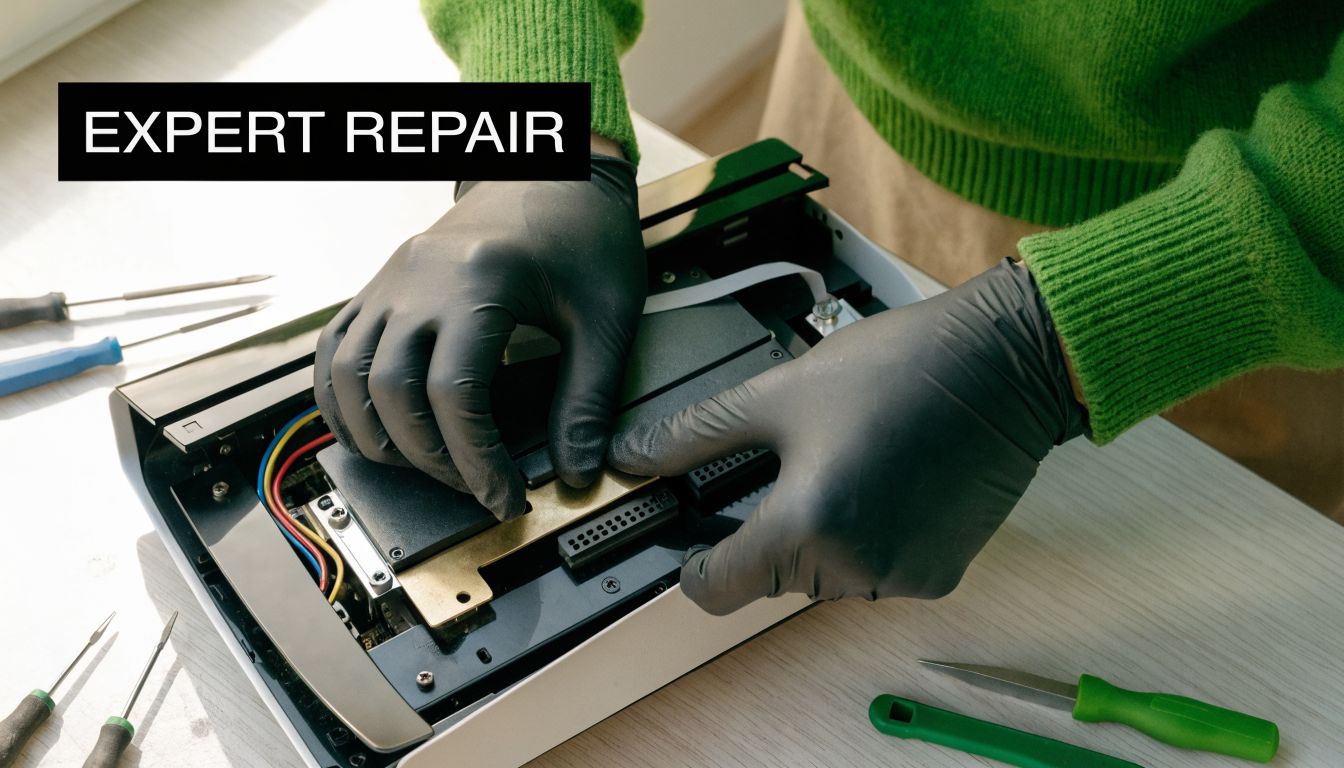
A proper workflow uses differential diagnosis. That means isolating whether the failure is tied to power delivery, thermals, the HDMI signal path, storage behaviour, or firmware before unnecessary parts are ordered or the console is opened too far.
A no-power complaint is a good example. It might be a mains lead issue. It might be the PSU. It might be a downstream short or board fault. Treating all three as the same problem wastes time and money.
If overheating or loud fan noise is your main complaint, a dedicated PS5 overheating and noisy fan full service is one example of the kind of targeted service path that makes sense when the symptoms point strongly to cooling rather than video or storage.
HDMI port work is where many DIY attempts go wrong. On the bench, this isn't just a matter of “take old port off, solder new one on”. The port is attached directly to the board, the surrounding components are small, and heat control matters. If pads are lifted or traces are damaged during removal, the job can turn from a routine port replacement into board reconstruction.
The same principle applies to internal cleaning. A proper clean is not just blowing air near the vents and calling it done. The fan, heat sink area, and internal dust pattern need checking as a system. If the symptom is thermal shutdown, the technician is looking for obstruction, degraded thermal transfer, and whether the airflow problem matches the shutdown behaviour.
This gives a fair idea of the kind of internal work involved:
What doesn't work well is random part replacement. Swapping parts because they're easy to name often increases cost without fixing the fault. What does work is a measured path: confirm the symptom, test the likely chain, inspect the relevant area, then repair only what failed.
This is the question most owners care about. Not “how do I fix it myself?”, but is repairing this PS5 the sensible move or am I better off replacing it?
The honest answer depends on three things: what failed, whether your console is still in warranty, and how much risk you're taking on by replacing rather than repairing. Many online guides explain a fix. Far fewer help you decide if the fix is worth doing. That gap matters for Cumbria, where local convenience, delay, and data continuity can weigh just as heavily as price.
Repair is often the stronger option when the console has a single identifiable fault and the rest of the machine is in good condition. HDMI damage, fan and thermal issues, some power faults, and certain drive or software-related complaints can often be dealt with more sensibly than starting over with another console.
The hidden costs of replacement catch people out:
The cheapest-looking option on day one isn't always the lowest-friction option by the time you're actually playing again.
There are cases where replacing the console is the better decision. If the machine has severe board damage, signs of liquid exposure, multiple unrelated faults, or a history of failed repair attempts, the economics can change quickly. The same applies if warranty cover is still a realistic route. Opening a warranty-eligible console too early can remove better options.
A sensible repair shop should be willing to say when repair starts to look poor value. That matters more than a blanket “everything is worth fixing” line.
For gamers in Cumbria, the practical test is simple. Compare the likely repair path with the actual effort of replacement, including data loss risk, time off the console, and whether you trust the replacement unit. That's the part national chains and generic troubleshooting pages often miss, and it's exactly why the repair-versus-replace discussion raised in this PS5 repair video matters so much.
A PS5 comes in with a lifted HDMI pad, missing screws, and a ribbon connector someone has already torn trying to “just have a look.” We see that pattern regularly in Barrow. What started as a no-signal fault often becomes a bigger, more expensive job after a home repair attempt.
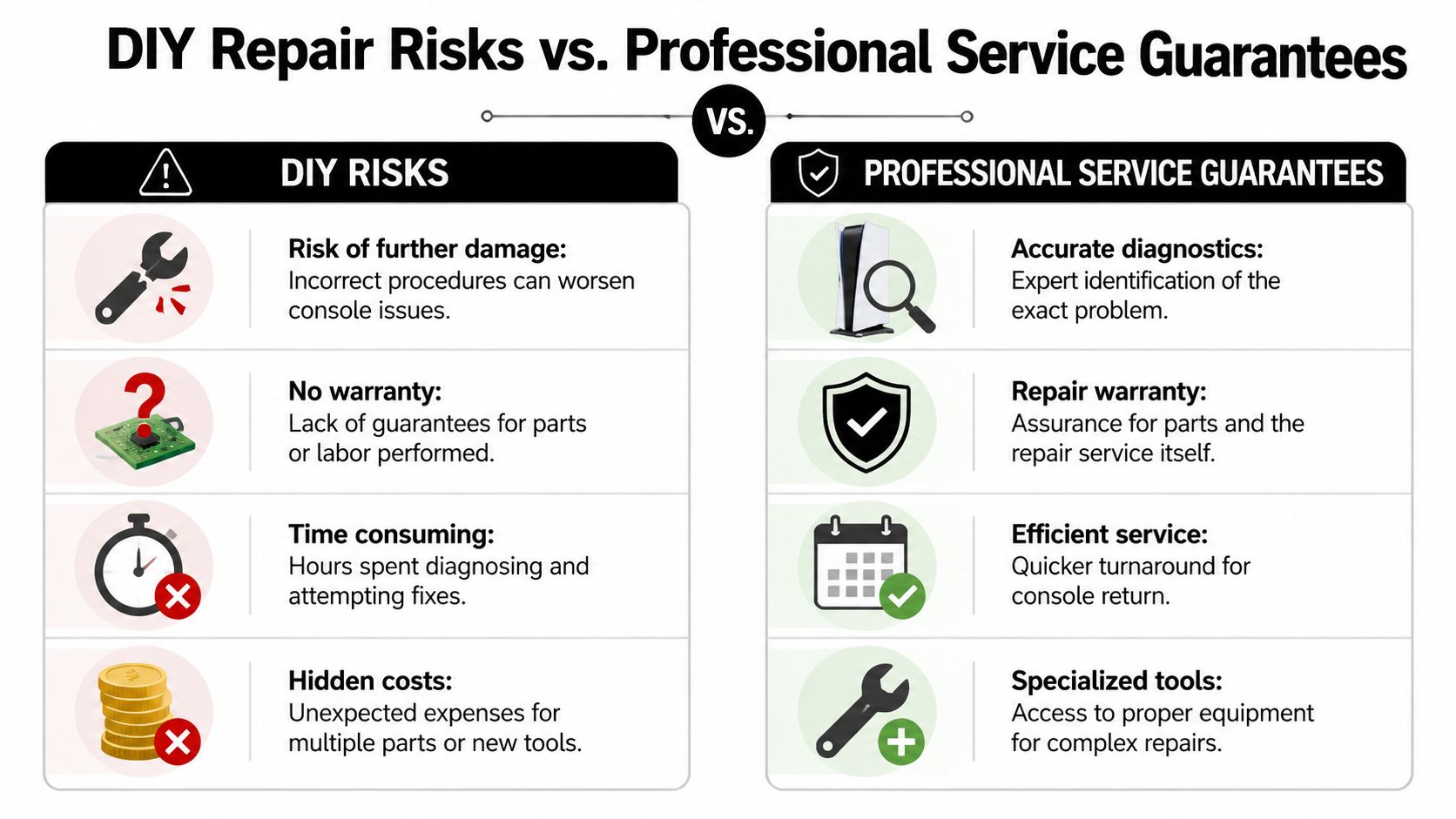
Some checks at home are sensible. They can rule out simple causes without adding risk.
After that point, the risk changes. The PS5 is tightly packed, the plastics and connectors do not tolerate rough handling well, and several common faults need proper bench equipment to confirm before any part is replaced.
HDMI work is a good example. From the outside, it looks like a simple port swap. In practice, the job can involve heat control, board protection, pad inspection, trace repair, and testing for damage beyond the connector itself. The same applies to power faults, liquid damage, fan header damage, and failed previous repairs.
| Approach | What you gain | What you risk |
|---|---|---|
| DIY | Lower upfront cost if the fault is minor, immediate access, full control over the process | Wrong diagnosis, damaged board pads, wasted parts, longer downtime, and fewer repair options if the first attempt goes badly |
| Professional repair | Bench testing, correct tools, targeted parts replacement, and accountability for the work carried out | Labour cost, diagnostic fee in some cases, and the possibility that a confirmed fault is not economical to repair |
For Cumbria customers, that trade-off matters because sending a console away, waiting on parts, and then finding the first repair failed is costly in both money and time. A local workshop gives you a clearer answer faster. If you need a starting point, the PS5 repair service page at TechLab Solutions shows the repair categories we handle most often.
Professional service also gives you a defined process. Fault first. Quote second. Repair decision after testing, not guesswork before the console is even opened. That is often the difference between a controlled repair and a pile of parts ordered in hope.
Plenty of online videos are useful for understanding how a console comes apart. They do not provide a guarantee if a board trace lifts or a short circuit gets missed. A repair shop should be clear about workmanship cover, likely turnaround, and whether the job still makes financial sense before proceeding. Good service reputation matters too, which is one reason businesses work to boost Google rankings with reputation.
If you are weighing DIY against booking it in, use a simple test. If the job needs hot air, soldering skill, board-level diagnosis, or parts you cannot confirm are faulty, professional repair is usually the cheaper path once risk is priced in.
If your PS5 is showing no signal, shutting down, overheating, or behaving erratically, the next step should be simple. Gather the symptoms, stop repeatedly testing it if the fault is getting worse, and book it in for assessment.
Bring the console itself and, if relevant, the power lead and HDMI lead you've been using. If the machine still reaches the menu, photograph the error history and any messages on screen. If the problem only appears during certain games or after warming up, make a note of that too.
For local customers, the most direct route is to book through the TechLab game console repair page. That gives you a starting point for the service category without guessing which repair you need.
Once you make contact, the useful part is the symptom description, not a self-diagnosis. “White light, no display on two TVs” is helpful. “It definitely needs a new motherboard” usually isn't.
Data security matters to people just as much as the hardware fix, and rightly so. If a console contains account data, installed games, captures, and local saves, you want a repair process that treats that seriously. Workmanship should also be backed by a service guarantee, with any exclusions made clear up front.
If you're the kind of customer who checks reviews before handing over a device, that's sensible. Good local businesses know that trust is earned long before the repair starts, and a strong reputation is part of what helps boost Google rankings with reputation over time.
A lot of PS5 faults sound worse than they are. In the workshop, the useful questions are usually about whether the fault is isolated, whether the data is likely to stay intact, and whether the repair still makes sense compared with replacement prices in Cumbria.
Can a PS5 with no signal still be repairable?
Yes, often. On PS5s, "no signal" can mean a damaged HDMI port, a fault further along the video line, or a board-level issue that shows up as a display problem. The symptom is the start point, not the diagnosis.
Should I open the console myself to check the problem?
Only if you already have the right tools and know what you are checking. I regularly see consoles where a simple fault became a longer job because screws were stripped, clips were snapped, or a previous attempt removed evidence that would have helped with diagnosis. If the console may still be under manufacturer warranty, opening it can also limit your options.
Will a repair wipe my games or saves?
Usually, no. Many PS5 repairs can be completed without touching stored data. That said, no careful technician should guarantee that before testing the fault properly. If local saves, captures, or account access matter to you, say that at the start so the repair can be handled with that in mind.
My PS5 is loud and hot. Does that always mean overheating?
No. A blocked cooling system is common, but loud fan behaviour can also point to failing thermal transfer, heavy dust loading, or a fault that is making the system work harder than it should. The pattern matters. Constant fan noise, sudden shutdowns, and heat after only a short session each suggest something slightly different.
How do I know if local repair is better than sending it away?
For many Cumbria customers, local repair means faster answers and fewer unknowns. You can describe the fault clearly, get a realistic repair-versus-replace opinion, and avoid extra shipping time and courier risk. That matters if you are in Barrow, Ulverston, Kendal, Workington, or further out and just want a straight answer without your console disappearing into a national queue.
Can the PS5 tell me anything useful before I book it in?
Yes. If it still reaches the menu, error history and repeatable symptoms can save time during diagnosis. That sort of guided self-check is more useful than random trial-and-error fixes, and it matches the wider point in SupportGPT's self-service insights that customers get better support when they can collect a few solid clues before handing over the device.
Is every PS5 worth repairing?
No. The decision comes down to the confirmed fault, the overall condition of the console, and the likely repair cost against the price of replacing it. A straightforward HDMI or cleaning job often makes sense. A severe board fault on an already worn console sometimes does not.
How long does a PS5 repair usually take?
That depends on the fault and whether parts are needed. Cleaning and common port repairs are often quicker than board-level diagnostics or faults with intermittent behaviour. For local customers, one advantage of using a Barrow-based specialist like TechLab Repairs is that turnaround times are usually clearer than they are with large mail-in services, especially once the console has been tested properly.
Drafted with Outrank app
Need tablet repair in Barrow, Cumbria or the Lake District? Learn which faults are worth fixing, how to protect data and when to replace your device now.

Need console repair in Barrow-in-Furness or Cumbria? Learn common faults, sensible next steps and when professional repair is the sensible choice locally.

Need computer repair in Barrow-in-Furness or Cumbria? Learn which faults are worth fixing, how to protect data, and when replacing it is sensible.

Our guide to laptop hinge damage explains the warning signs, safe next steps and when a professional repair can protect your screen and data safely.

Choose a data secure repair service in Barrow-in-Furness that protects your photos, accounts and work files while fixing the device you rely on every day

Our business device support guide helps Cumbria teams reduce downtime, protect data and choose fast, dependable repairs for essential daily work devices.

Need a MacBook repair service in Barrow-in-Furness or Cumbria? Get clear fault diagnosis, secure data handling and practical repairs to keep work moving.

Can data be recovered safely after a phone, laptop or tablet fails? What to do first, what to avoid, and when professional recovery can help save files.

Need an iphone screen replacement in Barrow-in-Furness or Cumbria? Learn what affects cost, quality and turnaround, and protect your phone after repair.

Choosing macbook repair versus apple store? Compare cost, turnaround, data care and repair options for Mac users across Cumbria and the Lake District.
