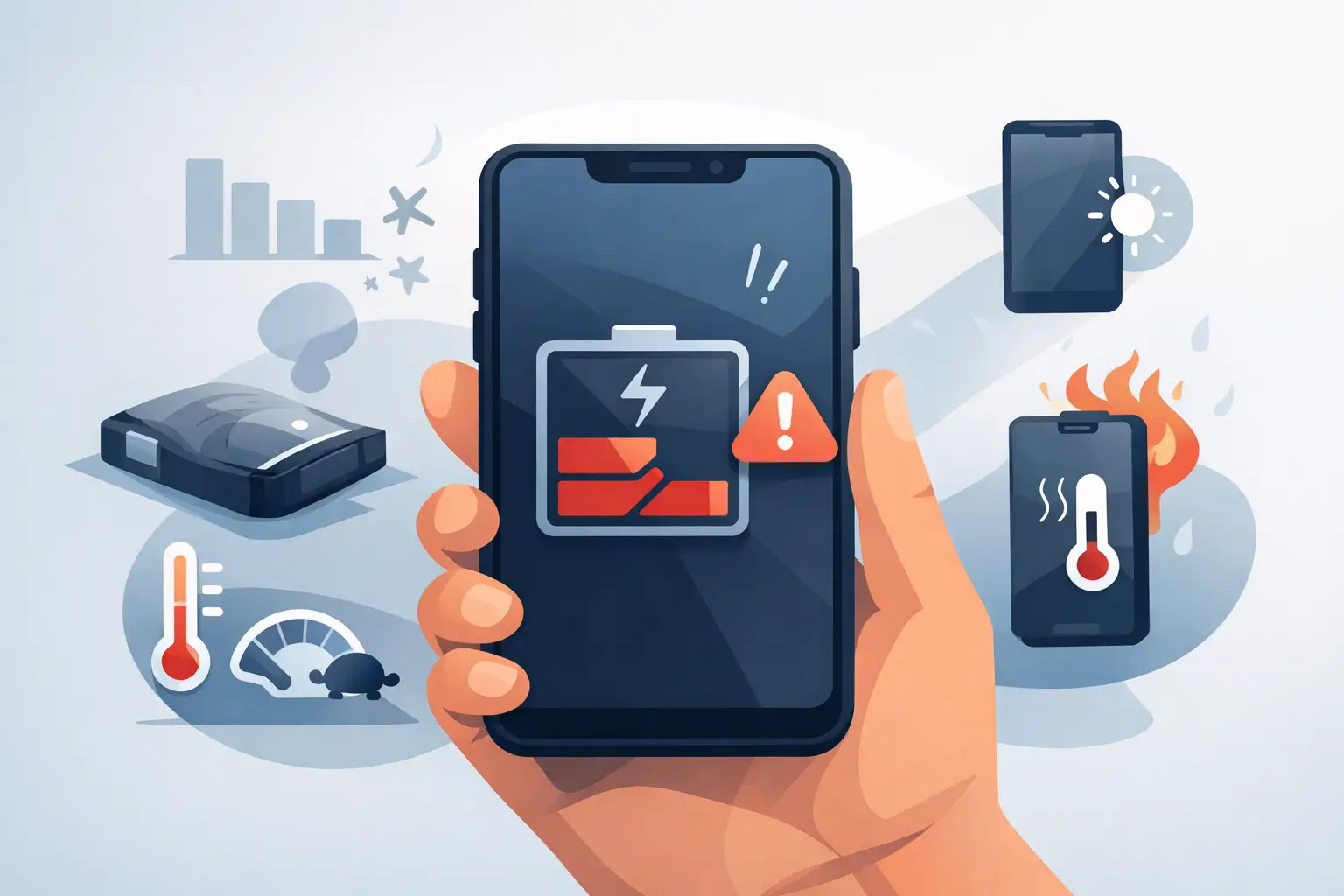
Your phone was at 38%, then suddenly it dropped to 12% on the school run, in the middle of a work call, or halfway through paying at the till. That sort of jump is usually not bad luck – it is often one of the first signs of a battery on the way out. If you are wondering how to spot failing phone battery problems before the handset gives up at the worst possible moment, there are a few clear warning signs worth knowing.
A worn battery does not always fail overnight. More often, it gets gradually less reliable. You might notice your phone needs charging more often, feels warmer than usual, or behaves oddly even though the software seems fine. The tricky part is that battery issues can look similar to app problems, charging faults, or even general age-related slowdown. That is why it helps to look at the full pattern rather than one symptom on its own.
How to spot failing phone battery symptoms early
The most common sign is simple – your battery life is no longer lasting as long as it used to. If your phone once made it through the day comfortably but now needs a top-up by lunchtime, that is worth paying attention to. Some drop in performance is normal over time, especially on heavily used iPhones and Samsung devices, but a sharp change usually points to battery wear rather than ordinary ageing.
Another giveaway is inconsistent battery percentages. If the charge level sticks on one number for ages, then suddenly drops by 10 or 20 per cent, the battery may be struggling to report its remaining charge accurately. People often describe this as the phone battery having a mind of its own. In reality, it is usually a sign that the cells are degrading.
Random shutdowns are another big warning sign. If your phone switches off while there is still charge showing on screen, the battery may no longer be able to deliver power properly under load. This often happens when opening the camera, using maps, gaming, or taking calls in colder weather. A battery can appear to have charge left, but once the phone asks for more power, it cannot keep up.
Slow charging can also point to a battery issue, although it depends. Sometimes the real cause is a damaged cable, dirt in the charging port, or a failing plug adaptor. But if you have already ruled those out and the phone still takes much longer than it used to, the battery may be wearing down internally.
When poor battery life is more than normal wear
All rechargeable phone batteries wear out. That is normal. Lithium-ion batteries have a limited number of charge cycles, and every full cycle chips away at long-term capacity. If you have had the same phone for two or three years and use it heavily for streaming, social media, work apps and navigation, some battery decline is expected.
What is not quite so normal is when the drop becomes disruptive. If your phone goes from reliable to frustrating within a matter of weeks, or if it is only lasting a few hours with light use, there is likely more going on than standard wear. You should also be cautious if the handset gets hot doing basic tasks such as browsing, messaging, or sitting on charge.
Heat matters because it is both a cause and a symptom of battery trouble. Batteries naturally warm up a little during charging or heavy use, but they should not become uncomfortably hot in ordinary day-to-day use. Excess heat can speed up battery degradation, and a failing battery can also generate more heat than it should. Once that cycle starts, performance often gets worse quite quickly.
Physical signs your battery may be failing
Some battery faults are visible. If the screen appears to be lifting away from the frame, the back cover is pushing out, or the phone no longer sits flat on a table, stop using it and get it checked. These can be signs of a swollen battery, which needs prompt attention.
A swollen battery is not just inconvenient. It can put pressure on the display, damage internal parts, and create a safety risk if ignored. It is one of those issues where waiting usually makes things worse, not better. If your phone looks physically misshapen, do not keep charging it just to get a few more days out of it.
There may also be more subtle clues. Buttons can start feeling harder to press if the frame is under pressure, and cases may suddenly fit oddly. People sometimes assume they have bent the phone, when the actual cause is battery swelling inside.
How to check whether it is the battery or something else
Before you assume the battery is dead, it is worth ruling out a few common lookalikes. Background apps can drain power quickly, especially after a software update. Poor mobile signal can do the same because the phone works harder to stay connected. High screen brightness, location services and constant Bluetooth use can all shorten battery life too.
That said, these causes usually leave a pattern you can track. If battery drain improves after changing settings or closing rogue apps, the battery may still be healthy. If the phone still drains quickly after a reset of habits, the battery becomes the more likely culprit.
On iPhones, the built-in battery health setting can offer a useful clue. If maximum capacity has dropped well below its original level, that supports the case for replacement. Some Android devices offer similar information, though not all brands make it easy to find. These readings are helpful, but they are not the whole story. A phone can have poor real-world battery performance even before the numbers look dramatic.
Charging behaviour can help with diagnosis as well. If the battery percentage rises very quickly to a point, then slows right down, or if it falls quickly after being unplugged, that often suggests the battery is no longer holding charge properly. If the phone only charges at certain angles, however, the issue may be the port rather than the battery.
How to spot failing phone battery issues on older devices
Older handsets tend to show battery wear more clearly because the processor, software and battery are all working harder with age. You may notice lag, stuttering, app crashes or poor camera performance alongside shorter battery life. Sometimes people assume the phone is simply outdated, but in many cases the battery is dragging overall performance down.
This is especially true when power management kicks in. Some phones reduce performance to stop unexpected shutdowns when the battery weakens. The result can feel like a generally tired phone, when the underlying issue is a worn battery that cannot deliver steady power anymore.
For businesses, schools and families using several devices, this matters more than it might seem. One weak battery can mean missed calls, interrupted lessons, failed card payments or staff carrying chargers everywhere. Replacing a battery is often far more cost-effective than replacing an otherwise working device.
When to stop troubleshooting and book a battery check
If you have noticed two or more of these signs – fast drain, random shutdowns, overheating, swelling, inaccurate percentages, or poor charging behaviour – it is usually time for a proper assessment. You can spend ages tweaking settings and deleting apps, but a physically worn battery will not recover through software changes.
The good news is that battery replacement is often one of the most straightforward ways to extend the life of a phone. Provided the rest of the handset is in decent condition, replacing the battery can restore everyday reliability without the cost of buying new. For many people around Barrow, Furness and the wider Cumbria area, that is the difference between a phone being a daily headache and simply getting on with the job.
At TechLab Repairs, we see this all the time – customers put up with poor battery life for months, assuming they need a new handset, when the real fix is much simpler. A proper diagnostic check can confirm whether the battery is at fault or whether the problem sits with the charging port, board, software or another internal part.
If your phone is getting through less of the day, shutting down without warning, or starting to bulge, trust what it is telling you. Batteries rarely improve on their own, and catching the problem early can save you stress, protect the rest of the device, and keep you connected when you actually need your phone most.