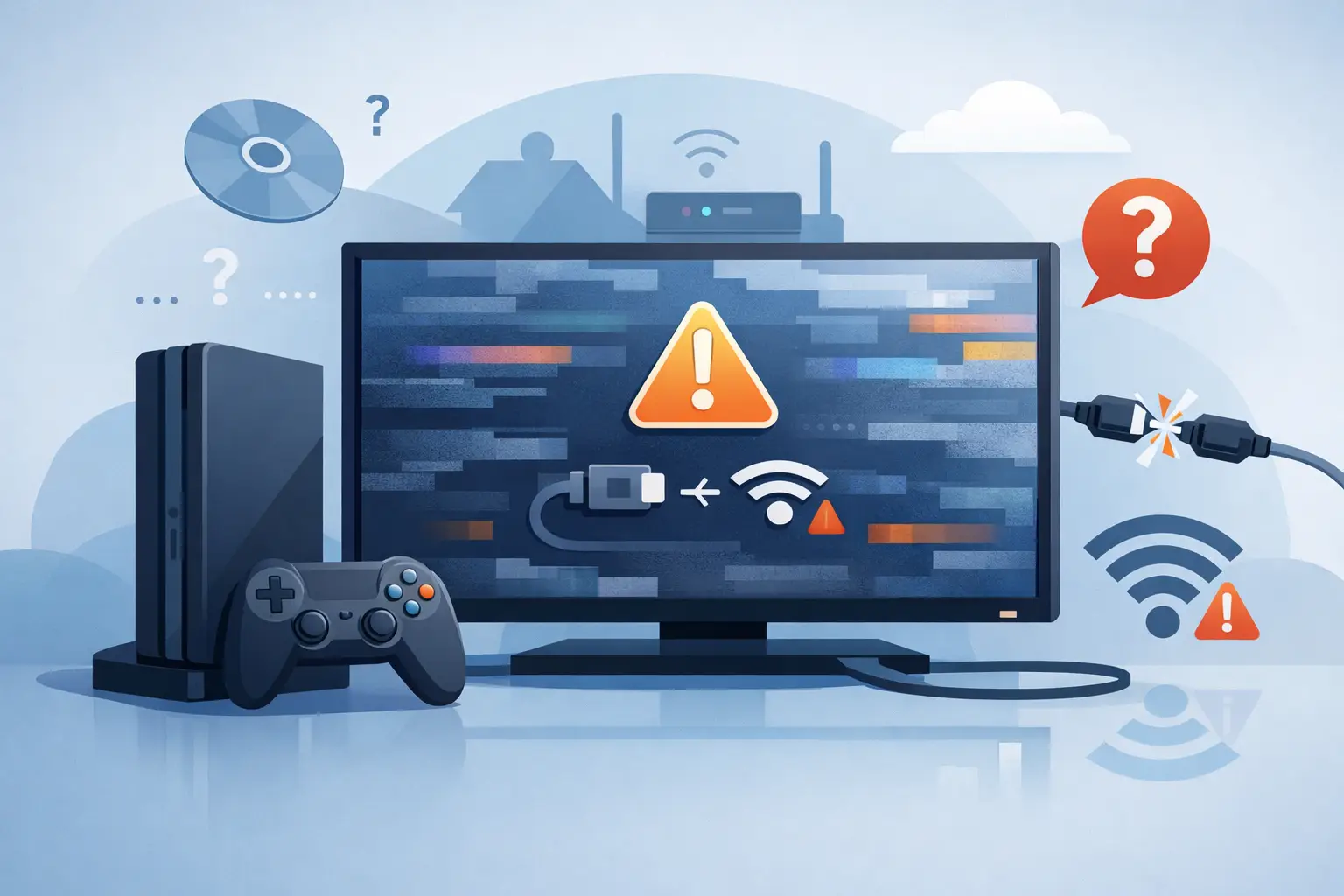
You sit down for a quick game, power on the console, and the TV simply says no signal. No menu, no dashboard, no picture – just a blank screen and rising frustration. If you are wondering what causes console no signal issues, the answer is usually simpler than people fear, but it can still take proper diagnosis to pin down.
In most cases, a no signal fault comes from one of three places: the display setup, the HDMI cable path, or the console itself. The tricky part is that the symptom looks the same on screen even when the cause is completely different. A loose cable can look like a failed HDMI port. A TV input problem can look like a dead console. That is why it helps to work through the fault logically rather than guessing.
What causes console no signal issues most often?
The most common cause is a problem in the HDMI chain. That includes the HDMI cable, the HDMI port on the console, the HDMI port on the TV or monitor, or the internal video circuitry that sends the image out. Consoles get moved, unplugged, carried to a friend’s house, packed away, or used with cables that have seen better days. It only takes a slight bend, strain, or damaged pin to stop a signal being recognised.
HDMI ports are one of the most frequent hardware faults we see on gaming systems. They sit right on the edge of the console, which makes them vulnerable to knocks and repeated wear. If the cable feels loose, drops out when touched, or only works at a certain angle, that strongly points to port damage rather than a software issue.
But hardware is not the only possibility. Sometimes the console is working perfectly and the screen is the problem. The wrong input selected on the TV, a monitor with unsupported resolution settings, or a handshake issue between the console and display can all trigger the same no signal message.
The simple causes that are worth checking first
Before assuming the console has failed, it is worth ruling out the basics. A surprising number of no signal cases come down to an input mix-up, a faulty cable, or a power cycle fixing a temporary display fault.
Start with the TV or monitor. Make sure it is set to the exact HDMI input your console is plugged into. It sounds obvious, but many modern TVs have several HDMI ports and some auto-switching features are unreliable. If there are two or three active devices connected, it is easy to end up on the wrong input.
Then check the HDMI cable itself. If you have another known working cable, swap it over. Cables fail more often than people think, especially if they have been bent tightly behind a cabinet or stretched across a room. A damaged cable may still look fine from the outside.
It also helps to test the console on another screen if possible. If it works on a different TV or monitor, the console may not be the issue at all. If it shows no signal across multiple displays with multiple cables, the fault is much more likely to be within the console.
When the HDMI port is the real problem
If you want the short answer to what causes console no signal issues in repair shops every week, HDMI port damage sits near the top of the list. This is especially common on PlayStation and Xbox consoles, though it can affect any system with a physically stressed video output.
Ports can fail in a few different ways. The metal housing can become bent, the internal pins can break or flatten, or the solder joints attaching the port to the board can crack. In more severe cases, forcing a cable into the port can damage the surrounding circuit board as well.
You might notice small clues before complete failure. The picture may flicker. The display may cut in and out when the cable is touched. The console may appear to boot normally, with lights and fan activity, but still show nothing on screen. Those signs usually mean the console has power, but the video signal is not reaching the display properly.
This is one of those faults where DIY attempts can make things worse. If the issue is physical damage to the port, pushing cables harder, wiggling them repeatedly, or trying to clean inside the port with unsuitable tools can turn a repairable problem into a more expensive one.
Internal board faults can also cause no signal
Sometimes the HDMI port is fine, but the components behind it are not. Consoles rely on small chips and filters to process and transmit video. If one of those components fails, the machine may power on without producing a usable image.
This tends to happen after power surges, overheating, liquid exposure, or previous poor-quality repair work. In these cases, the no signal fault is not visible from the outside. The HDMI port may look perfect, the cable may be good, and the console may still seem to switch on as normal.
That is where proper diagnosis matters. Replacing the HDMI port will not solve the problem if the actual fault lies with the HDMI encoder, retimer chip, filters, or damaged board traces. Equally, replacing the whole console without checking first can be an expensive guess.
Software and resolution issues do happen
Not every no signal fault is a broken part. Consoles can sometimes get stuck on display settings that a TV or monitor does not like. This is more common when someone changes from one screen to another, especially from a newer 4K TV to an older monitor, or between displays with different refresh rates and HDR support.
In that situation, the console may be trying to output a signal the screen cannot handle. Some systems can be started in a low-resolution safe mode to reset video output settings. That can restore the picture without any hardware repair.
There is a trade-off here, though. Safe mode is useful when the console is still producing a signal that the display can read at lower settings. If there is physical damage to the HDMI path, safe mode will not help. The challenge is knowing which kind of fault you are dealing with.
Could overheating or power faults be involved?
Yes, though usually not in the way people first imagine. If a console is overheating badly, it may shut down quickly, fail to boot fully, or behave unpredictably. To the user, that can look like a no signal problem when the real issue is that the machine is not completing startup properly.
Power faults can do the same. A console with unstable power delivery may light up and appear alive, but fail before video output is established. This is less common than HDMI-related issues, but it does happen, especially in older consoles or units with previous liquid damage.
If the console powers on briefly and then turns itself off, or shows unusual light behaviour, beeps, or repeated rebooting, it is worth considering a broader hardware issue rather than focusing only on the screen connection.
Signs that help tell you what kind of fault you have
A few details can point you in the right direction. If another device works fine on the same HDMI input and cable, the TV is probably not the problem. If your console works on a different screen, the display setup may be at fault. If the HDMI cable feels loose in the console or the image cuts in and out when touched, the port is a strong suspect.
If there is no picture at all on any display, no safe mode, and no response after trying a known good cable, you are more likely looking at console hardware. If the console also has a history of being dropped, transported often, or yanked from the cable, port damage becomes even more likely.
Why a proper repair can save money
When people see no signal, they often assume the console is beyond repair and start pricing up a replacement. In reality, many of these faults are fixable, and often for far less than the cost of a new system. HDMI port repairs, board-level diagnosis, and power fault work are all common jobs when carried out by a repair specialist with the right equipment.
For local gamers, families, and even schools or businesses with gaming or media hardware on site, speed matters as much as cost. Sending a console away and waiting weeks for an answer is frustrating when the fault may be straightforward to identify and repair. That is why many customers across Barrow-in-Furness and the wider Cumbria area prefer getting a clear diagnosis from a nearby repair team such as TechLab Repairs rather than guessing and replacing parts blindly.
The key thing to remember is that no signal is a symptom, not a diagnosis. The cause could be as minor as a faulty cable or as technical as a failed board component. Start with the easy checks, avoid forcing damaged connections, and if the simple fixes do not work, get the console tested properly before writing it off. A blank screen does not always mean bad news – but it does mean the fault needs the right eyes on it.