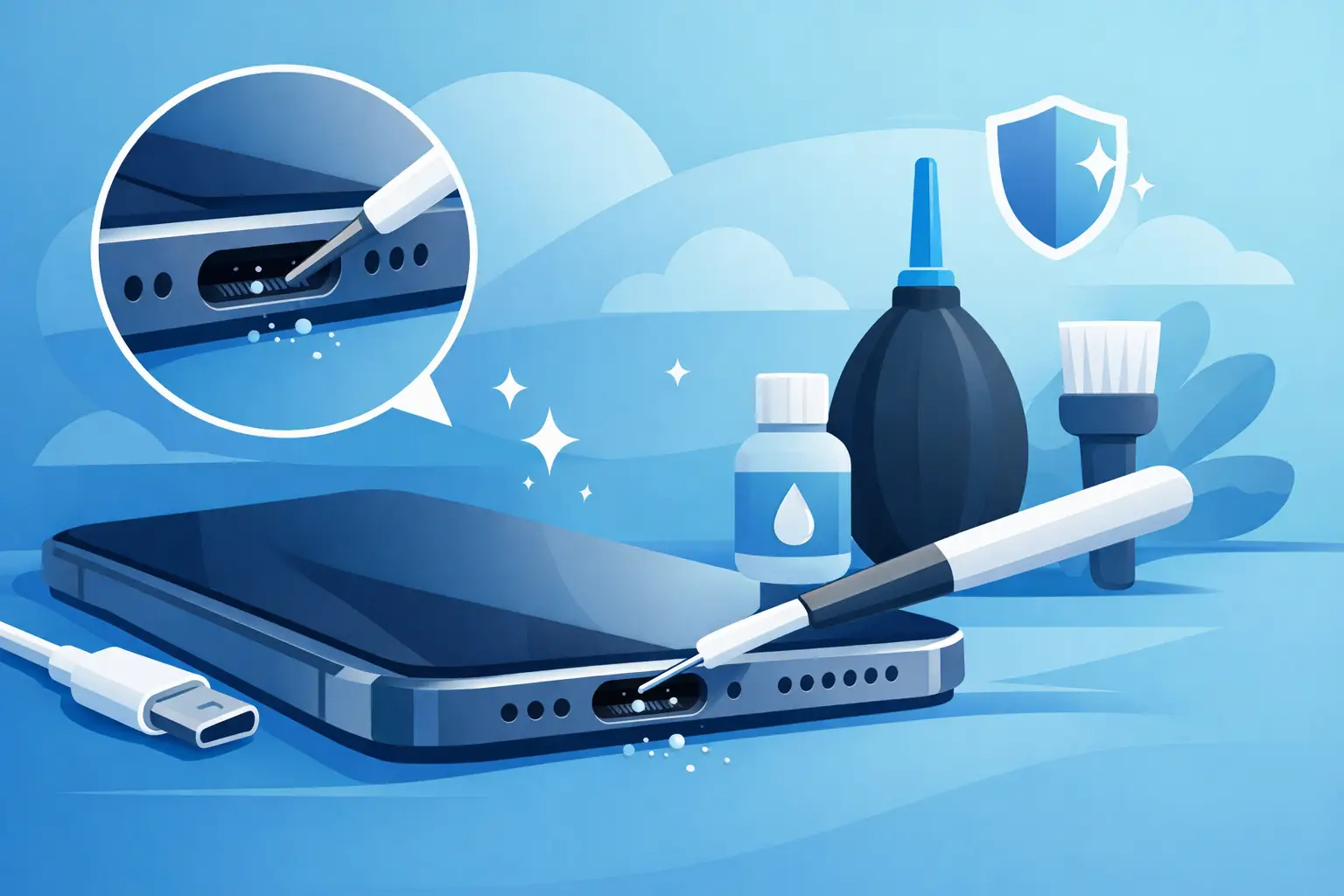
If your iPhone only charges when the cable is held at a strange angle, or it keeps connecting and disconnecting on the charger, fluff in the port is usually the first suspect. iPhone charging port cleaning sounds simple, and sometimes it is, but it is also one of those jobs that can go wrong quickly if you use the wrong tool or get too forceful.
For most people, the charging port picks up pocket lint, dust and compacted debris over time. It does not take much to stop the Lightning cable from seating properly. The result is a phone that feels faulty when the real issue is a blocked port. The good news is that careful cleaning can often sort it. The less good news is that moisture, metal tools and guesswork can turn a minor nuisance into a proper repair.
Why charging ports get blocked so easily
An iPhone spends a lot of time in pockets, bags, cars, desks and coat linings. Every one of those places sheds fibres and dust. Each time you plug in the charger, that debris gets pushed further into the port and packed down. After weeks or months, the build-up becomes dense enough to stop the connector clicking into place.
This is why people often say, “It was charging fine yesterday.” The problem usually builds slowly, but the final bit of lint makes the fault obvious all at once. If you use your phone on site, in a workshop, at school, or while travelling around Cumbria in all weather, you can see this happen even faster.
Signs you need iPhone charging port cleaning
A blocked port does not always look dramatic. Sometimes the symptoms mimic a bad cable or a tired battery. The difference is in the pattern.
If your iPhone charges only when the cable is wiggled, if the connection drops with the slightest movement, or if the plug no longer fits as snugly as it used to, debris is very likely involved. Slow charging can also point to a dirty port, though that can also be caused by a worn cable, a weak plug adapter or battery health issues.
Another telltale sign is visible fluff sitting inside the port. Even if you cannot see it clearly, a torch often reveals a packed layer at the back. If the cable does not go fully in, that is a strong clue that something is physically blocking it.
What you should never use
This is where many DIY attempts go off course. A charging port contains delicate contact pins. They do not need much force to bend or damage.
Avoid paperclips, safety pins, tweezers, screwdrivers and anything metallic. Metal can scratch contacts, cause shorting if power is present, and turn a simple clean into a charging port replacement. It is also wise to avoid cotton buds that are too large, because they tend to leave fibres behind rather than remove them.
Compressed air sounds sensible, but it is not always the best first choice. A strong blast can push debris deeper into the port instead of lifting it out. Liquids are even riskier. Sprays, cleaners and alcohol should not be going into the port unless used by someone who knows exactly what they are doing and why.
How to clean an iPhone charging port safely
The safest method is patient and dry. Start by turning the iPhone off. That reduces the risk of accidental shorting and stops the phone from trying to charge while you work.
Use a bright light and look into the port. A wooden or plastic tool is best – something non-metallic, thin and gentle. A clean wooden toothpick can work if used carefully, though it needs a very light touch. The aim is not to scrape hard at the base. It is to tease compacted lint away from the sides and lift it out bit by bit.
Work slowly. Small movements are better than force. If the debris is packed in, it may come out in one satisfying strip, but often it takes several passes. Stop regularly and check your progress. Once the visible material is out, try the charging cable again. It should insert fully and feel more secure.
If you are unsure about the angle, the pressure, or what you are seeing in the port, stop there. There is no prize for stubbornness. A professional clean is a lot cheaper than repairing damage caused during a DIY attempt.
A quick rule of thumb
If the dirt is loose and easy to lift, careful home cleaning may be fine. If it is compacted, damp, sticky or mixed with corrosion, it is better handled on the bench by a technician.
When cleaning will not fix the problem
Not every charging issue is caused by lint. That is why it helps to look at the full picture before assuming the port is dirty.
If you have already tried a known-good cable and plug, and the iPhone still will not charge properly after cleaning, the problem may be wear in the port itself. Charging ports can loosen over time, especially on older devices or phones that have had years of daily plugging and unplugging. In other cases, the issue may be battery-related, linked to liquid damage, or tied to a fault on the charging circuit.
Corrosion is another common problem. If moisture has been in the port, the contacts can discolour or degrade. At that point, cleaning alone is unlikely to restore reliable charging. You might get a temporary connection, but it will not last.
Wireless charging adds another clue. If your iPhone charges wirelessly but not through the cable, the fault is more likely centred on the port, connector or charging path. If it struggles with both, the diagnosis changes.
iPhone charging port cleaning or repair?
This depends on what is actually wrong. Dirt and fluff can often be removed quickly. Bent pins, loose connectors and corrosion cannot. There is a big difference between a blocked port and a damaged one, even though the symptoms overlap.
A proper inspection helps separate those two. In a repair shop, the port can be checked under magnification, tested with known-good charging equipment and assessed for damage beyond surface debris. That matters because replacing parts unnecessarily costs money, but ignoring a hardware fault wastes time.
At TechLab Repairs, this is exactly the sort of issue we see every week – phones that seem dead or temperamental but turn out to need either a careful clean or a straightforward repair. Fast diagnosis matters because most people do not want to be without their phone any longer than necessary.
Why DIY can save money – and when it can cost more
There is nothing wrong with trying a sensible, careful clean at home if the problem clearly looks like lint build-up. It can save you time and get your phone working again in minutes.
The trade-off is that home cleaning has a limit. The deeper or more compacted the debris, the more tempted people are to poke harder. That is where charging pins get bent, port housings get damaged and a simple clean becomes a parts job. If you use your iPhone for work, school runs, banking, maps or keeping in touch with family, that extra downtime is usually not worth the gamble.
For business users and schools, the risk is even more obvious. If a device is needed daily, reliable charging is not optional. A quick check by a repair specialist can be the more cost-effective route when the phone has to work first time, every time.
How to stop the problem coming back
Prevention is not glamorous, but it works. Keep your phone out of lint-heavy pockets where possible, especially loose jean pockets and coat linings. If you carry it in a bag, a sleeve or separate pocket helps cut down debris.
It also helps to check your charging cable. A worn or dirty connector can bring grime into the port and make a clean port feel faulty. Getting into the habit of giving the port a quick visual check every few weeks can prevent a compacted blockage from building up.
If you work in dusty environments, use your phone outdoors a lot, or hand devices between family members, expect to clean more often. That is normal. The key is doing it gently and not waiting until the charger stops working entirely.
When to get expert help
If the cable still feels loose after cleaning, if charging cuts in and out, if there are signs of corrosion, or if the phone has had any liquid exposure, it is time to get it checked. The same goes if the port looks damaged or you are simply not comfortable putting anything inside it.
A charging problem can be minor, but it can also be the first warning sign of a bigger hardware issue. Getting it looked at early often means a simpler fix and less disruption.
A clean charging port should let the cable click in properly and charge without fuss. If yours does not, do not keep forcing it. A careful inspection now can spare you a bigger repair later – and get your iPhone back to doing what it should, without the cable balancing act.