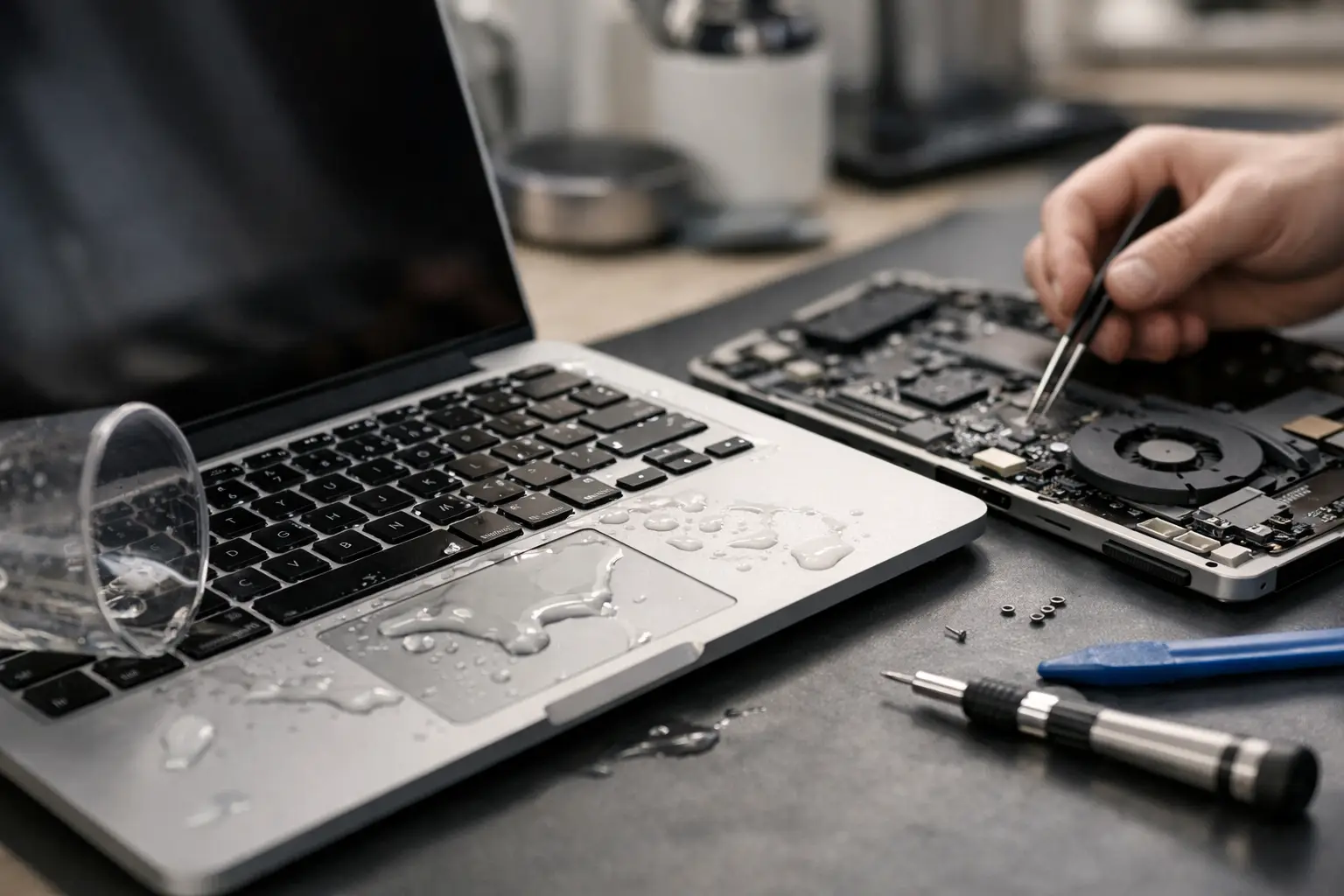
That split-second when coffee runs across a MacBook keyboard is usually followed by the same thought – can this actually be saved? If you are searching for how to repair liquid damaged MacBook problems, the first thing to know is that speed matters far more than guesswork. The second is that the wrong response can turn a repairable fault into a dead logic board.
Liquid damage is rarely a simple surface issue. On a MacBook, even a small spill can creep under the keyboard, onto the battery connector, across the trackpad circuit, and into the logic board. Water is bad enough, but tea, coffee, juice, wine and fizzy drinks are worse because they leave behind residue that keeps corroding components long after the visible liquid has gone.
What to do immediately after a spill
The first few minutes matter most. Power the MacBook off properly if it still responds. If the screen is black or it is behaving oddly, hold the power button to force it off. Then unplug the charger and any accessories straight away.
If it is a newer MacBook with a non-removable battery, do not keep trying to wake it up to check whether it still works. Every press of the power button risks pushing current through wet components. That is often what causes short circuits, burnt lines on the board, and permanent failure.
Turn the MacBook upside down in a tent shape so liquid drains away from the keyboard and internal components as much as possible. Blot the outside gently with a lint-free cloth. Be careful not to shake it around, as that can spread the spill deeper inside.
One thing many people still try is rice. It sounds cheap and harmless, but it does not clean sticky residue, stop corrosion, or remove trapped moisture from beneath chips and connectors. It can also delay proper treatment while damage gets worse.
How to repair liquid damaged MacBook faults properly
If you want the honest answer to how to repair liquid damaged MacBook faults, it depends on how far the liquid travelled and whether power was present when it happened. Some cases need only cleaning and a few replacement parts. Others need detailed board-level repair under a microscope.
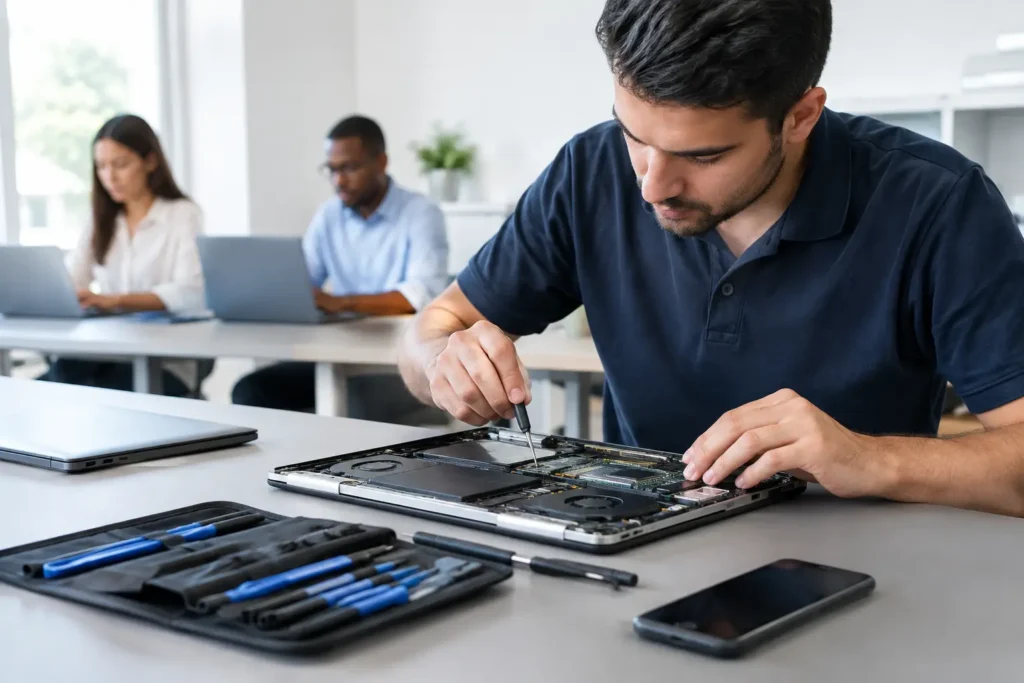
A proper repair usually starts with internal inspection. The bottom cover is removed, the battery is disconnected, and the affected areas are checked for signs of liquid entry. On many machines, the obvious damage is not the full story. A small stain near the keyboard can hide corrosion around the charging circuit, SSD area, display connector, or trackpad line.
Cleaning is the next stage, but not with household sprays or random wipes. Professional repair involves removing contamination with the right cleaning solutions and carefully treating corrosion on the board and connectors. If residue is left in place, the MacBook may switch on today and fail next week.
From there, the repair path depends on what has actually failed. Sometimes the keyboard or top case has taken the hit. Sometimes the battery connector area needs work. In more serious cases, individual board components such as capacitors, filters, backlight circuits or power rails have been damaged and need replacing.
Why liquid damage keeps getting worse over time
One reason MacBook liquid repairs can be tricky is that the problem does not always show up immediately. You might dry the machine, switch it on, and find that it appears fine. Then a day later the keyboard starts missing letters, the fan runs flat out, the battery will not charge, or the screen stays black.
That happens because liquid damage is both electrical and chemical. The initial spill can short live components, but residue then continues to corrode solder joints and connector pins. Sugary or acidic drinks are especially harsh. Even plain water can carry minerals that cause problems once it dries.
This is why a MacBook that is “still working” after a spill should not simply be ignored. If important files are on it, backing them up quickly is sensible, but repeated charging and normal use before inspection can make later repair more expensive.
Common symptoms after a liquid spill
Liquid-damaged MacBooks do not all fail in the same way. Some will not power on at all. Others power on but have no image, no keyboard response, random shutdowns, distorted trackpad behaviour, charging faults, or overheating.
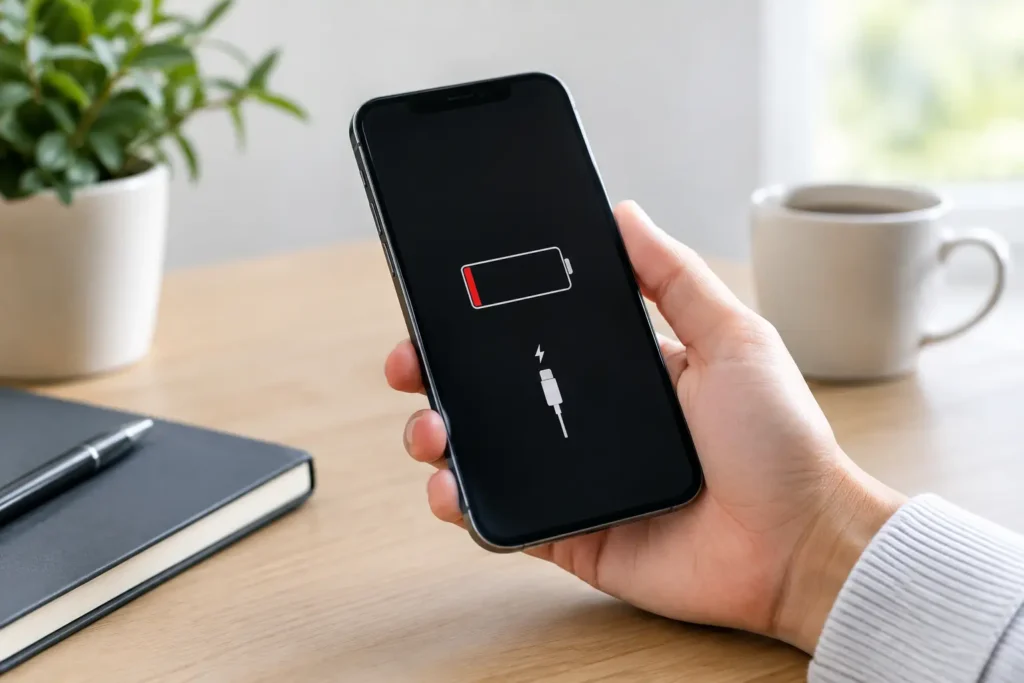
A few symptoms point to deeper board damage. If the charger is not recognised, the battery percentage is stuck, the fan starts the moment the machine powers up, or certain keys have stopped responding in clusters, there is a good chance the damage has spread beyond simple drying.
There is also a difference between a MacBook that turns on and one that is safe to keep using. Intermittent faults are common after liquid exposure, and they usually mean corrosion is already underway.
Can you fix it yourself?
There are limited cases where careful home action helps. Turning it off quickly, disconnecting power, positioning it correctly, and getting it inspected fast are all worthwhile. If you have proper tools and experience opening MacBooks, you may be able to remove the lower case and disconnect the battery sooner, which reduces risk.
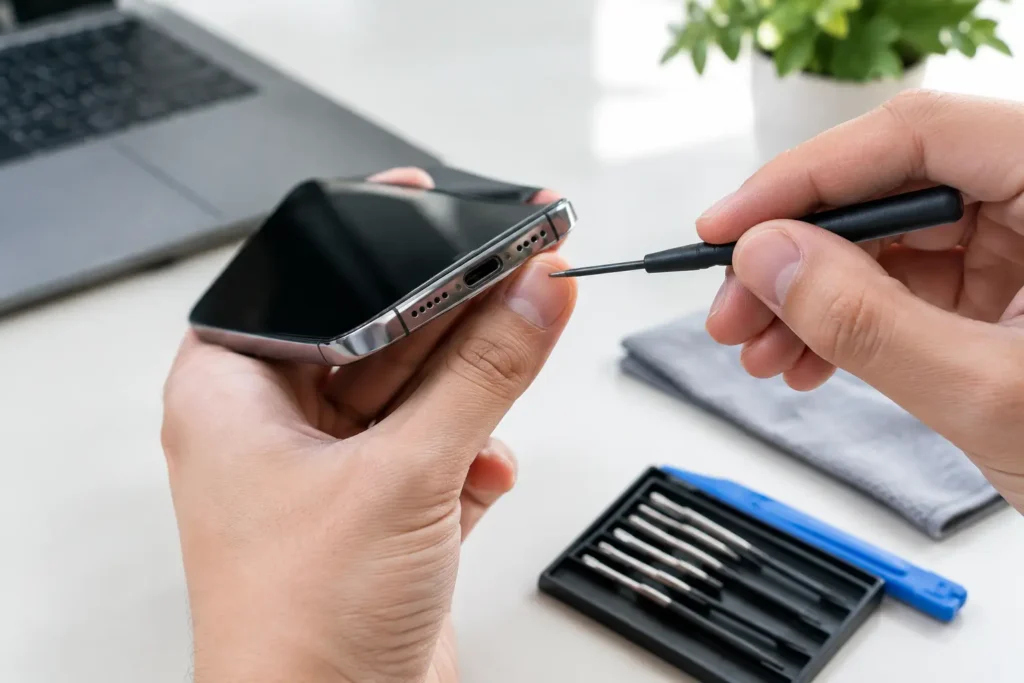
But most do-it-yourself attempts fall apart once cleaning and diagnosis are needed. Modern MacBooks are tightly packed, use delicate connectors, and often require model-specific disassembly. The real challenge is not opening the machine. It is identifying what has failed and whether the board can be saved without causing more damage.
Using a hairdryer is a bad move because heat can push moisture further into the machine and affect adhesives and components. Spraying general cleaner inside is worse. So is charging it “just to test”. A lot of unrecoverable liquid cases become unrecoverable because someone kept trying to see if it had come back to life.
When professional repair is the better option
If the MacBook contains important work, coursework, family photos or business data, professional assessment is usually the safest route. A proper liquid damage service is not just about getting the machine to switch on. It is about stabilising the damage, checking whether parts need replacing, and protecting your data where possible.
This matters even more for local customers who need a quick answer and do not want to send a device away for days with no clear update. A specialist repair shop can often tell fairly quickly whether the fault is limited to the keyboard area, whether the battery has been affected, or whether board repair is required.
At TechLab Repairs, this is exactly the kind of job where straightforward advice matters. If a MacBook is repairable, you want a fast, sensible fix. If the board is too badly damaged, you want to know that early rather than wasting time and money.
Cost versus replacement – what is worth doing?
Liquid damage repairs are rarely one-size-fits-all on price because the damage can range from a minor clean-up to several replaced components and a top case. The age and model of the MacBook also matter. A newer MacBook Pro with strong resale value is often worth repairing even with moderate board work. An older model with widespread corrosion may not be.
The key is accurate diagnosis. Replacing the wrong part wastes money. So does writing off a machine that only needed targeted cleaning and one component. Good repair advice should be based on what the spill actually did, not a blanket assumption that all liquid damage is beyond saving.
Data recovery after liquid damage
For many people, the real worry is not the MacBook itself but what is stored on it. That is why powering it on repeatedly can be risky. If the storage and board are still stable, a controlled repair or recovery process gives you a better chance of getting files back safely.
This is especially important for students, home workers and businesses who rely on one machine every day. Even when a full economic repair is not worthwhile, data may still be recoverable if the right steps are taken early.
What to do next if your MacBook has been splashed
Do not keep testing it. Do not charge it. Do not trust rice, sunlight, or a radiator to solve internal contamination. Switch it off, keep it unplugged, and get it inspected as soon as possible.
The sooner a liquid-damaged MacBook is opened, cleaned and assessed, the better the odds. Sometimes that means a straightforward repair and quick turnaround. Sometimes it means board work, parts replacement, or a data-first approach. Either way, acting early gives you options – and that is what keeps a spill from turning into a full replacement bill.
A liquid spill feels like the end of the road when it happens, but plenty of MacBooks can be saved with the right repair path and a bit of speed.